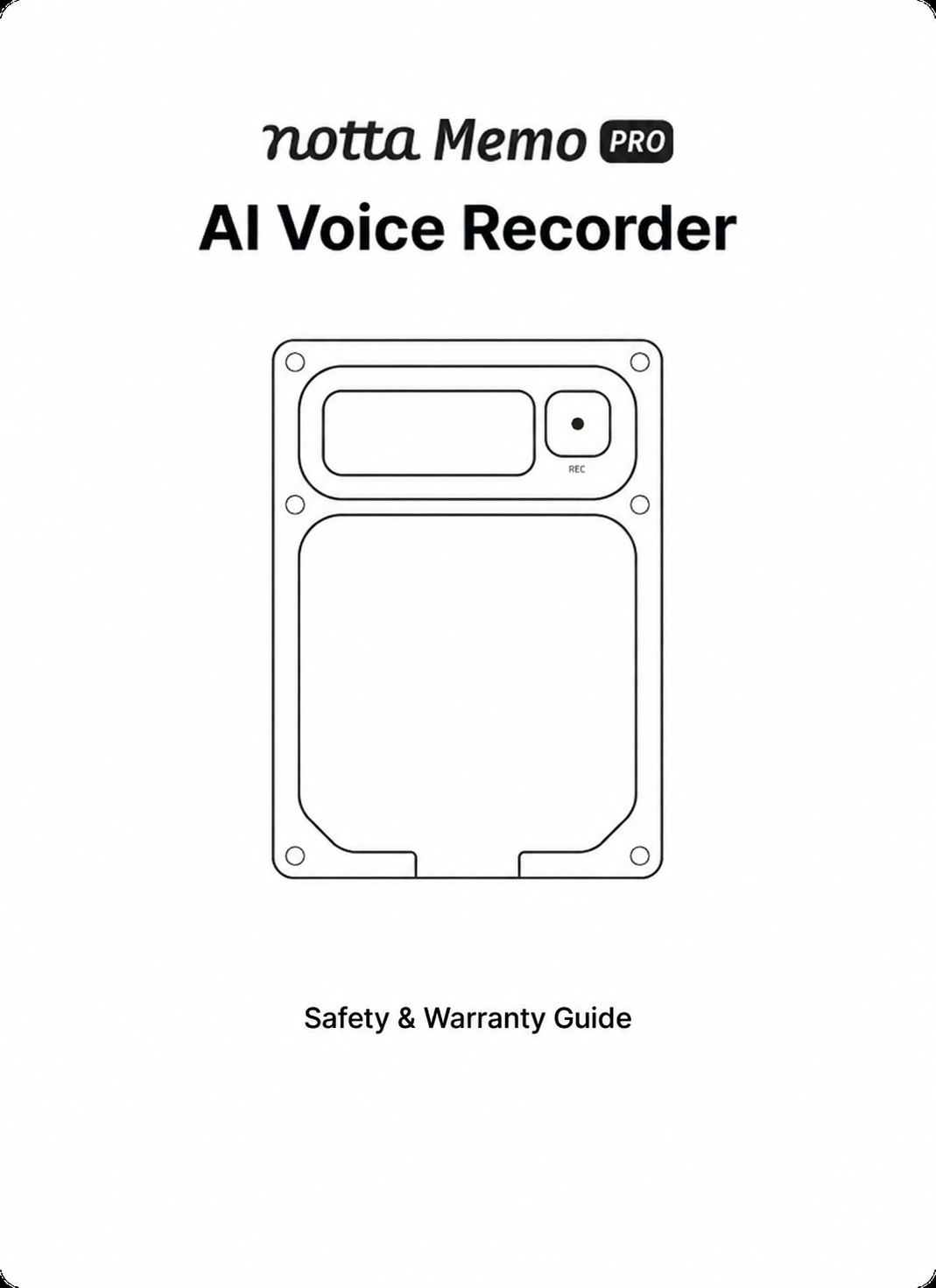
AI VOICE RECORDER

Notta Memo Pro

Stay present. Let Notta handle the rest.

Record conversations and calls, sync automatically to Notta, and turn them into transcripts, summaries, and a starting point for what comes next.

Explore Memo Pro
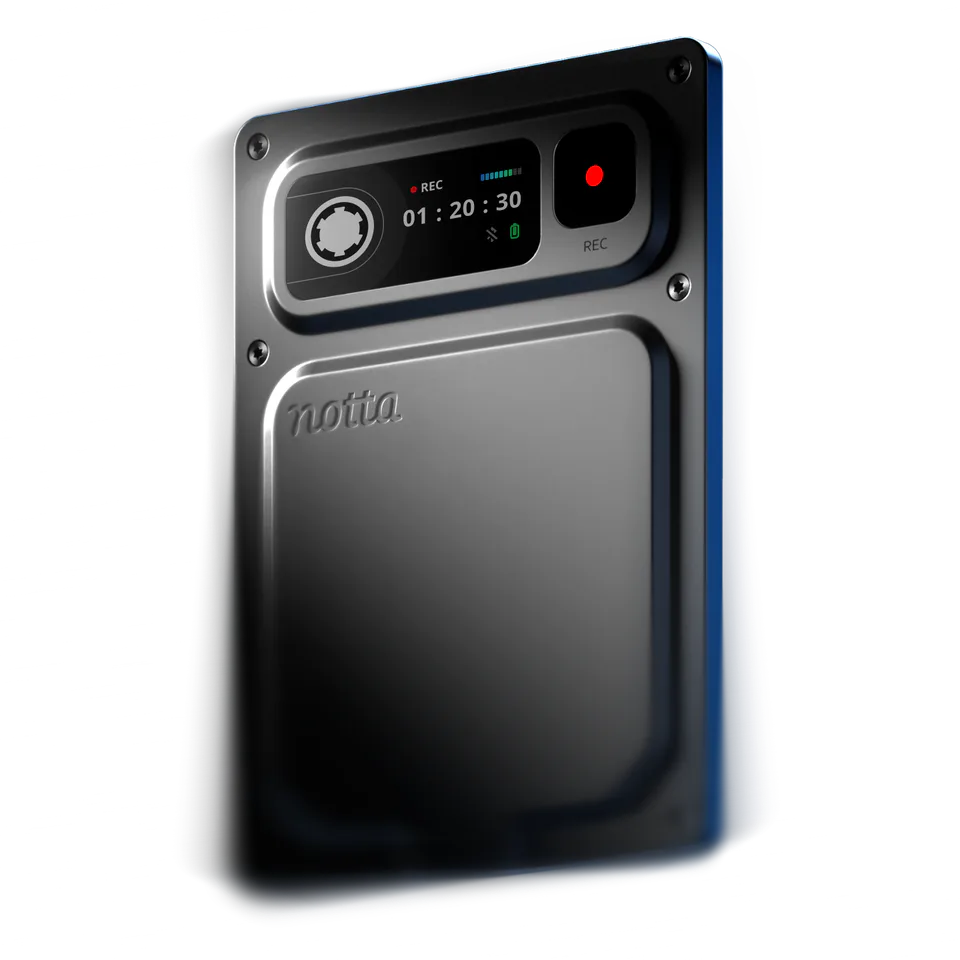
Notta Memo Pro device

From recording to the next step

WITH A TRADITIONAL VOICE RECORDER

Recording is only the start

  1. 01  Record

    The audio is saved, but finding, organizing, and acting on what matters is still up to you.

  2. 02  Transfer the audio

    Move each file off the recorder, then upload it.

  3. 03  Piece it together

    Switch tools for transcripts, summaries, and notes.

WITHNotta Memo Pro

From recording to action

  1. 01  Press and record

    Automatically detects calls and in-person conversations.

  2. 02  Mark with one press

    Save key moments without breaking the flow.

  3. 03  Fast, trusted sync

    Sync over Wi-Fi you trust and get transcripts, summaries, and action items automatically.

Four upgrades for everyday recording

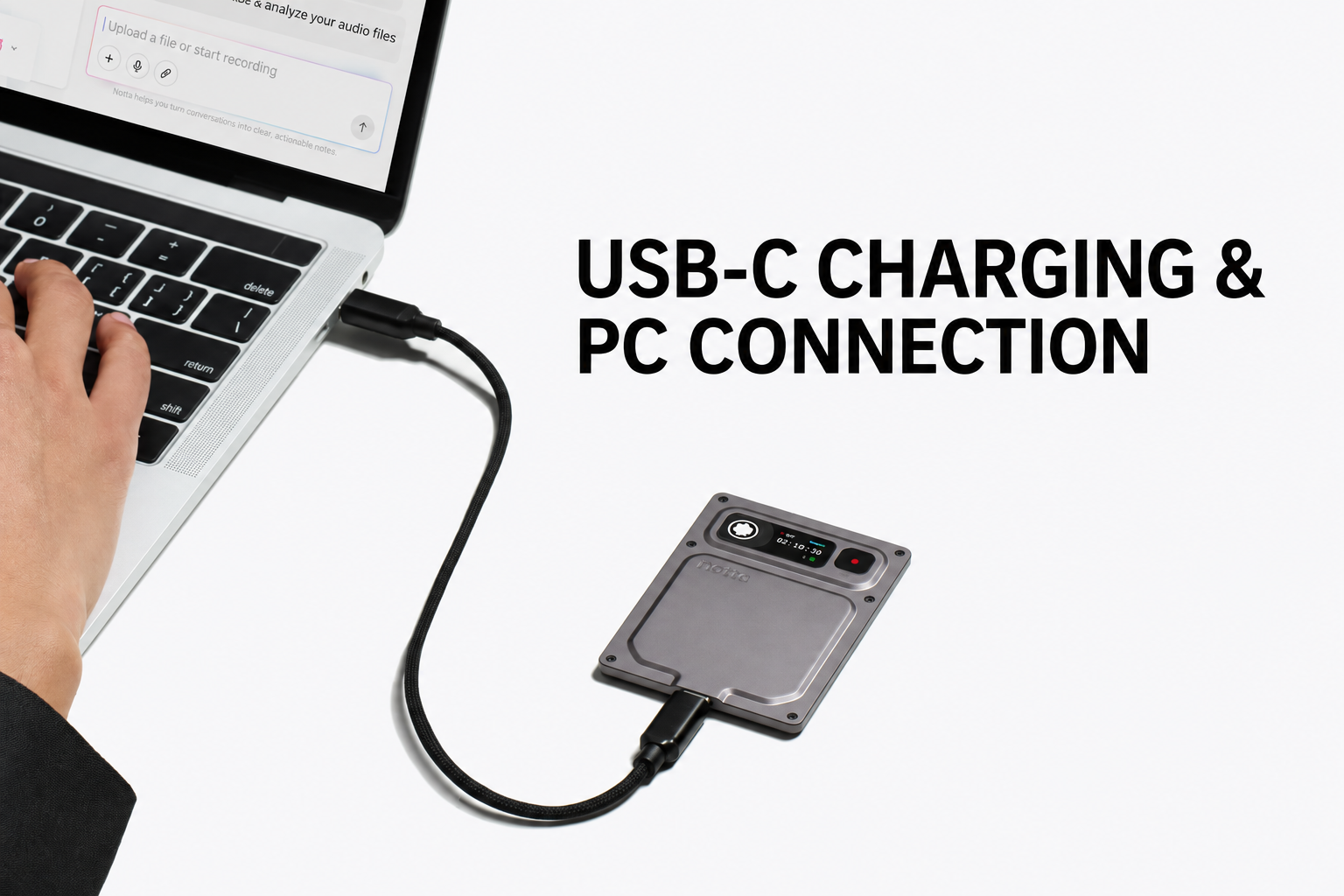
Standard USB-C charging and high-speed transfers

No special charging cable or adapter required. Just plug in with standard USB-C.

Use the same connection for high-speed file transfers directly to your computer.

Notta Memo Pro connected to a computer with a USB-C cable

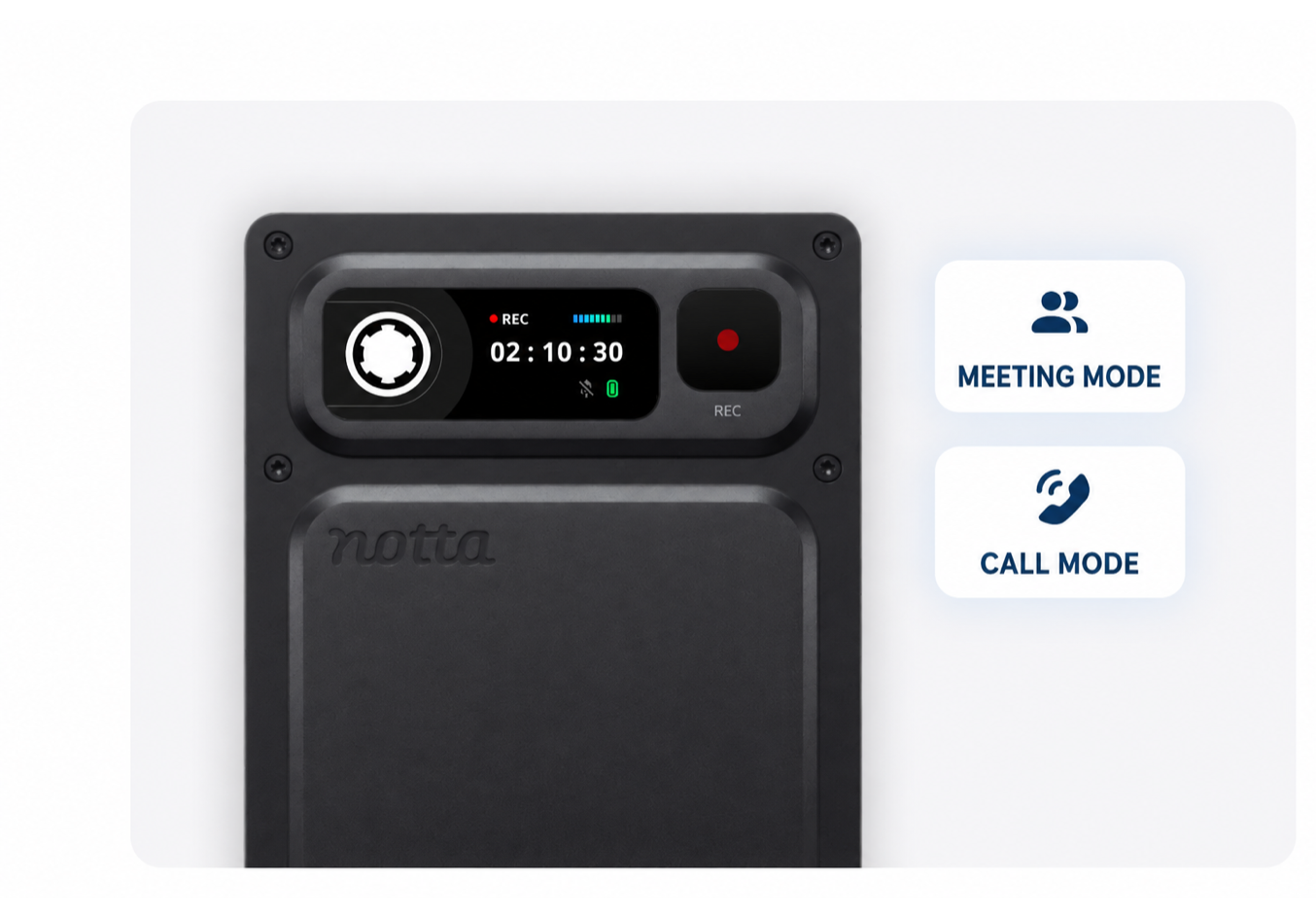
The right mode, automatically

Built-in sensors recognize calls and in-person meetings, then select the right recording mode automatically.

Just press record. No manual mode switching.

Notta Memo Pro with meeting mode and call mode indicators

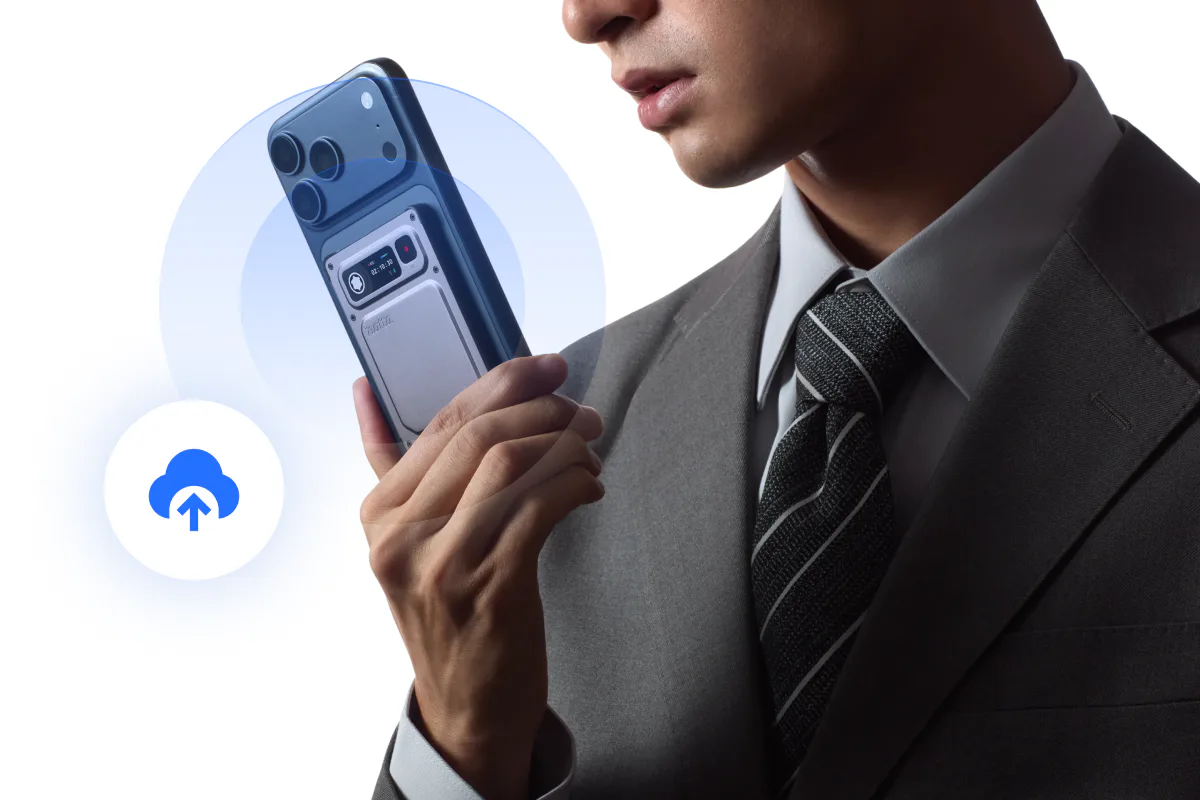
Secure background sync, no app to open

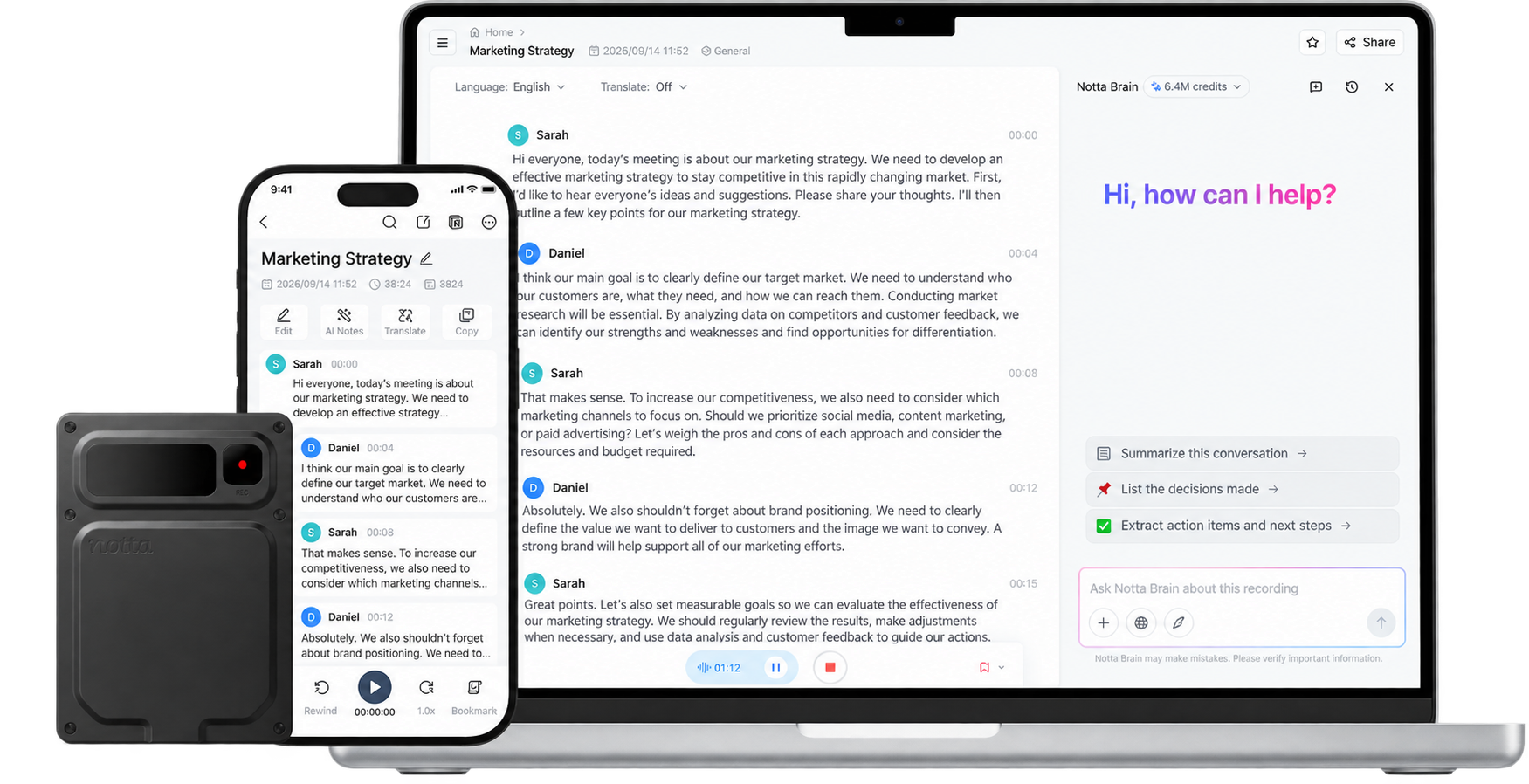
When Memo Pro reconnects to a trusted network, recordings sync to Notta in the background. Transcripts, summaries, and action items are created automatically.

No transfer to start. No files to upload.

*Trusted Wi-Fi networks need to be set up in advance.
Notta Memo Pro automatically syncing recordings to Notta over trusted Wi-Fi

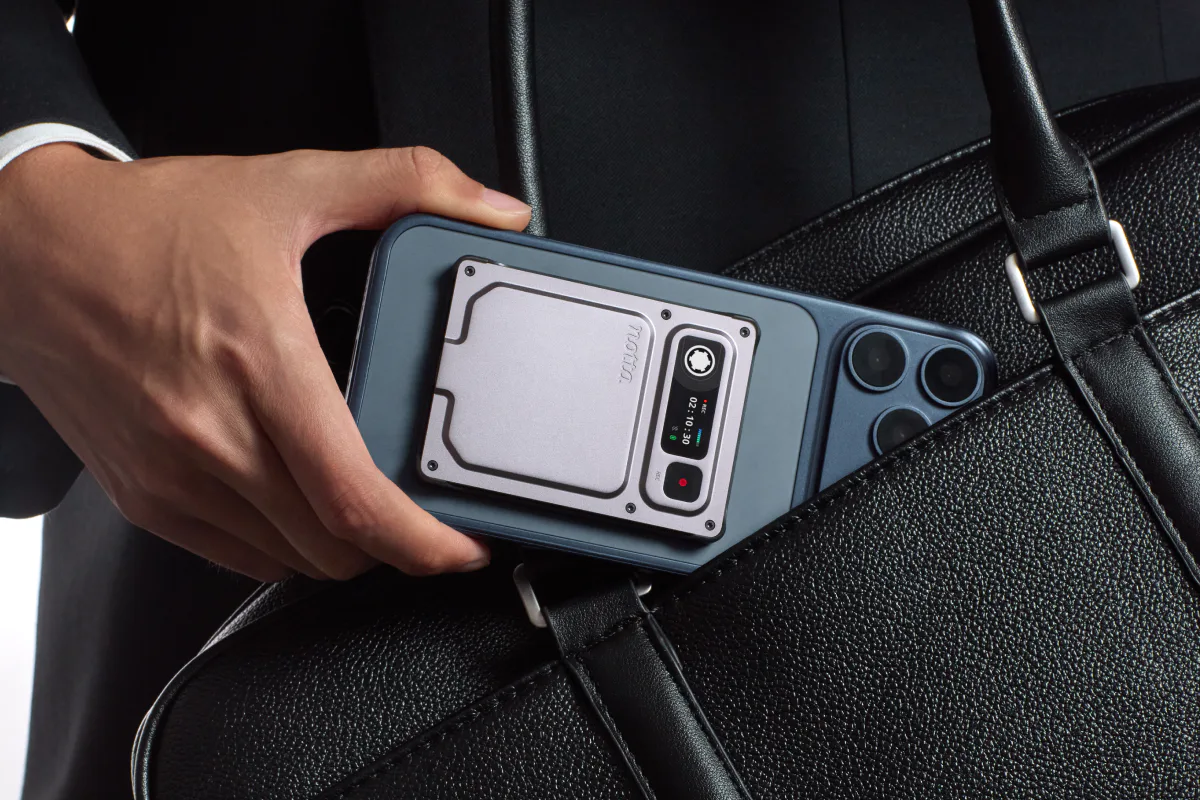
See the status. Keep the details.

See recording status, battery level, and more at a glance on the color display. Store hours of high-quality audio with 64 GB built in.

Mark important moments with one press while they’re still fresh.

Notta Memo Pro attached to a smartphone for everyday carry

Made for the conversations that matter

A team discussing a project in a meeting

TEAM MEETINGS

Meetings and one-on-ones

Keep everyone in the conversation, then return to decisions, feedback, and next steps.

A sales team speaking with customers

SALES / CONSULTING

Client calls and discovery conversations

Keep customer requirements in their own words. Ask Notta Brain to draft a follow-up from the call, past meetings, and your proposal.

Students learning together

EDUCATION / RESEARCH

Lectures and research conversations

Capture lectures, seminars, and research interviews in full. Return to study notes, key findings, and source quotes when it’s time to write.

Media professionals recording an interview

MEDIA / CONTENT

Interviews and content production

Stay focused on the guest. Turn the interview into key quotes, story angles, and a working outline.

Memo Pro at a glance

Product name
Notta Memo Pro
Price
$189.00
Weight
Approx. 30 g
Dimensions
77.2 mm wide × 56 mm high × 3.9 mm thick
Battery
600 mAh
Storage
64 GB
Connectivity
Bluetooth 5.4, Wi-Fi, and USB-C

Questions about Memo Pro

How is Notta Memo Pro different from the original Notta Memo?

Memo Pro recognizes calls and in-person conversations automatically, syncs over trusted Wi-Fi, and sends recordings to Notta for transcripts, summaries, highlights, and action items.

Does Automatic Cloud Sync work on any Wi-Fi network?

No. It works only on trusted Wi-Fi networks you set up in advance.

Can I transfer recordings directly to my computer?

Yes. Connect Memo Pro to your computer with a standard USB-C cable to transfer the original audio files.

Are my recordings protected if I lose the device?

Recordings stored on Memo Pro are encrypted. The decryption key is managed in the Notta cloud, so the device alone cannot unlock them.

Make the conversation useful long after it ends.

Record with Memo Pro. Find the details, prepare the notes, and start your next draft in Notta.

Explore Memo Pro
Notta Memo Pro connected with a smartphone and computer
Copyright © 2026 Notta. All Rights Reserved.
to top