
No bot. Just Notta.
Notta Desktop captures every word from your client calls, team syncs, and external meetings without a visible bot joining. Works on Mac and Windows.
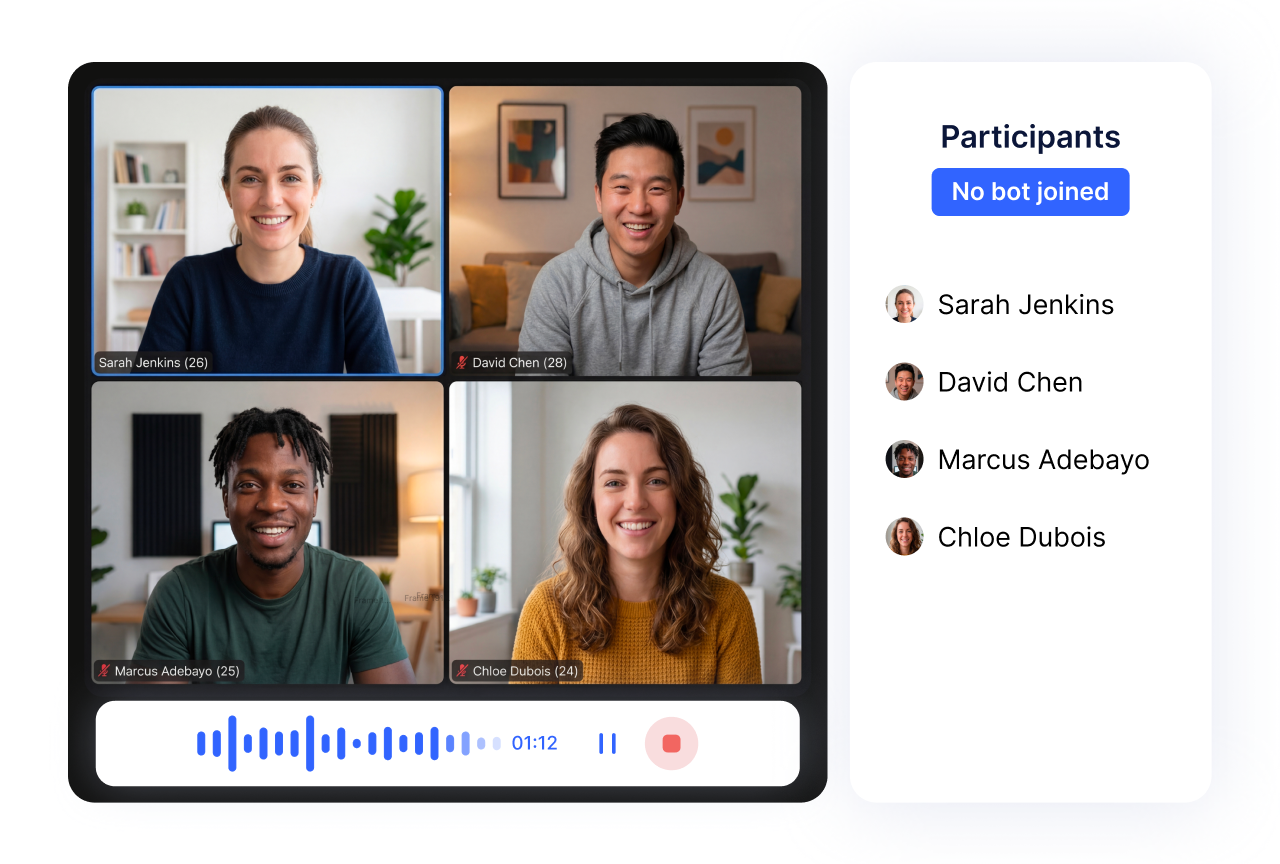
What Notta Desktop does
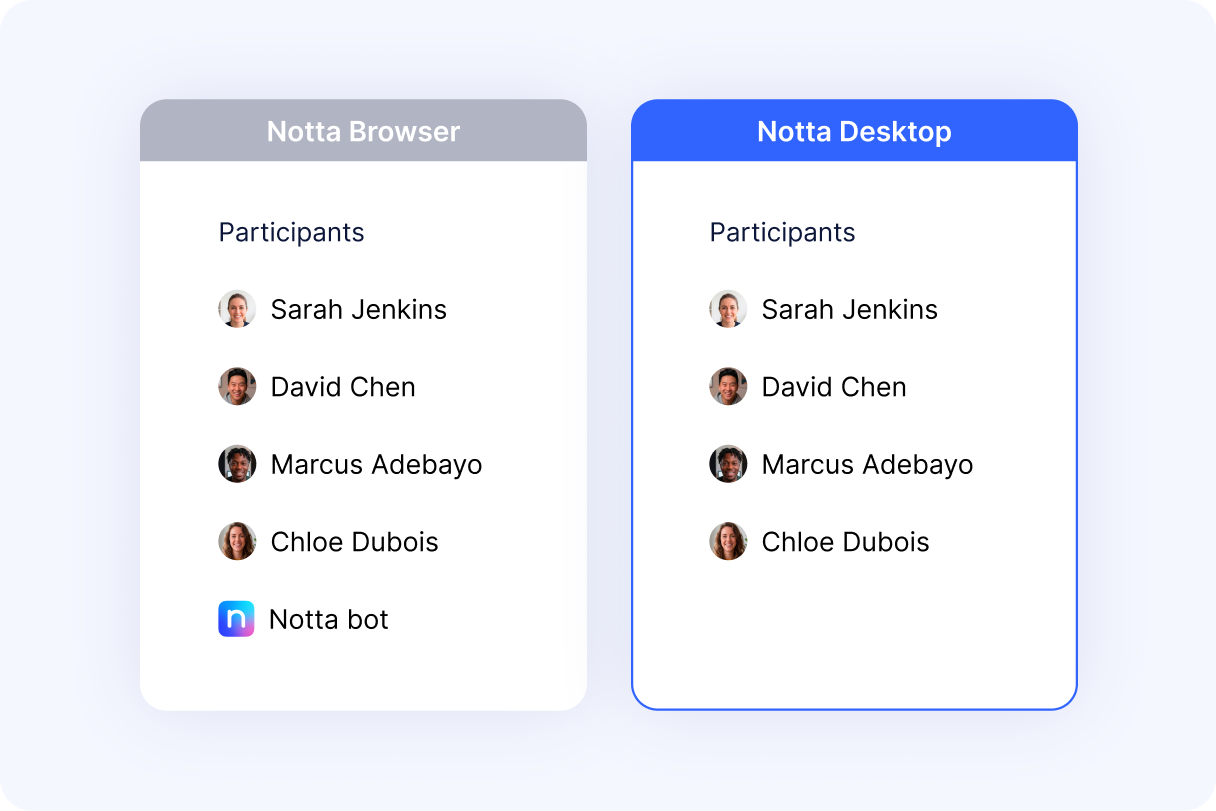
Bot-free recording. No participant notification.
Notta Desktop records directly from your device. No bot joins. No extra name in the participant list. No one knows but you.
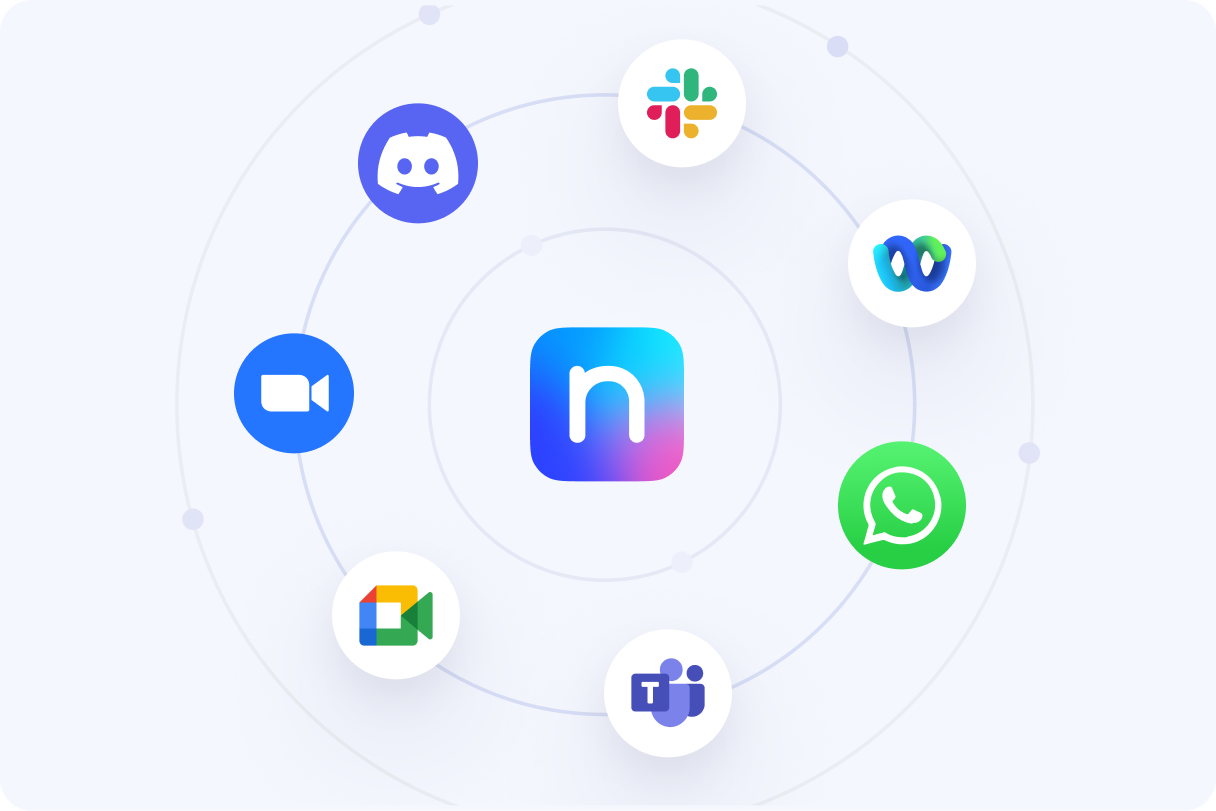
Works on all platforms. Bot-free.
Notta Desktop auto-detects when a meeting starts and prompts you to record.
Zoom · Google Meet · Microsoft Teams · Slack · Webex · Discord · WhatsApp Desktop · and 33+ more
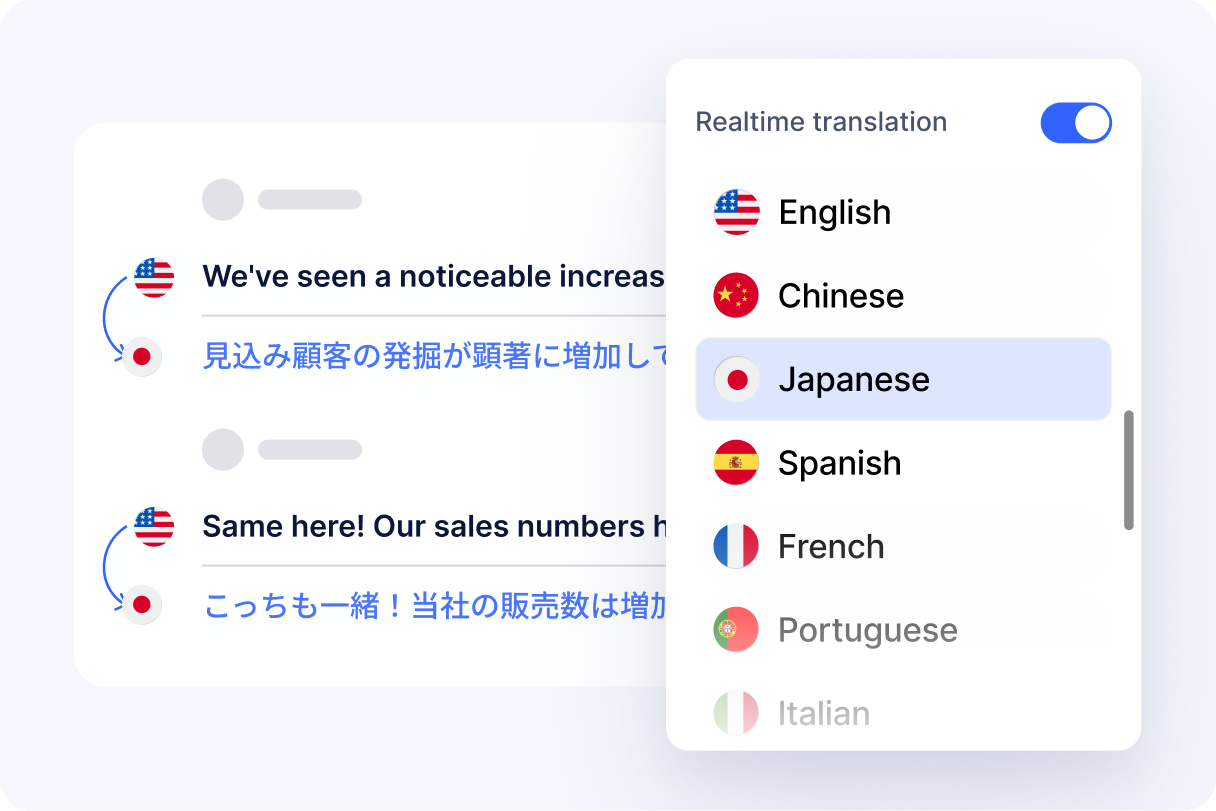
58 languages. Real time.
Transcribes in real time across 58 languages, with bilingual support for 23 language pairs.
Speak English, get notes in Japanese. Run a bilingual call, both languages captured, no switching modes, no reconfiguring.
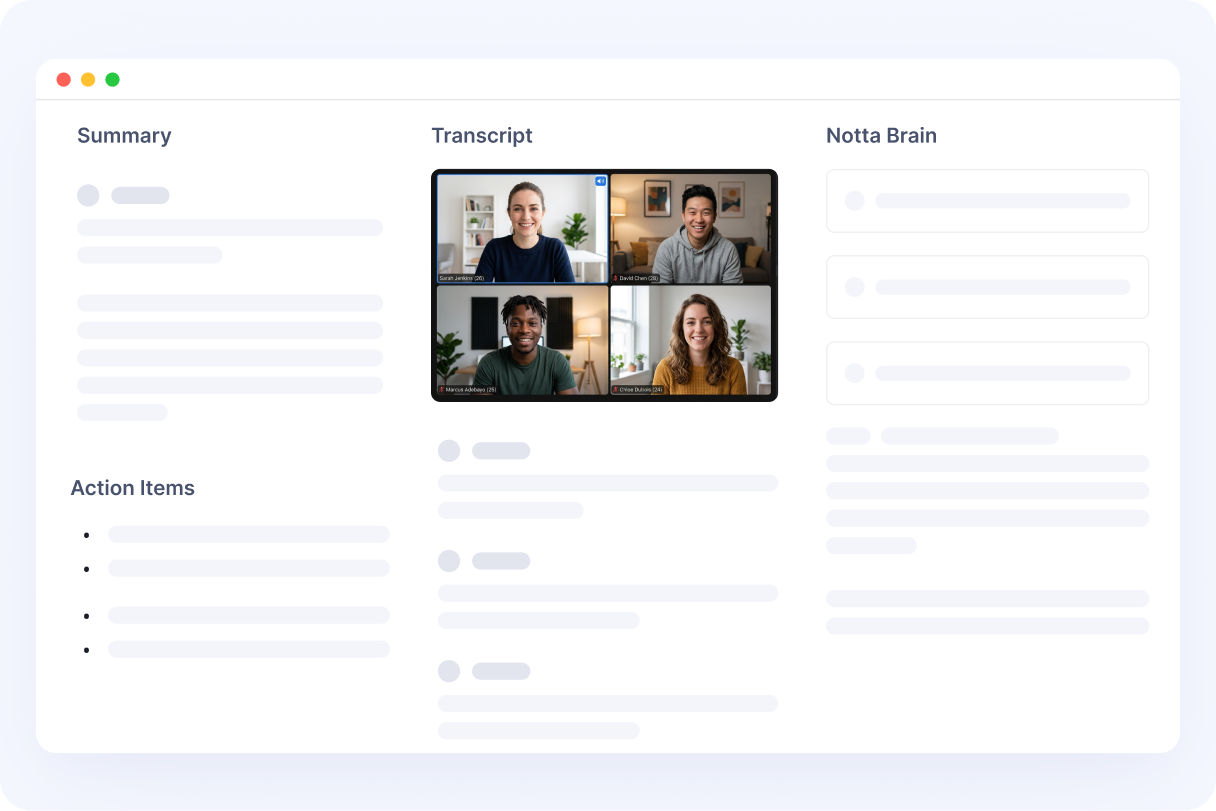
Your notes go straight to your workspace.
Meeting ends, transcript, summary, and action items land in your Notta workspace. Ask Notta Brain to turn them into a client deck or follow-up email.
One meeting. One workspace. Zero manual steps.
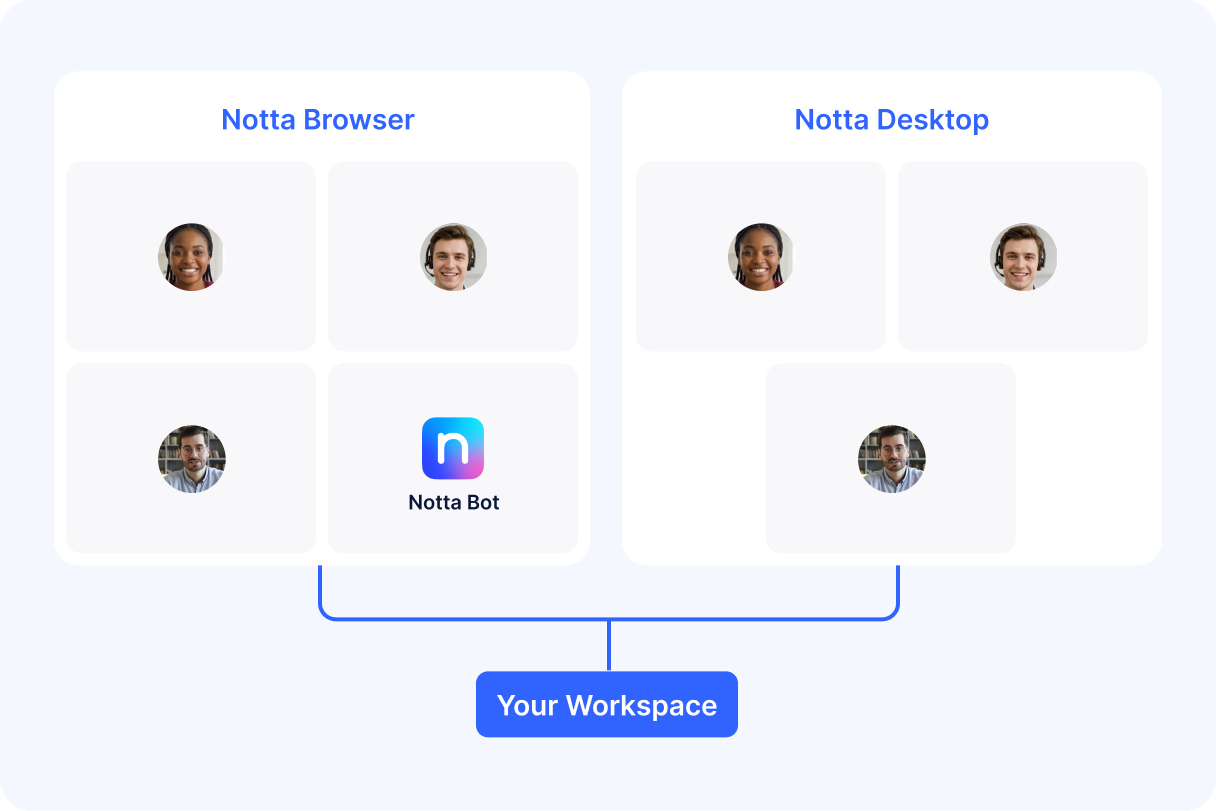
Bot or No Bot? You Pick.
Need meeting video? Bot mode joins and records the full cal even when you're not there.
Client-facing and no bot welcome? Desktop mode captures from your device, invisible to everyone.
Both deliver the same transcript, summary, and outputs.













Who uses Notta Desktop
Agency & Client Services
Client kickoff, five people on their side. You hit record, the participant list still shows five. Clean, professional, no distractions. Follow-up email sent in three minutes.
"Finally, no more explaining what Notta Bot is to my clients."
Sales & Business Development
Discovery call with a prospect. No bot popping up, no awkward pause. The conversation flows naturally. Transcript and action items ready when you hang up.
"The first five seconds used to be about the bot. Now they're about the deal."
Consulting & Professional Services
Sensitive strategy discussion. No third-party bot name in the participant list raising questions. Just a clean call between you and your client.
"When clients see a bot in the call, they ask questions. I'd rather they focus on the strategy."



Agency & Client Services
Client kickoff, five people on their side. You hit record, the participant list still shows five. Clean, professional, no distractions. Follow-up email sent in three minutes.
"Finally, no more explaining what Notta Bot is to my clients."
Sales & Business Development
Discovery call with a prospect. No bot popping up, no awkward pause. The conversation flows naturally. Transcript and action items ready when you hang up.
"The first five seconds used to be about the bot. Now they're about the deal."
Consulting & Professional Services
Sensitive strategy discussion. No third-party bot name in the participant list raising questions. Just a clean call between you and your client.
"When clients see a bot in the call, they ask questions. I'd rather they focus on the strategy."
FAQs
How do I get started?
Download the app (Mac or Windows, macOS 13+ / Windows 10+), sign in, grant audio permission once. Join any meeting — Notta Desktop detects it and prompts you to record. When the call ends, transcript, summary, and action items appear in your workspace.
Will other meeting participants know I'm recording?
Notta Desktop doesn't join the meeting or add any participant entry. Other attendees won't see a bot in the participant list. You are still responsible for informing participants about recording in accordance with applicable laws and your company's policy.
Which platforms does Notta Desktop support?
Notta Desktop works with 40+ meeting applications including Zoom, Google Meet, Microsoft Teams, Slack Huddles, Webex, Discord, and WhatsApp Desktop. Because it captures system audio rather than integrating with meeting APIs, it works with most platforms that play audio on your device.
What are the Mac system requirements?
macOS 13 (Ventura) or later is required for bot-free recording with system audio capture. macOS 14.4+ offers the best experience, only audio capture permission is needed, no screen recording permission. macOS 11–12 can run the app but won't support system audio, which means bot-free meeting recording is not available.
Is Notta Desktop available for Windows?
Yes! Notta Desktop is now available for both Mac and Windows. Windows 10 (version 1903 or later) and Windows 11 are supported on x64 devices.
Is Notta Desktop included in my current plan?
Yes. Notta Desktop is available to all Notta users at no additional cost. Download and sign in with your existing account.
How is Notta Desktop different from Notta's bot recording?
Notta's web app uses a bot that joins meetings as a visible participant. Notta Desktop captures audio from your device — nothing joins, no participant entry appears. Both modes produce the same transcripts, summaries, and action items in your Notta workspace. You can use both depending on the meeting
This is a beta. How reliable is it?
Core transcription functionality works reliably across supported platforms. As a beta product, occasional edge cases may occur. If you encounter issues, please report them at support@notta.ai.
How is the audio quality?
Notta Desktop captures native 48kHz audio with built-in echo cancellation (AEC) and noise suppression. Using headphones further improves transcript accuracy by reducing echo.
Does Notta Desktop require screen recording permission on Mac?
On macOS 14.4+, Notta Desktop uses ProcessTap and only needs audio capture permission, no screen recording permission required. On macOS 13.0–14.3, screen recording permission is needed for system audio capture.
How is Notta Memo different from Notta Desktop?
Notta Desktop captures online meetings from your Mac or Windows computer without a bot joining the call. Notta Memo is a pocket-sized AI recorder for in-person conversations, interviews, lectures, and offline meetings. It weighs 28g, records for up to 30 hours, and auto-syncs audio to Notta for transcription, summaries, and Notta Brain analysis.
No bot. Just Notta.
Download Notta Desktop and record your next client call the way it should be.
