
Download Started
Your bot-free meeting experience awaits
Notta for Windows is downloading now. Follow the steps below to finish setup.
Didn't start? Download again
 01
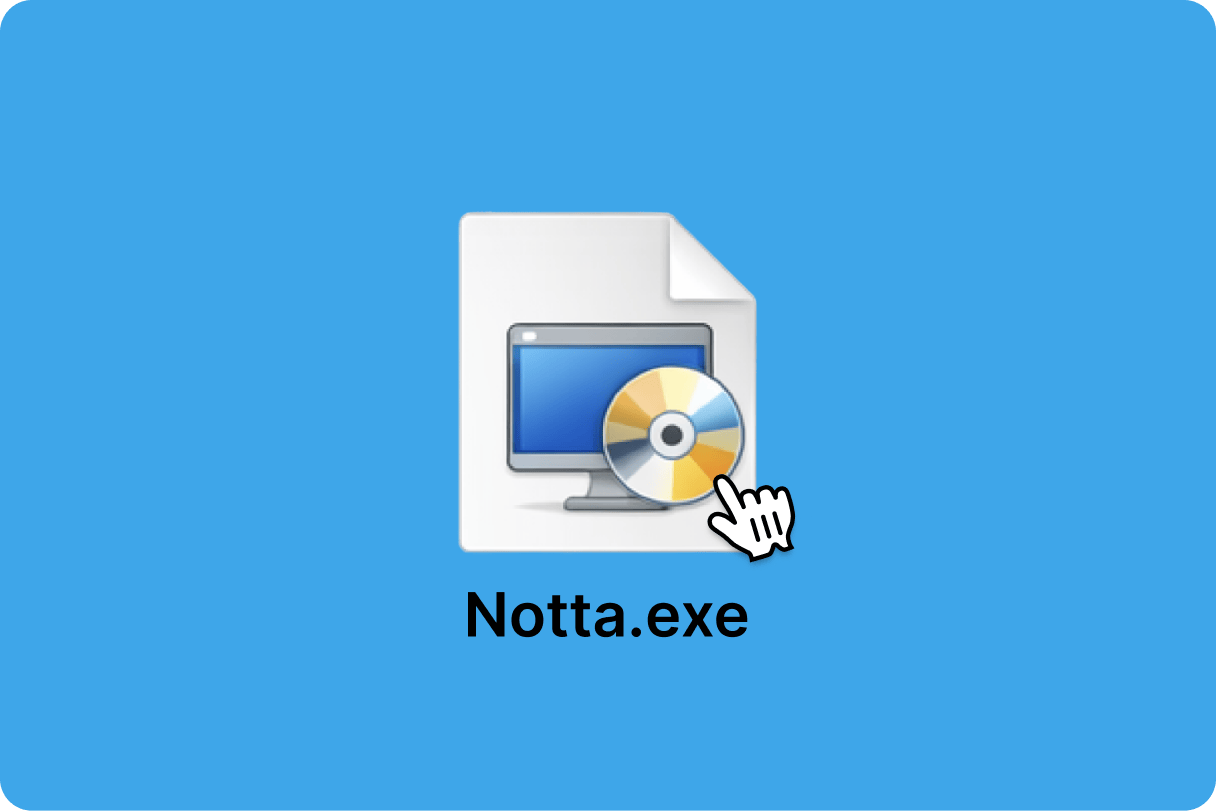
01Find Notta-Setup.exe in your Downloads folder and double-click to run it.
 02
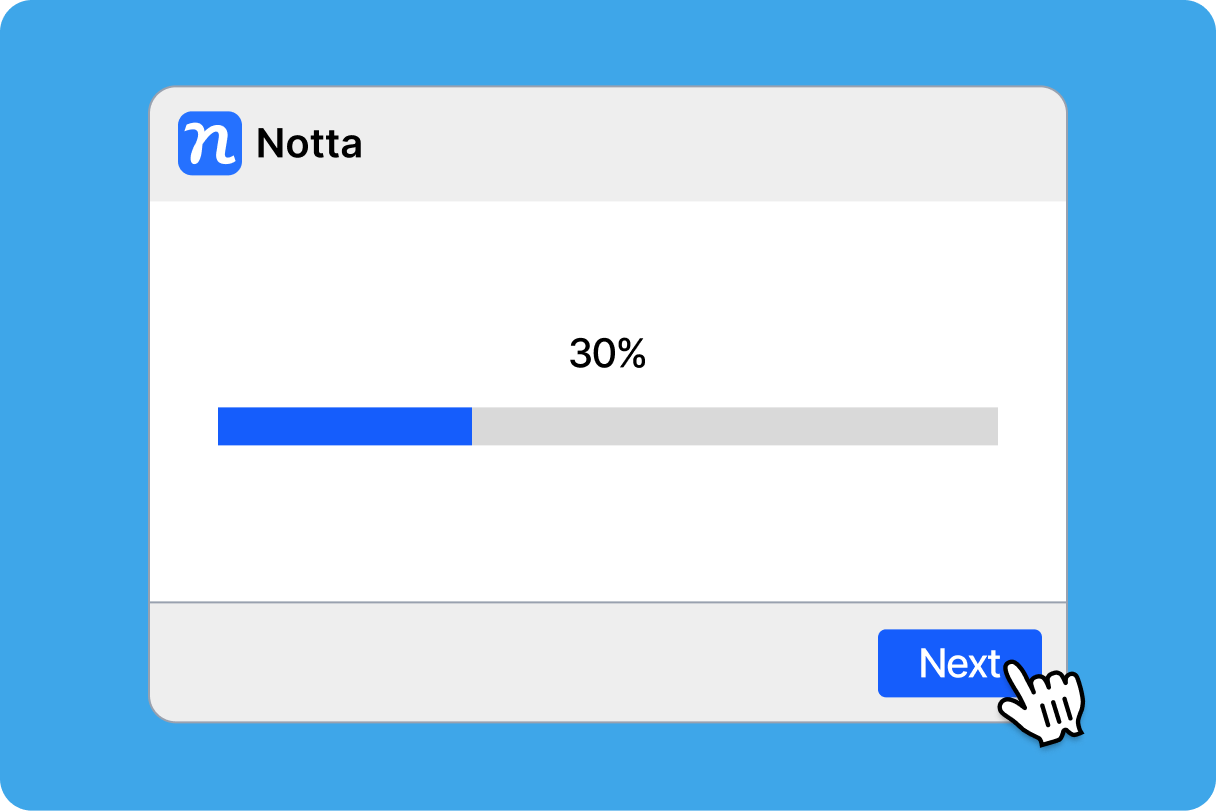
02Follow the setup wizard to complete the installation.
 03
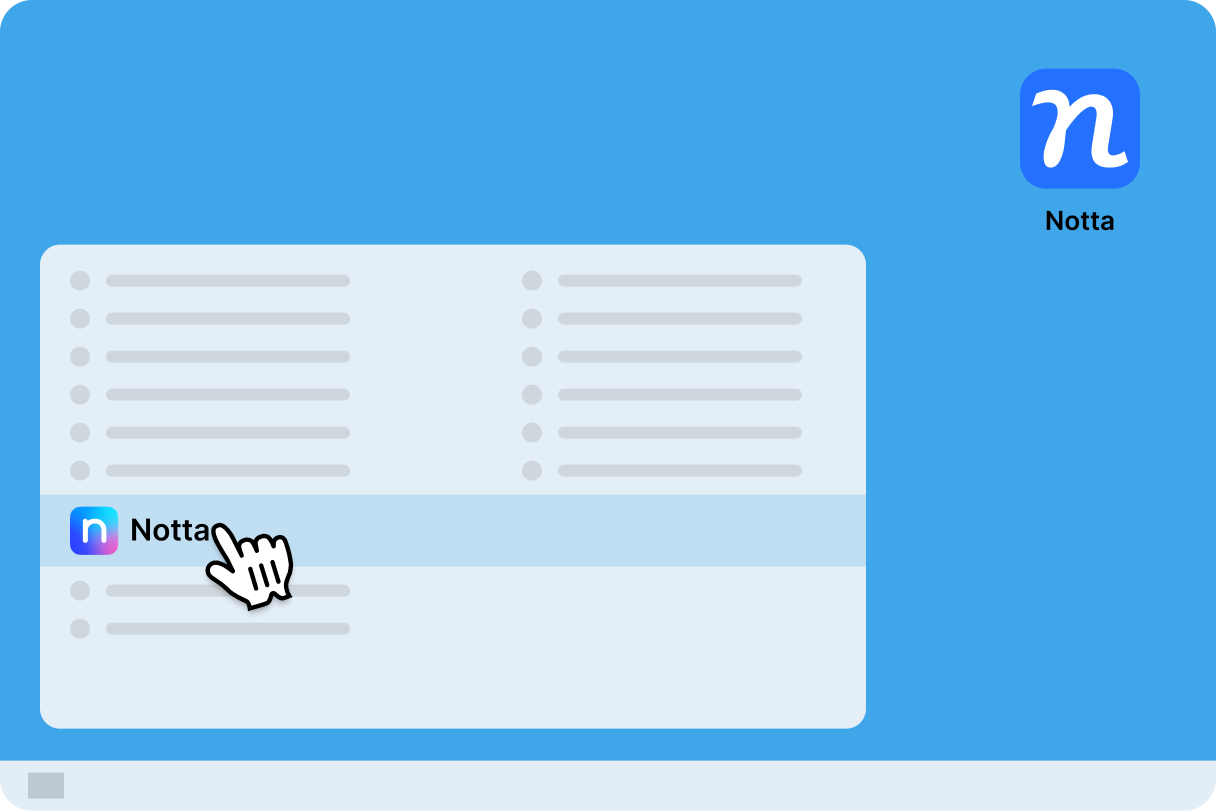
03Open Notta from your Desktop or Start Menu and start your first bot-free meeting.
