
Almost there!
Pick your version to get started
Which chip is your Mac running on? Select to start downloading.
 01
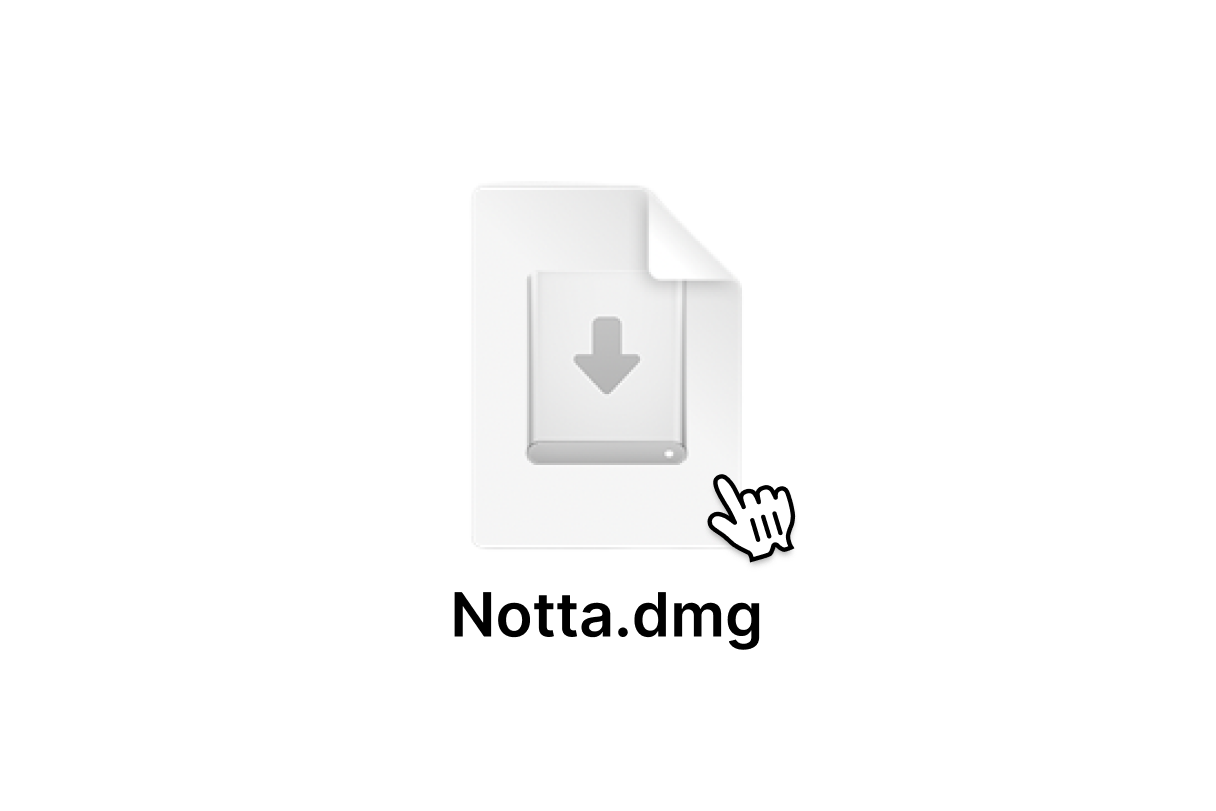
01Find Notta.dmg in your Downloads folder and double-click to open it.
 02
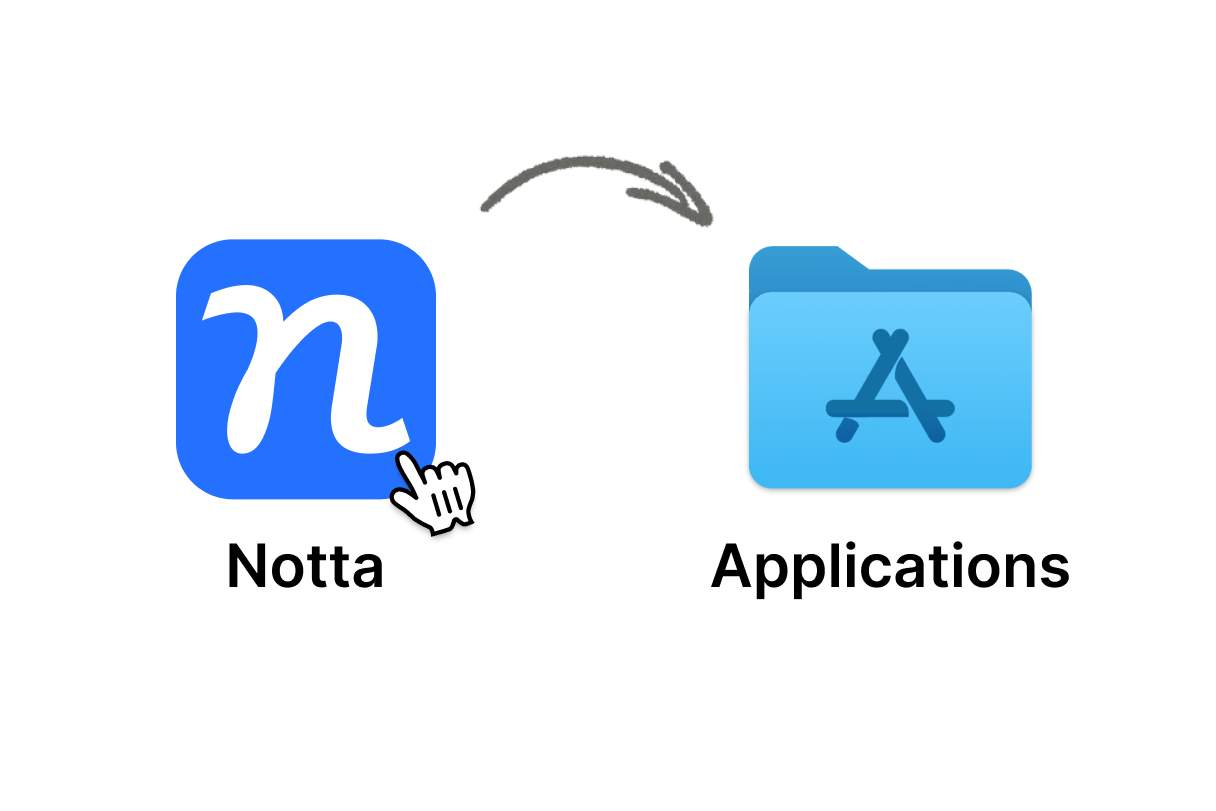
02Drag the Notta icon into your Applications folder.
 03
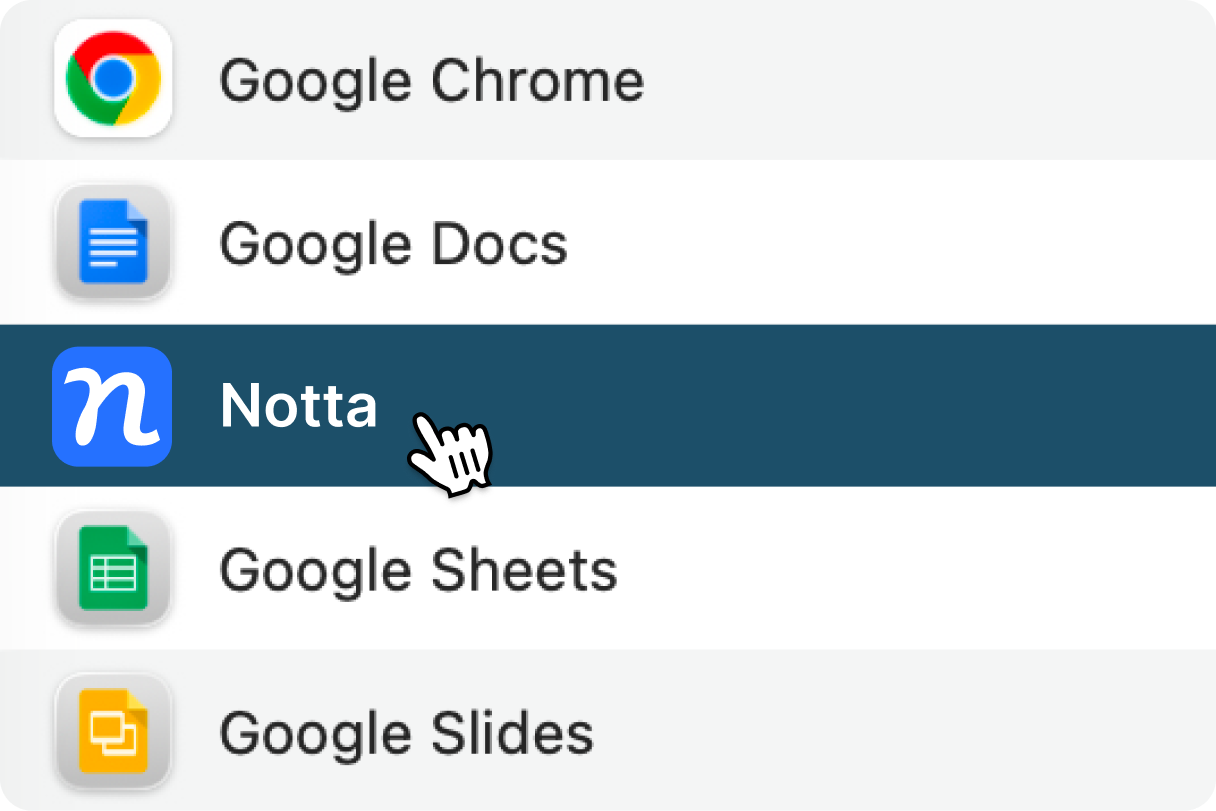
03Open Notta from your Applications folder and start your first bot-free meeting.
