
Notta vs. Happy Scribe: Which AI Transcription Platform Should You Choose in 2026?

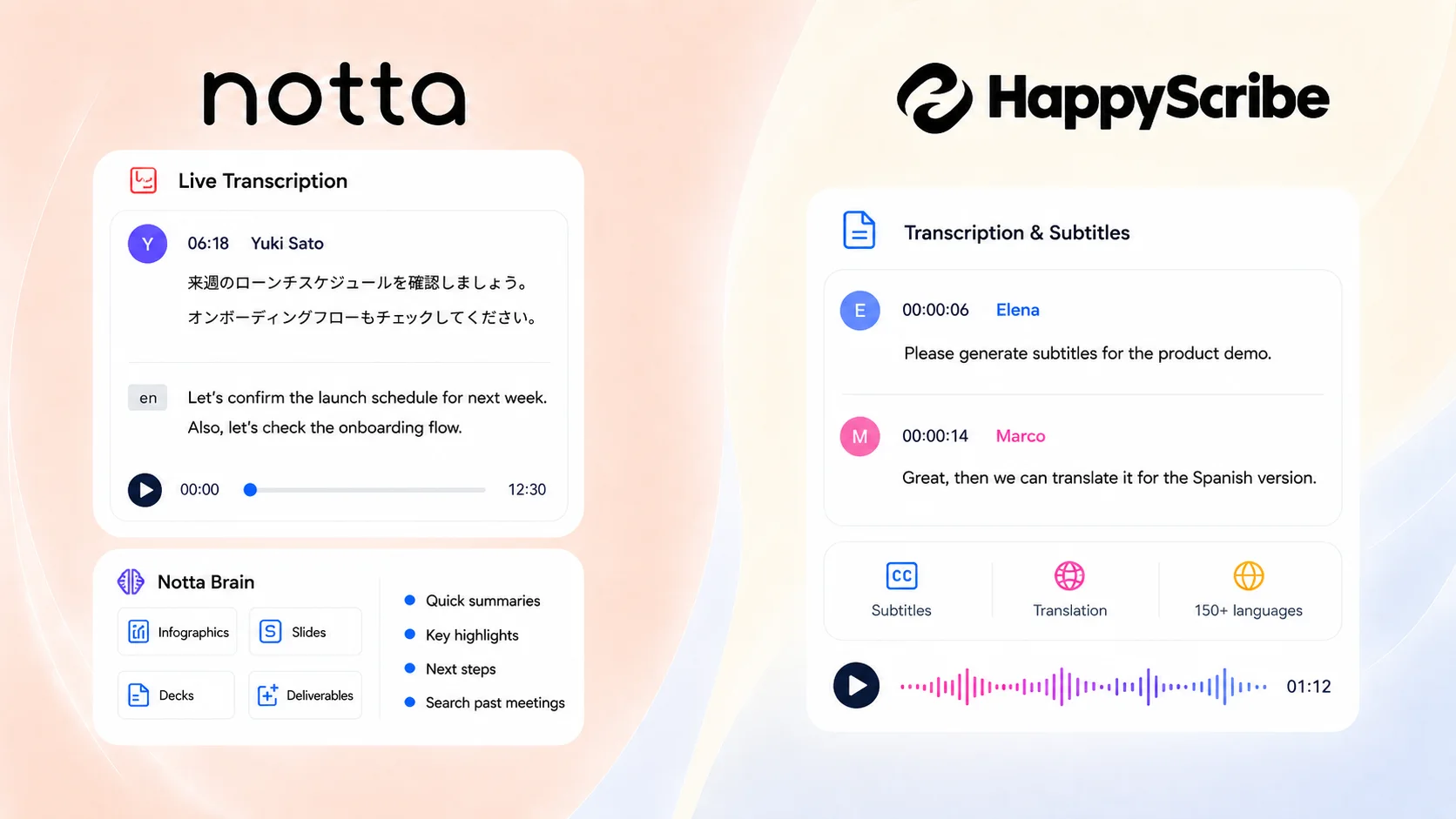
This guide compares Notta and Happy Scribe across meeting capture, file transcription, subtitles, language support, AI summaries, Notta Brain outputs, Notta Memo, integrations, pricing, and everyday use. The goal is simple: help you choose the platform that best fits your workflow.
The Quick Verdict
Choose Notta if
Notta is stronger for teams that need to capture conversations as they happen, then turn them into searchable notes, summaries, action items, and deliverables.
Choose Happy Scribe if
Happy Scribe is stronger for media teams, creators, educators, and localization teams that need subtitles, translated captions, and human proofreading.
| Use case | Better fit | Why |
|---|---|---|
| Live meeting transcription | Notta | Notta records and transcribes live meetings through meeting bots, live recording, and Notta Desktop. |
| File transcription | Tie | Both platforms can transcribe uploaded audio and video files. |
| Subtitles and captions | Happy Scribe | Happy Scribe is built around subtitles, captions, translated subtitles, and media exports. |
| Human-reviewed transcription | Happy Scribe | Happy Scribe offers human proofreading and human-made services by the minute. |
| Post-meeting deliverables | Notta | Notta Brain creates slides, reports, infographics, emails, tables, and action lists. |
| In-person meetings | Notta | Notta supports mobile recording, Apple Watch, live recording, and Notta Memo. |
| Live multilingual meetings | Notta | Notta supports 58+ transcription languages, 23 bilingual language pairs, and 80 real-time translation languages. |
| Recurring team meetings | Notta | Notta Business includes unlimited transcription and team workflow features. |
How We Compared Notta and Happy Scribe
We compared Notta and Happy Scribe around the jobs users care about most: capturing conversations, creating accurate transcripts, summarizing recordings, translating content, producing subtitles, sharing outputs, and turning transcripts into useful work.
The comparison focuses on six areas:
- Capture: live meetings, file uploads, desktop recording, mobile recording, and in-person conversations.
- Transcription: real-time transcription, file transcription, speaker identification, editing, and exports.
- AI output: summaries, action items, Ask AI-style workflows, reports, slides, infographics, tables, and emails.
- Language support: transcription languages, subtitles, translation, bilingual transcription, and real-time translation.
- Workflow fit: meeting productivity, media production, localization, education, research, and team collaboration.
- Pricing: free access, included minutes, team plans, human proofreading, and enterprise options.
Notta vs. Happy Scribe: Feature Comparison
| Feature | Notta | Happy Scribe |
|---|---|---|
| Web app | Yes | Yes |
| Mobile app | Yes | Yes |
| Chrome extension | Yes | No |
| Live meeting capture | Yes | Yes |
| Desktop / bot-free recording | Yes | No |
| In-person recording | Yes mobile, Apple Watch, live recording, and Notta Memo | Partial mobile only |
| File transcription | Yes | Yes |
| Subtitles and captions | Partial SRT and VTT | Yes SRT, VTT, TXT, EBU STL, and MP4 |
| Human proofreading | No | Yes |
| AI summaries | Yes | Yes |
| AI deliverables | Yes | No |
| Transcription languages | 58+ | 150+ |
| Live translation | Yes 80 real-time translation languages | No |
| Bilingual transcription | Yes 23 language pairs | No |
| Security | SOC2 Type II, ISO 27001, GDPR, CCPA, HIPAA, AES-256 | SOC 2 Type II, GDPR |
Pricing and Plans
Notta pricing is built around recurring meeting productivity, while Happy Scribe pricing is built around AI transcription, subtitles, translation credits, and human-reviewed services. If you run frequent meetings, Notta is easier to map to ongoing workflows. If you produce media files, Happy Scribe's subtitle and proofreading options may fit better.
| Plan detail | Notta | Happy Scribe |
|---|---|---|
| Free plan | 200 min/month | Unlimited |
| Entry paid plan | Pro: $8.17/month billed annually. Includes 1,800 transcription minutes/month, 100 file uploads/month, and 100 AI summaries/month. | Basic: $17/month or $8.50/month billed annually. Includes unlimited recordings, 1,440 min/year of AI usage, and up to 10 files/month. |
| Professional plan | Business: $16.67/user/month billed annually. Includes unlimited transcription, team workspace features, CRM sync, and admin controls. | Pro: $29/month or $19/month billed annually. Includes 600 minutes/month, unlimited meeting recordings, and unlimited Ask AI uses. |
Where Notta Is Better
Notta is better when your team needs a meeting workflow, not just a transcript. It captures live meetings, desktop calls, uploaded files, mobile recordings, and in-person conversations, then helps you turn those conversations into summaries, action items, searchable knowledge, and finished deliverables.
Live meetings and real-time transcription
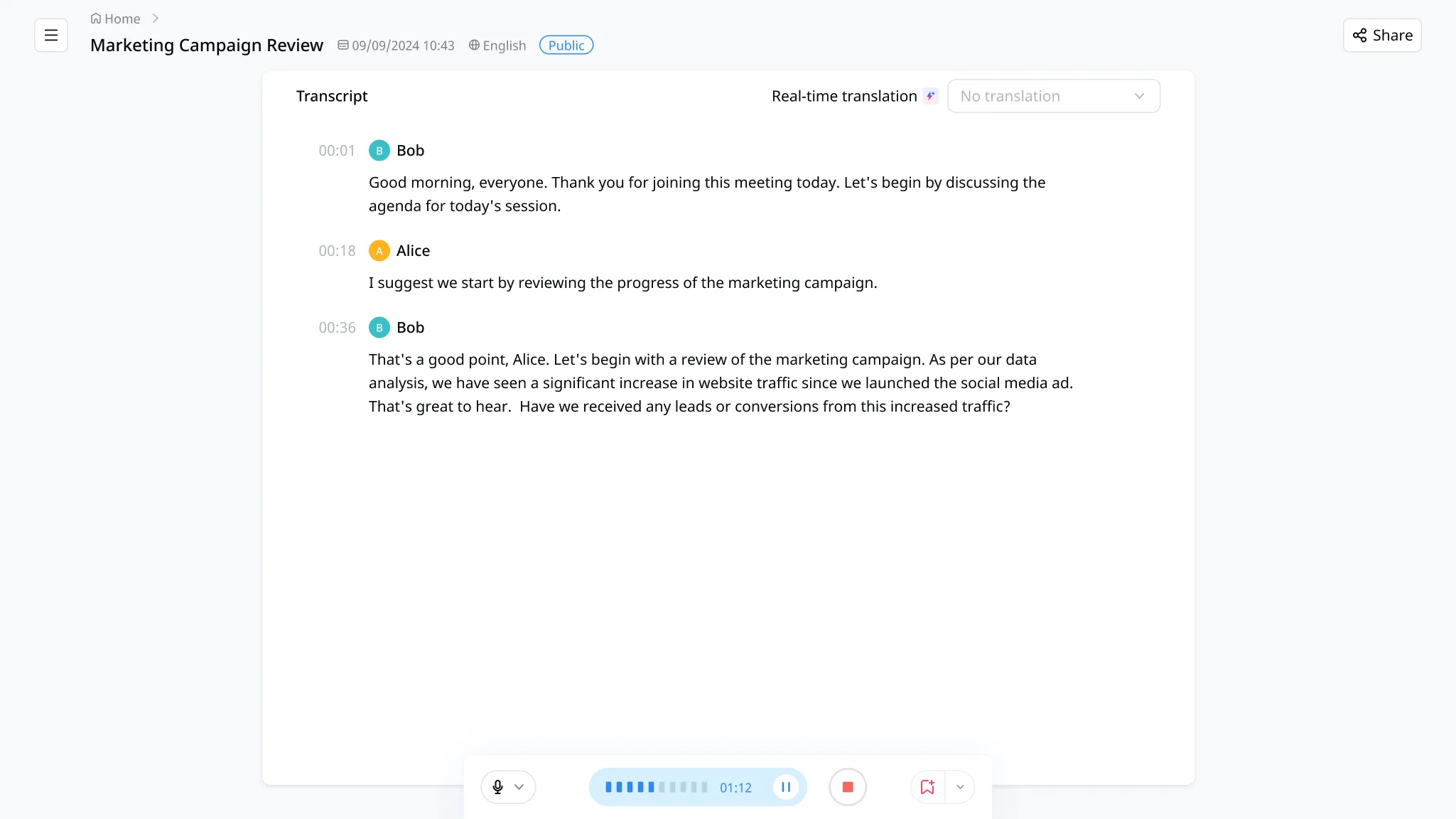
Notta supports real-time transcription for Zoom, Microsoft Teams, Google Meet, and Webex meetings. You can invite the Notta bot, use live recording, or use Notta Desktop for bot-free recording on Mac and Windows.
This matters for teams that need notes while the conversation is happening. Instead of waiting until a recording is uploaded, Notta helps you capture decisions, owners, and next steps in real time, fitting naturally within the meeting workflow.
Notta Brain turns transcripts into deliverables
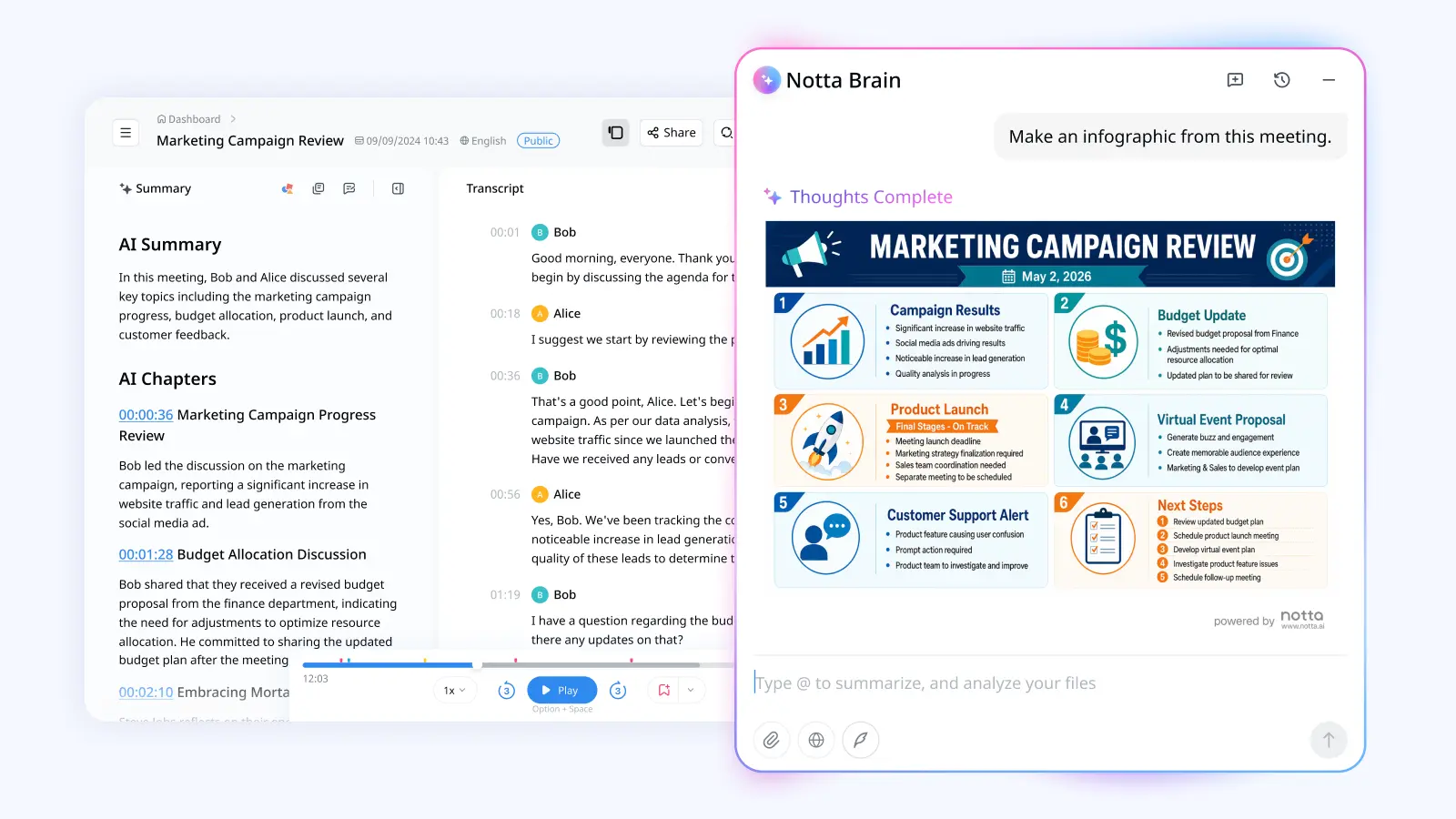
Notta Brain, Notta's AI Meeting Execution Engine, turns transcripts into slides, reports, infographics, email drafts, tables, comparison matrices, flowcharts, and action lists. It can also answer questions across meetings, recordings, and files.
This is the strongest Notta advantage. Happy Scribe is useful when you need a clean transcript or subtitle file. Notta Brain is stronger when the transcript needs to become work your team can send, present, or act on.
Live multilingual workflows
Notta supports 58+ transcription languages, bilingual transcription across 23 language pairs, and real-time translation in 80 languages. That helps global teams follow multilingual conversations as they happen.
Happy Scribe supports more languages for transcription, subtitles, and translation. Notta's edge is live meeting usability: bilingual transcription and real-time translation are built for active conversations, not only post-production files.
Team follow-up and integrations
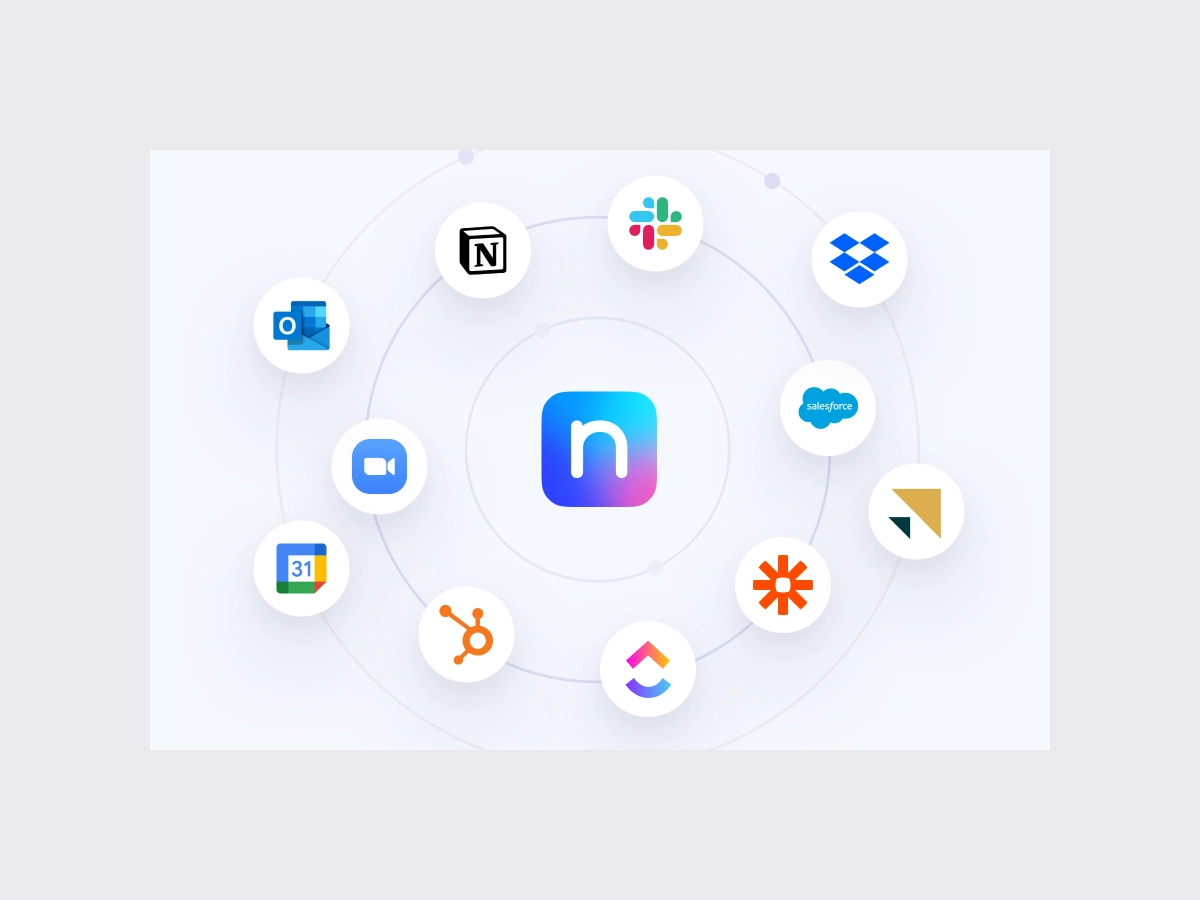
Notta integrates with Google Calendar, Outlook Calendar, Zoom, Microsoft Teams, Google Meet, Webex, Notion, Slack, Zapier, Google Drive, and more platforms that your team is already using.
That makes Notta a strong choice for sales, customer success, consulting, operations, and leadership teams. The meeting recording can move into the tools your team already uses, instead of staying inside a transcript editor.
Where Happy Scribe Is Better
Happy Scribe is the better choice when your work starts with recorded media and ends with a transcript, subtitle file, translated caption, or human-reviewed output. It is more natural for creators, video teams, educators, media companies, and localization workflows.
Subtitles and captions
Happy Scribe is built for subtitle and caption workflows. It supports AI subtitles, human-checked subtitles, translated subtitles, subtitle exports, and media-friendly editing workflows.
Notta can export SRT and VTT files, which helps with simple subtitle needs. Happy Scribe is the better fit when subtitles and captions are the main project.
Human-reviewed transcription and subtitles
Happy Scribe offers human proofreading and human-made services by the minute. This is important when the transcript or subtitle file will be published, used in formal research, shared with a public audience, or translated for a media project.
Notta focuses on AI-powered meeting productivity. If you need human review as part of the workflow, Happy Scribe provides the better service.
Which One Should You Choose?
Choose Notta if your priority is capturing live meetings, in-person conversations, desktop calls, and team discussions, then turning them into summaries, action items, searchable knowledge, and finished deliverables with Notta Brain.
Choose Happy Scribe if your priority is uploaded audio or video transcription, subtitles, captions, and human-reviewed workflows.
Role-Based Recommendations
| Role or team | Better fit | Why |
|---|---|---|
| Sales and customer success teams | Notta | Notta captures calls, creates meeting summaries and action items, and connects with CRM workflows. |
| Consultants | Notta | Notta Brain can turn client conversations into reports, emails, tables, and slide outlines. |
| Operations and leadership teams | Notta | Notta supports live meetings, real-time translation, searchable notes, and team follow-up workflows. |
| Researchers doing live interviews | Notta | Notta supports live capture, file uploads, Notta Memo, and cross-meeting analysis through Notta Brain. |
| YouTubers and creators | Happy Scribe | Happy Scribe is stronger for subtitles, captions, translated subtitles, and media exports. |
| Educators and students | Notta | Notta is better for lectures and study notes. |
FAQ
Is Notta better than Happy Scribe?
Yes, Notta is better for live meetings, in-person conversations, team follow-up, real-time translation, action items, and deliverables from Notta Brain. Happy Scribe may be the better choice if your priority is subtitles, captions, translations, or human-reviewed media files.
Is Happy Scribe better for subtitles?
Yes, Happy Scribe is better for subtitle and caption workflows. It supports AI subtitles, human-checked subtitles, translated subtitles, and subtitle exports for media production. Notta can export SRT and VTT files, but Happy Scribe is more specialized for subtitle projects.
Can Notta record live meetings?
Yes, Notta can record and transcribe live meetings on Zoom, Microsoft Teams, Google Meet, and Webex. You can use the Notta bot, live recording, or Notta Desktop, Notta's bot-free recorder for Mac and Windows, depending on your workflow.
What is Notta Brain?
Notta Brain is Notta's AI Meeting Execution Engine. It turns meeting transcripts and recordings into slides, reports, infographics, email drafts, tables, comparison matrices, flowcharts, and action lists. It helps you move from a transcript to a deliverable your team can use.
Can Notta record in-person meetings?
Yes, Notta can record in-person meetings through mobile recording, Apple Watch, live recording, and Notta Memo. Notta Memo is Notta's pocket-sized AI recorder. It costs $149, records up to 30 hours continuously, and has a 28-day standby time.
Is Notta free?
Yes, Notta has a free plan. In the United States, the Free plan includes 200 transcription minutes per month. Outside the United States, the Free plan includes 120 transcription minutes per month with a 3-minute limit per conversation. Users who need more can upgrade to Pro, Business, or Enterprise.
Is Notta secure?
Yes, Notta is built for business use with SOC2 Type II, ISO 27001, GDPR, CCPA, HIPAA, AWS hosting, regular backups, and AES-256 encryption. Business and Enterprise plans add controls such as sharing permissions, user roles, SAML SSO, audit logs, IP restrictions, and priority support.
Final Recommendation
Happy Scribe is a strong choice if your process starts with a recorded file and ends with a transcript, subtitle, caption, or human-reviewed asset.
Notta is better if your team needs more than file transcription. Notta captures live meetings, desktop calls, in-person conversations, mobile recordings, and uploaded files. It supports real-time transcription, bilingual transcription, real-time translation, meeting summaries, action items, and searchable meeting knowledge.
Notta Brain also turns conversations into slides, reports, infographics, emails, tables, and action lists your team can use right away.
Try Notta for free and turn your next conversation into clear notes, searchable knowledge, and work your team can act on.
Try Notta Free