
Integrate Notta to your favorite tools
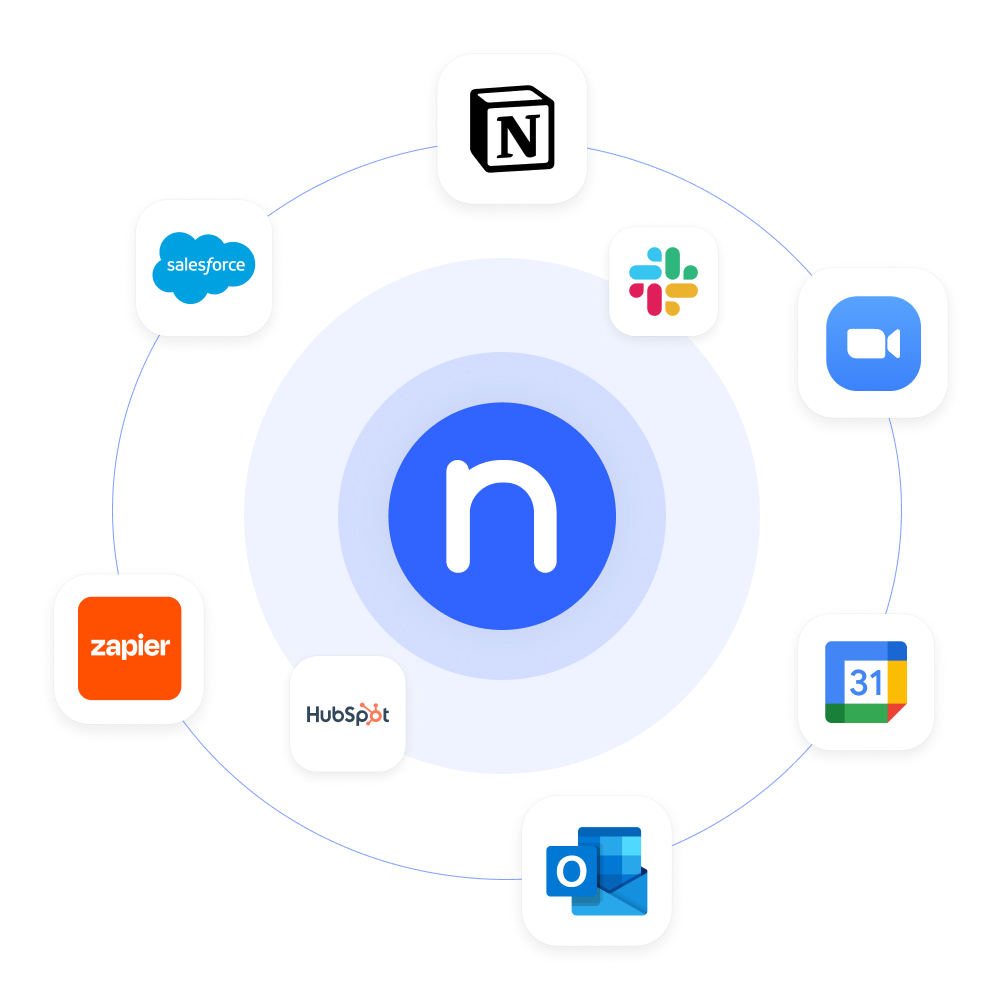
Achieve more together without extra effort. Notta integrates seamlessly with your favorite apps and tools to streamline your workflow.
Category
All
Calendars
CRM
Video conferencing
Automation
Communication
Collaboration
Storage
Box
Export your transcripts and audio/video recordings to Box for secure storage.
ClickUp
Automatically sync your meeting notes and summaries to ClickUp.
Dropbox
Export your transcripts and audio/video recording to Dropbox for secure storage.

Freshsales
Sync meeting notes and action items directly to the Freshsales CRM contact.
Google Calendar
Automatically record and transcribe meetings scheduled via the Google Calendar.
Google Docs
Automatically sync your Notta transcripts and summaries to Google Docs.
Google Drive
Export your transcripts and audio/video recording to Google Drive for storage.
Google Meet
Automatically take notes and summarize your Google Meet calls.
HubSpot
Sync meeting notes and insights directly to the HubSpot contact.
Microsoft OneDrive
Directly export your transcripts and audio/video recordings to Microsoft OneDrive.
Microsoft OneNote
Automatically sync Notta transcripts and summaries to MS OneNote.
Microsoft Teams
Automatically take notes for a Teams call and send to a group chat.

Notion
Export meeting transcripts and insights to Notion for viewing and collaboration.
Outlook Calendar
Automatically record and transcribe meetings scheduled via the Outlook Calendar.
Pipedrive
Sync meeting notes and action items to the customer profile in Pipedrive.
Salesflare
Automatically sync customer call notes and insights to Salesflare CRM.
Salesforce
Sync meeting notes and insights directly to the Salesforce customer account.
Slack
Get your AI meeting notes sent to a Slack channel easily.
Webex
Effortlessly take notes during your Webex meetings and share them in a chat.
Zapier
Automatically send your meeting notes and summaries across 5,000+ apps listed on Zapier.
Zendesk Sell
Automatically sync customer call notes and insights to Zendesk Sell.
Zoho CRM
Sync meeting notes and summaries directly into Zoho CRM with one click.

Zoom
Automatically schedule Zoom meetings and take detailed notes.
What are Notta integrations?
Integrations let you use Notta alongside other tools and services. By leveraging an integration, your meeting notes and summaries can sync directly with other tools in your tech stack to eliminate additional work. Choose from the integrations on this page that will help automate your work.
How do I connect and use integrations?
On the Notta dashboard, click ‘Integrations & Apps’ on the left side menu, find the tool you need in the integrations directory and click ‘Connect’, then follow the on-screen instructions.
How can I request an integration?
Don’t see the integration you’re looking for? Click ‘Submit an Idea’ in the dashboard menu to share your request.
Integrate your tools and make the most out of each conversation
No credit card required.
