Free Microsoft Teams AI Meeting Recording & Note Taking Software
Access live transcripts, auto-generated summaries, action items, sophisticated AI templates, and extract insights from your Microsoft Teams meetings.

Free Microsoft Teams AI Meeting Recorder & Note Taker for Your Meetings
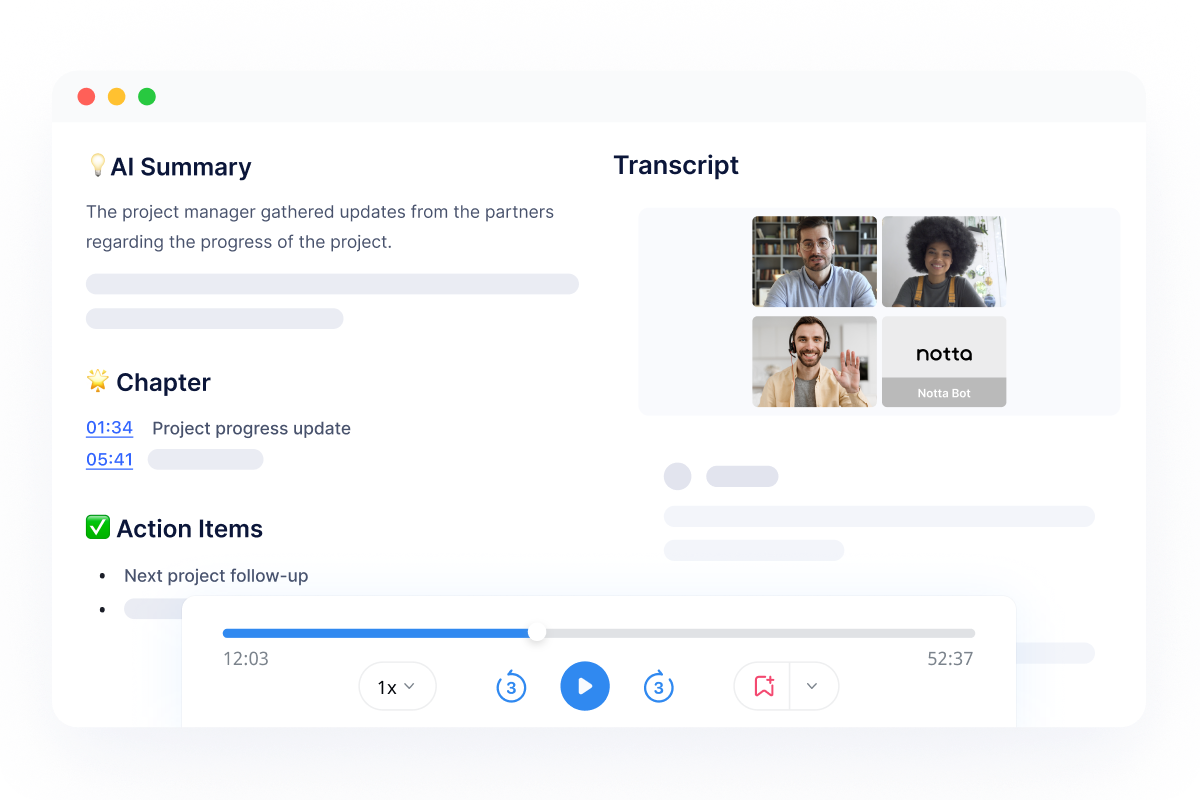
Record live Microsoft Teams meetings with audio and video.
Notta records Microsoft Teams meetings alongside AI-powered note taking and summaries to ensure every detail from your Microsoft Teams session is captured.
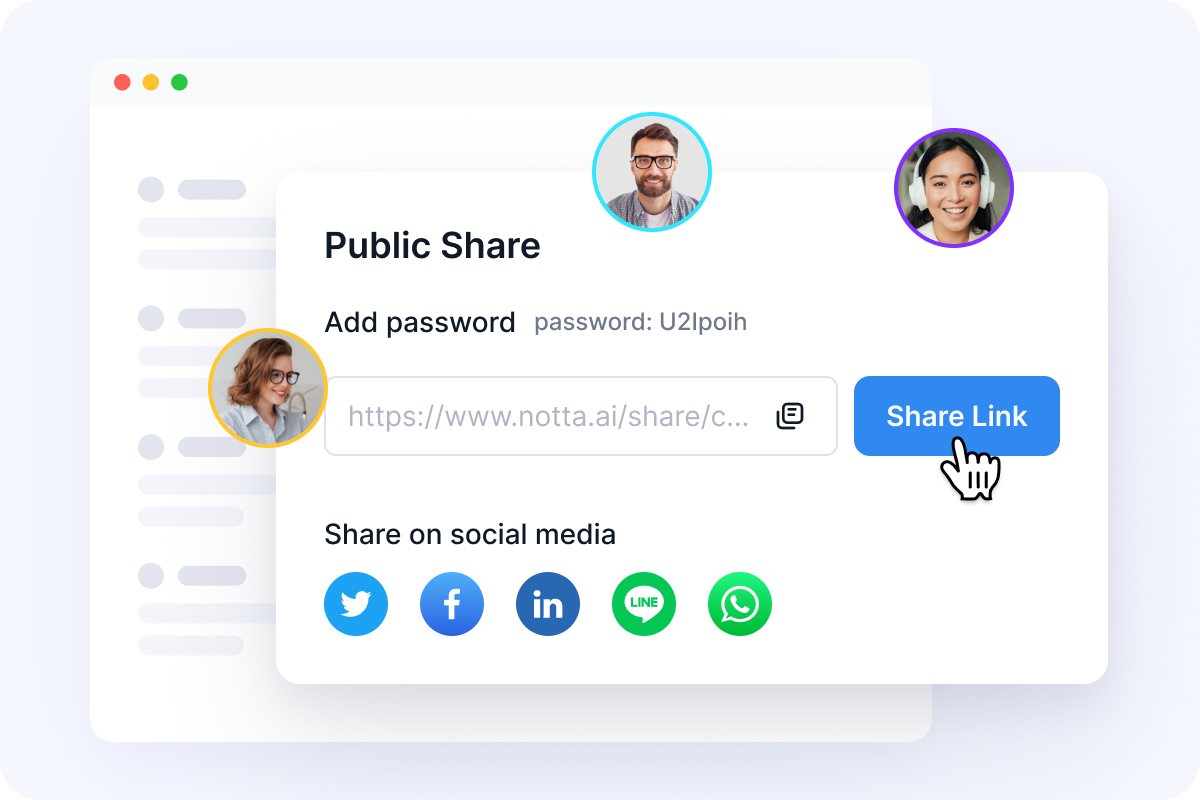
Access, review, and share your Microsoft Teams recordings with ease
Your Microsoft Teams recordings are saved securely in the cloud; revisit them anytime and playback at flexible speeds. Share a recording with an absent teammate, client, or anyone via a simple link or email invite.
How to record a Microsoft Teams meeting in 3 steps
Set up your meeting
Before the meeting starts, ensure a quiet environment, then open Notta, paste the meeting link or activate the video recorder, and check your microphone and camera settings.
Start recording
Bot starts recording your Microsoft Teams call as soon as it starts
Save and share the recording
Your meeting recording is saved automatically and is ready to be shared at any time


Set up your meeting
Before the meeting starts, ensure a quiet environment, then open Notta, paste the meeting link or activate the video recorder, and check your microphone and camera settings.
Start recording
Bot starts recording your Microsoft Teams call as soon as it starts
Save and share the recording
Your meeting recording is saved automatically and is ready to be shared at any time

FAQs
Can you record a Microsoft Teams meeting without being the organizer?
Microsoft Teams’ built-in recording is typically restricted to meeting organizers or designated presenters, depending on tenant policies. If recording permissions are limited or disabled, third-party recording tools provide an alternative.
What’s the easiest way to record and transcribe Microsoft Teams meetings?
The easiest approach is to use an AI meeting recorder that captures the meeting audio and automatically generates a transcript and summary, eliminating the need for manual note-taking.
What is the best Microsoft Teams meeting recorder?
Notta is one of the best Microsoft Teams meeting recorders available. It records Teams meetings smoothly and converts conversations into accurate transcripts, summaries, and action items—making it well suited for internal meetings, interviews, and client discussions.
Unlock the power of Notta in your next Teams meeting
Record, transcribe, summarize, and share insights from every meeting to empower your team.
