
10 Best Free Transcription Software for Fast Transcription
Saving time and effort with Notta, starting from today!
Are you looking for a way to transcribe your audio and video content without spending a fortune? You’re in luck!
We regularly test and review top transcription software to see which ones are worth your time. To help you transcribe more efficiently, we created a list of the best free transcription software available today.
Some of them focus on manual transcription, some on automatic, and some are useful for both. Whether you need a speech to text solution for quick conversions or a more comprehensive tool, by the end of this article, you'll have a ton of great options you can use to start transcribing.
Our top choices for free transcription software
1. Notta: Best for highly accurate transcription
2. Happy Scribe: Best for manual transcription
3. oTranscribe: Best for transcribing recorded interviews
4. Trint: Best for creating soundbites and quotes from transcripts
5. Sonix: Best for embedding formatted transcripts onto web pages
6. InqScribe: Best for supporting foot pedals
7. Express Scribe: Best for supporting multiple audio and video formats
8. Rev Max: Best for automatic transcription
9. Otter: Best for team collaboration
10. MacWhisper: Best for transcribing on Mac
| Name | Accuracy | Supported devices | Seats | Price |
|---|---|---|---|---|
| Notta | 98.86% | Windows, Mac, iPhone, Android | 1+ | Free tier, Pro: $8.17/mo, Business: $16.67/seat/mo, Enterprise: Custom |
| Happy Scribe | Manual Transcription for free, Automatic transcription paid versions: 85% | Windows, Mac | Up to 5 | Free tier, Basic: $9/mo, Pro: $29/mo, Business: $89/mo |
| oTranscribe | Manual transcription | Windows, Mac | 1 | Free |
| Trint | 87.4% | Windows, Mac | 1 - 15 users in free trial (Android and iOS) | Starter: $48/mo per user, Advanced: $60/mo per user, Enterprise: Custom |
| Sonix | 95% | Windows, Mac | 1+ | Free: 30 minutes, Standard: $10/hr, Premium: $5/hr + $22/mo per user, Enterprise: Contact Sales |
| InqScribe | Manual transcription | Windows, Mac | 1 | 14-day free trial, Full Version: $99 |
| Express Scribe | Manual transcription | Windows, Mac | 1 | Free tier, Basic: $49.99, Professional $59.95 |
| Rev Max | 90% | Windows, Mac, iPhone, Android | 1 | 14-day free trial, $29.99/mo |
| Otter | 80% | Windows, Mac, iPhone, Android | 1+ | Free tier, Pro: $8.33/mo, Business: $20/mo, Enterprise: Contact Sales |
| MacWhisper | Undisclosed | macOS 13+ | 1 | Free tier, Pro: €29 |
What to consider when choosing transcription software
There are many factors you’ll want to consider when choosing the best transcription app for you. First, decide if you’ll be doing manual transcription or automatic transcription.
If you’re doing manual transcription, it’s important to be able to integrate a foot pedal into the software. If you’re doing automatic transcription, the speed and accuracy of the AI may be more critical. Here are a few other factors to consider:
User Experience: The best transcription software is very user-friendly. Being able to easily use the app will cut down on the time it takes to generate the transcription. If you’re doing manual transcription, the best tools allow you to navigate through audio and video easily.
Accuracy: If you’re using automatic transcription, it’s important to use tools that are as accurate as possible. This will save time on editing and proofreading.
Compatibility: It’s also essential to use applications that work on devices you currently use. Some of these apps work best on desktops, but many are just as powerful on mobile devices.
Collaboration: If you have a team that needs to simultaneously create and edit transcripts, this is very important. Choose a transcription program that allows multiple users to collaborate and add notes to a transcript at the same time.
10 best free transcription software
#1 Notta: Best for highly accurate transcription
Accuracy: 98.86%
Notta is free transcription software that will automatically transcribe audio and video to text in real time. It has an accuracy rating of up to 98.86% and gives 120 monthly transcription minutes for free users.
It allows you to record audio using the microphone on your phone or computer. It will transcribe anything you say while you speak.
You can also upload virtually any file type to the platform. It supports WAV, MP3, MP4, AVI, and more. Notta will transcribe a two-hour audio or video file in under 10 minutes.
You can use the Notta bot to attend, record, and transcribe a meeting for you. It syncs with your Google Calendar and automatically joins meetings on Zoom, Microsoft Teams, or Google Meet. After the call, you’ll find the meeting notes in your Notta dashboard for review.
Key Features:
Records and transcribes audio and video in real-time
Supports 58 transcription languages
Notta bot joins and transcribes meetings from Google Calendar
98.86% accuracy
Pros:
Very high accuracy
Extremely fast
Generates AI summaries and action items from the transcript
Real-time transcription and translation
Cons:
Direct export isn’t available on the free plan.
Transcribe audio/video to text in minutes
Notta can convert your spoken interviews and conversations into text with 98.86% accuracy in minutes. Focus on conversations, not manual note-taking.
#2 Happy Scribe: Best for manual transcription
Accuracy: 85%
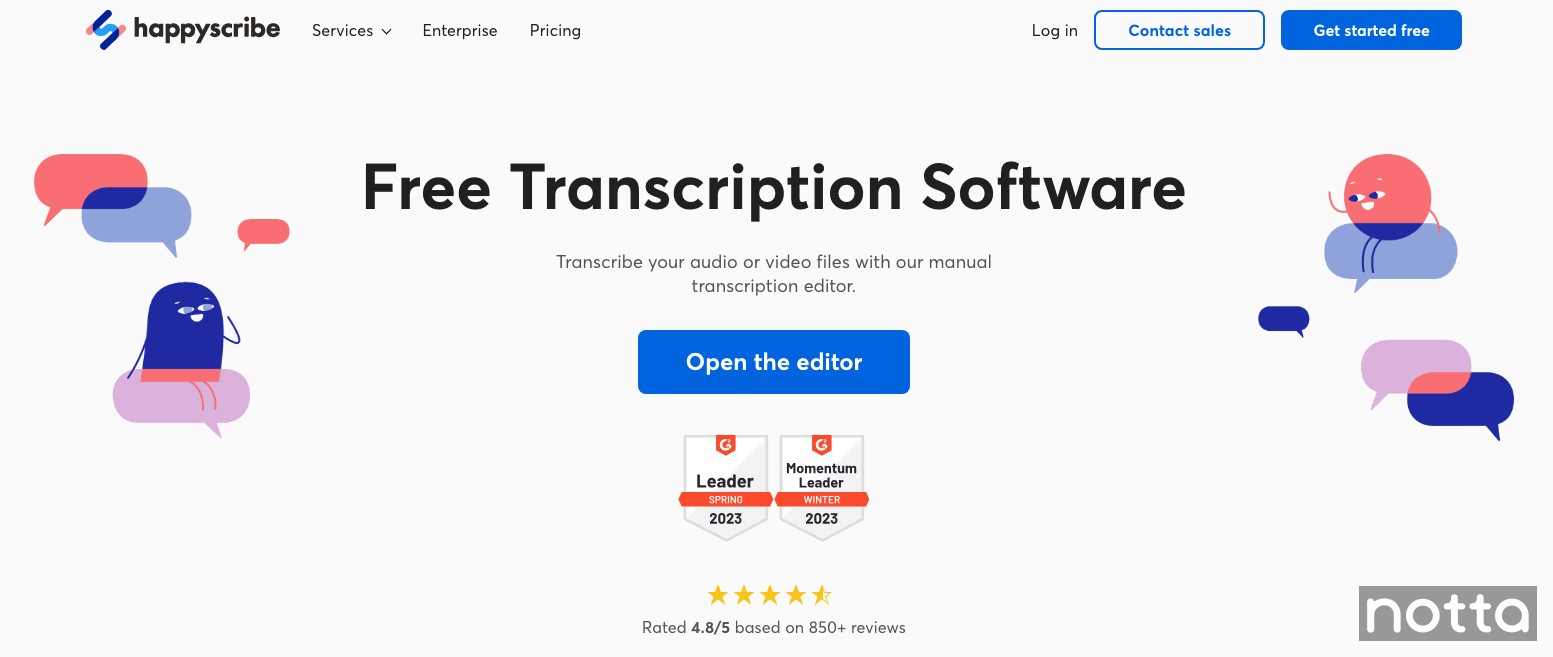
Happy Scribe is a free transcription tool for those who decide to undertake manual transcription. It has various tools and shortcuts that help you do manual transcription faster, like speaker labels, playback control, and timestamps.
This allows you to get familiar with their brand and their platform until you’re ready to upgrade to the AI transcription tool. Happy Scribe’s automated transcription process is much faster, but it’s costly and less accurate than human transcription.
Alternatively, you can pay an extra $2.00 per minute for the best of both worlds: AI transcription and expert proofreading.
Happy Scribe gives you 60 automatic transcription minutes with a free account. This way, you can try it out before you purchase a monthly or annual plan.
Key Features:
Speaker labels
Import videos from YouTube and Vimeo
Auto-rewind on pause helps catch any missed audio
Customizable keyboard shortcuts (pause, rewind, switch speakers, etc.)
Pros:
Helpful features that make manual transcription a little easier
Cons:
Much slower method of transcription compared to other items on this list
#3 oTranscribe: Best for transcribing recorded interviews
Accuracy: Not available
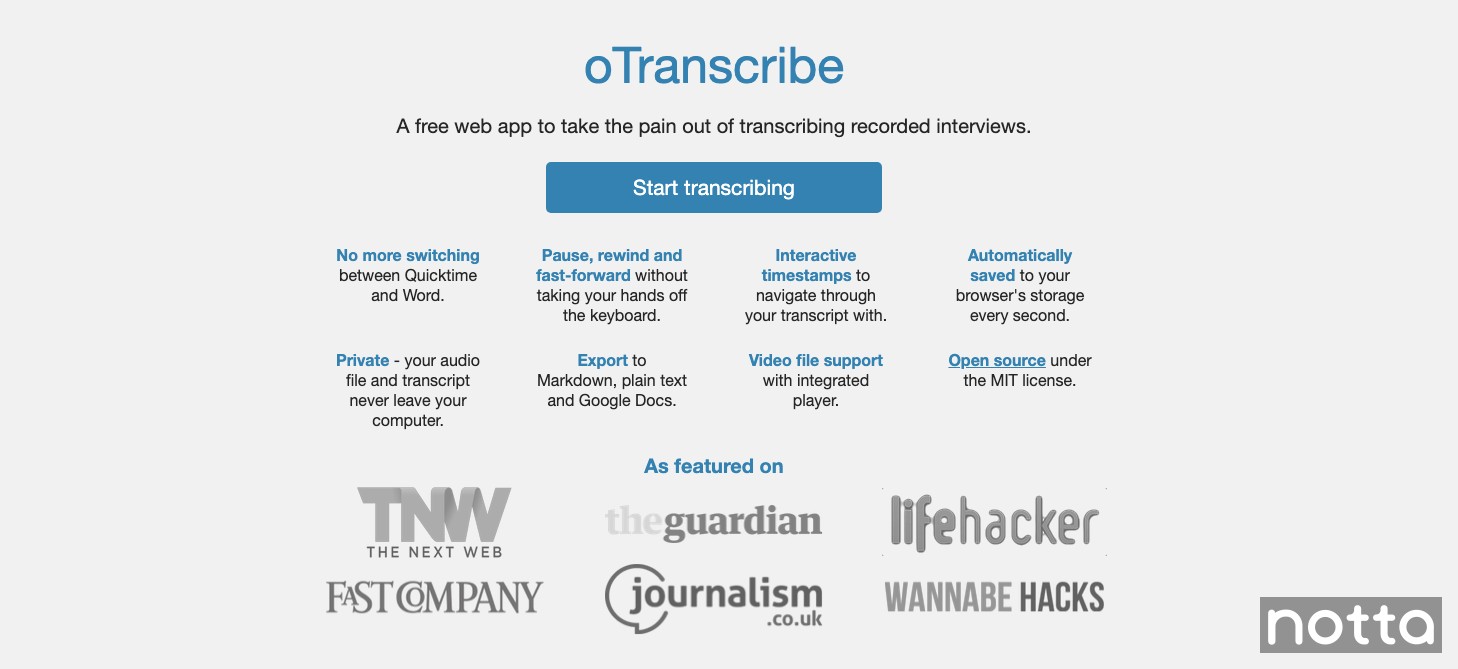
oTranscribe is a free transcription tool that combines audio and text editing functions in the same interface. It’s easier to edit the transcript since you don’t have to keep switching between the audio file and the word processor.
It doesn't require any sign-up or personal information to use. It’s also web-based, so you can use it anywhere. It’s simple to use with a clean interface, which makes it very beginner-friendly.
You can play, pause, rewind, and fast forward. You can also adjust the speed of the recording. There are also various keyboard shortcuts you can use to control the audio.
Key Features:
Interactive timestamps
Import videos and audio
Export to TXT, Google Docs, and Markdown
Keyboard shortcuts
Pros:
Start transcribing without needing to sign up
Cons:
Lacks intuitive features that other apps have to improve speed
#4 Trint: Best for creating soundbites and quotes from transcripts
Accuracy: 87.4%
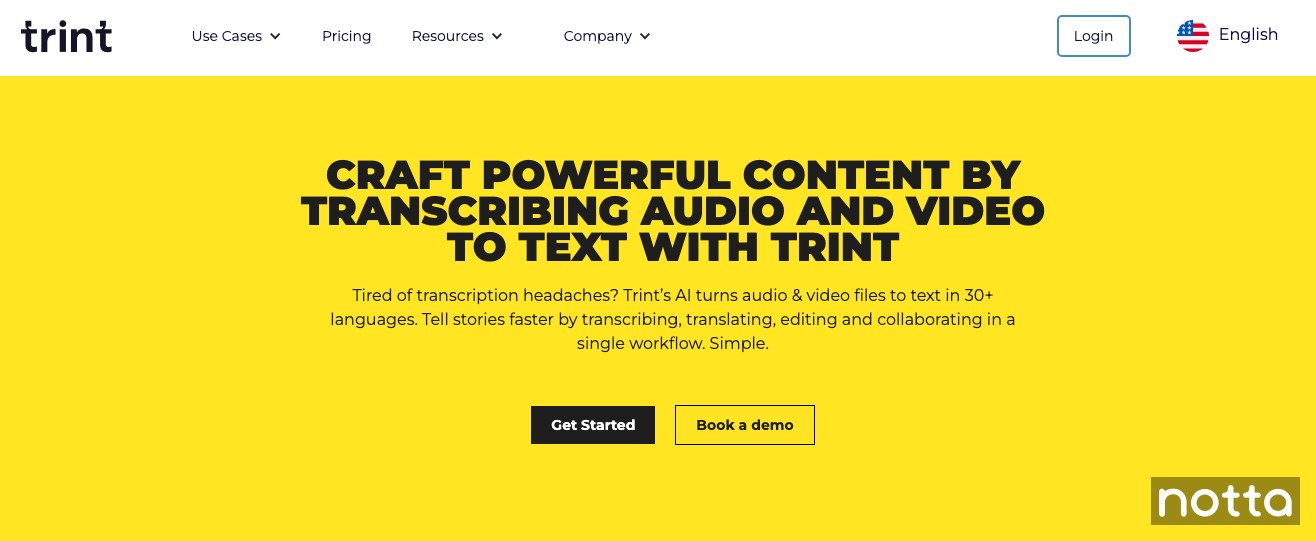
Trint uses AI to transcribe audio and video. The platform offers a free trial for 7 days. It allows you unlimited usage of the app for the entirety of the trial period.
You can also transcribe and translate audio files in 50+ different languages.
Its transcription algorithm is reasonably accurate when speaking clearly and with no background noise. You can also add up to 100 custom terms that the AI can recognize.
Their website claims up to 99% accuracy. However, our research identified closer to 87.4%. It’s still a very powerful tool that you can try out yourself for a week to see how you like it.
Key Features:
AI-powered transcription
Team collaboration (with subscription)
ISO 27001-certified security
Live transcription
Pros:
Built-in translation
Cons:
Only 7-day trial
Accuracy drops significantly with more than two speakers
#5 Sonix: Best for embedding formatted transcripts onto web pages
Accuracy: 95%
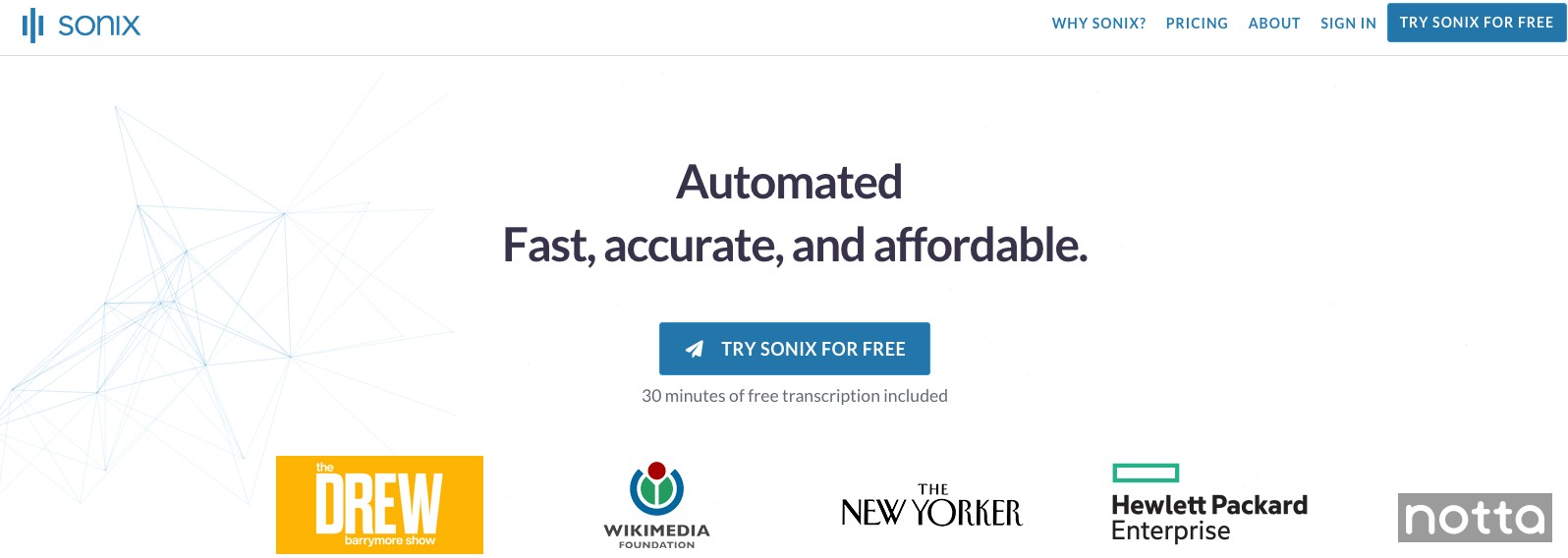
Sonix's free trial includes 30 minutes of transcription. It uses AI to convert audio and video to text. It also supports over 53 languages for transcription.
It works in your browser. There’s no need to download any apps or other software, so it’s perfect for quick meeting transcripts or one-off projects. After you transcribe your online content, you can use the editor to correct any errors.
Sonix also has an AI translation engine in multiple languages. This is helpful if you’re working in an international team and you don’t want to pay extra for a translation tool.
You can also use the built-in editor to add, format, and synchronize subtitles with your video content.
Key Features:
Transcribe audio and video
Translation
Subtitles
Supports 37+ languages
Pros:
Provides a link to embed transcripts in web pages
Cons:
Low accuracy
Expensive transcription prices
#6 InqScribe: Best for supporting foot pedals
Accuracy: Not available
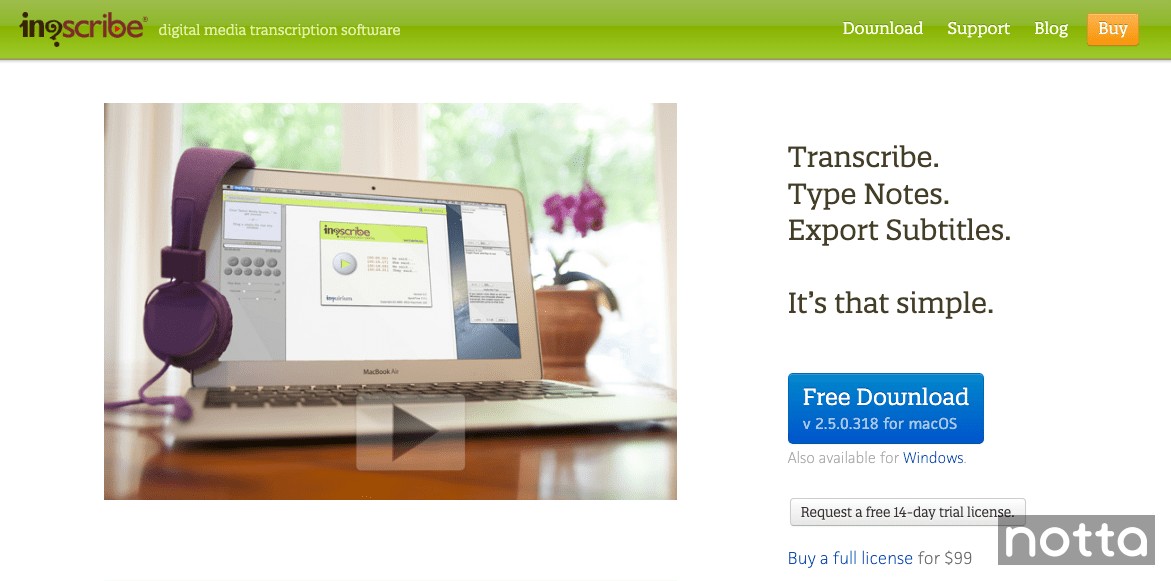
InqScribe is a manual transcription platform that makes it easy to type transcripts quickly. Its custom snippets feature allows you to assign different keystrokes for commonly used phrases. It saves a lot of time when a speaker frequently uses names, places, and figures of speech in audio.
You can also insert time codes at any part of the transcript. When you click on a timecode, it will automatically jump to that part of the audio clip.
It provides an old-school look with modern features. It’s available for download on both Mac and Windows.
Key Features:
Insert timecodes
Custom snippets
Pitch lock
Foot pedal support
Pros:
Supports foot pedals
The custom snippets feature is very useful
Cons:
Requires you to insert timecodes manually
Pitch lock only works for certain formats
UI looks dated
#7 Express Scribe: Best for supporting multiple audio and video formats
Accuracy: Not available
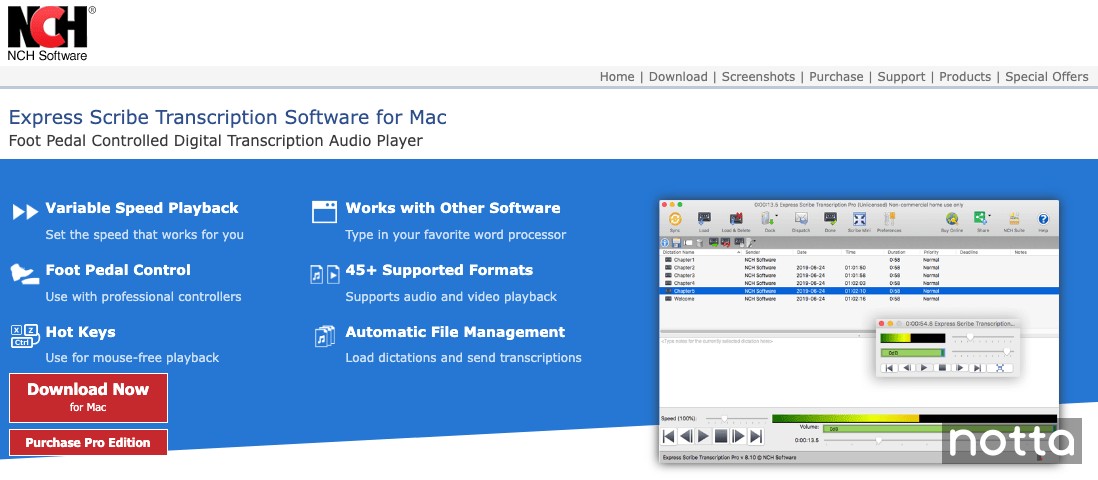
Express Scribe is a manual transcription app that supports foot pedals. It supports many more file types than InqScribe above.
It can load over 45 different types of audio and video file formats. This means that there is less chance you’ll need to convert your file before loading it into the program.
If you don’t have a foot pedal, you can still assign hotkeys on your keyboard to its controls. This way, you don’t have to reach for your mouse when you need to pause, play, fast forward, or rewind.
Key Features:
Foot pedal support
45+ audio and video formats supported
Automatic file management
Video player
Pros:
Supports a wide variety of file types
Supports foot pedals
Cons:
Limited collaboration features
UI looks dated
#8 Rev Max: Best for automatic transcription
Accuracy: 90%
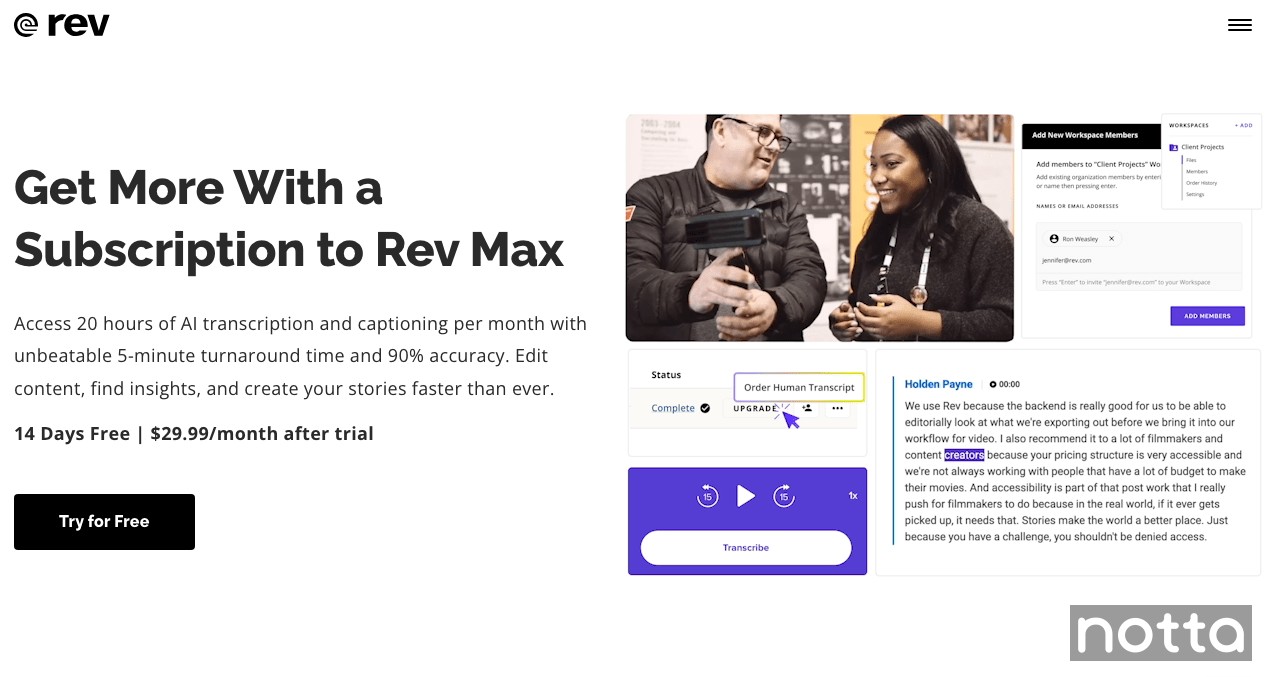
Rev Max is a subscription-based AI transcription platform from Rev. It comes with a 14-day free trial. Rev usually charges per-minute rates for transcription. However, this service allows you to get AI transcription for a monthly rate.
It is 90% accurate, which is average for automatic transcription platforms. It also includes a text editor that you can use to correct any errors that the AI makes.
Rev gives you the option to add custom terms to the AI. This helps the AI learn words and phrases that you commonly use in your audio. This helps make it a little more accurate.
Key Features:
Custom glossary
Record and transcribe audio
Speaker identification
Text editor
Pros:
Easy to use
Cons:
Has trouble identifying speakers with thick accents
Customer service can be slow to respond
Never miss a detail again
Notta accurately records every word and detail spoken during conversations in real-time. You can also upload audio or video in any format and get a text transcript back in seconds.
#9 Otter: Best for team collaboration
Accuracy: Not available
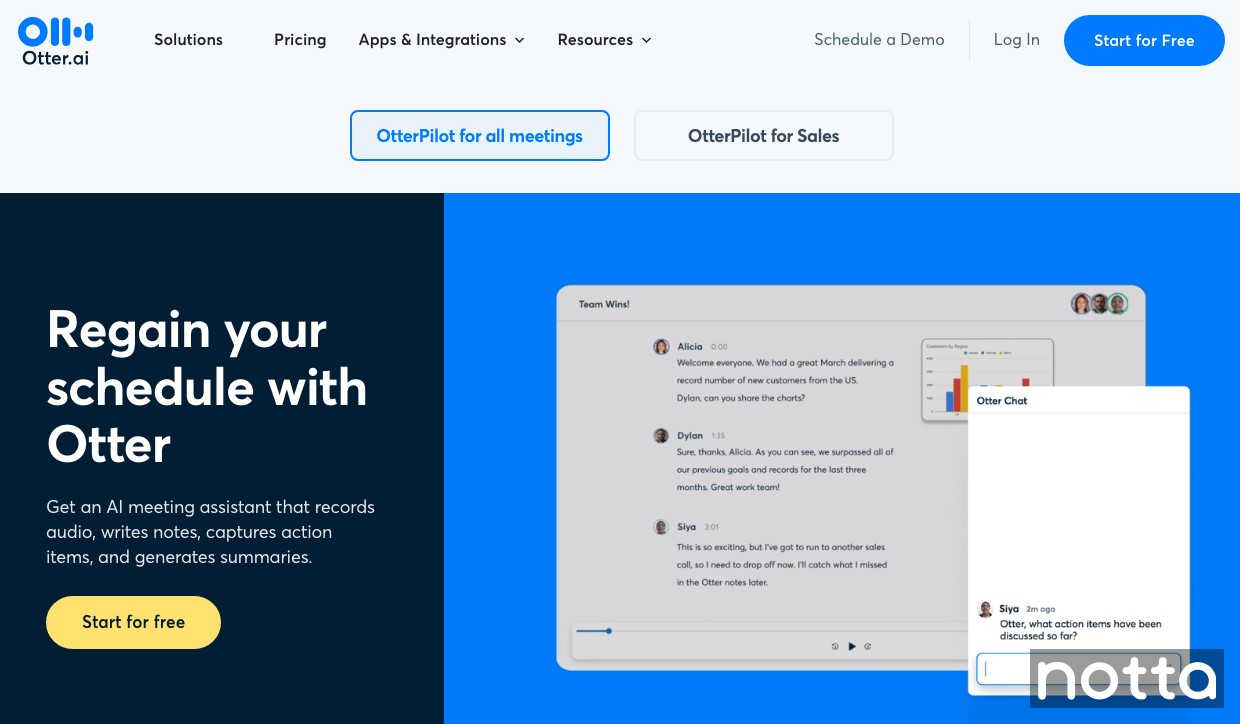
Otter is an AI-based transcription model designed for meetings. It records and transcribes your meetings, then generates AI summaries that highlight words and key points. If there are any action items, like preparing a report or sharing a project with the team, Otter lists them so you can follow up easily.
It has a great team collaboration feature. You can invite team members to edit and highlight your transcripts. You can also assign different permissions for different levels of your organization.
Otter can connect to both Google and Microsoft Calendar. Once it’s assigned a meeting, it will join automatically and send you the transcript after it ends.
Key Features:
Sync with Google and Microsoft Calendar
Record and transcribe audio files and meetings
Team Collaboration
AI summaries and action items
Pros:
Automatically joins meetings from your calendar
Cons:
Live customer service agents are hard to reach
Downgrading pricing levels can be a headache with multiple users on your plan
Price:
Free tier
Pro: $10/mo
Business: $20/mo per user
Enterprise: Contact Sales
#10 MacWhisper: Best for transcribing on Mac
Accuracy: Not available
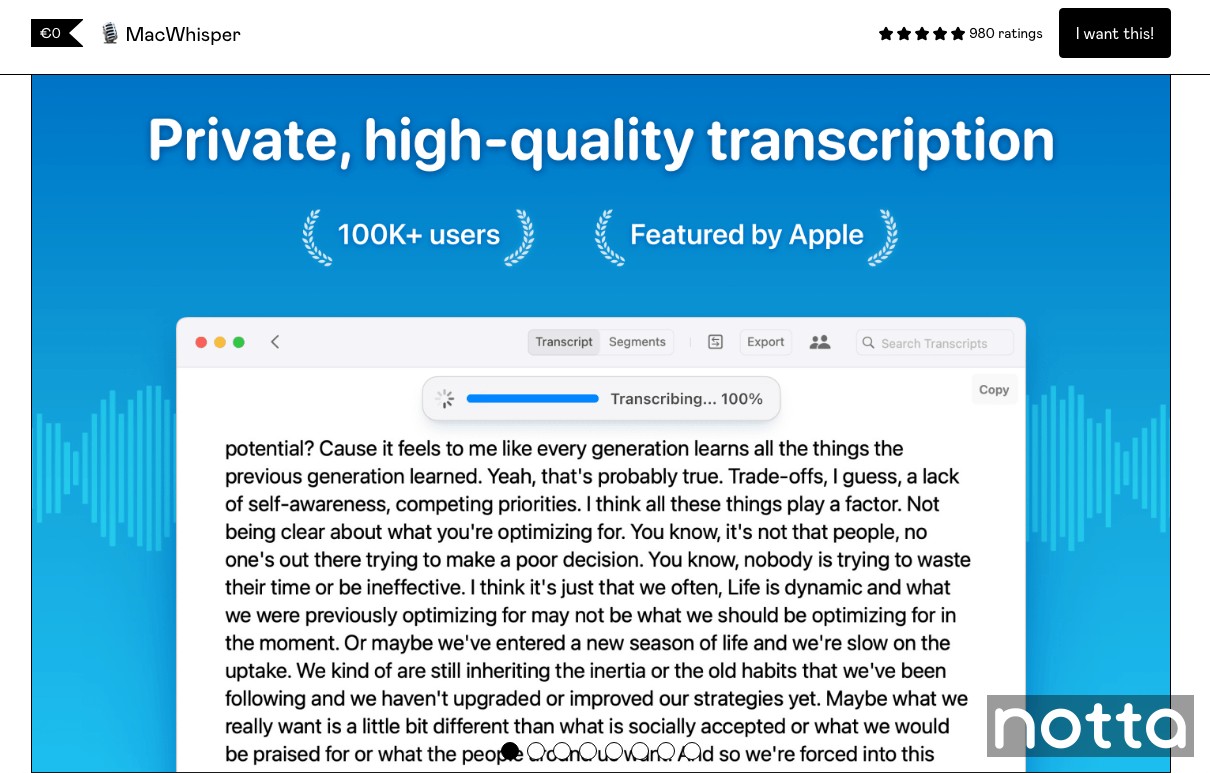
MacWhisper is a free tool that uses Whisper from OpenAI for fast, accurate transcription for Mac, iPhone, and iPad users.
It allows you to record or upload audio files and will transcribe them for you. You can use your computer microphone to record audio, and it will transcribe while you speak.
It stores all transcripts locally on your machine. This way, you don’t have to worry about storing your information on a third-party server.
MacWhisper runs on macOS 13.0+ and supports over 80 languages. Upgrading to the PRO version unlocks additional features such as transcribing and recording system audio with no hidden cost.
Key Features:
Record and transcribe audio
Store transcripts locally
Supports over 80 languages
Pros:
Removes filler words like “um and “ahh”
Cons:
Does not transcribe video recording
Choose the best free transcription software
That wraps up our list of the best free transcription software you can find online. It’s best to pick 2 or 3 from here and try them out to see which will work best for you and your business.
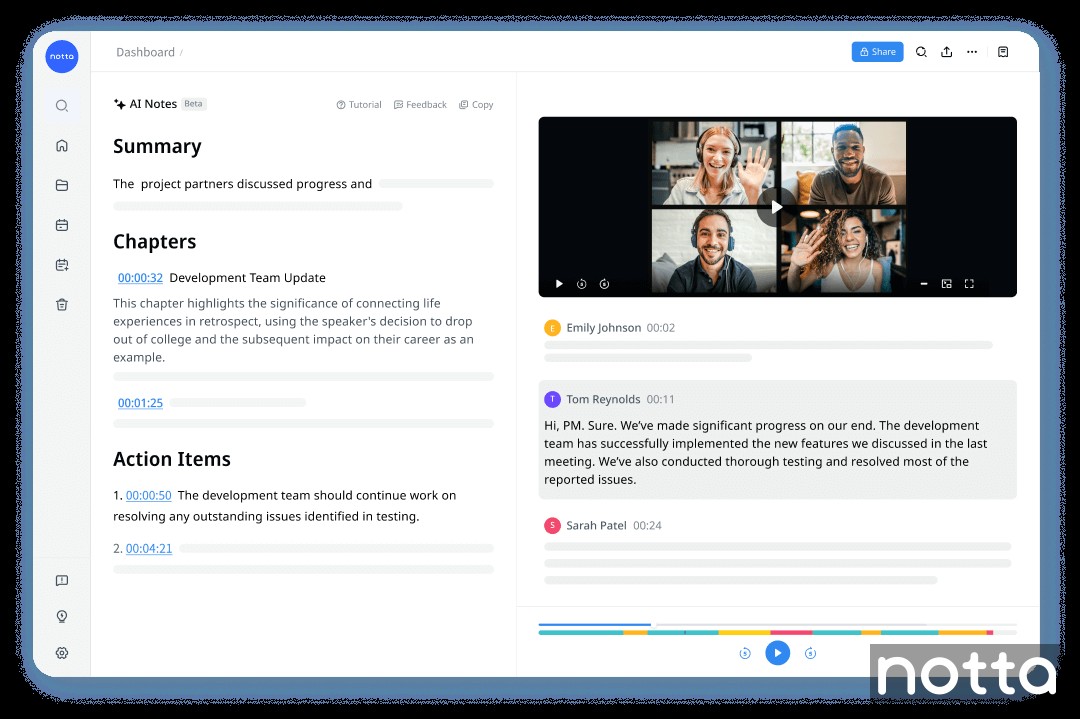
Though many of these programs have a wide variety of features, none of them will save you as much time and money as Notta. Notta quickly transcribes any type of audio or video file in minutes with 98.86% accuracy. Sign up for your free account today!
FAQs
Is there a free AI to transcribe audio to text?
Yes, there are free AI tools that transcribe audio to text. Many companies charge a monthly or yearly fee to use their AI transcription. However, most of them, such as Notta and Rev, have a free tier with limited features. Your free account will have enough functionality to transcribe audio to text for personal use.
What are the 4 types of transcription?
There are four different types of transcription:
Verbatim transcription - A word-for-word transcript that captures everything spoken in a recording.
Edited transcription - A transcript that includes the main content of a recording without unnecessary utterances and verbal cues.
Intelligent transcription - Uses automatic speech recognition technology to transcribe audio, then is edited by a human for accuracy.
Phonetic transcription - A transcript that captures the sound of words and phrases using the International Phonetic Alphabet (IPA).
Does Google have free transcription software?
Yes, Google has free transcription software built into Google Docs. The ‘voice typing’ feature will transcribe your words directly into the document when you speak into your computer microphone. However, it doesn’t support advanced features like speaker identification or playback control, and you can’t upload existing audio files.
How do beginners do transcription?
The best way for a beginner to do transcription is with AI transcription tools. Software such as Notta will transcribe voice recordings and other audio to text for free.
This allows you to see what a transcript looks like and how to format it. You can also see how AI tools tag speakers and assign each one a separate line when they talk. This makes the final transcript much cleaner, especially when there are multiple speakers.
What is the best free audio transcription software?
The best free audio transcription software is Notta. The free plan offers 120 transcription minutes and 50 file uploads per month, which is generous for most personal and light professional uses. The accuracy rate of up to 98.86%, real-time transcription, and AI summaries make it a reliable and efficient choice. And you can always upgrade to a paid plan if you want access to advanced features.

