
10 Best Meeting Management Software in 2025 (Free & Paid)
Saving time and effort with Notta, starting from today!
The best meeting management software in 2025 is Notta for AI-powered transcription with 98.86% accuracy, Fellow for enterprise-grade meeting assistance, Microsoft Teams for all-in-one collaboration, and Calendly for automatic scheduling. These 10 tools handle meeting scheduling, note-taking, transcription, and action item tracking across Windows, Mac, iOS, and Android with pricing from free to custom enterprise plans.
Running a meeting without the right system gets messy, with double-booked calendars, missing notes, and unclear action items. Meeting management software keeps everything organized and productive.
I’ve run countless meetings over the last few years and tested everything from free scheduling apps to premium platforms with AI-powered transcription and summaries. Some meeting management software has made meetings easier to organize, while some wasn’t worth the investment.
In this guide, I’ll walk you through what makes a great meeting management app and review 10 of the best options to help you run meetings more effectively.
What Are the Best Meeting Management Software Options?
Here are my top 10 picks for the best meeting management software:
Notta: Best AI meeting notetaker
Fellow: Best enterprise-grade AI meeting management
GoTo Meeting: Best tool for secure virtual meetings
Microsoft Teams: Best all-in-one meeting management
Loom: Best for asynchronous meetings
Vidyard: Best for personalized video messaging
Calendly: Best automatic meeting scheduler
Chili Piper: Best for automating sales meetings
Avoma: Best for end-to-end meeting assistant
Geekbot: Best Slack meeting assistant
How Much Does Meeting Management Software Cost?
Meeting management tools offer free plans for individuals or small teams, with paid tiers starting at $7 per user per month. Advanced features like AI summaries, analytics, and enterprise integrations typically fall into higher pricing tiers that range from $15 to $80 per user per month. Enterprise plans often include custom pricing based on team size and security level.
How Do Meeting Management Tools Compare?
Meeting management software takes care of scheduling, agenda creation, note-taking, transcription, and follow-ups in one platform. The best tools achieve 85-98.86% transcription accuracy, integrate with Google Calendar, Zoom, Slack, and Microsoft Teams, support multiple languages, and provide AI-powered summaries with action items. Popular options include Microsoft Teams and Calendly for communication and scheduling, and tools like Notta ($8.17/month) and Fellow ($7/month) for transcription and meeting productivity, each offering free plans for individuals or small teams.
| Meeting management software | Price* | Top feature(s) | Best for |
|---|---|---|---|
| Notta | Free plan;Pro plan: $8.17 per user per month;Business plan: $16.67 per user per month;Enterprise plan: Custom pricing | Record meetings and interviews, real-time translation, summarize text, integration with other apps, AI-powered search. | Automatically recording, transcribing, and summarizing meetings |
| Fellow | Free plan;Pro: $7 per user per month;Business: $10 per user per month;Enterprise: Custom pricing | Record and transcribe meetings, multi-language support, summarize and organize notes. | Seamlessly integrating into your meeting workflow |
| GoTo Meeting | Professional: $12 (discounted) per organizer per month;Business: $16 (discounted) per organizer per month;Enterprise: Custom pricing | Multi-device compatibility, high-quality audio, highly secure. | Secure video conferencing |
| Microsoft Teams | Free;Essentials: $4 per user per monthBusiness Basic: $6 per user per monthBusiness Standard: $12.50 per user per monthMicrosoft Teams Enterprise: $5.25 per user per month | Chat, video meetings, file sharing, task management, Office 365 integration, enterprise-grade security. | All-in-one meeting management |
| Loom | Starter: Free of cost;Business: $12.50 per creator per month;Enterprise: Custom pricing | Background blur, interactivity, integration with multiple tools. | Recording and sharing video messages |
| Vidyard | Free;Starter: $59 per seat per monthTeams & Enterprise: Custom pricing | Video messages, integration with multiple apps and CRMs, and automation features. | Recording personalized video messages |
| Calendly | Free;Standard: $10 per seat per month;Teams: $16 per seat per month;Enterprise: Pricing starts at $15k per year | Automated availability check, booking page, synchronization. | Meeting booking and management |
| Chili Piper | Free;ChiliCal Teams: $15 per user per month;Concierge: $30 per user per month + platform fee of $150-$1,000 per month;Chat: $30 per user per month + platform fee of $1,000 per month;Distro: $30 per user per month + platform fee of $150 per month;Handoff: $30 per user per month + platform fee of $150 per month | Meeting availability, scheduling meetings over chat, routing leads to sales representatives. | Automatically schedule appointments with leads |
| Avoma | Basic: Free;Starter: $19 per user per month;Plus: $49 per user per month;Business: $79 per user per month;Enterprise: $129 per user per month | Meeting scheduling, recording, and agenda templates. | AI meeting assistant with conversation intelligence |
| Geekbot | Start-up: Free;Scale-up: $2.5 per participant per month;Enterprise: Custom pricing | Automation, NLP, data-driven insights. | Standup automation on Slack |
*Pricing as of August 2025
What is meeting management software?
Meeting management software helps teams handle every stage of a meeting, from planning to follow-up. These tools typically include scheduling features that sync with digital calendars, agenda management to share and track discussion items, built-in communication tools, and the ability to record, transcribe, and summarize meetings.
The right platform reduces the time spent coordinating logistics and makes it easy to distribute agenda items or key documents in advance. It also improves collaboration and accountability by letting teams assign action items with due dates and track progress after the meeting ends.
What Features Should You Look for in Meeting Software?
The best meeting software combines automation, collaboration, and analytics. Look for tools that simplify scheduling, integrate with your calendar and video conferencing platforms, record and transcribe meetings, and generate summaries or reports. Other essentials include strong security, real-time translation, and AI-powered search.
What makes good meeting management software?
The key purpose of a meeting management app is to schedule meetings, create agendas, and share materials. Look for tools that automate scheduling, integrate with calendars and communication apps, support accurate note-taking, and provide post-meeting reports to keep everyone aligned.
Here are a few factors to consider when making your decision:
Automated scheduling: A good meeting management software must automate the process of inviting stakeholders and scheduling meetings.
Integration: It must integrate with all major calendars (Google Calendar, Outlook Calendar, Apple Calendar, etc.) and other tools such as Slack, Google Meet, Teams, etc.
Note-taking: A good meeting management app must capture a meeting’s minutes by recording, transcribing, and summarizing everything discussed.
Post-meeting assistance: Lastly, a good meeting management apphelps businesses evaluate meeting success by generating reports, sharing summaries, tracking action items, and sending follow-up emails to keep everyone on the same page.
How Do I Choose the Right Meeting Management Tool for My Team?
Choose the right meeting management toolby identifying your team’s biggest meeting challenges, whether it’s scheduling, note-taking, or follow-ups. Smaller teams benefit from flexible free tools like Notta or Fellow, while larger organizations often need enterprise options like Microsoft Teams or GoTo Meeting with strong admin and compliance controls.
Which Meeting Management Software Should You Choose?
The 10 best meeting management tools serve different needs: Notta (accurate transcription), Fellow (enterprise security), GoTo Meeting (regulated industries), Microsoft Teams (Office integration), Loom (async video), Vidyard (personalized messages), Calendly (scheduling automation), Chili Piper (sales workflows), Avoma (customer intelligence), and Geekbot (Slack standups). Free plans available for Microsoft Teams, Notta, Fellow, and Geekbot.
In this section, I’ll take you through 10 of the best meeting management tools to help your team work more efficiently.
#1 Notta: Best AI meeting notetaker
Nottais an AI notetaker that can record, transcribe, translate, and summarize discussions automatically to help you run more effective meetings. The key benefit of using Notta for meetings, interviews, or any other conversations is that it helps convert the discussion into actionable insights, giving every attendee a clear idea of their priorities.
Notta also translates the transcription into more than 50 languages, making it ideal for organizations that work remotely with a globally diverse workforce. With an accuracy of 98.86%, Notta gives a comprehensive overview of every meeting, so no key detail gets lost.
Key features
Recording meetings and interviews: Notta records online meetings and in-person conversations from start to finish with an accuracy rate of up to 98.86%, so everyone gets a complete record of what was discussed.
Real-time translation: If your team speaks different languages, Notta can translate speech into a shared language instantly, improving communication and reducing language barriers.
Summarizing text: After each meeting, Notta uses AI to turn transcripts into clear meeting minutes that highlight key points and action items that tie back to the meeting agenda.
Integration with other apps: Notta integrates with widely used platforms, including Zoom, Google Meet, Teams, Slack, Salesforce, and more.
AI-powered search: Users can search for specific information in meeting transcripts.
Pros
Notta is more accurate than other AI transcribers, with an accuracy rate of up to 98.86%.
It transcribes and translates meetings in real time into 50+ languages, so international teams can collaborate without language barriers.
The tool’s dashboard is intuitive and user-friendly.
Cons
The free plan offers limited features, so large organizations might have to upgrade to a paid plan.
Pricing plans
Free plan
Pro plan: $8.17 per user per month
Business plan: $16.67 per user per month
Enterprise plan: Custom pricing
Why choose Notta?
Notta helps teams conduct meetings more effectively by providing accurate transcriptions, real-time translation in 50+ languages, and searchable transcripts. Its simple dashboard makes it easy to review discussions and track action items.
#2 Fellow: Best enterprise-grade AI meeting management
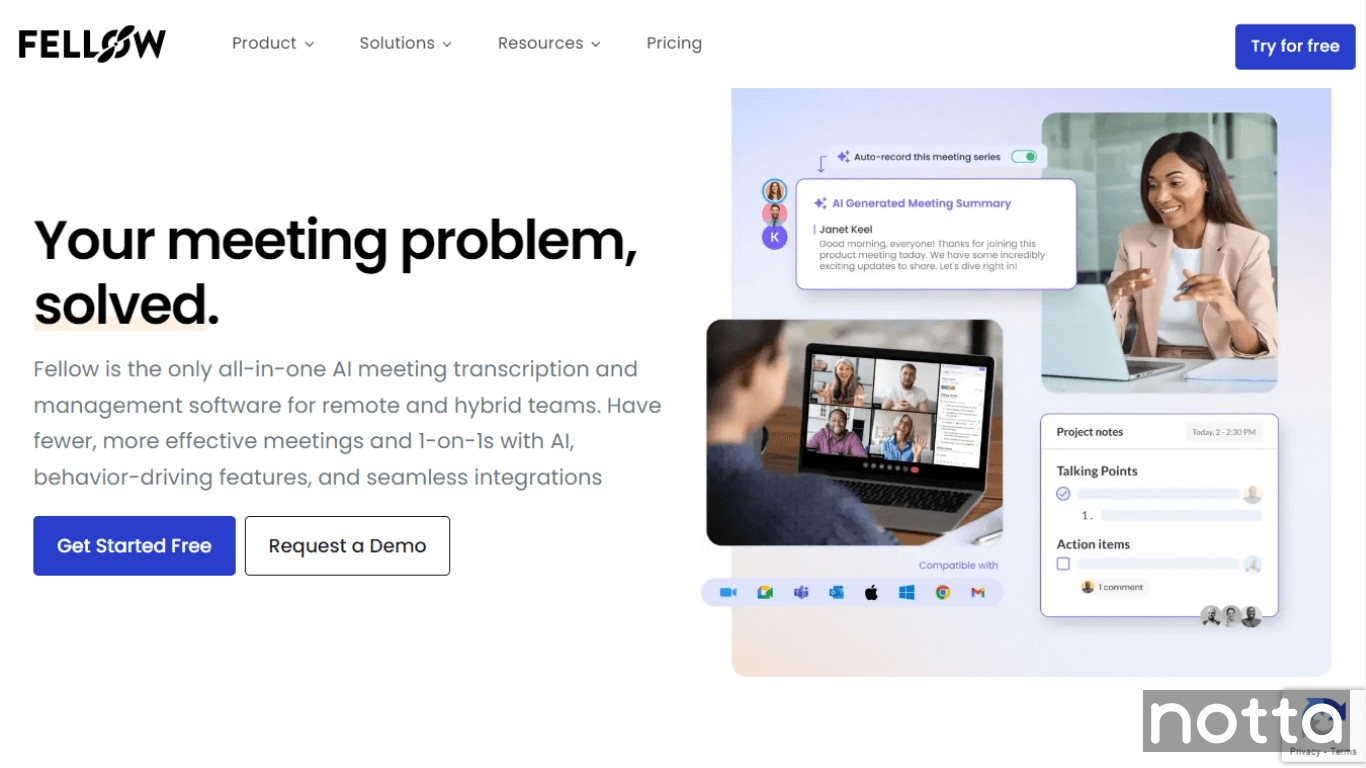 Fellow is another AI meeting assistant you can consider. Like Notta, it intuitively records, transcribes, and summarizes meetings so every member has access to their key action items and agenda, all in one interface.
Themeeting notes allow teams to collaborate in real-time in integrated tools like Google Meet, Teams, and Zoom, improving productivity. The notes also sync with all major project management tools, along with embedded media, so users have access to updated information without having to switch between tabs.
Following its 2025 rebrand, the platform has become an enterprise-grade meeting assistant with high security, compliance, and admin controls designed for large organizations.
Key Features
Recording and transcribing meetings: Fellow automatically records and transcribes your meetings, then generates clear summaries so nothing important gets lost.
Multi-language support: Fellow can transcribe meetings in 92 different languages in real-time, making it ideal for remote, linguistically diverse teams.
Summarizing and organizing: Fellow doesn’t just summarize meetings but also groups discussions into different topics and creates action items, saving time on manual work.
Pros
All your meeting data is accessible in a single, user-friendly interface.
The app integrates with every major project management software and allows for collaboration on notes within video conferencing apps.
Cons
The tool’s Fellow AI Meeting Copilot suite features are only available on paid versions.
Pricing plans
Free
Team: $7 per user per month
Business: $15 per user per month
Enterprise: $25 per user per month
Why choose Fellow?
Fellow offers users several noteworthy benefits: categorizing summaries into specific topics, assigning action items, and collaborating on notes within video conferencing apps that also strengthen board governance.
#3 GoTo Meeting: Best tool for secure virtual meetings
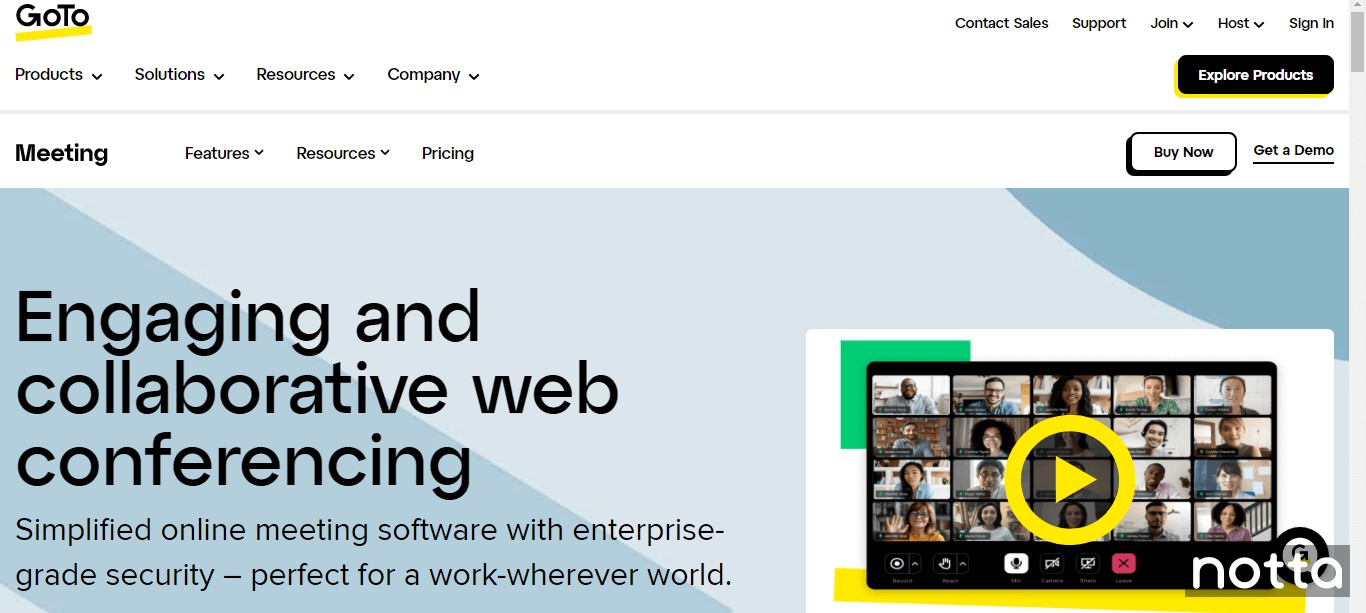 GoTo Meeting is an audio and video conferencing tool that offers an integrated chat option and the ability to join calls via any device. It also supports transcript regeneration, which lets organizers recreate transcripts in different languages for international collaboration.
GoToMeeting uses industry-standard encryption, including TLS, AES, and SRTP/HTTPS, to protect sensitive information. Hosts also benefit from GDPR, CCPA, and SOC 2 compliance, plus HIPAA readiness via Business Associate Agreements, making it a strong option for regulated industries like healthcare and law.
The tool supports a maximum of 250 participants and allows users from over 190 countries to join. While video conferencing is free, more advanced features are only unlocked with paid plans. Its free version, for example, allows you to hold calls with three participants for a total of 40 minutes.
Key Features
Multi-device compatibility: GoTo Meeting allows you to join meetings via both desktop and mobile devices, allowing users to collaborate on the go.
High-quality audio: GoTo has integrated features such as background noise suppression, along with built-in audio for VoIP and toll.
Highly secure: With features such as single sign-on, encrypted sessions, meeting locks, and end-to-end encryption, GoTo ensures the highest levels of security with Meetings.
Pros
It allows users to join video conferences from over 190 countries.
The tool offers breakout rooms, a raise hand feature, and in-meeting chat integration.
It allows users to create reusable meeting rooms and one-time meeting sessions depending on their needs.
Cons
It has a maximum limit of 250 participants, unlike other options, such as Google Meet, which allows up to 1000 participants to join.
It has a steep learning curve for those unfamiliar with the company’s suite of products.
Pricing Plans
Professional: $12 (discounted) per organizer per month
Business: $16 (discounted) per organizer per month
Enterprise: Custom pricing
Why choose GoTo Meeting?
GoTo Meeting is a strong choice for organizations that prioritize security, with features like encryption, password protection, and meeting locks to keep conversations safe.
#4 Microsoft Teams: Best all-in-one meeting management
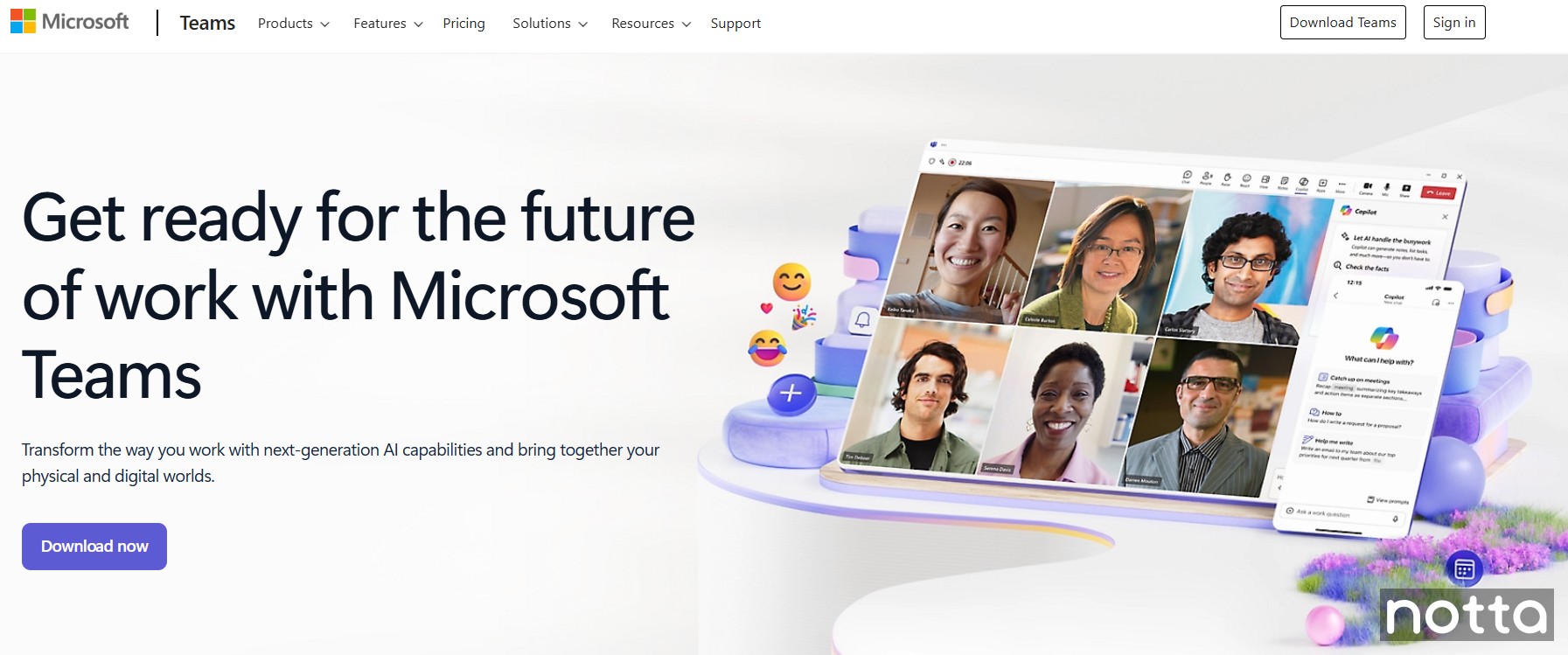 Microsoft Teams is popular as a video conferencing app, but it also helps teams collaborate in other ways. As part of Microsoft 365, it combines chat, meetings, file sharing, task organization, and deep Office integration, making it the best choice for all-in-one meeting management.
Teams connects directly with Word, Excel, PowerPoint, and OneNote, so teams can co-edit documents without ever leaving the app. Recent updates like Chat Notes and threaded channel discussions make it easier to organize conversations and decisions, while AI-powered Copilot recaps help teams stay on top of action items.
With space for up to 300 participants on business plans and enterprise-grade security, Teams works as a full platform for planning, running, and following up on meetings.
Key Features
Collaborative tools: Teams combines chat, video meetings, file sharing, and task management in one platform, so your team doesn’t have to juggle multiple tools to stay on top of meeting documents.
Compatibility: The app works across desktop, web, and mobile (Windows, macOS, iOS, Android) and natively integrates with Microsoft 365 apps like Word, Excel, and PowerPoint, OneNote, and Outlook.
Encryption: Teams uses end-to-end encryption for calls, plus enterprise-grade security and compliance (SOC 2, GDPR, HIPAA) for meetings, chats, and file sharing.
Pros
Includes meeting recordings with transcripts and live captions.
Supports up to 300 participants on standard business plans.
The free version includes essential features like chat, video calls, and file sharing.
Cons
Heavier system resource usage compared to light meeting apps.
Tools like Copilot AI, advanced security, and webinars are only available on premium licenses.
Pricing Plans
Free plan available
Essentials: $4 per user per month
Business Basic: $6 per user per month
Business Standard: $12.50 per user per month
Microsoft Teams Enterprise: $5.25 per user per month
Why choose Microsoft Teams?
Microsoft Teams is a collaboration platform with native integration across Word, Excel, PowerPoint, and Outlook that makes it easy to manage both in-person and remote meetings and everyday tasks.
#5 Loom: Best for asynchronous meetings
 Loom is a tool built for asynchronous meetings that lets you record your screen while speaking so teams can discuss specific tasks or projects without needing to meet live. As remote work grows, it has become a popular way to keep collaboration productive and flexible.
Loom works best when you need to walk someone through something step by step. You can record your screen and voice, and colleagues can follow along on their own time. After recording, you can trim videos, cut pauses, or remove filler words to make them easier to follow.
Key Features
Background blur: Users can blur backgrounds when recording videos using their webcams or replace them with an image or video of their choice.
Interactivity: Loom lets viewers leave timestamped comments and includes transcription with closed captions for easier collaboration.
Integration: It integrates with third-party apps and tools, including Jira, Slack, GitHub, Salesforce, and Gmail.
Pros
Its interface is intuitive and easy to use, even if you’re not tech-savvy.
You can record and share videos with large groups.
Paid plans let you record meetings in 4k resolution.
Cons
Loom recordings can lag or take a long time to upload on slower connections.
Doesn’t support real-time interaction like Zoom or Teams.
Pricing Plans
Starter: Free
Business: $15 per creator per month
Business + AI: $20 per creator per month
Enterprise: Custom pricing
Why choose Loom?
Loom is a user-friendly platform that helps make asynchronous meetings productive, allowing remote teams to share updates clearly and keep projects on track.
#6 Vidyard: Best for personalized video messaging
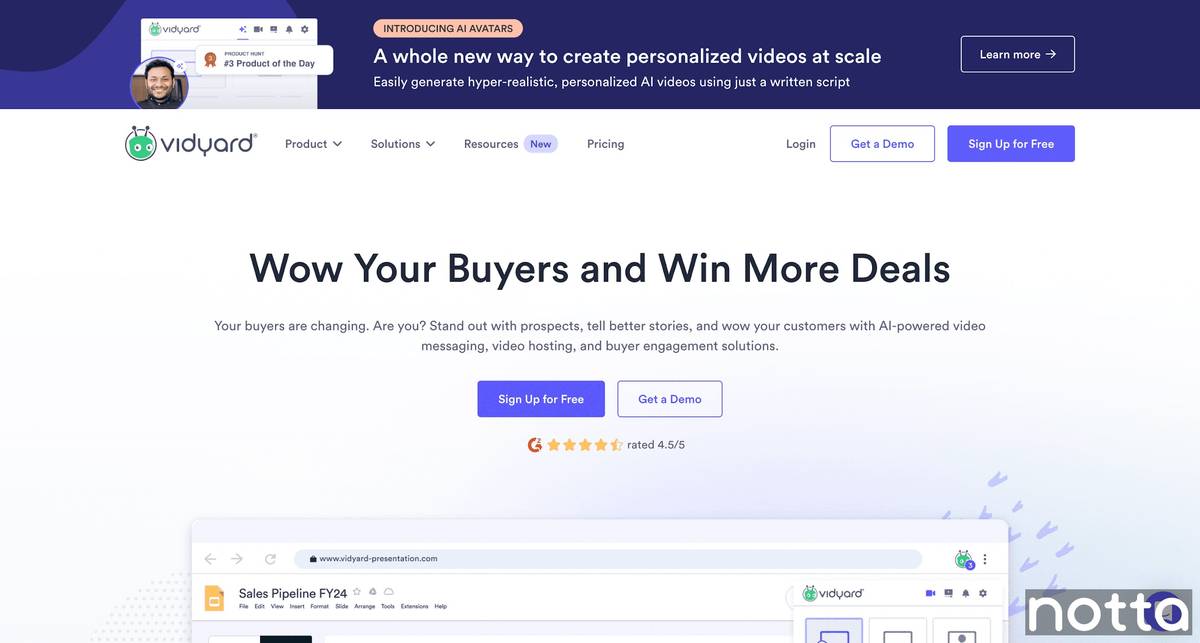
Vidyard helps you create personalized video messages that make meetings more effective. Use it for training new hires or explaining a new project in detail. You can record your screen or webcam, walk teammates through key points, and share updates directly through email, Slack, or CRM tools like Salesforce and HubSpot.
In 2025, Vidyard introduced Video Agent. This AI feature automatically creates and sends personalized video messages when specific actions happen, like when someone downloads content or books a meeting.
Key Features
Video messages: Vidyard lets you create personalized video messages that make communication clear and effective for teams, external stakeholders, and board directors.
Integration: The videos or demos can be shared via LinkedIn, email, Slack, Salesforce, HubSpot, etc.
Automation: The platform uses AI to create and send emails, follow-ups, and profile searches automatically.
Pros
You can personalize videos and demos instead of just recording your screen.
Integrates with Google Chrome, major CRMs, and project management software.
Cons
You can’t download videos on the free plan.
Limited editing features.
Pricing plans
Free
Starter: $59 per seat per month
Teams & Enterprise: Custom pricing
Why choose Vidyard?
Vidyard makes video communication more personal, helping teams build trust and avoid misunderstandings when working remotely.
#7 Calendly: Best automatic meeting scheduler
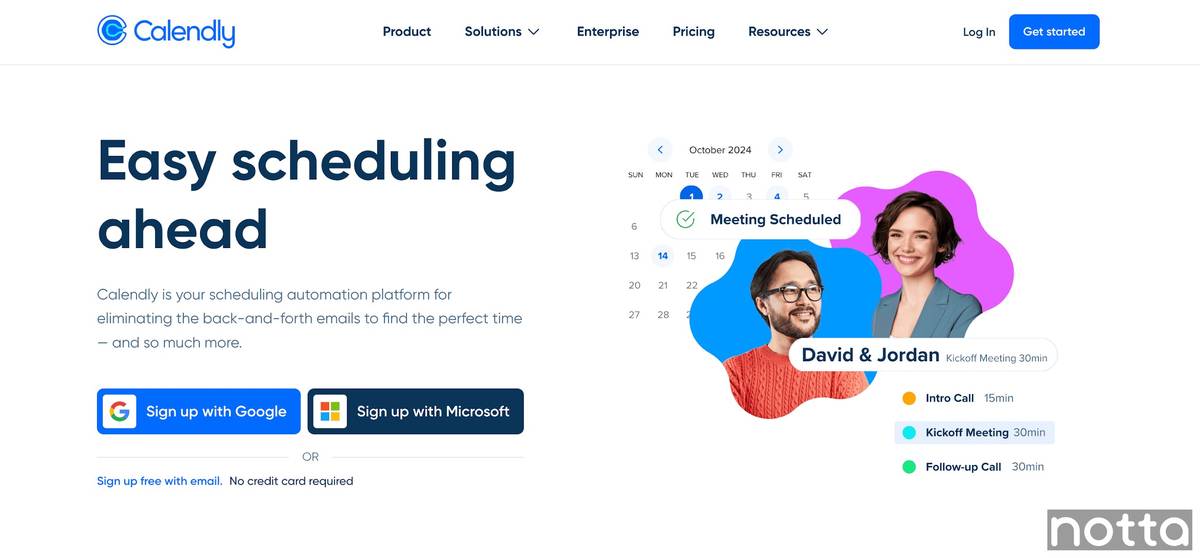
Calendly helps you schedule remote meetings without the repeated back-and-forth. It syncs with Google Calendar to check everyone’s availability, then automatically shares a booking link so attendees can pick a time that works for them.
It also takes care of reminders and confirmations, so you don’t have to keep track manually. This makes it especially useful for HR, sales, or any organization that books online meetings often.
Key Features
Automated availability check: Calendly automatically searches through different calendars to find open time slots to help schedule meetings.
Booking page: The booking page allows meeting organizers to set their availability and email a poll to every participant so they can vote for a convenient time.
Synchronization: Natively syncs with Outlook and Google Calendar to check availability.
Pros
Scheduling becomes easier since you don’t have to deal with endless back-and-forth emails.
The dashboard is clean and simple, so it’s easy to find everything you need.
Paid plans let you customize your booking pages with your own branding.
Cons
The free tier comes with the Calendly branding, and you have to pay to remove it.
Calendly doesn’t support recurring meetings, so you have to manually schedule new ones each time.
Pricing plans
Free
Standard: $10 per seat per month
Teams: $16 per seat per month
Enterprise: Pricing starts at $15k per year.
Why choose Calendly?
Calendly helps you schedule meetings by automatically scanning participants' calendars, so you don’t have to manually check everyone’s availability.
#8 Chili Piper: Best for automating sales meetings
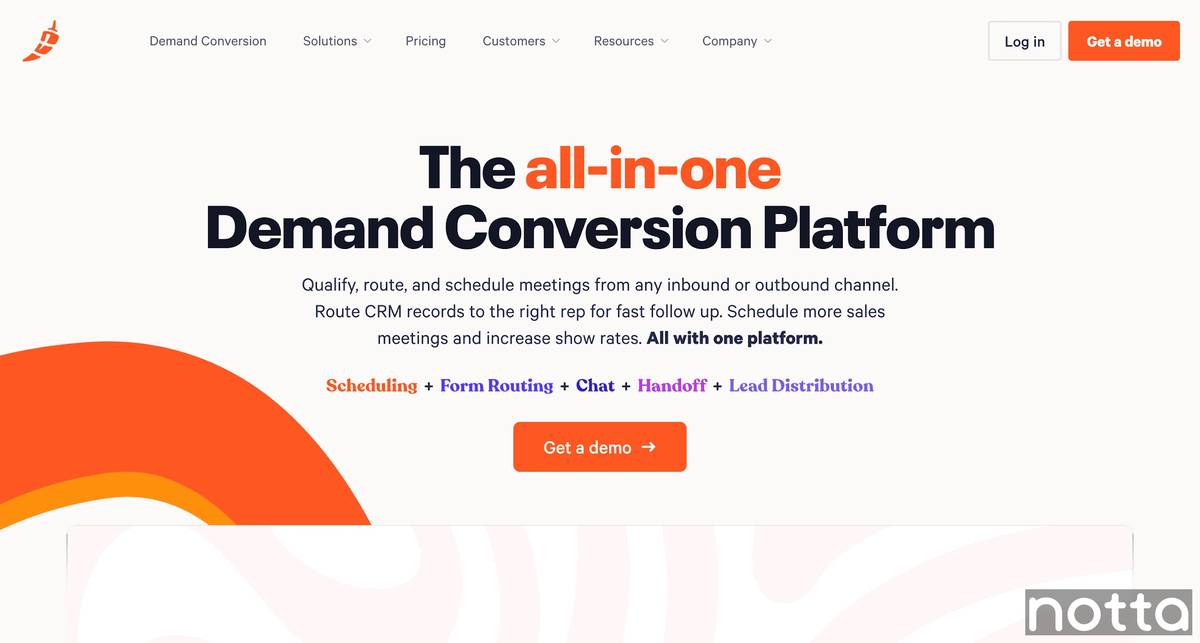
Chili Piper is the ideal tool if you work in sales because it helps you qualify leads, route them, and schedule meetings without extra manual work. It also makes sure that each prospect is connected to the right rep, and every meeting or call is synced with their calendar.
The platform also lets you create templates for different meeting types, like demos, consultations, or check-ins. You can duplicate templates, add custom descriptions, or attach guest forms and reminders, which makes every meeting easier to manage.
Key features
Meeting availability: Sales representatives can share their availability via email, where clients can book calls with a single click. It also lets them rearrange meetings based on priority.
Scheduling meetings over chat: When a representative isn’t available, prospects can book a slot right from a chat window at the time that works best for them.
Routing leads: Chili Piper automatically qualifies leads and connects them to the right rep.
Pros
You can include your calendar availability when emailing clients to save time deciding when both parties are available for a one-on-one.
Integrates with Google Calendar, Salesforce, and Zoom.
Cons
The interface is intuitive, but the features and terminology may feel overwhelming for beginners.
Pricing plans
ChiliCal Teams: $15 per user per month
Concierge: $30 per user per month + platform fee of $150-$1,000 per month
Chat: $30 per user per month + platform fee of $1,000 per month
Distro: $30 per user per month + platform fee of $150 per month
Handoff: $30 per user per month + platform fee of $150 per month
Why choose Chili Piper?
Chili Piper’s biggest advantage is that it automatically routes leads to the right sales reps and lets those reps directly share their calendar availability.
#9 Avoma: Best for end-to-end meeting assistant
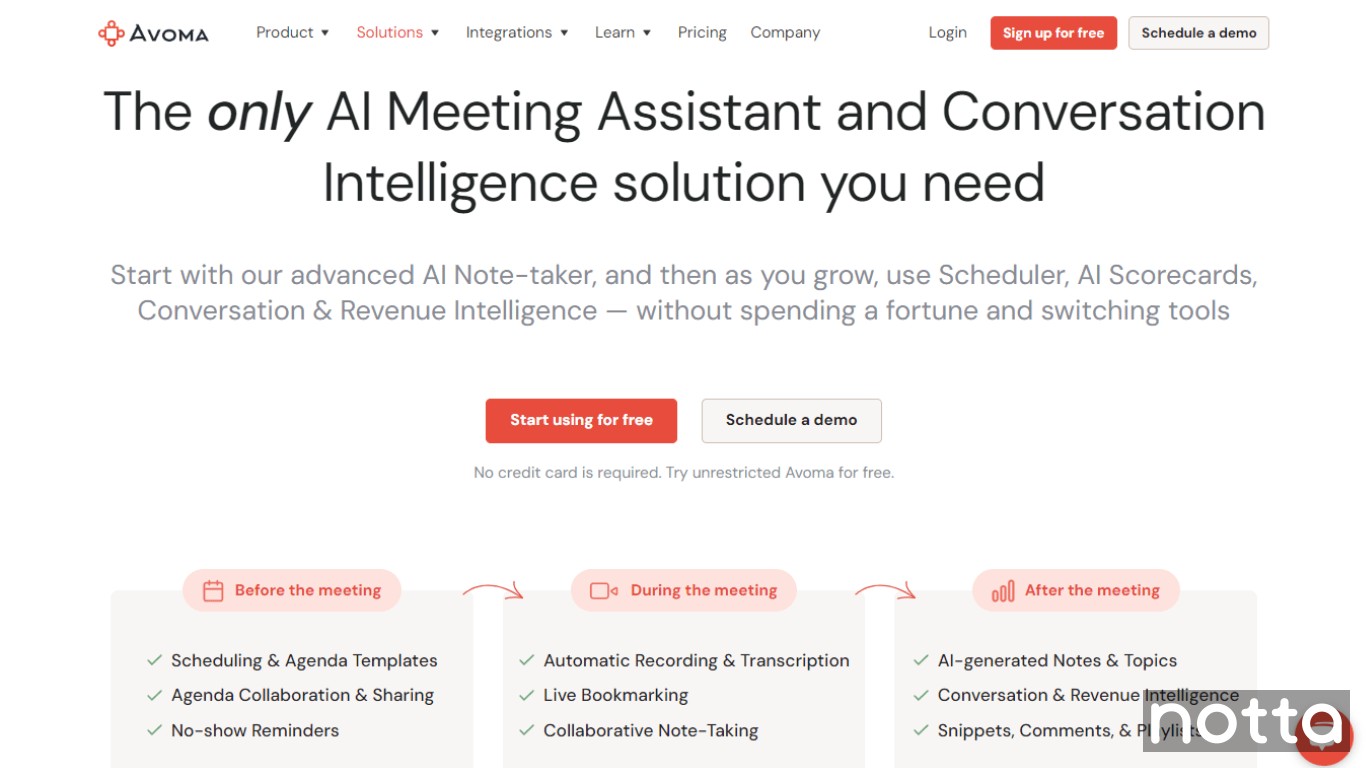
Avoma is an end-to-end AI-powered meeting assistant that serves customer-facing teams. It allows them to capture crucial customer information before, during, and after a meeting. It also analyzes customer data and provides sales teams with analytics to help them identify gaps and shorten the overall sales cycle.
This meeting management software also records, transcribes, and summarizes meetings, so every team member has a clear idea of what was discussed and if there are any action items.
Key Features
Meeting scheduling: Avoma automatically checks everyone’s calendars and schedules one-on-one or group meetings.
Recording and summarizing: It records meetings and can even transcribe them in real-time. It also provides a summary of the conversation for clear insights.
Agenda templates: Avoma also saves time by providing agenda templates so they don’t have to create one from scratch.
Pros
Avoma’s collaboration features help keep meetings focused by handling scheduling, recording, and transcription.
It integrates with all major video conferencing tools, such as Google Meet, Teams, and Zoom. It also integrates with CRMs, such as Salesforce and HubSpot.
Cons
Online meeting transcriptions are often less accurate for non-English speakers compared to other tools.
Pricing plans
Basic: Free
Starter: $19 per user per month
Plus: $49 per user per month
Business: $79 per user per month
Enterprise: $129 per user per month
Why choose Avoma
Avoma offers multiple benefits to customer-facing teams, from scheduling, recording, and summarizing meetings to creating agendas using built-in templates. It automates a range of manual tasks, saving organizations time and resources.
#10 Geekbot: Best Slack meeting assistant
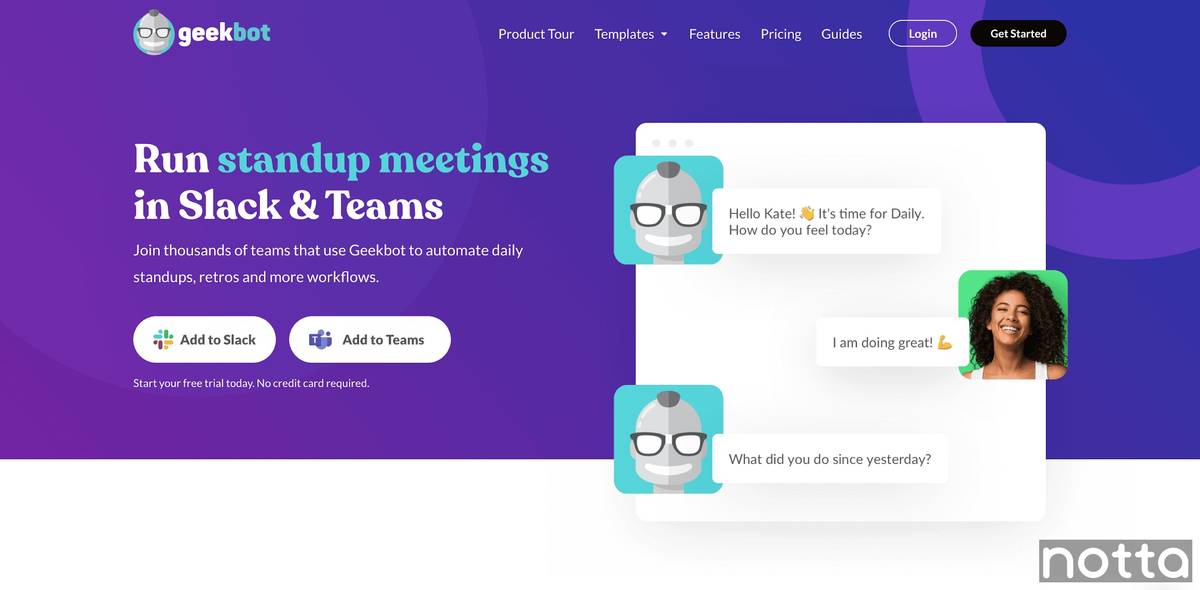
Geekbot is a helpful Slackbot assistant that helps coordinate and schedule meetings with multiple team members. It also offers managers key insights on stand-up responses in the form of Gantt charts, Sankey diagrams, and more.
One of the main benefits of scheduled stand-ups is that they save teams the time they’d normally spend in long meetings just to catch up on action items.
Key Features
Automation: Geekbot automates various tasks, from setting up standups and surveys to posting updates to Slack and other custom responses.
NLP: Geekbot utilizes Natural Language Processing to analyze when your team is happy or unhappy, allowing you to step in and manage responsibilities efficiently.
Data-driven insights: Geekbot analyzes responses to deliver data-driven insights, allowing you to decipher topics, roadblocks, and tasks trending among your team.
Pros
Geekbot allows users to choose a convenient time to fill in their standup, catering to people across time zones and differing schedules.
The standups help organizations cut down on meetings and use their time more efficiently.
It helps improve performance across departments by offering insights into critical matters and the status of employee happiness.
Cons
Geekbot’s prompts for responses have been reported to be inconsistent, particularly since it syncs with Slack.
Pricing plans
Start-up: Free
Scale-up: $2.5 per participant per month
Enterprise: Custom pricing
Why choose Geekbot?
Geekbot helps remote teams share updates and feedback. The standup feature reduces meeting time and allows employees to focus on high-priority tasks.
Our Top Choice for Smarter Meetings
Choosing meeting management software depends on your organization's needs. Whether you want to schedule meetings, record and transcribe them, or collaborate on board documents, I’ve listed 10 tools you should check out in this detailed guide.
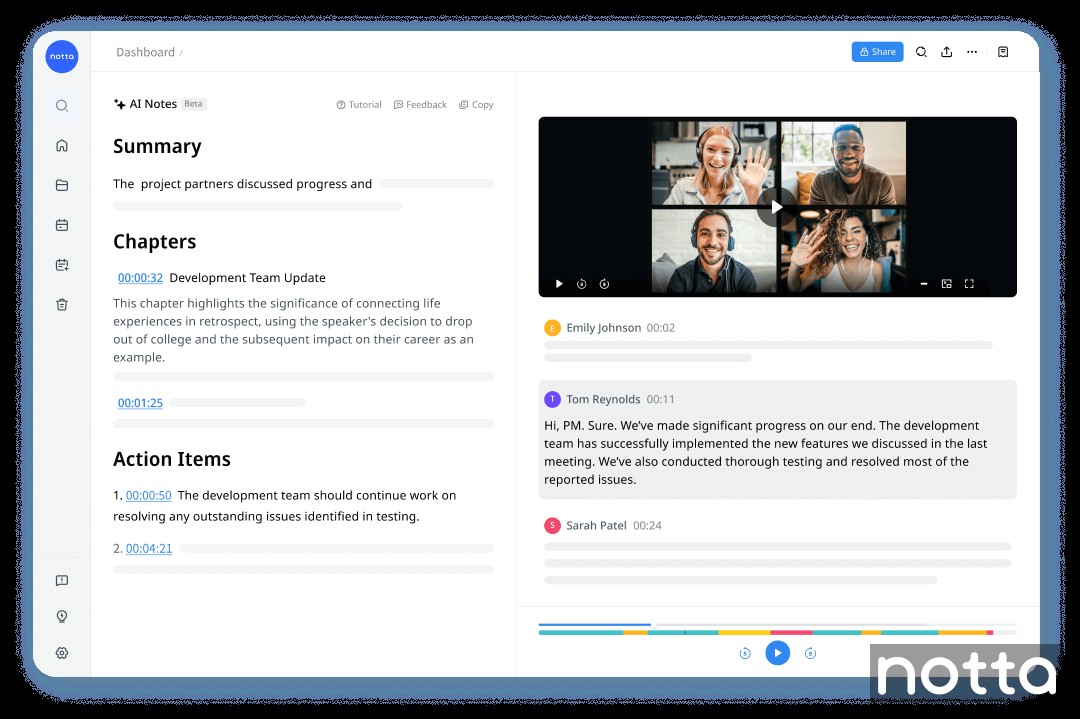
My top recommendation isNotta. This AI-powered meeting assistant delivers highly accurate transcriptions, supports translation into 50+ languages, and can generate clear summaries. It also makes transcripts searchable, so finding specific comments is quick and easy.
FAQs
What is the best tool for taking meeting minutes?
Notta is the best tool for taking meeting minutes. It automates meeting recording and translates transcripts into over 50 languages for linguistically diverse teams. It also summarizes meetings to provide action items for every team member.
What are the benefits of using meeting management tools?
Meeting management tools offer several benefits: they automate meeting scheduling, improve collaboration, take notes, transcribe and translate meetings, and offer reports and insights based on the discussions.
What is the 40/20/40 rule for meetings?
The 40/20/40 rule for meetings recommends spending 40% of the effort on agenda creation, 20% on conducting meetings, and the remaining 40% on follow-up and action items. This structure leads to well-prepared and results-driven meetings.
How accurate are meeting transcription tools?
Meeting transcription tools reach accuracy levels of around 85–99% in ideal conditions. Notta ranks among the best with a transcription accuracy rate of up to 98.86%. Results vary depending on audio quality, speaker clarity, and background noise.
Which meeting management software is free?
Free meeting management software includes Notta, Microsoft Teams, Fellow, and Geekbot. Free plans typically include basic transcription, scheduling, or collaboration features, while advanced features like AI summaries or multi-language transcription are available on paid plans.
Do meeting tools integrate with Zoom and Microsoft Teams?
Yes, most meeting tools integrate with Zoom and Microsoft Teams, including Notta, Avoma, Fellow, and Chili Piper. These integrations let the software join meetings automatically to record audio, generate live transcripts, and create AI summaries.
This article is ranking on the 6th page, so we can do anything we need to turn this into a high-quality article.
- Rewrite the intro, ~100 words. Remember the title includes 'free & paid' options. See the Notta Content Creation Guidelines Section 3.8 for inspiration if needed.
- Review the app list and replace any outdated apps. Skype hasn't been functional since May 2025, so it must be changed. The simple choice is to replace it with Microsoft Teams, which is arguably its successor. Use your own judgment for others, and let me know if you're stuck or unsure.
- Fact-check and update the rest of the apps, and revise any of the 'best fors' that don't make sense. Make sure they have clearly distinct use cases (even though we don't want to say 'use case'). For example, Notta and Fellow are not very clearly distinct at the moment, and the Skype one reads like an ad.
- There is a lot of long-winded phrasing in this article, so please take a buzzsaw to it. Everything should be clear, concise, and provide value to the reader. Again, this article is not ranking, so we can change it as much as we need to make it high quality.
- Surfer score is only 46, and probably ~90% of the keywords are missing. It seems weirdly heavy on 'board' related keywords, but I wouldn't be surprised if board members would prefer to have software manage their meetings.

