
Free Google Meet Recorder & Ai Note Taker
Access live transcripts, auto-generated summaries, action items, sophisticated AI templates, and extract insights from your Google Meet sessions.

Free Google Meet Recorder for Your Meetings
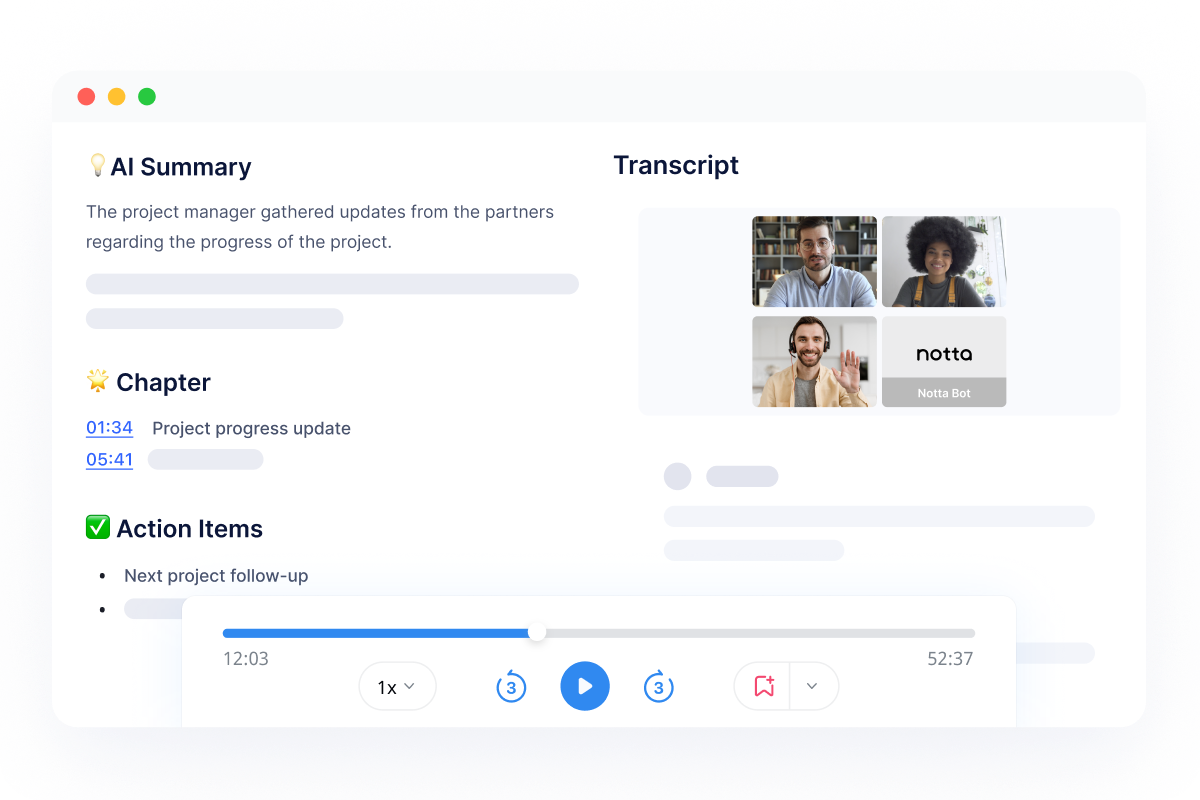
Record live Google Meet sessions with audio and video.
Notta records meetings alongside AI-powered transcripts and summaries to ensure every detail from your Google Meet is captured. Notta is an AI note taker fully compatible with Google Meet—no extra setup required.
How to record a Google meet in 3 steps
Set up your meeting
Before the meeting starts, ensure a quiet environment, then open Notta, paste the meeting link or activate the video recorder, and check your microphone and camera settings.
Start recording
Start recording your meeting as soon as it starts
Save and share the recording
Meeting recording saved and synced to your cloud platforms
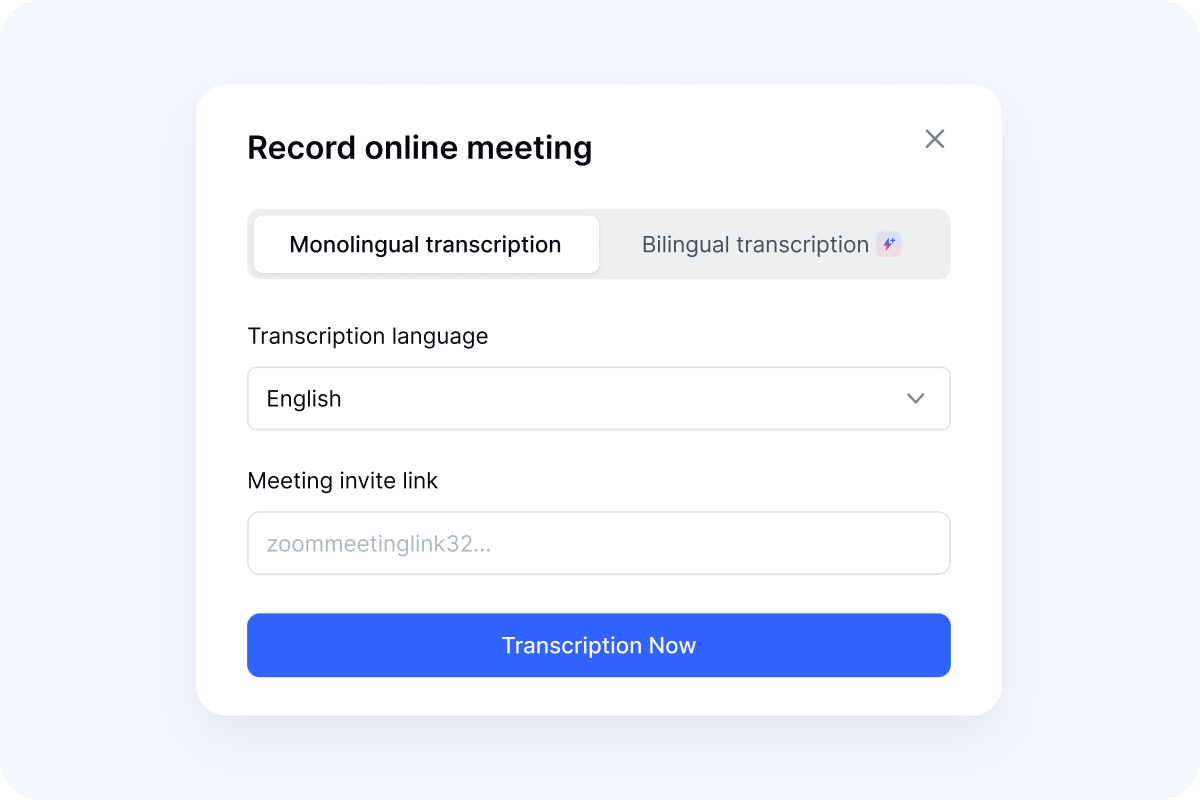
Set up your meeting
Before the meeting starts, ensure a quiet environment, then open Notta, paste the meeting link or activate the video recorder, and check your microphone and camera settings.
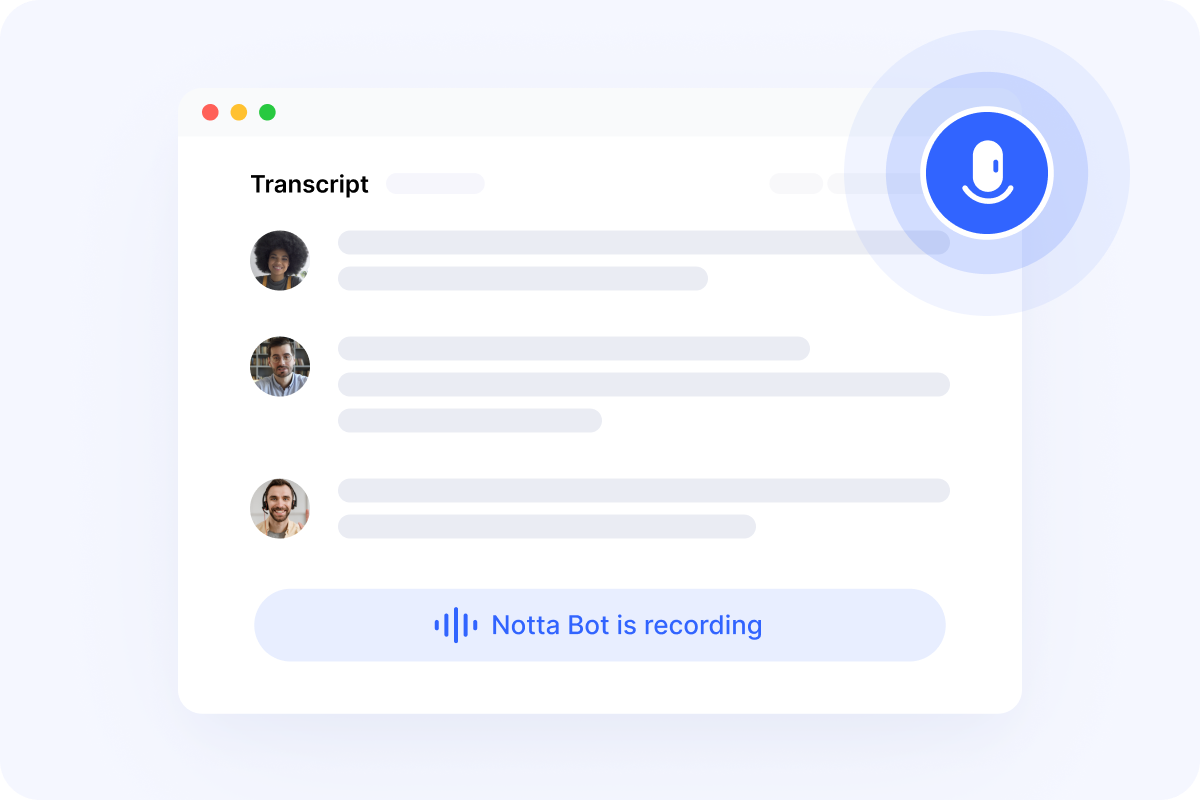
Start recording
Start recording your meeting as soon as it starts
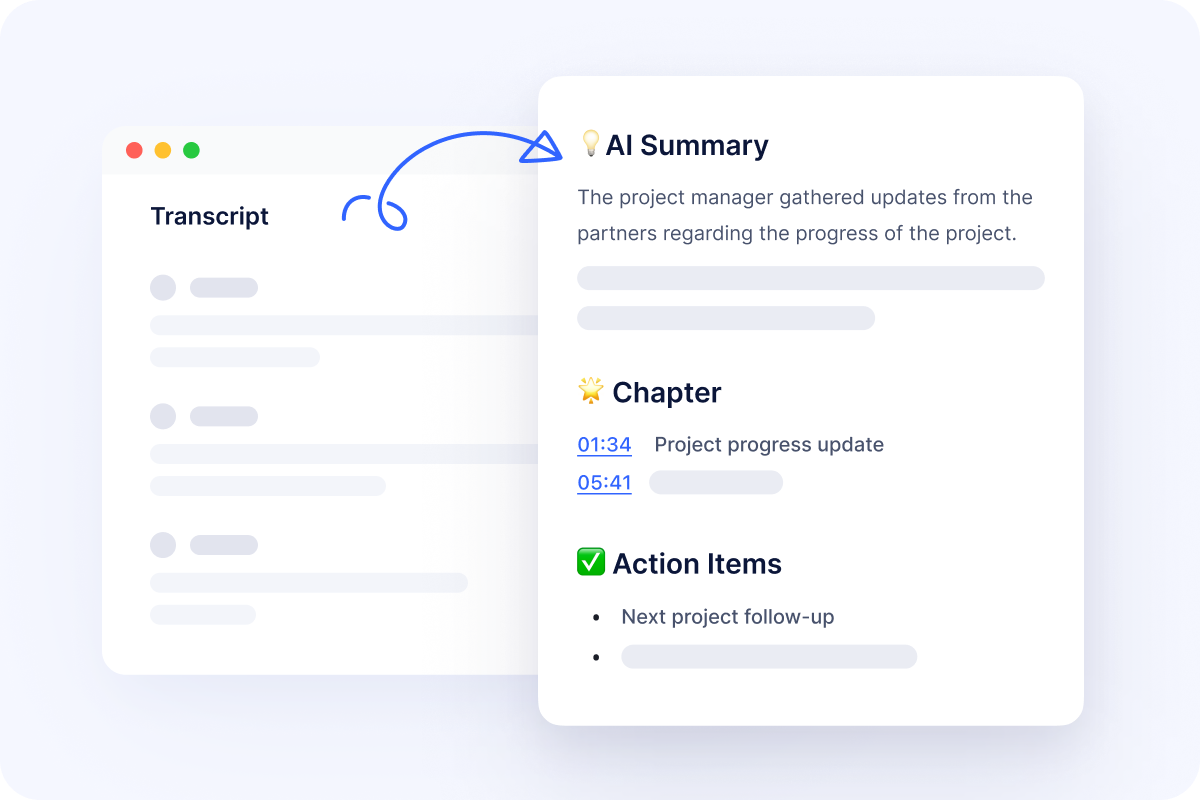
Save and share the recording
Meeting recording saved and synced to your cloud platforms
Related articles on Google Meet recording


FAQs
Can you record a Google Meet without host permission?
Google Meet’s built-in recording feature is only available to certain Workspace plans and usually requires host or co-host permissions. If you’re not the host or don’t have recording enabled, third-party tools offer a more flexible alternative.
What’s the easiest way to record and transcribe Google Meet calls?
The easiest way is to use an AI meeting recorder that automatically joins your Google Meet, records the conversation, and generates a transcript and summary—no manual setup or downloads required.
What is the best Google Meet recorder?
Notta is one of the best ways to record Google Meet meetings. It works even when built-in recording isn’t available, captures high-quality audio, and automatically converts meetings into accurate transcripts with summaries and action items. This makes it ideal for teams, interviews, and client calls that need reliable documentation.
Can Notta turn Google Meet transcripts into finished deliverables?
Yes. Notta Brain, Notta’s AI Meeting Execution Engine, can turn your Google Meet transcript into summaries, action items, follow-up emails, reports, tables, infographics, decks, slides, and more. Instead of rereading the whole meeting, you can ask Notta Brain to pull out decisions, organize next steps, or create client-ready deliverables from the conversation.
Never take notes manually again
Join millions who record Google Meet with Notta. Sign up today for free.
