Free Zoom Meeting Recording & AI Notes
Access live transcripts, auto-generated summaries, action items, sophisticated AI templates, and extract insights from your Zoom meetings.
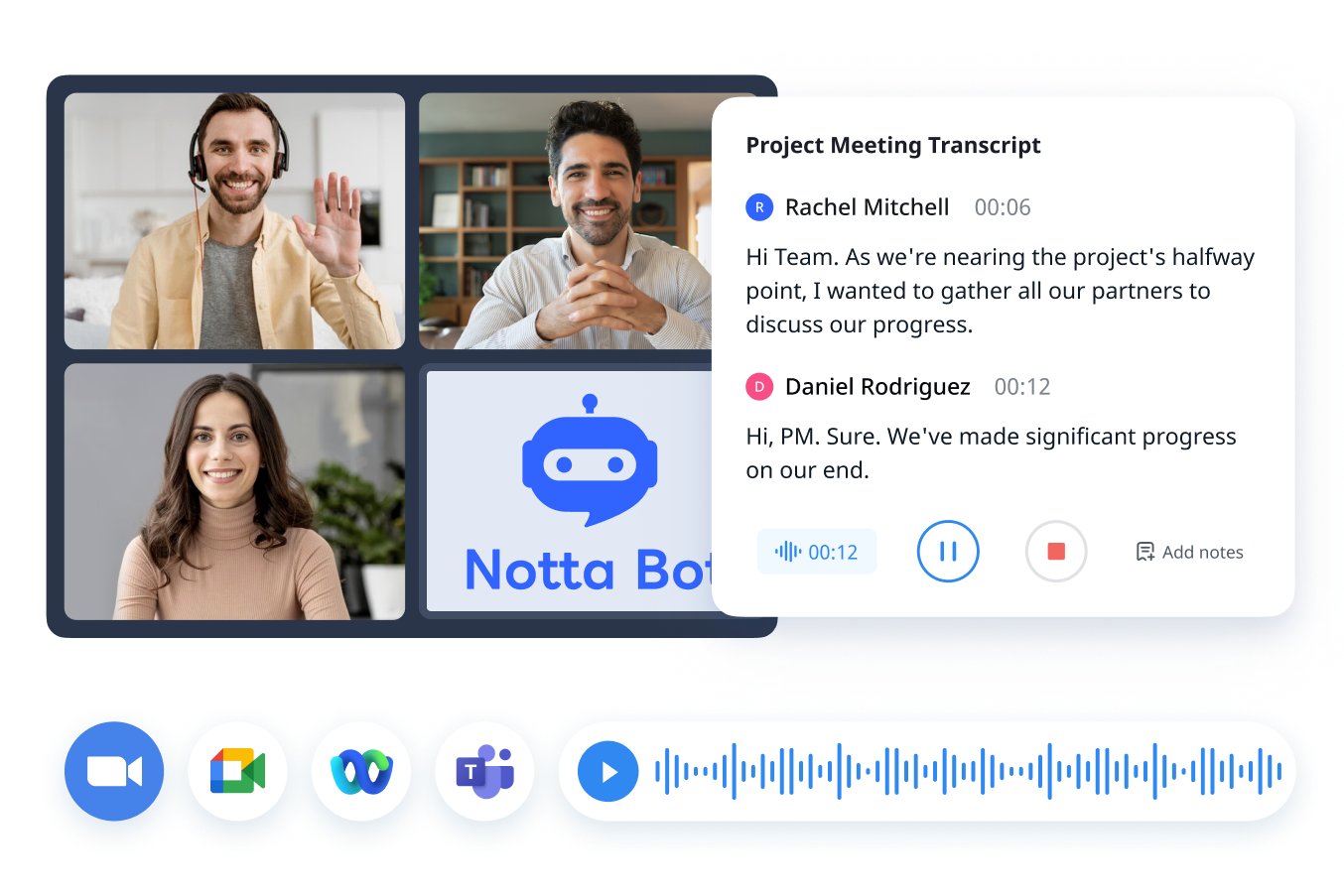
Free Zoom Meeting Recorder & AI Note Taker for Your Meetings
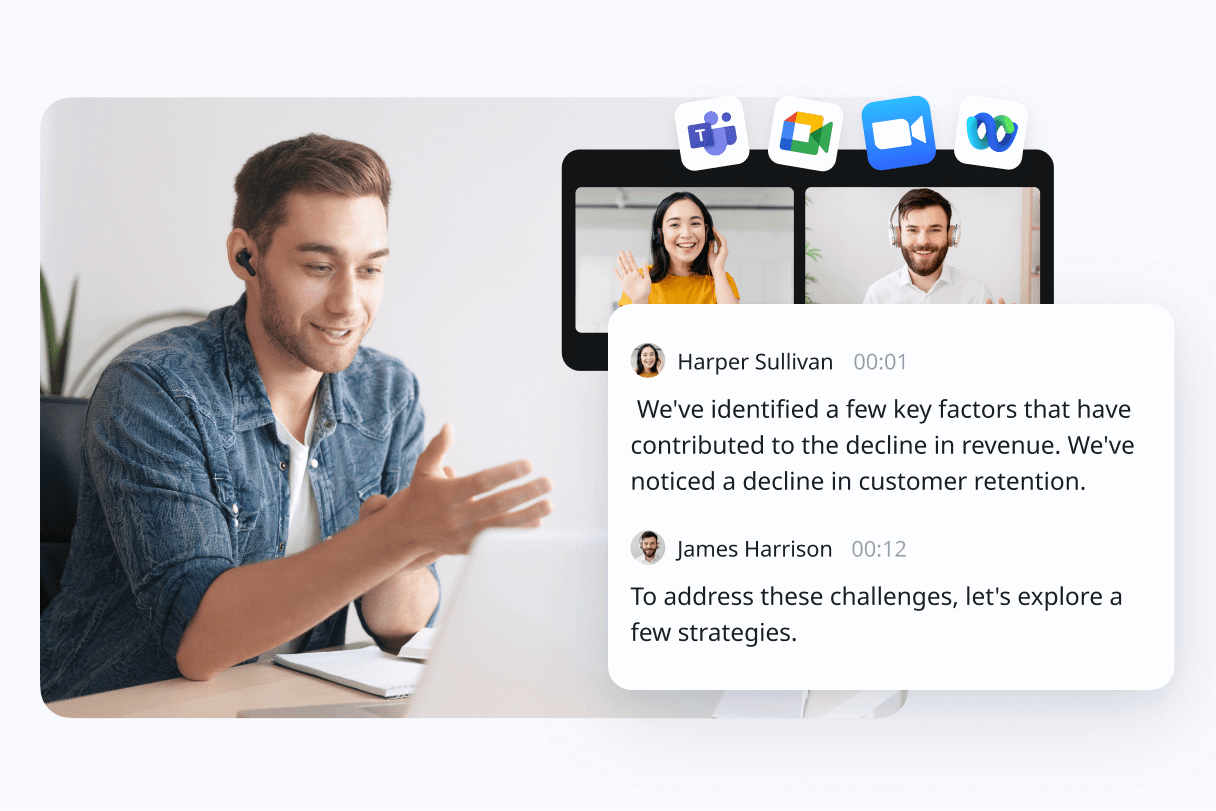
Works seamlessly with Zoom
Notta records meetings alongside AI-powered note taking and summaries to ensure every detail from your Zoom is captured.
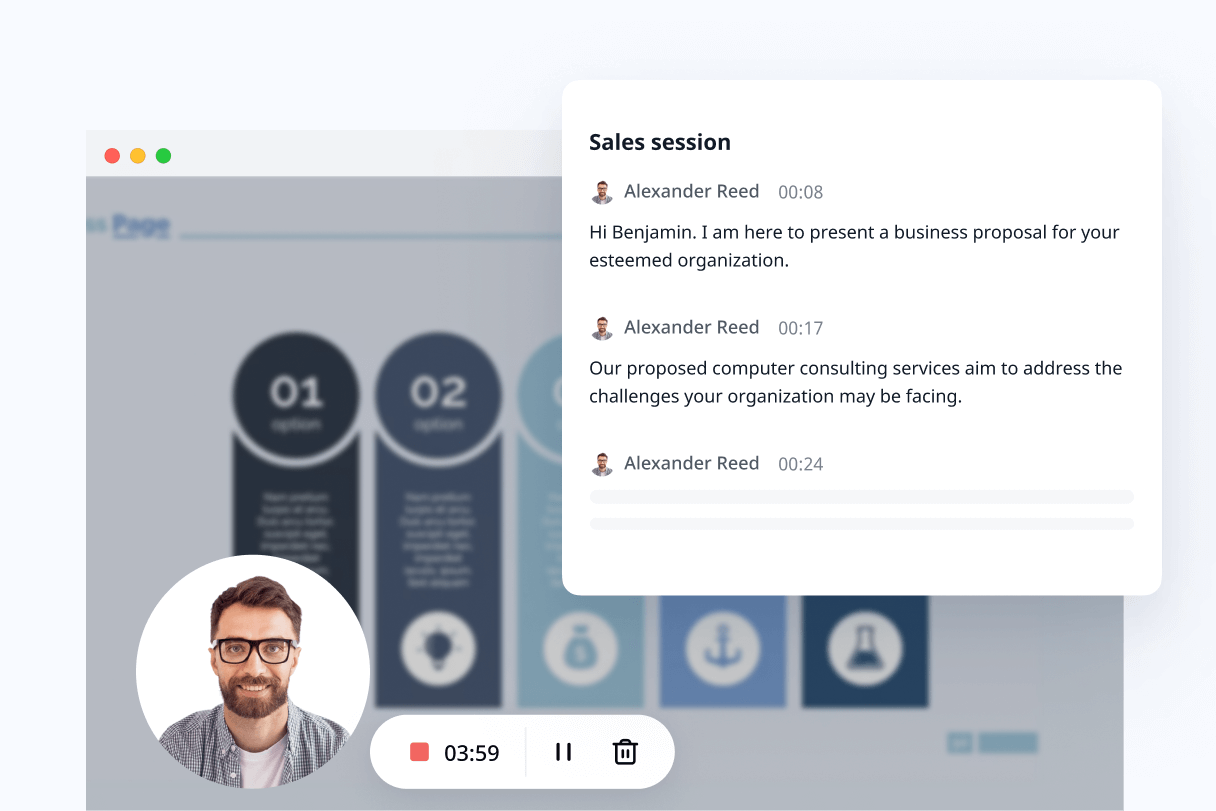
Enjoy bot-free Zoom meeting recording & AI meeting notes without host permission
Tired of always requesting recording permissions from your host? Notta can effortlessly record meetings with the screen recorder, documenting details in the background. This allows meetings to proceed naturally without needing a virtual meeting bot to join the call.
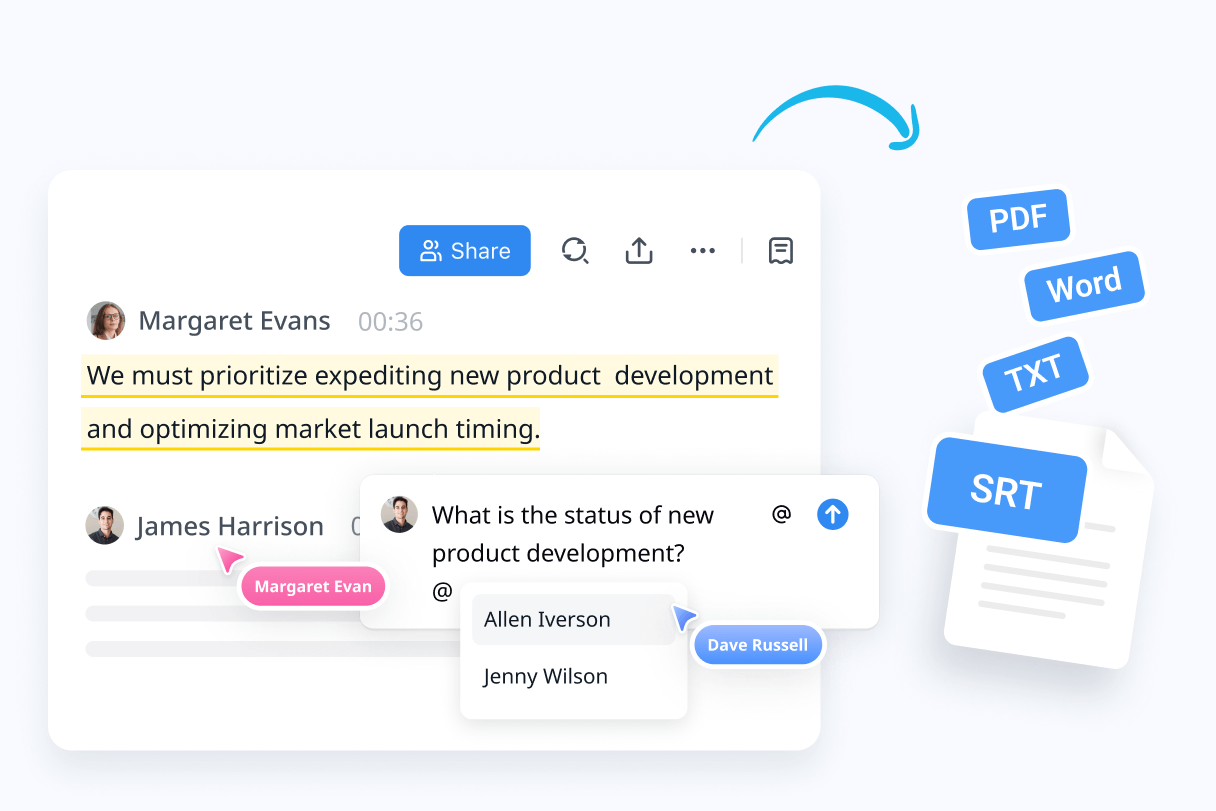
Access, review, and share your Zoom recordings or meeting notes with ease
Your Zoom recordings are saved securely in the cloud; revisit them anytime and playback at flexible speeds. Share a recording with an absent teammate, client, or anyone via a simple link or email invite.
How to record a Zoom meeting in 3 steps
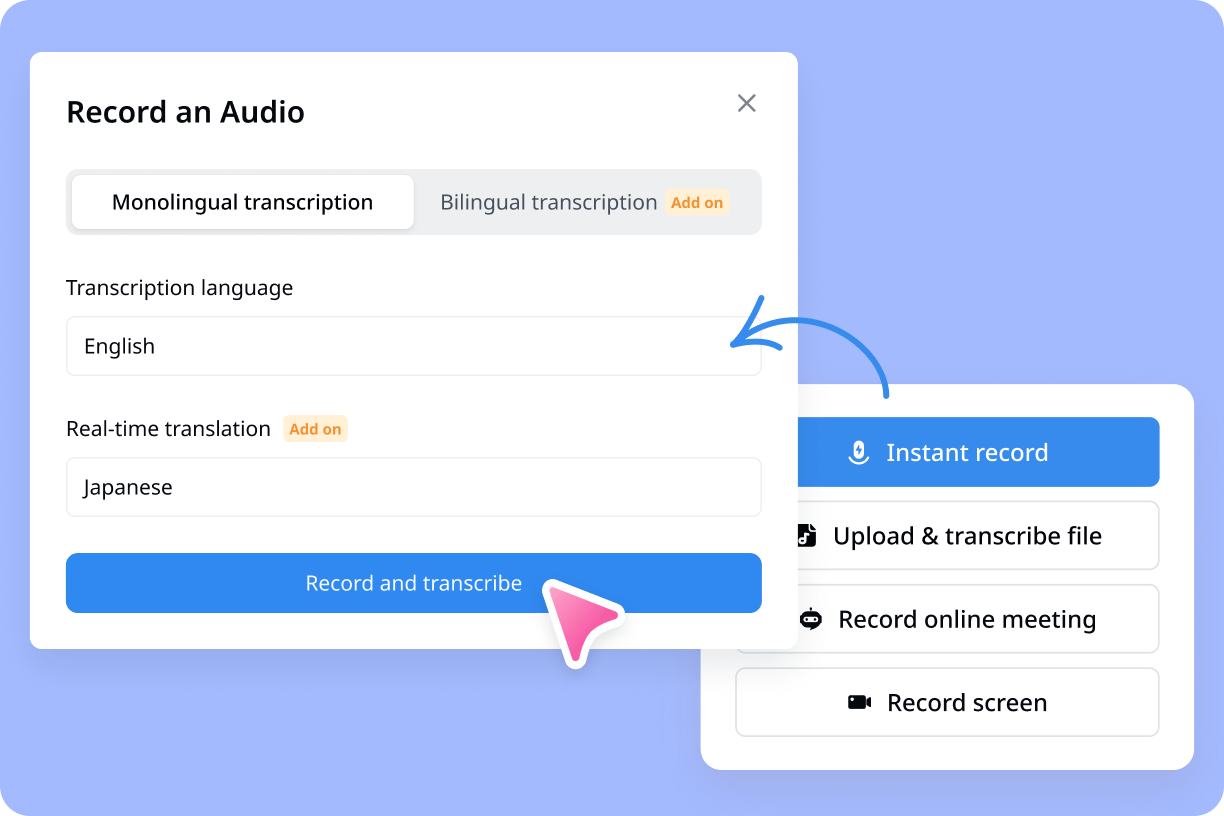
1. Set up your meeting
Before the meeting starts, ensure a quiet environment, then open Notta, paste the meeting link or activate the video recorder, and check your microphone and camera settings.
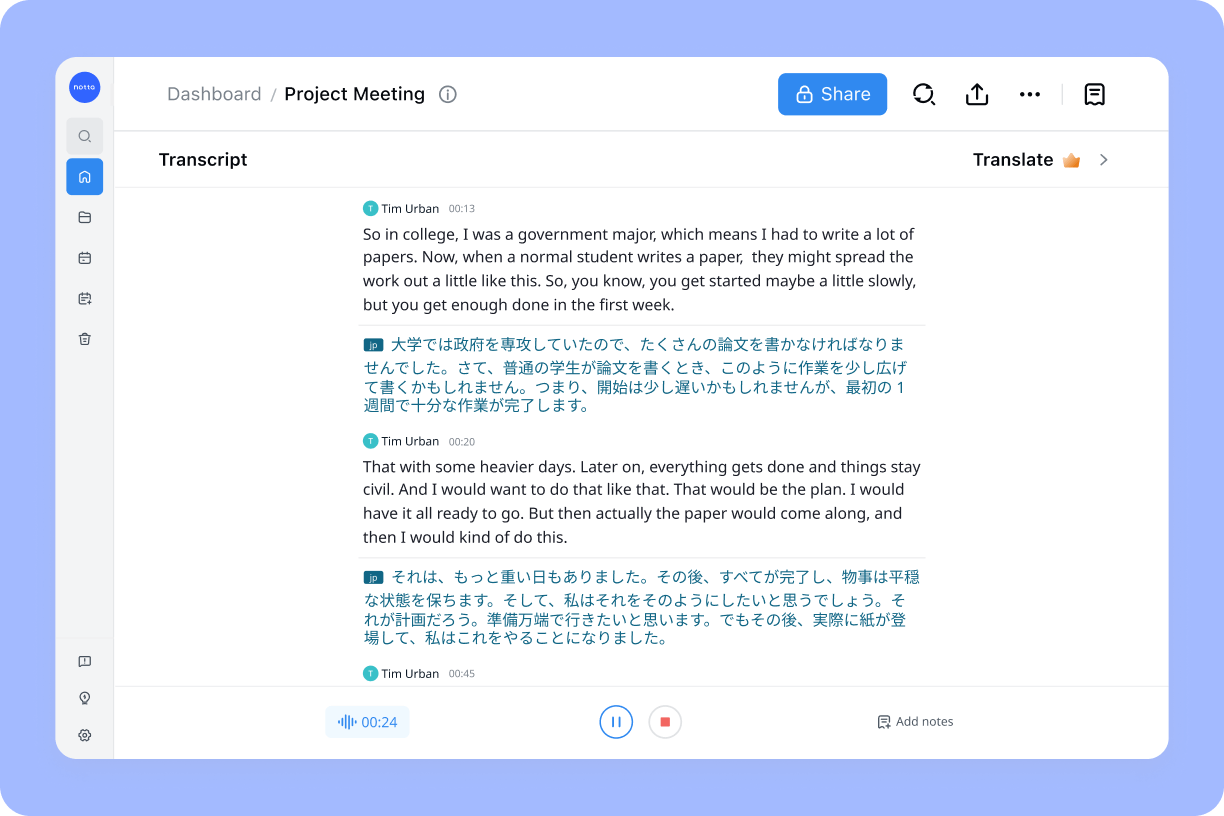
2. Start recording
When the meeting begins, click 'Transcribe now' or 'Start recording' in Notta to capture all audio and video, allowing you to focus on the conversation.
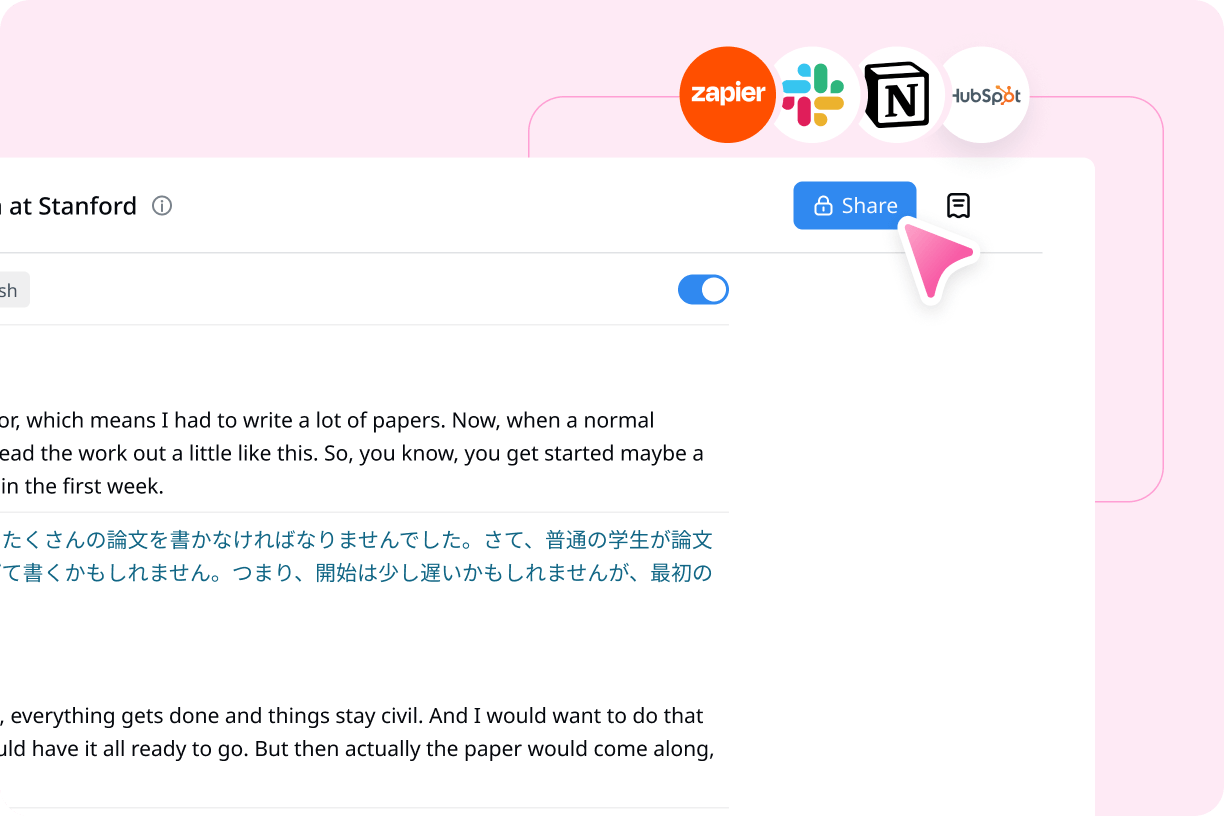
3. Save and share the recording
After the meeting, click the red button to stop recording, then edit the transcript, highlight key points, and share it with participants to keep everyone aligned.
1. Set up your meeting
Before the meeting starts, ensure a quiet environment, then open Notta, paste the meeting link or activate the video recorder, and check your microphone and camera settings.
2. Start recording
When the meeting begins, click 'Transcribe now' or 'Start recording' in Notta to capture all audio and video, allowing you to focus on the conversation.
3. Save and share the recording
After the meeting, click the red button to stop recording, then edit the transcript, highlight key points, and share it with participants to keep everyone aligned.
FAQs
Can you record a Zoom meeting without being the host?
Zoom’s native recording is usually limited to hosts or participants who’ve been granted recording permission. If you don’t have host access, third-party Zoom recorders allow you to capture meetings without relying on in-meeting permissions.
What’s the easiest way to record and transcribe Zoom meetings?
The easiest way is to use an AI Zoom meeting recorder that automatically records the meeting and generates a transcript and summary in real time, without manual note-taking or complex setup.
How do I record Zoom calls with Notta?
Sign in to your Notta account.
Select your transcription language and paste the Zoom invite link. You can also edit your bot name to make it easier to identify.
Click Transcribe now to allow the Notta bot to join the meeting, and it will start recording the Zoom meeting for you.
What is the best Zoom meeting recorder?
Notta is one of the best Zoom meeting recorders available. It records Zoom calls reliably and turns conversations into accurate transcripts, summaries, and action items, making it ideal for teams, interviews, and client meetings that need clear documentation.
Unlock the power of Notta in your next meeting
Record, transcribe, summarize, and share insights from every meeting to empower your team.
