
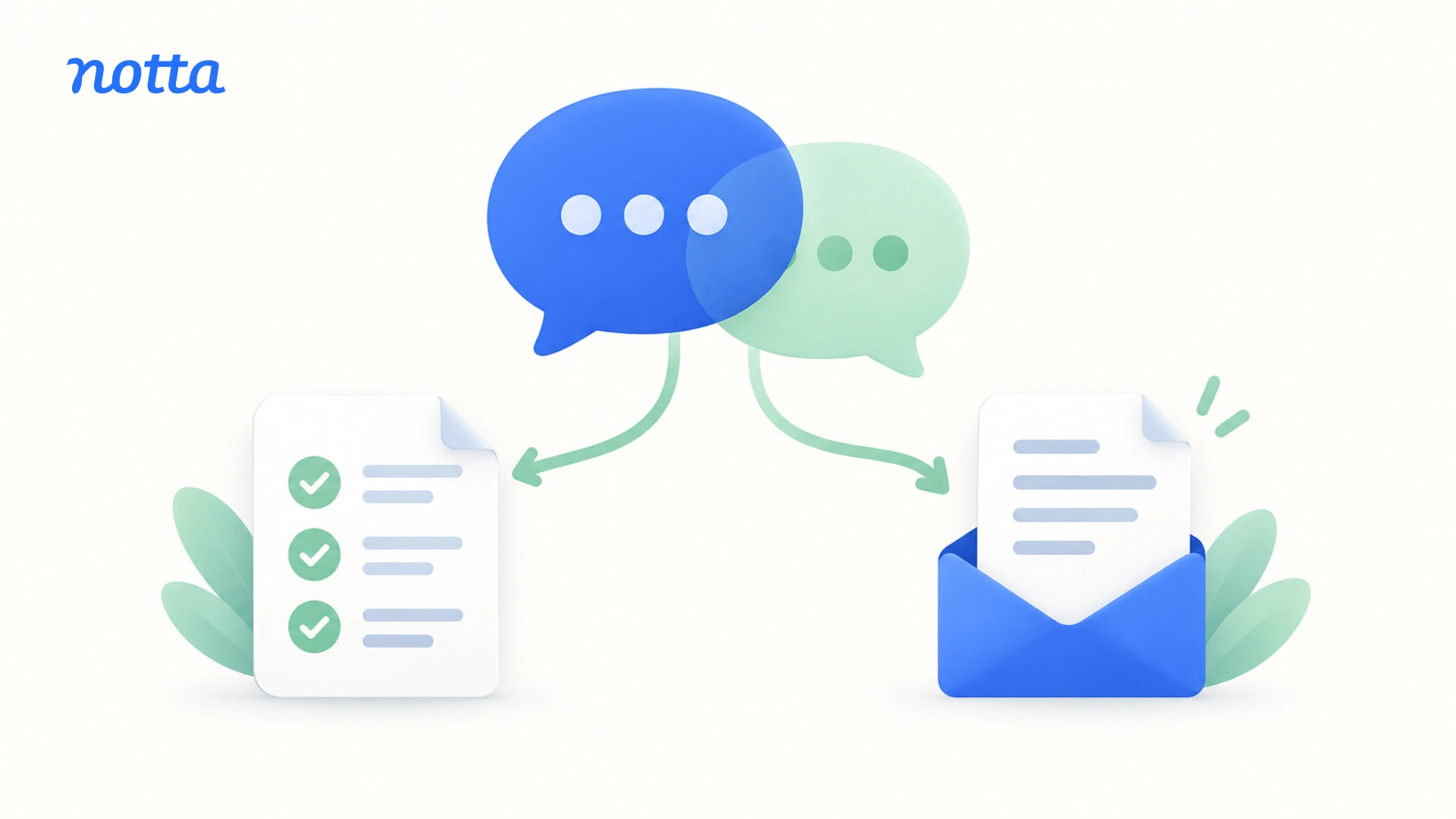
How Agencies Turn Client Calls into Clear Notes and Action Items

Agency founders can turn client calls into clear minutes by using AI to organize decisions, action items, and open questions. With a tool such as Notta, you can start from the call transcript, then adapt the notes into a team handoff and a short client follow-up.
A practical agency client call notes workflow reduces the work of writing separate updates from scratch. Your team gets the context needed to deliver the work. Your client gets a clear account of what happens next.
What should your team and client get after a call?
Your team needs enough context to act, while your client needs a concise recap of decisions and next steps.
Client-call minutes are a short record of the discussion's useful outcomes, not a transcript of everything said. They should explain what changed, what each person will do, and what still needs an answer.
The same call can support two versions:
- Internal team handoff: Client priorities, agreed changes, delivery tasks, dependencies, and useful agency observations.
- Client recap: Decisions, each side's next actions, agreed dates, and questions that need the client's input.
For example, the client may agree to a new creative direction while your team still needs to estimate the work. The client recap records the direction. The internal notes also explain that the estimate needs to happen before anyone promises a delivery date.
Both versions should agree on the facts. The difference is what each reader needs to do with them.
How do you turn a client call into clear notes and follow-up with AI?
Use AI to draft the notes, then adapt the relevant information for your team and client. This five-step workflow keeps the call's useful details without making you write two updates from memory.
1. Record or upload the client call
Start with a transcript of the call you want to summarize. You can record the meeting with Notta or upload an existing recording, so you do not need to recreate the conversation afterward.
Before recording or uploading client material, confirm permission and follow applicable recording laws, client agreements, and your agency's policies on AI use.
Give the record a clear client and meeting name. If speakers have generic labels, replace those with their names before generating notes. This helps distinguish the agency's commitments from the client's.
2. Generate notes that highlight decisions and next actions
Use Notta AI Notes to turn the completed transcript into structured notes with a suitable template. Look for a format that brings decisions, action items, and open questions into view.
The benefit is a useful starting point, not another long document to read. You can edit the notes, remove details you do not need, and shorten selected passages with Keep it brief.
For a client status call, prioritize changed priorities and next actions. For a feedback call, prioritize the requested changes and any questions blocking the next draft.
3. Turn client call action items into a useful team handoff
Keep the information your delivery team needs to start work: the task, the person responsible, and the date when one was agreed.
An action such as "update the campaign" leaves too much to interpret. "Maya will send revised ad copy by Thursday" gives the team a clear next step.
Check names, decisions, owners, and dates before passing the notes on. When a timestamp appears in AI Notes, use it to find the relevant part of the transcript without replaying the whole call.
In Notta, you can assign action items to workspace members and add due dates. Keep client-owned actions visible in the recap too. If no owner or date was agreed, leave that question open rather than inventing an answer.
4. Prepare a short client recap from the same notes
Reuse the decisions and next actions from your notes rather than writing a second summary from scratch. Keep the recap focused on what the client needs to know or do.
A useful message covers what was agreed, what your agency will do, what you need from the client, and anything still open. Your internal estimate or concern about workload usually does not belong in that message.
I would keep proposed extras separate from agreed work. A client mentioning a video idea is different from asking your agency to produce it within the current project.
5. Share the right version and carry the tasks forward
Send the team handoff where your delivery team already works. Copy only the client recap into your follow-up email or usual client channel, keeping internal comments separate.
For actions assigned in Notta, workspace members can find their tasks in My Tasks. If your team uses another task tool, add the relevant actions there.
Keep the transcript accessible to the people who need the original context. Before the next call, use the notes to pick up the open questions rather than reconstructing the previous discussion.
What do useful internal notes and a client recap look like?
Useful internal notes explain how to move the work forward. A client recap keeps the shared decisions and next actions easy to see.
Consider this fictional campaign feedback call. The client agrees that the next ad draft should target existing customers. Maya, the agency lead, commits to sending revised copy by Thursday. Luis, the client contact, agrees to provide product photos by Wednesday. A short video is discussed but not added to the work.
The agency also sees a possible delivery issue: late photos could delay design. That is an internal concern, not something the client stated or approved.
| Call detail | Internal team handoff | Client recap |
|---|---|---|
| Existing customers are the agreed audience. | Adapt the next copy draft for existing customers. | Confirm the audience for the revised draft. |
| Maya will send revised copy by Thursday. | Maya owns the copy update, due Thursday. | State when the client will receive the copy. |
| Luis will provide photos by Wednesday. | Track the photos as a design dependency. | Remind Luis of the agreed next action. |
| A short video is discussed, with no commitment. | Keep it as a possible future idea, not a delivery task. | Note that video remains open for a separate discussion. |
| The agency thinks late photos could delay design. | Label this as an internal delivery concern. | Do not present a possible delay as an agreed change. |
The resulting client message could be:
Thanks for today's feedback. We'll adapt the next ad draft for existing customers, and Maya will send revised copy by Thursday. Luis will provide the product photos by Wednesday. The video idea is still open and isn't included in the current work. Let us know if we've missed anything from the discussion.
The client gets a short follow-up. The delivery team keeps the additional context it needs. Neither version turns a suggestion into a commitment.
How does this workflow help IT, marketing, and SEO agencies?
The workflow stays the same, but the useful handoff depends on the work your agency delivers. AI notes for agencies should help the next person act, not give every team an identical recap.
IT agencies
Use the notes to capture requirements, client responsibilities, and dependencies discussed in a discovery or implementation call. Your developers may need details about an integration or access requirement. The client recap can focus on the agreed next step, such as providing a sample file or confirming who will arrange access.
Keep unresolved technical questions visible so the team knows what to ask next. A feature request does not need to become a delivery promise simply because it appears in the notes.
Digital marketing agencies
Turn feedback into a clear list of changes for the next creative draft. The internal handoff should retain the client's preferred audience, messaging direction, and any assets needed from the client.
The client recap can explain what you will change and when they will see the next version. Keep brainstorming ideas separate from the agreed changes so your team does not start work the client has not requested.
SEO agencies
Use the notes to record agreed priorities, access requests, and recommendations that still need a decision. Your team may need to know which pages to address first or who will provide Search Console access.
The client recap should make those next actions clear without repeating the entire strategy discussion. If the call includes performance figures, check them against the actual report before repeating them as results.
Let Notta organize your next client call into notes you can edit and reuse. Give your team a clear handoff and your client a concise follow-up without starting from a blank page.
Frequently asked questions
What should agency client-call notes include?
Agency client-call notes should include decisions, important client context, next actions, owners, agreed dates, and open questions. Internal notes can also include delivery concerns or suggested next steps, clearly separated from what the client said. The client recap should focus on the information both sides need to move forward.
Should internal notes and the client recap be the same?
No. Internal notes help your team deliver the work, so they may include estimates, dependencies, and agency observations. The client recap should contain the shared decisions, commitments, and unanswered questions. Both versions should agree on the facts, but they do not need the same level of detail.
What if an action item has no owner or deadline?
Leave the missing detail open and ask the relevant person to confirm it. You can suggest an owner or date internally, but do not present that suggestion as something agreed during the call. Once it is settled, update the task and any follow-up that depends on it.
Can Notta generate notes and action items from one client call?
Yes. Notta AI Notes uses a completed transcript and your selected template to generate structured notes. You can edit the result and add assignees and due dates to action items. For broader reports, Notta Brain is the AI capability built into Notta that can bring selected calls and files together.
Can I share Notta AI Notes without sharing the full transcript?
Yes. Notta's sharing options let you share AI Notes without the full transcript. Make sure the shared notes contain only what the recipient should see. If your meeting notes also contain internal comments, copy the client recap into a separate message instead of sharing the whole notes section.
