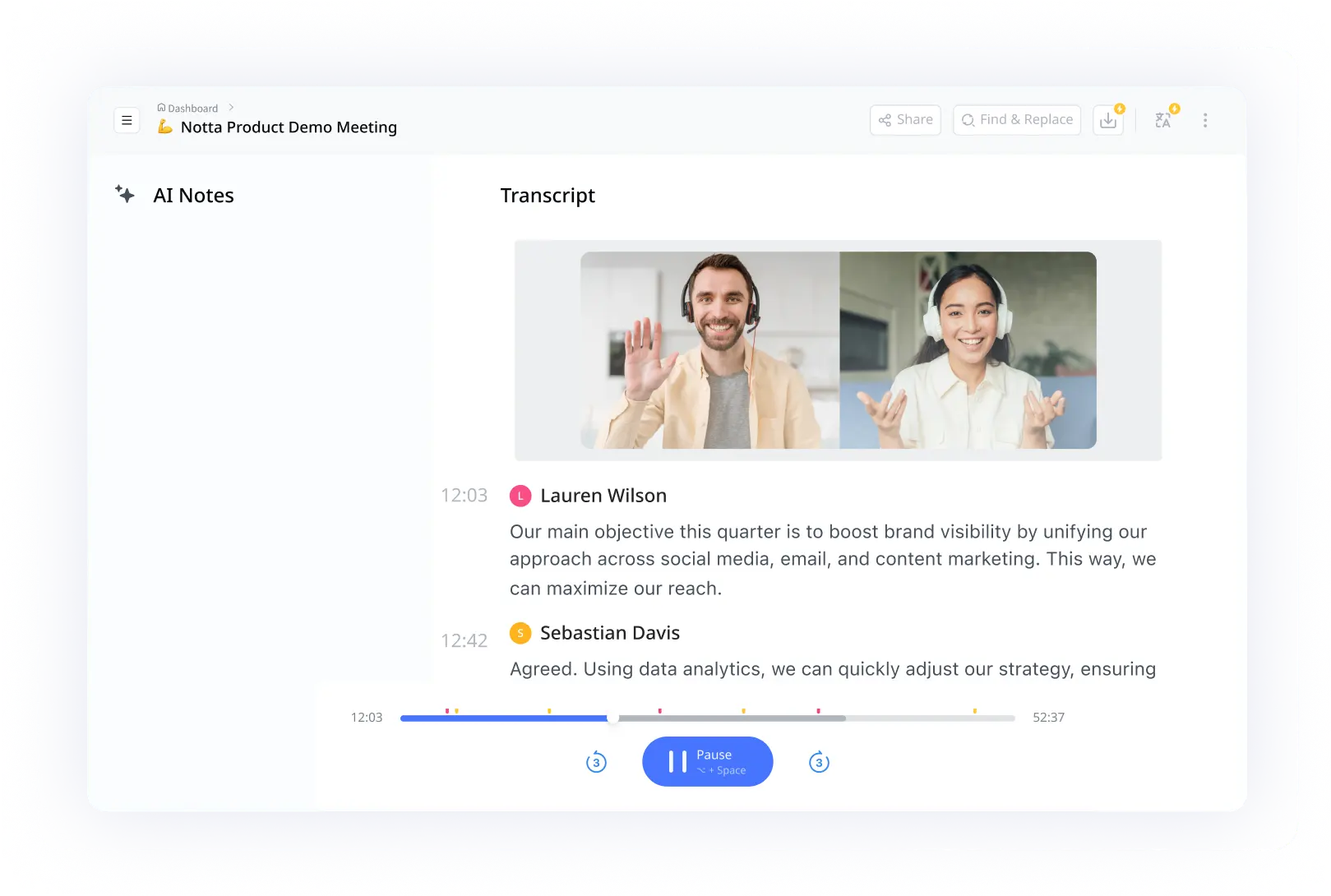
The Soulpiphany founder replaced 10-page docs with one image
How Cindy Anderson, founder of Soulpiphany, turned long coaching calls and dense documents into infographics her clients actually engage with.
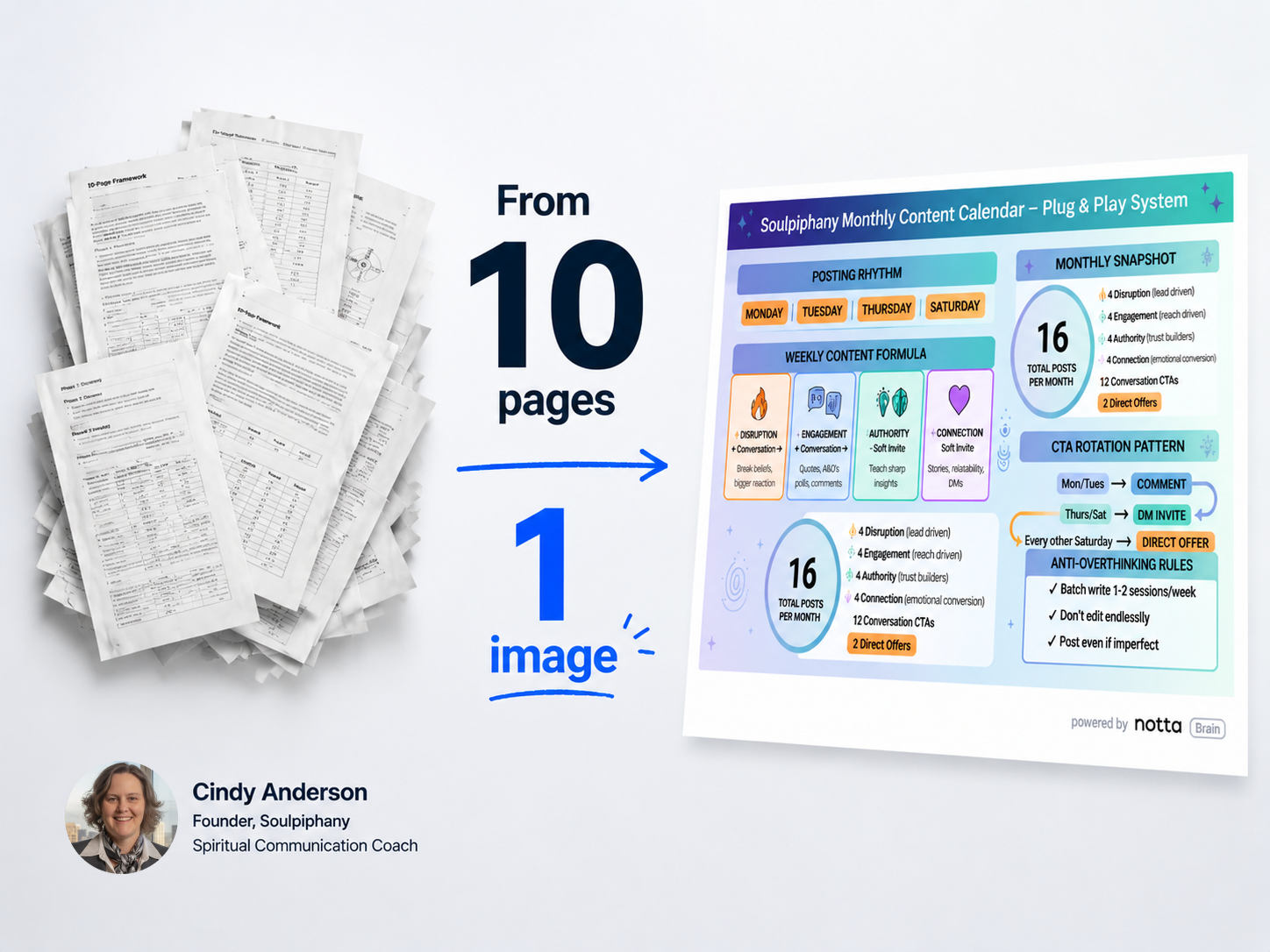
 Cindy Anderson, known as “Seer,” is the founder of Soulpiphany and a spiritual communication coach. Her work sits at the intersection of intuition, structure, and emerging technology. She tested dozens of AI tools across two years looking for one thing: a way to turn abstract thinking into a real visual. Notta Brain was the first that could do it. A 10-page framework is now one image. A 3-hour coaching call is something a client can pin to a wall. Her verdict on the competition: "On infographics, you're leading edge. You have something nobody else has."
Industry
Professional ServicesCompany size
0-10Use case
Infographic GenerationA power user who tested everything
Cindy Anderson is not an easy user to win over. She uses a number of AI tools on any given day. When she evaluates a tool, she has already tried the alternatives.
For more than a year, she was hunting for one specific capability: turning long-form thinking into a single visual asset.
"I've been waiting two years for somebody to have something that was viable. You can tell pretty much any image generator 'give me an infographic' and it spits out something I could have made in Canva in five minutes."
The underlying pain was universal for anyone whose work lives inside long meetings and long documents: how do you take a 10-page framework or a three-hour conversation and turn it into something someone will actually look at?
From skeptic to power user
Cindy's first run at Notta Brain almost ended the story.
"I'll be honest, I was like, 'this is low-level basic LLM.' I left it. Three months went by and I never used Notta Brain at all."
What brought her back was not an email. It was one of her own coaching clients, who sent her an infographic Notta Brain had generated from a session.
"I was floored. I immediately used up all my credits, then I shared it with friends, used those up too."
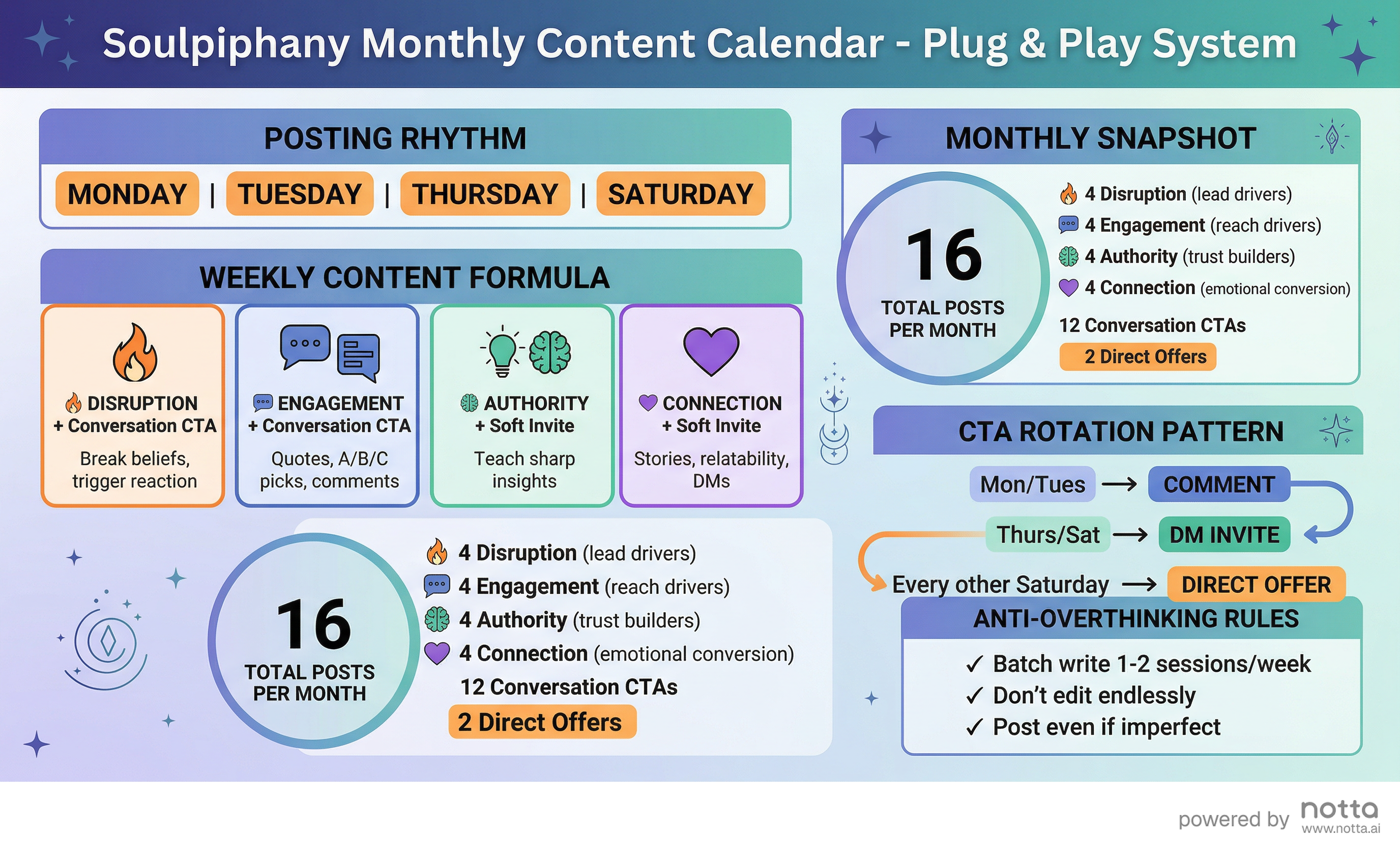
The shift was not about transcription. Cindy had transcription. The shift was that Notta Brain could take an abstract concept, the kind of thing she said even designers struggle with, and translate it into a visual that held the meaning of the original.
That changed how she works. A 10-page framework now becomes one image. A 2 to 3 hour coaching call becomes a deliverable a client can pin to a wall. And the downstream effect goes further: her ideas travel, prospects engage faster, and more of them turn into clients.
Three ways Cindy uses Notta now
Cindy's day-to-day usage covers three patterns:
Coaching calls. She records every client session. Notta Brain pulls action items, summaries, and where it fits, an infographic that captures the framework discussed.
Live, in-person recording. She uses Notta to record multi-day events and seminars so she can stay present.
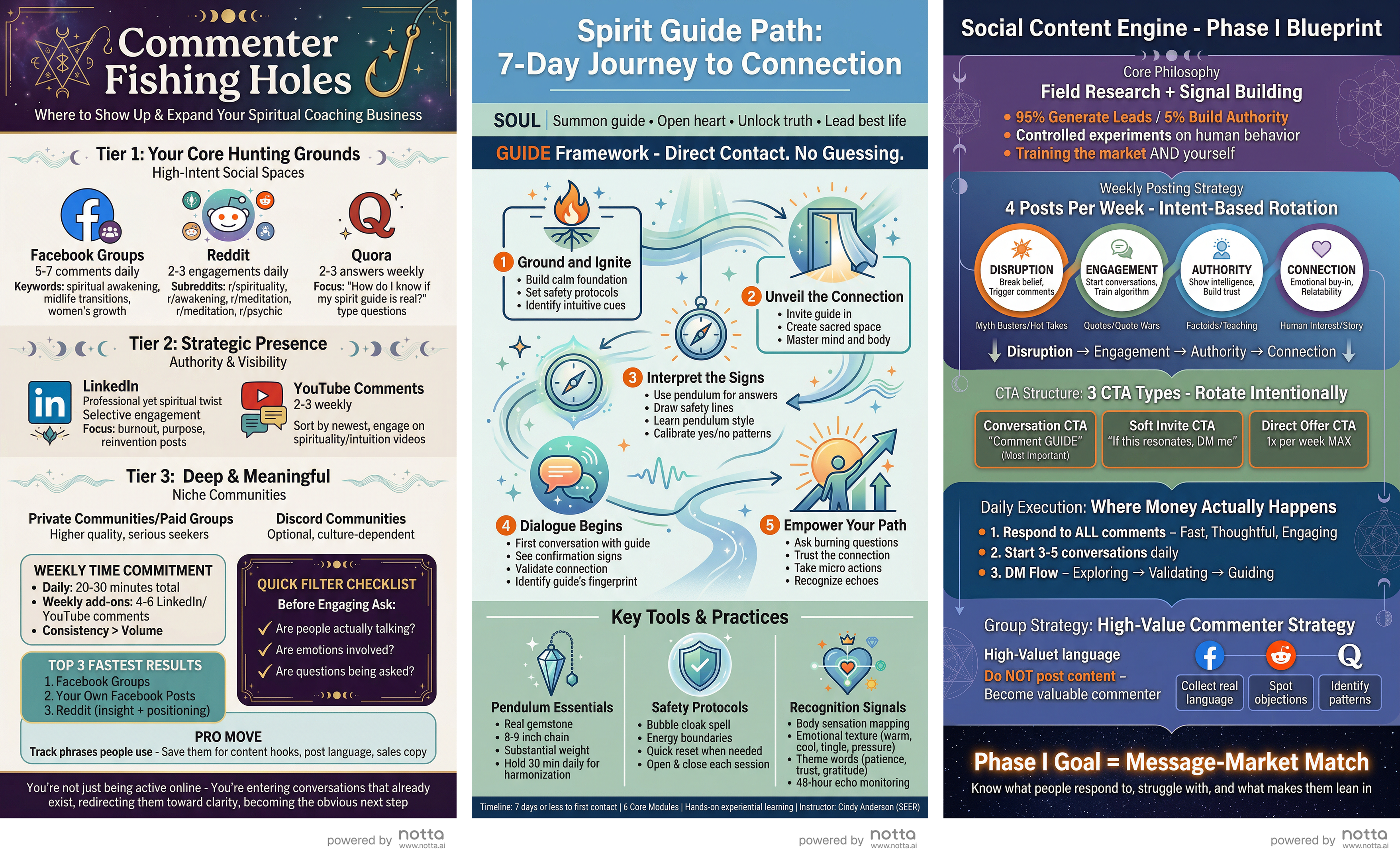
Document-to-visual. She uploads frameworks, training documents, and other long-form material and lets Notta Brain compress them into images.
Why Notta stood out
Cindy did the homework before she landed on Notta. She tested Napkin AI, NotebookLM, Nano Banana, and ChatGPT's image generators. Some were close. None handled what she actually needed.
"On the recording side, you have plenty of competitors. On infographics, you're leading edge. You have something nobody else has."
The difference, in her words, was the ability to take something abstract and make it meaningful, not just decorative. Other tools gave her templates. Notta Brain gave her interpretation.
What's next
Cindy is now leading a group of women through a course on building ebooks and sales funnels, and she sees Notta Brain as a core part of that curriculum. She is also planning to use Notta Brain-generated visuals across her social channels and lead generation.
"With the infographic feature, I'd probably never cancel my subscription."