
AI meeting assistant for agencies
Turn Client Conversations into Work Your Team Can Deliver
Keep your team aligned and your clients informed. Turn client conversations into clear briefs, presentations, and progress updates with less manual work.
Try Notta
Give Your Team a Brief They Can Act On
Give your team a clear brief that reflects the client's goals and latest direction. Make handoffs easier, even when teammates miss the call.

Protect Your Team's Time for Client Work
Spend less time assembling briefs, presentations, and updates from client conversations. Give your team more room for the client work that needs their expertise.

Give Clients a Clear View of Progress
Help clients understand what's changed and what happens next. Clear updates grounded in your conversations make project progress and recommendations easier to explain.

Built for the Work Your Agency Delivers
IT Agencies
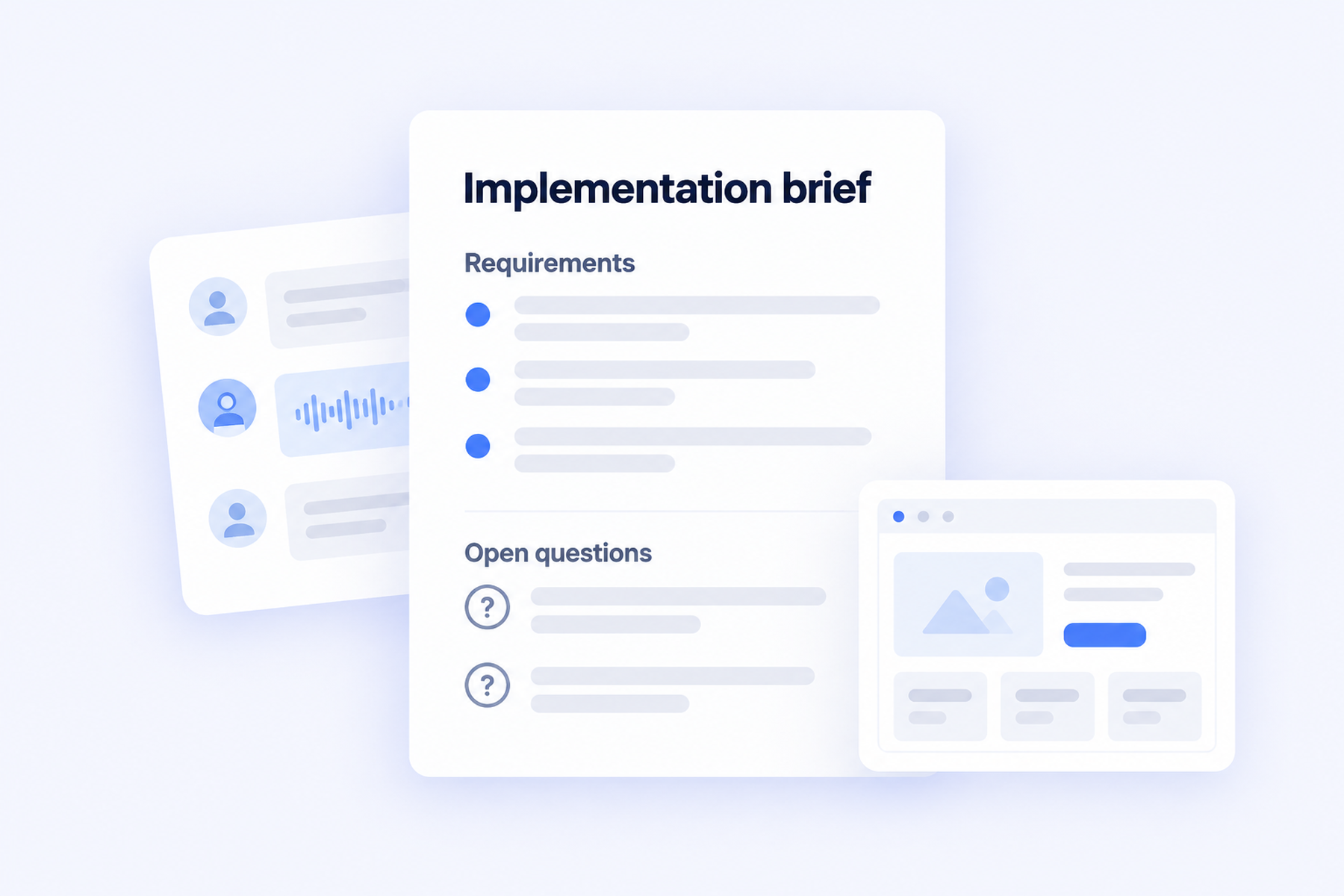
Turn discovery discussions into implementation requirements, giving developers a clear starting point and visibility into questions that still need answers.
Digital Marketing Agencies
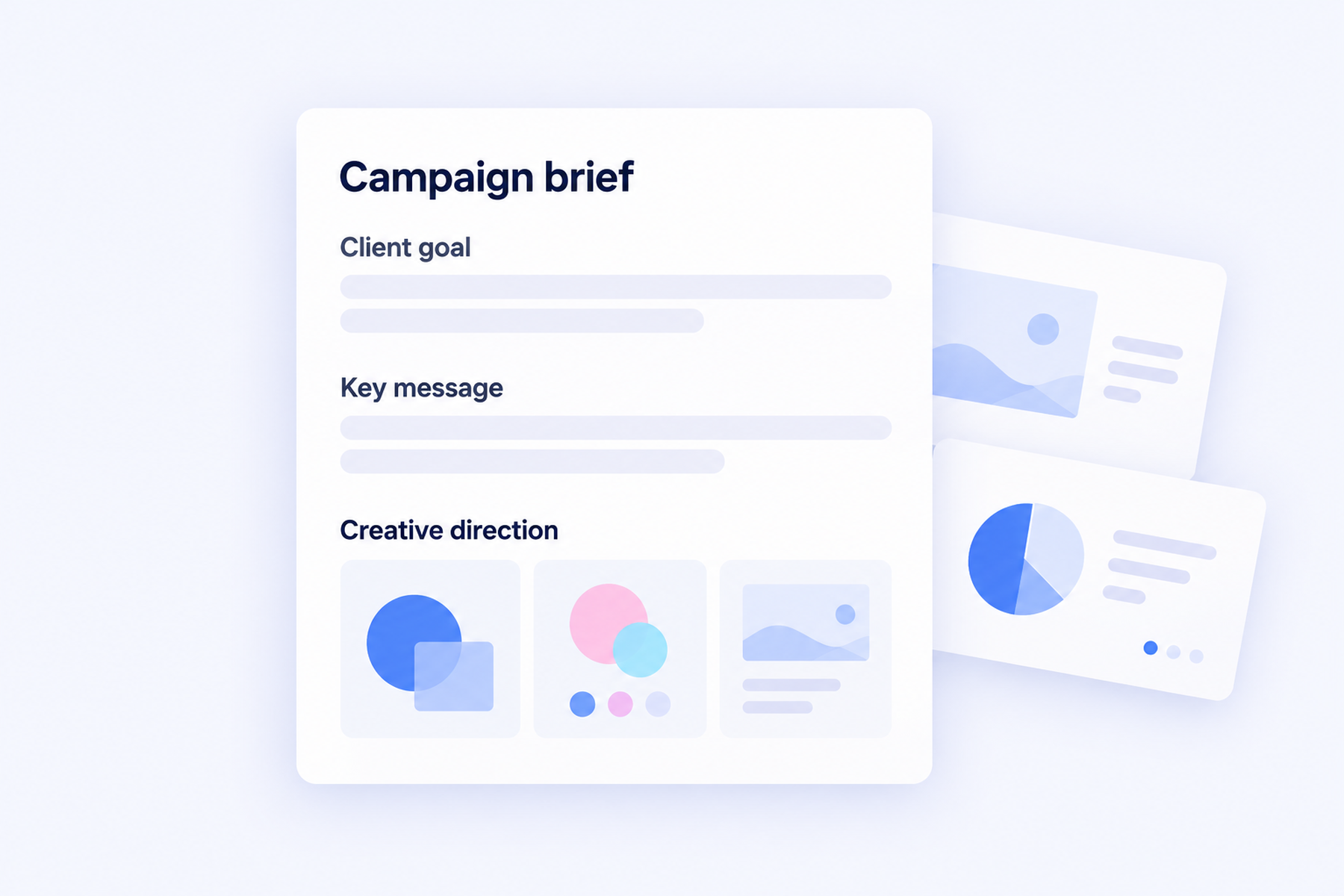
Turn campaign discussions into a creative brief and client presentation, keeping the proposed direction tied to the client's goals and feedback.
SEO Agencies
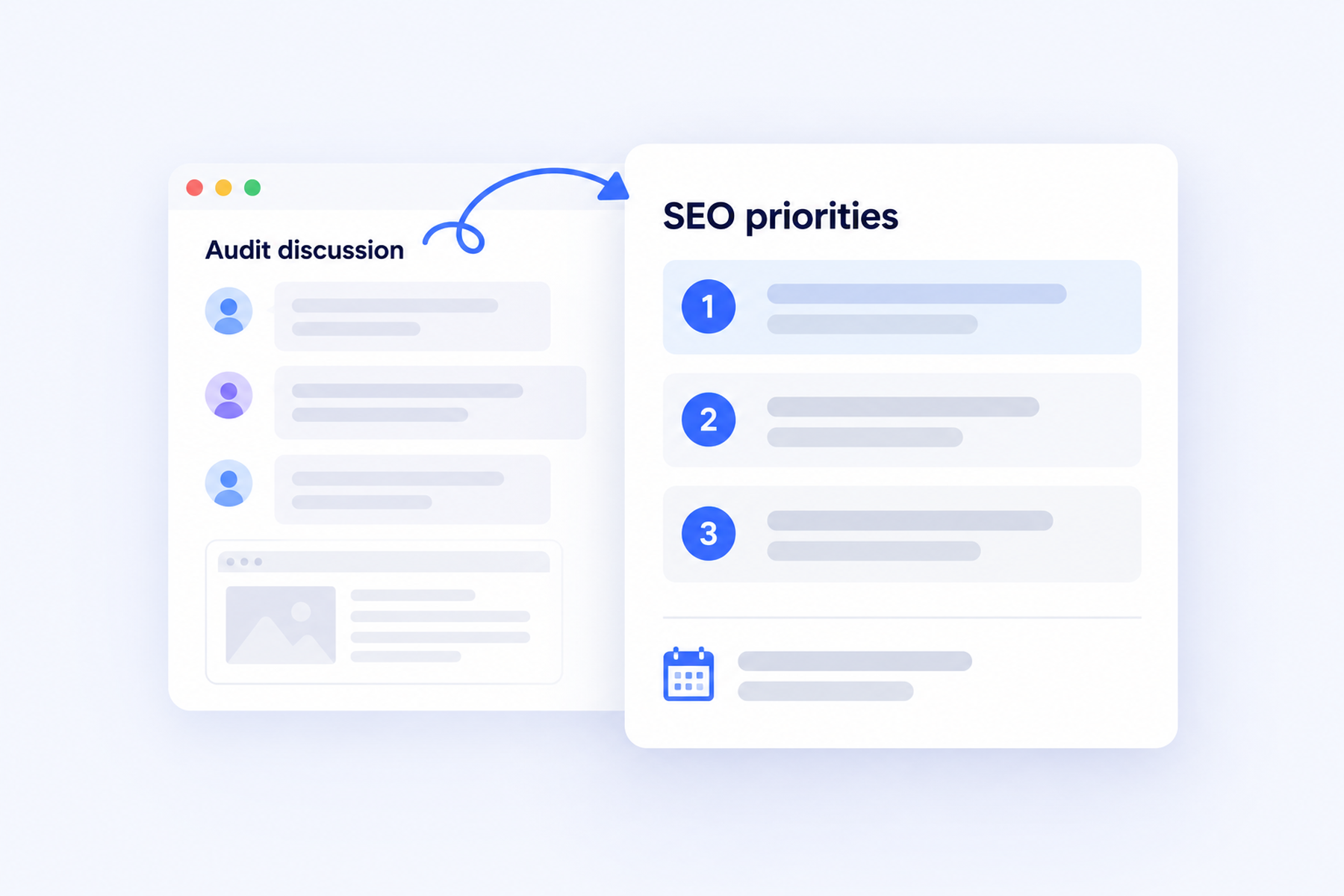
Turn audit discussions into priorities and client updates, so your team knows which changes to tackle and what to explain next.
From Client Kickoff to Client Presentation
A digital marketing agency can align its team and prepare the client presentation using the same kickoff context.
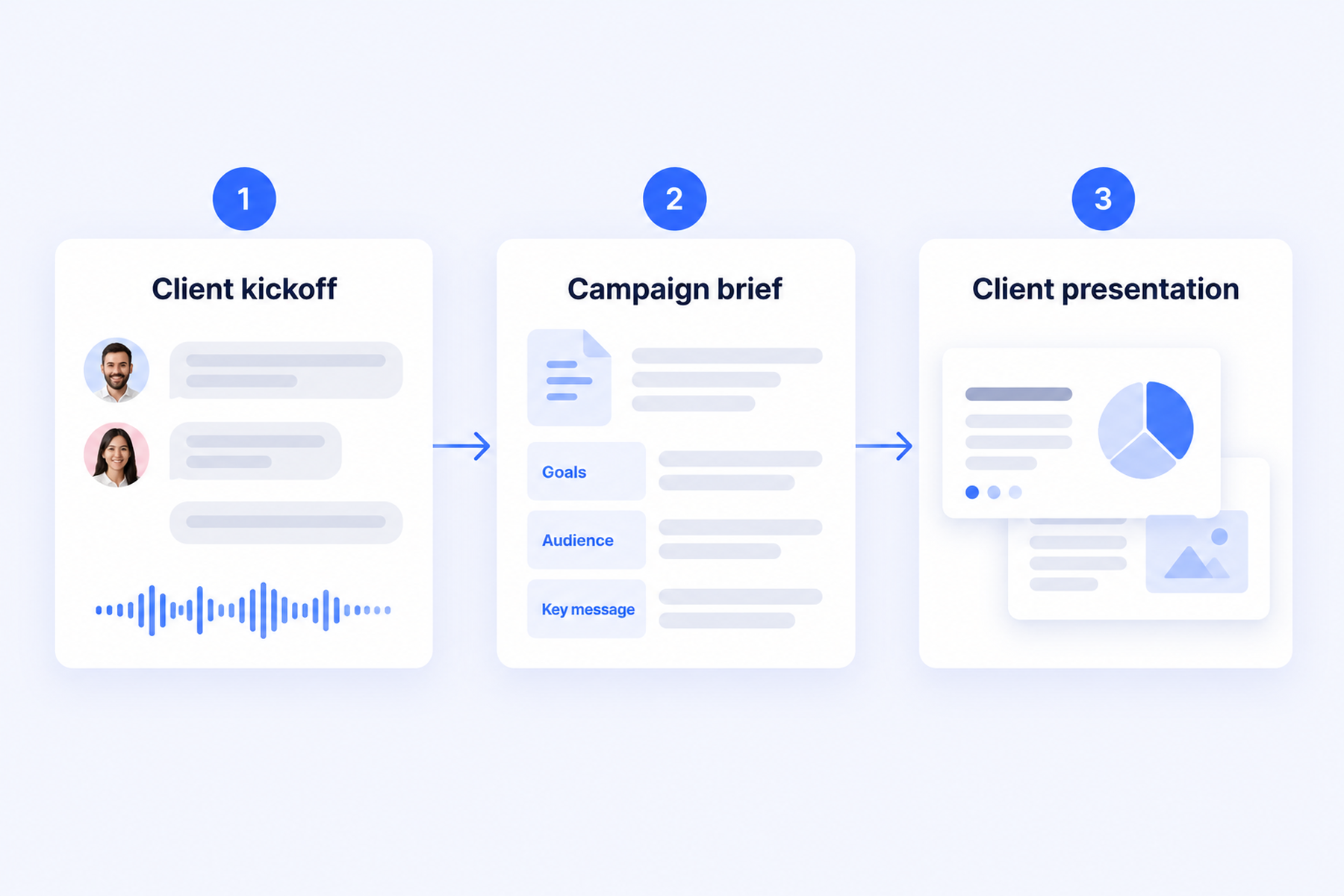
1. Capture the Client's Direction
Record the kickoff with Notta Desktop's Bot-Free Recording and get a transcript of the client's goals and requirements.
2. Build the Campaign Brief
Bring the kickoff and brand materials into Notta Brain to create a brief with agreed requirements and open questions.
3. Prepare the Client Presentation
Use the brief to build slides explaining your campaign recommendation. Confirm the scope and budget before sharing for client approval.
Explore the Notta Features Behind the Work
Choose how to capture client conversations and use the information afterward.
Notta Desktop (Beta)
Give client calls your full attention, with a record to use afterward. Choose bot-free cloud transcription or supported local recording and transcription in Privacy Mode.
Explore Notta DesktopNotta Brain
Spend less time assembling client deliverables. Bring meeting context and project materials into clear briefs, presentations, and client updates.
Explore Notta BrainAI Notes
Get teammates up to speed after a client call. Give them a concise recap of decisions and next steps, even if they missed the meeting.
Explore AI NotesBilingual Transcription
Keep both sides of a bilingual client conversation available for later work. Two supported spoken languages appear in one transcript.
Explore bilingual transcriptionAI Translation
Give your delivery team client discussions in a language they understand, with supported live text translation or translated transcripts.
Explore AI TranslationNotta Memo
Give in-person client workshops your full attention, with a record to revisit afterward. Recordings become usable transcripts after syncing to Notta.
Explore Notta MemoQuestions Agency Teams Ask
How do I focus Brain on the right client's information?
Brain can search your workspace, or you can use @ to select specific meetings and files. Name the client and project, and check the sources before sharing account-specific work.
Can client recordings stay on our computer?
Yes, with supported Notta Desktop Privacy Mode after installing an offline model. Recordings and transcripts stay in your chosen local folder and do not automatically sync to Brain. Setup and periodic license checks need internet access. See the Privacy Mode requirements.
How can we work with clients in different languages?
Use bilingual transcription to capture two supported spoken languages, and translation when your team needs text in another language. Availability depends on the language and recording method. Confirm important client terms and commitments before sharing.
What should we check before sending work to a client?
Check figures, scope, deadlines, and commitments, then confirm what the recipient can access. A meeting record or generated proposal is not client approval. Use the sharing or export option available for your output.
Put Your Next Client Conversation to Work
Turn your next client call into a clear brief, client presentation, or progress update, with less manual preparation.
Try Notta