
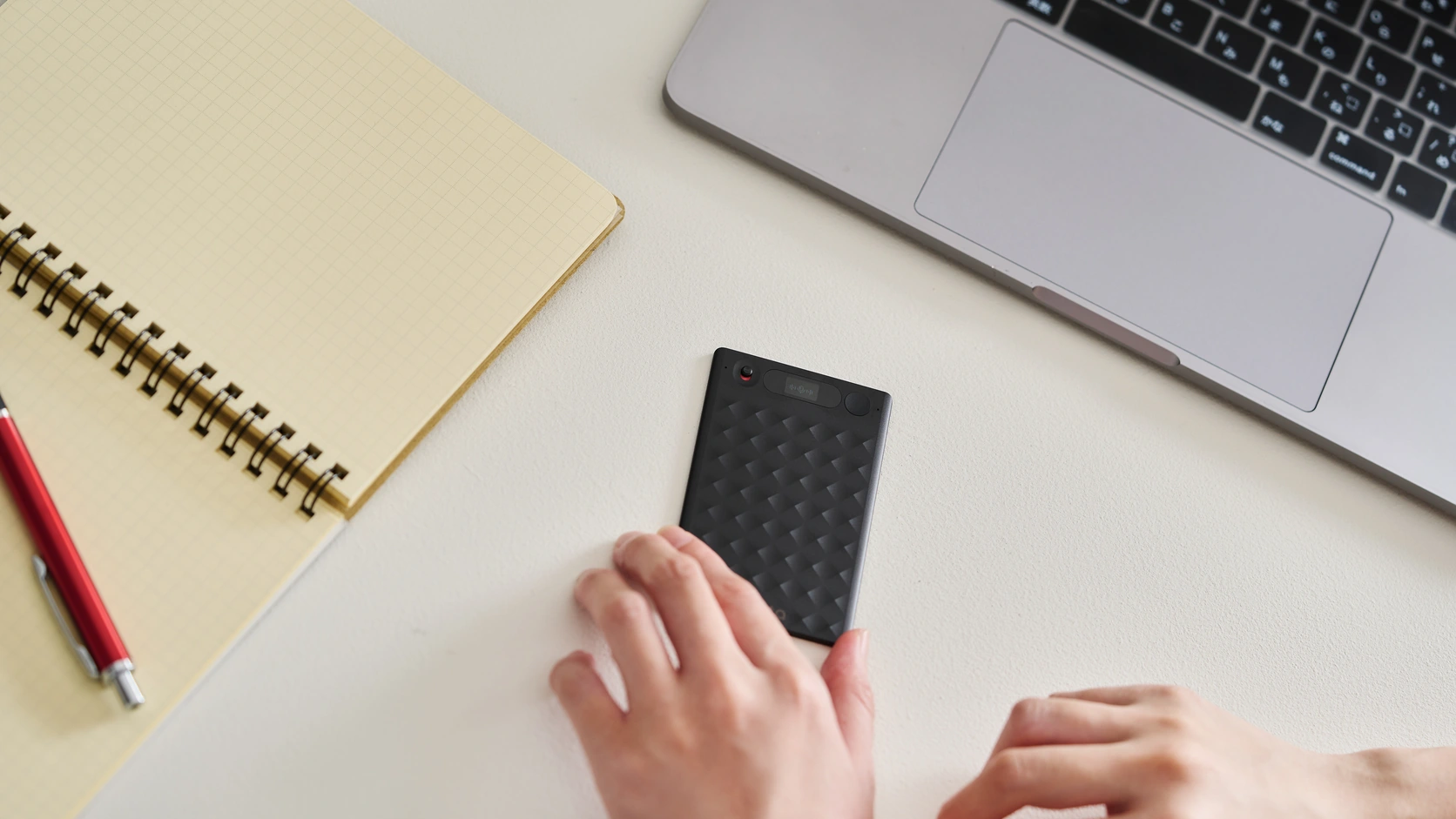
6 Best AI Note Takers for In-Person Meetings
Viraj Mahajan
· 10 min read
I'd start with Notta for live bilingual conversations and follow-up files, Plaud for a dedicated recorder, or Otter for phone recordings you can replay. Fireflies, Granola and Fathom also have useful room-recording options, depending on your device and what you need afterward.
Think about where you'll meet: a client's office, a café or a workshop. You need a way to capture the conversation that you can carry with you. Here's how I'd choose.
In-person AI note takers: Feature comparison
All six can summarize conversations, answer questions and draft text. The useful differences are how you record, what you can follow live, and what remains afterward.
| Product | Ways to record away from your desk | Language help | After the meeting | Audio to replay |
|---|---|---|---|---|
| Notta | iPhone/Android, Apple Watch and Dedicated Recorder | Live bilingual transcription and two-way translation on your phone or connected Memo | Word documents, Excel spreadsheets, PDF files, PowerPoint presentations and infographics; Drive/Slack actions | ✅ Saved recordings |
| Plaud | Dedicated table and wearable recorders | One language per recording; transcript after recording | Word documents, PDF files and PowerPoint presentations; app actions in v4 Work | ✅ Saved recordings |
| Otter | iPhone/Android | Live text; French and English together; translate in Chat afterward | Word documents and PowerPoint presentations through Work, which is rolling out | ✅ Saved recordings |
| Fireflies | iPhone/Android | Transcription after upload; translate by reprocessing | Word documents/PDF files through paid AI Skills; connected-app actions | ✅ Saved mobile recordings |
| Granola | iPhone/Android and Apple Watch | One detected language per phone recording | Text drafts and Gmail/Slack/Calendar actions on desktop | ❌ No retained meeting audio |
| Fathom | iPhone | Transcription and summary translation after the meeting | Text drafts; meeting context for Claude or ChatGPT | ✅ Saved recordings |
If you need to check a quotation later, pay particular attention to the audio column. A transcript is useful, but it can't tell you whether a name or number was heard correctly.
Six AI note takers I'd consider
1. Notta: For live bilingual discussions and useful follow-up files
I'd choose Notta when the conversation moves between languages and you need something more useful than notes afterward.
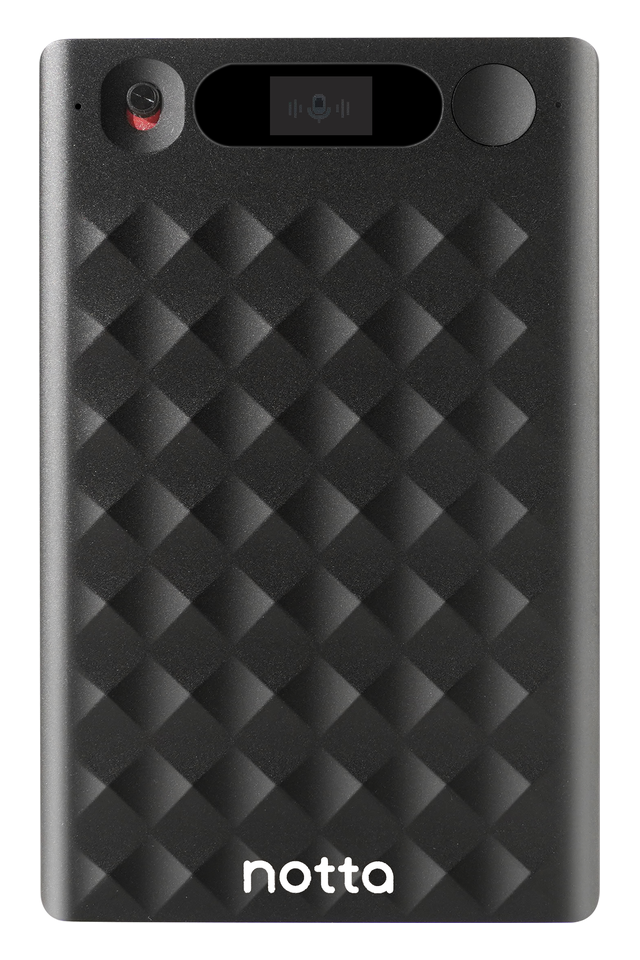
You can record on iPhone or Android, use Apple Watch, or bring Notta Memo, a dedicated recorder for face-to-face conversations and phone calls.
Notta's phone app needs internet to record and transcribe. Memo can save audio offline for transcription after syncing. You can also use your phone's built-in recorder and import the file once you're online.
On your phone or with Memo connected to the app and internet, live bilingual transcription turns speech in two selected languages into text as people talk. Turn on bilingual translation to see the original text alongside its translation. That's helpful when you want to follow a client discussion, rather than wait for translated notes afterward.
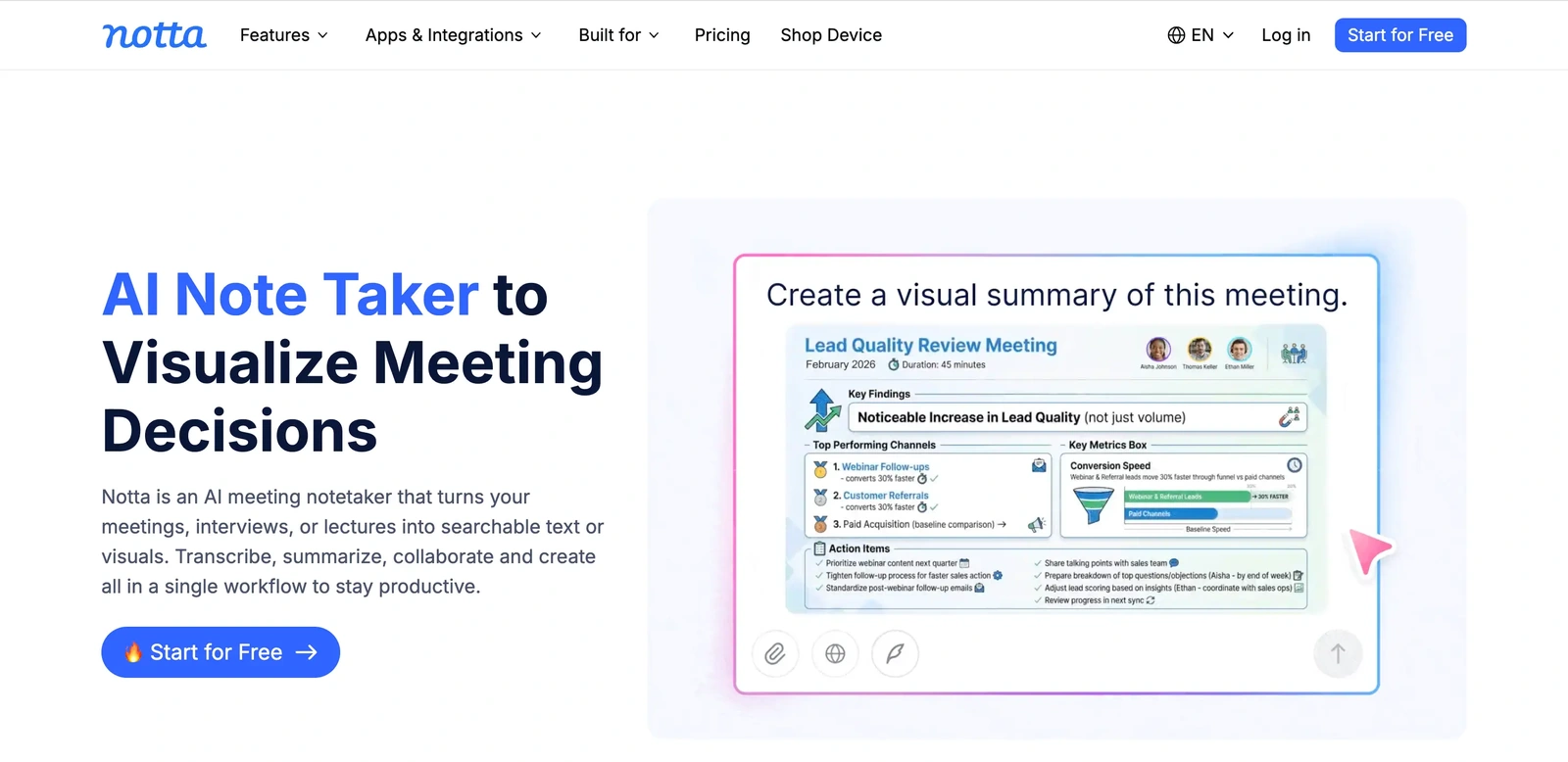
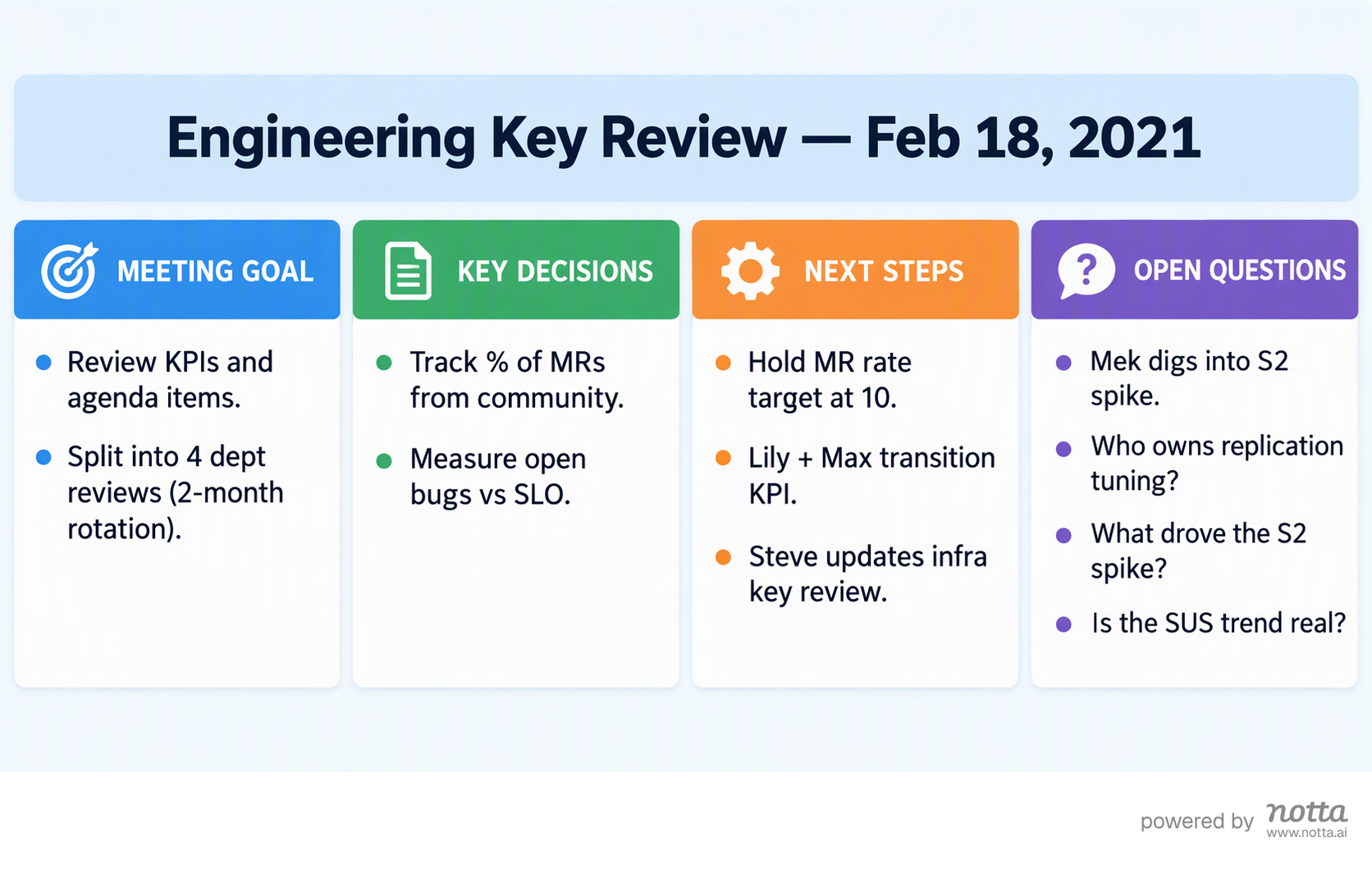
After the meeting, Notta Brain, built into Notta, can combine the recording with a brief, spreadsheet or image. Ask for an editable Word report or PowerPoint presentation, then save the file to Drive or send an update to Slack.
The engineering-review infographic below shows how Brain can organize a meeting's goals, decisions and next steps.
2. Plaud: For a dedicated recorder you can carry or wear
I'd consider Plaud if you'd rather put a recorder on the table or clip one to your clothing than keep your phone recording.
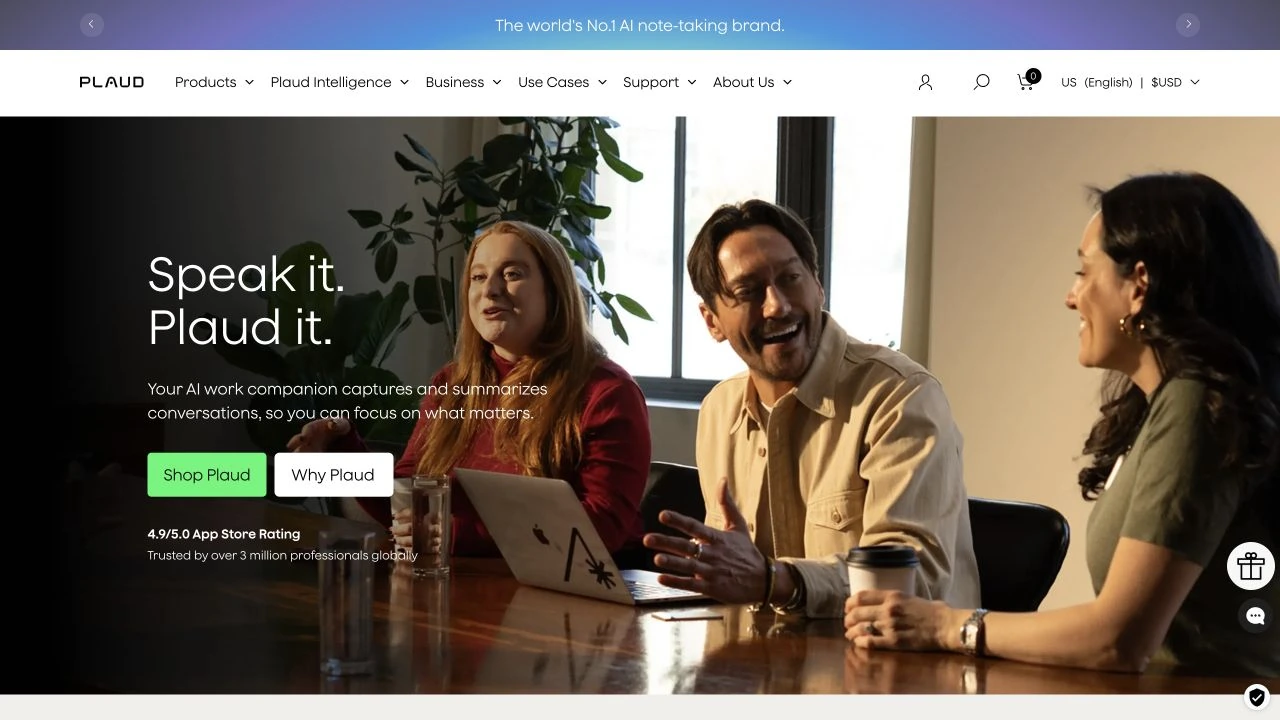
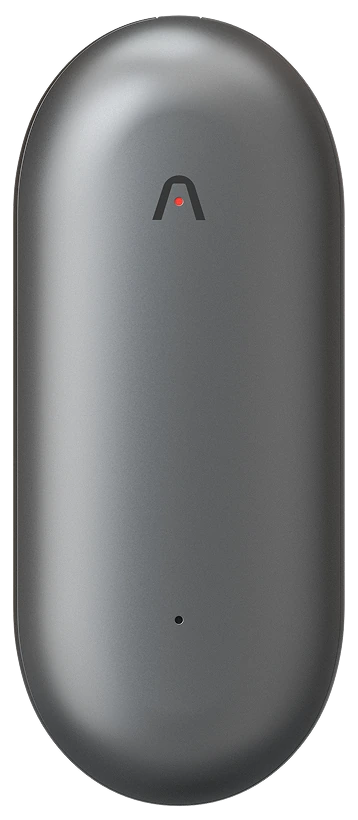
Plaud Note and Note Pro work as table recorders and attach to a phone for calls. NotePin and NotePin S are small wearable recorders for in-person conversations.
The hardware records without internet, then transfers audio for transcription and AI processing. Plaud transcribes one language per recording and produces the transcript afterward. It isn't the choice I'd make if I needed to read bilingual text while people were speaking.
After the conversation, Plaud's v4 Work experience can create Word documents, PDF files and PowerPoint presentations. It also supports external files, app actions and Routines. Some connector features are in Preview, and Work uses separate credits.
A saved voice profile can name its owner. Other speakers may still need names added manually, so don't assume everyone at your table will be identified automatically.
3. Otter: For live phone notes and checking the original audio
I'd put Otter on the shortlist when you want to follow a transcript and listen back afterward to check what someone said.
You can record on iPhone or Android. Otter keeps the audio with the transcript, and you can correct text and speaker labels. Speaker profiles can help it recognize familiar voices after processing.
Otter can record without internet on your phone and upload later. Reopen the recording on the same phone once you're online so it can finish uploading. Live transcription needs a connection.
Otter supports French and English together when you select French; other transcription languages are selected one at a time.
After the meeting, Chat can translate the text. Work can also create Word documents and PowerPoint presentations as that experience rolls out.
Watch the session limit if you're trying Free. Its 30-minute transcription allowance per conversation won't cover a 45-minute discussion in full. Pro increases that limit to 90 minutes.
4. Fireflies: For room recordings that feed regular team reports
I'd choose Fireflies when you want each client conversation to feed the same team update or report.
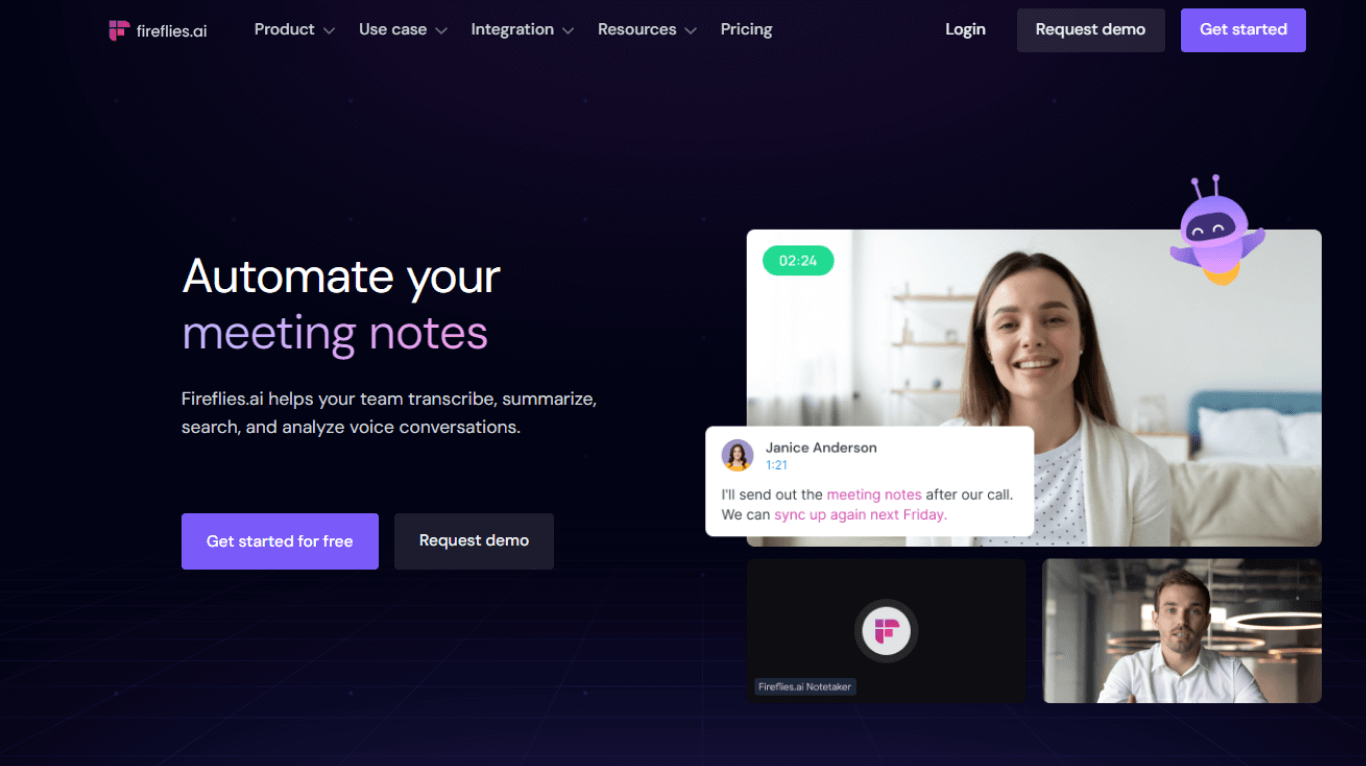
Its iPhone/Android app can record without internet and upload the audio later for transcription. It keeps the recording so you can listen back when you need to check a detail.
After your recording is processed, AskFred can work with the meeting and outside files or images. Paid AI Skills can turn that material into recurring reports and send the results to connected tools. Word documents and PDF files are among its output options.
I'd also check the Free account's remaining credits. Summary and upload allowances differ from simply being able to record, so Free doesn't mean every follow-up task is unlimited.
5. Granola: For lightweight notes on your phone or Watch
I'd consider Granola if you like writing a few notes yourself and want AI to fill in the discussion around them.
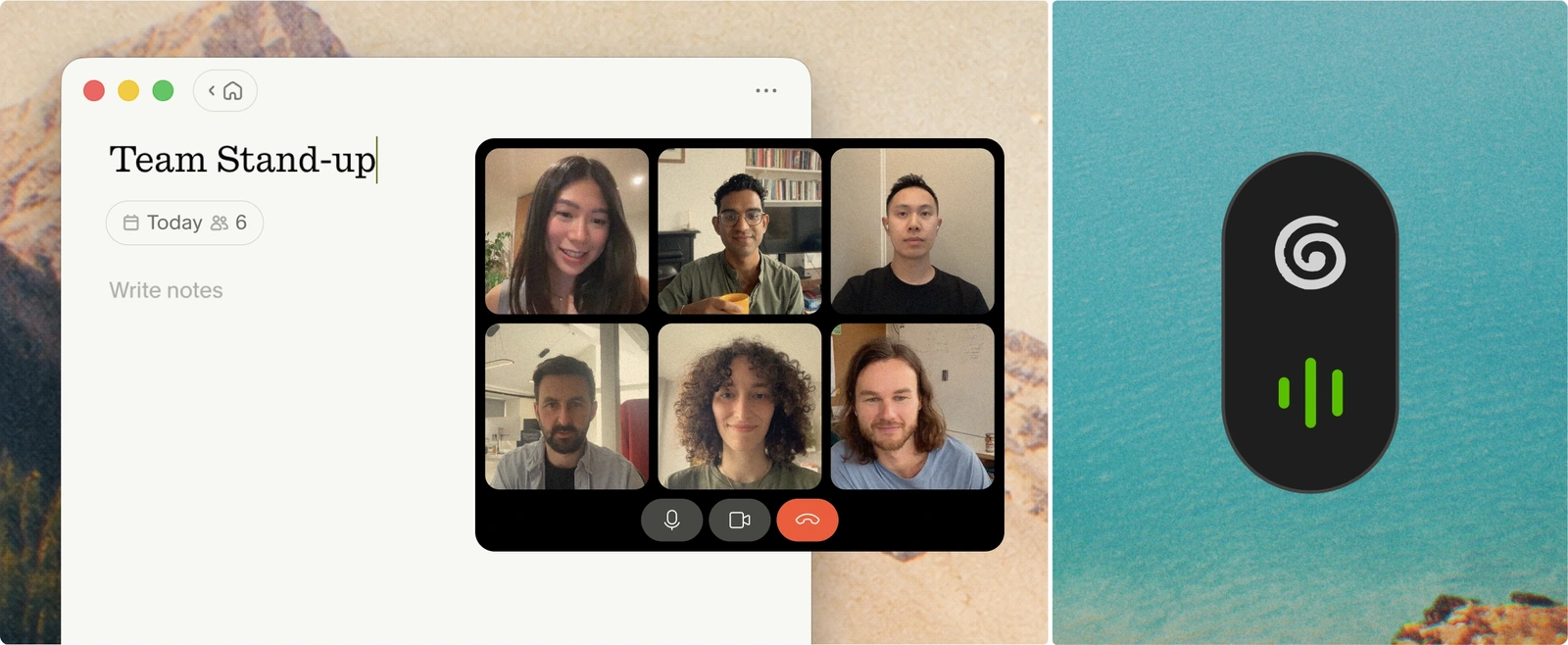
It records on iPhone, Android and Apple Watch. Watch recordings can be saved offline and synced through your iPhone later. Mobile transcribes one detected language per recording.
After the meeting, you can use Granola's desktop Chat to bring the recording's transcript and uploaded files together. You can prepare Gmail follow-ups, Slack messages and Calendar events, reviewing the proposed action before it happens.
The trade-off I'd think hardest about is replay. Granola doesn't retain meeting audio after processing, and raw transcript editing isn't available. You can edit the notes, but you can't listen back in Granola to settle a disputed quotation.
6. Fathom: For existing Fathom users recording with an iPhone
I'd consider Fathom if your team already uses it and you want face-to-face recordings in the same meeting library.
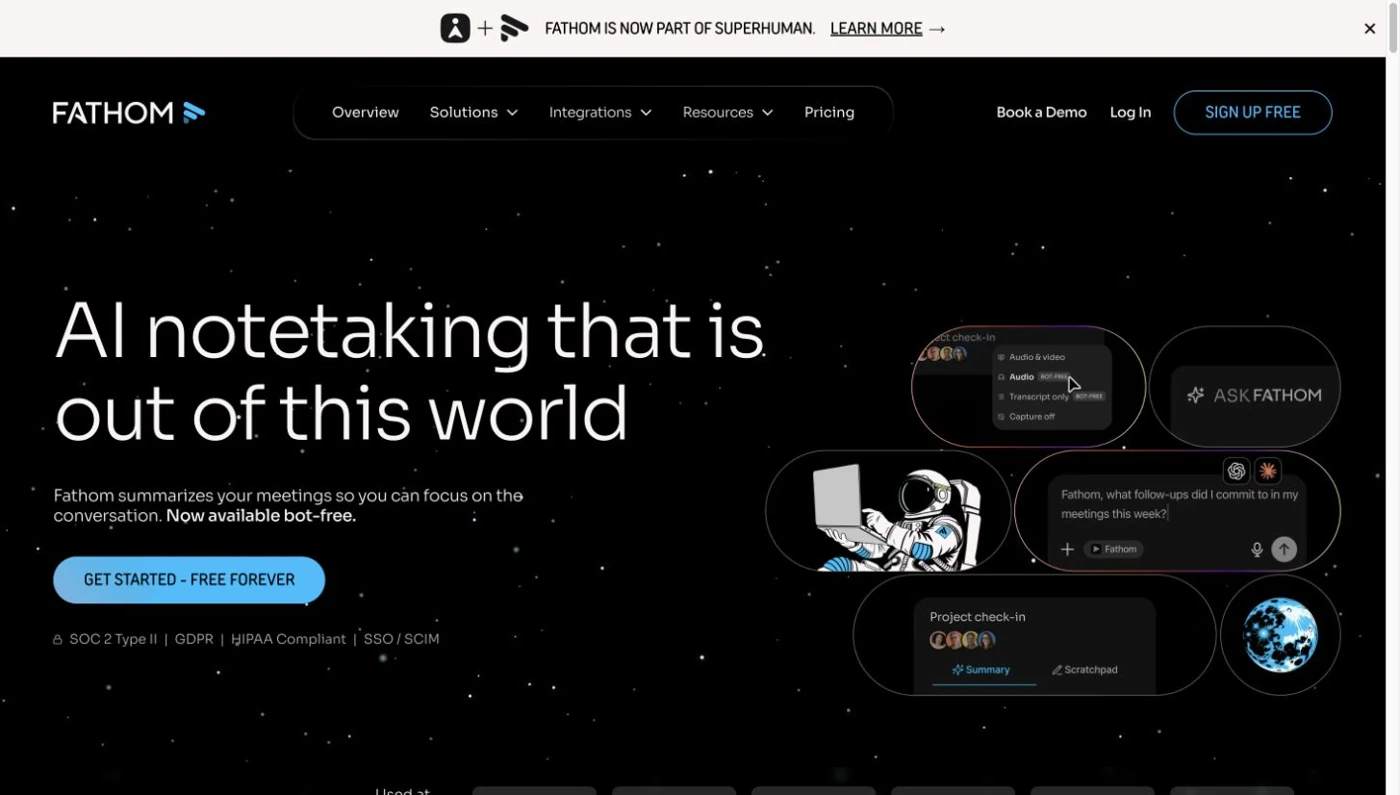
Its iPhone app records in-person audio on every plan. You can review recordings, transcripts, summaries and action items across your devices. Its optional voiceprint identifies your own voice, not every person in the room.
There are two important requirements: a compatible iPhone and internet while recording. Fathom doesn't offer Android or offline room recording. It also can't transcribe external recordings you upload.
After the meeting, you can pass its context to Claude or ChatGPT for larger deliverables. The report or presentation created there belongs to that connected tool, rather than being a native Fathom file.
Should you use your phone, Apple Watch or a dedicated recorder?
I'd start with your phone for a small discussion, or choose a dedicated recorder when you want to keep recording separate from your phone.
A phone is easy to place between two people. Check what happens when a call, alarm or another app interrupts it. I'd also check whether the app can keep recording without internet before a field interview.
An Apple Watch is another option with Notta or Granola. Think about where its microphone will sit, especially when several people are speaking.
A dedicated recorder keeps capture separate from your phone's other jobs. Memo can connect to Notta for live text or record independently for later sync. Plaud offers both table and wearable devices, with transcription after transfer.
Let everyone know you're recording and follow your workplace's recording rules. Place the microphone near the group, and check speaker names before sharing.
Pricing: subscriptions and recording hardware
I'd compare the software subscription and the recorder separately. That makes it easier to see what you'll pay once and what will renew.
Ten 45-minute meetings total 450 minutes a month. Check both the monthly allowance and the length of each recording before choosing a plan.
Software subscriptions
The table compares paid plans. Notta, Otter, Fireflies, Granola and Fathom also offer free software plans.
| Plan | Annual billing | Monthly billing |
|---|---|---|
| Notta Pro | $8.17/month | $13.49/month |
| Plaud Pro | $8.33/month | $17.99/month |
| Otter Pro | $8.33/month | $16.99/month |
| Fireflies Pro | $10/month | $18/month |
| Granola Business | Monthly billing only | $14/month |
| Fathom Premium | $16/month | $20/month |
Software prices are in USD per user. Annual rates are monthly equivalents, charged upfront for the year.
Notta Pro includes 1,800 monthly transcription minutes and up to five hours per recording. Plaud Pro includes 1,200 monthly minutes. Otter Pro includes 1,200 monthly minutes, with up to 90 minutes per conversation.
If you're trying Free, Notta transcribes up to three minutes per recording. Otter Free has 300 monthly minutes and a 30-minute limit per conversation. Neither covers a full 45-minute transcript on its standard Free plan.
Dedicated recorders
These are one-time device prices, separate from the subscriptions above. Each recorder includes a monthly transcription allowance, so you may not need a paid subscription straight away.
| Recorder | Device price | Included monthly transcription |
|---|---|---|
| Notta Memo Pro | $189 | 600 minutes for eligible workspace owners |
| Plaud Note | $159 | 300 minutes |
| Plaud Note Pro | $189 | 300 minutes |
| Plaud NotePin | $159 | 300 minutes |
| Plaud NotePin S | $179 | 300 minutes |
Device prices are in USD and exclude separately priced case upgrades. Plaud's Starter allowance requires an activated device.
After linking Memo, eligible Free workspace owners get 600 monthly minutes and five-hour recordings. Pro workspace owners receive 600 extra monthly minutes.
Recording minutes don't mean unlimited AI work. Notta Brain, Plaud Work and Fireflies AI Skills have separate credit allowances. For regular bilingual meetings, check Notta's language-use allowance as well as transcription minutes. Compare Notta's plans against the work you expect to do.
Turn the room conversation into something you can send
After the meeting, I'd want the recording to help finish the client update, not leave me starting it from scratch.
Say your English/Spanish discussion changes the project scope and budget. In Notta Brain, bring that meeting together with the project brief and budget spreadsheet. Ask for a Word decision brief covering the change, its cost, the owners and unresolved questions.
Check those names and numbers against the sources. Then ask for a PowerPoint update if your team needs a presentation, or save the generated file to Google Drive.
You can also send a Brain update to Slack. Gmail support prepares drafts for you to review and send in Gmail; Calendar changes need confirmation. Saving a Word file to Drive is different from editing a native Google Doc.
Explore Notta Brain if the work after the conversation is your main reason to switch. Other tools have useful agents too, so compare the files and app actions you actually need.
How I'd choose for your next meeting
For a small client discussion, I'd start with Notta for live bilingual text and follow-up files, or Otter if replay and familiar speaker profiles matter most.
For a field interview without dependable internet, I'd consider dedicated Memo/Plaud hardware, Otter mobile or Fireflies mobile. Use equipment you already have or can obtain in time. Granola Watch is another option when you want notes without retaining the audio.
For a longer workshop, I'd choose Notta Pro for up to five hours per recording and a report or PowerPoint afterward. Use your phone or connect Memo to the app with internet if you want live bilingual text. Make a short sound check from the farthest seat before you start.
Frequently asked questions
What can I use to record a meeting away from my desk?
You can use a phone app, an Apple Watch app or a dedicated recorder placed on the table or clipped to your clothing. Notta and Granola offer Watch recording, while Memo and Plaud provide dedicated hardware. Check device compatibility and internet requirements before the meeting.
Can I record an in-person meeting without internet?
Yes, with a recorder or app that saves audio offline. Memo, Plaud hardware, Otter mobile, Fireflies mobile and Granola Watch offer that option. You'll need a connection later for transcription and AI follow-up. Notta's phone app and Fathom's iPhone app need internet for direct recording.
Can it identify everyone sharing one microphone?
A tool may separate voices without knowing people's real names. Voice profiles, introductions and manual corrections can help, but they don't guarantee correct identification. Check important speaker labels against the recording where playback is available, especially when several people interrupt or have similar voices.
Is a phone enough, or should I buy a recorder?
A phone is a sensible starting point for a small discussion if you can place it near everyone. A dedicated recorder can separate recording from phone interruptions and offer a table or wearable format. For a larger room, check placement and microphone coverage before buying either option.
