
22 Funny Zoom Backgrounds for Your Next Meeting (2026)
Saving time and effort with Notta, starting from today!
Let's face it: staring at the same blank walls and blurred backgrounds during video calls gets old fast. After countless meetings where the most exciting thing was someone's cat walking across their keyboard, maybe it's time to shake things up.
Funny Zoom backgrounds are like that friend who always knows how to break awkward silence. They give you instant personality, spark conversations, and sometimes save you from explaining why your living room looks like a tornado hit it.
At Notta, we don't just do audio to text conversions and take AI meeting notes, we love to laugh as well. Here are 22 backgrounds that'll turn your next meeting memorable (and maybe get you a few extra smiles along the way).
Classic Memes & Internet Culture
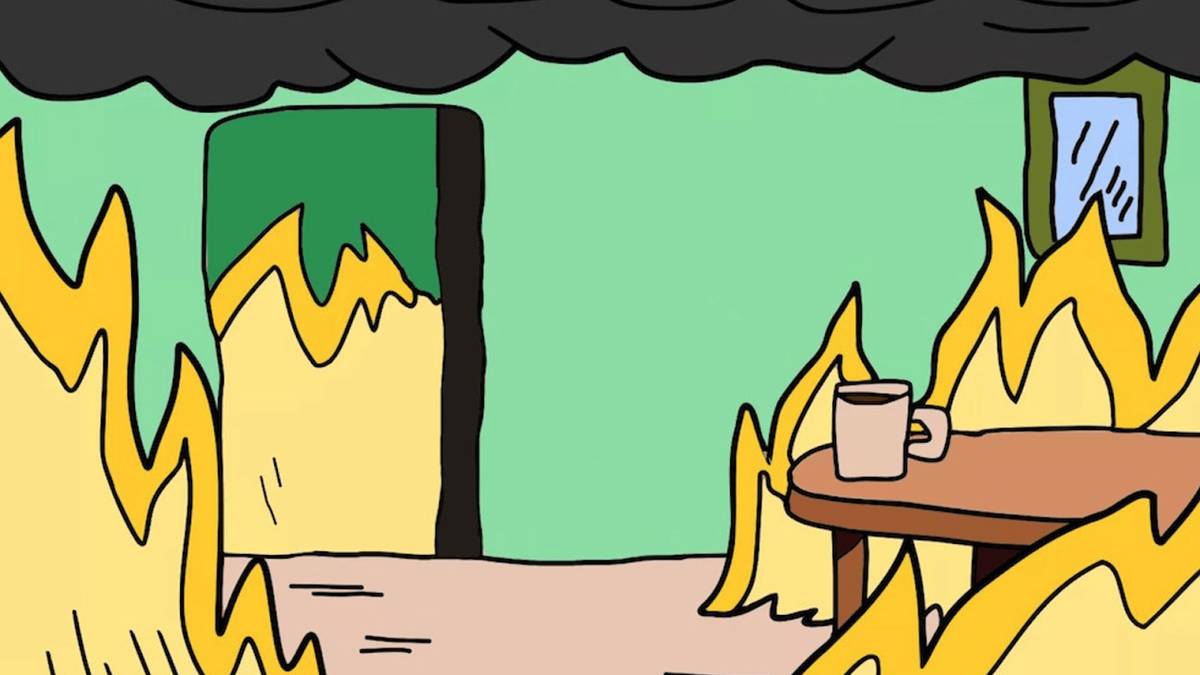
1. The "This is Fine" Dog
You know the meme: everything's literally on fire, but the cartoon dog just sits there with a coffee cup saying "this is fine." This background speaks to anyone who's ever had to explain why three different systems crashed during the quarterly review.
Sometimes the most honest thing you can do is admit that yes, everything's falling apart, but you're still here with your coffee.
2. Distracted Boyfriend Meme
Become the center of workplace drama with this classic meme background. It's perfect for those moments when you're trying to focus on the meeting but your mind keeps wandering to lunch plans.

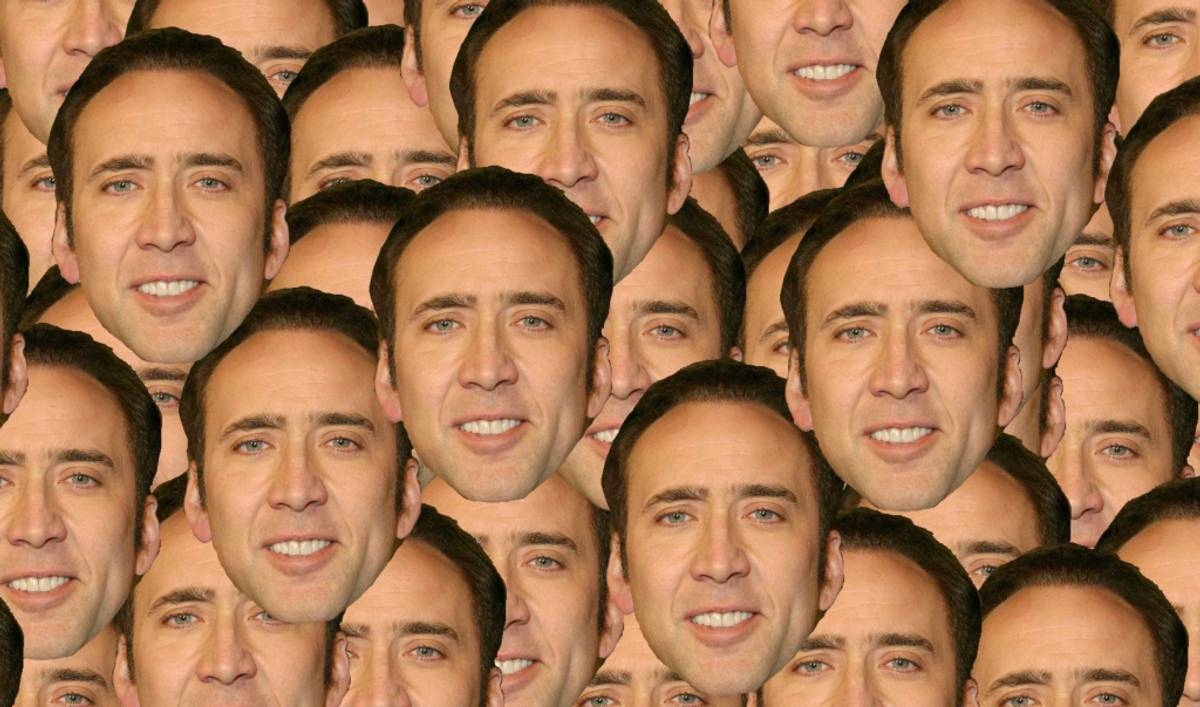
3. Nicolas Cage Collage
Watch your colleagues' reactions as they see Nicolas Cage's funny faces scattered across the screen. It's perfect for adding some surreal humor and livening up conversations about everyone's favorite Cage moments.
This background raises questions nobody asked but everyone secretly wants answered.
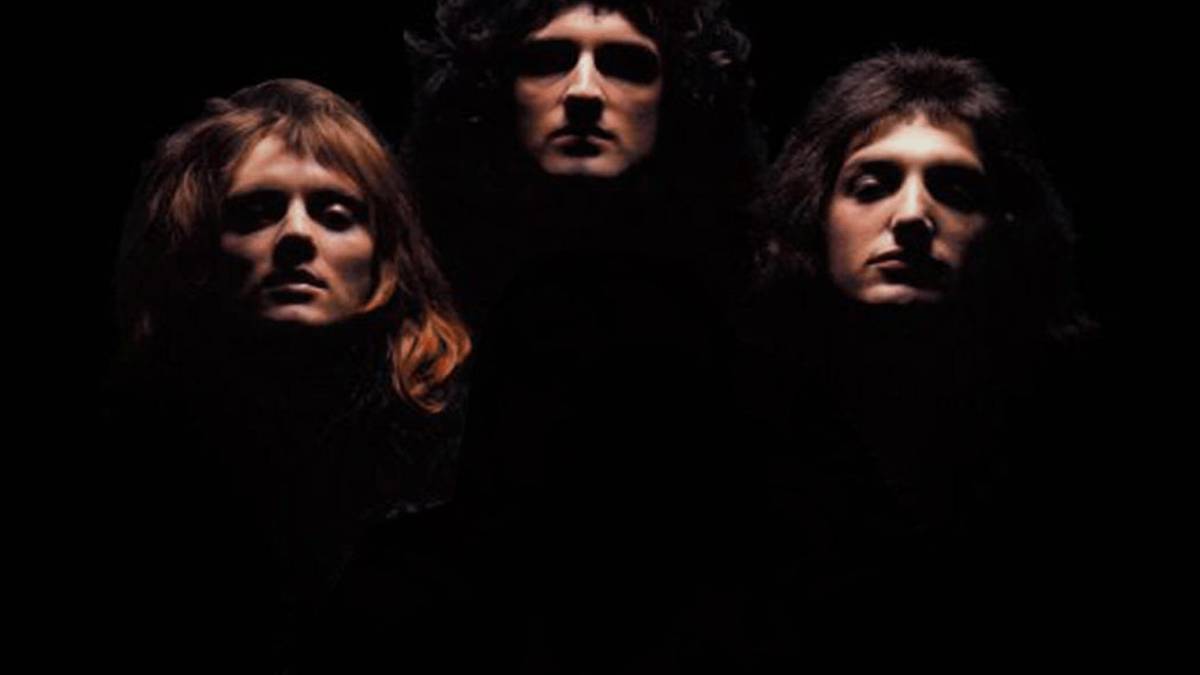
4. Bohemian Rhapsody Queen Zoom background
Step into Freddie Mercury's legendary boots and become the rock god your coworkers never knew they needed. Your colleagues will either start humming "We Will Rock You" or wonder when you got so mysteriously cool (spoiler: it was the lighting).
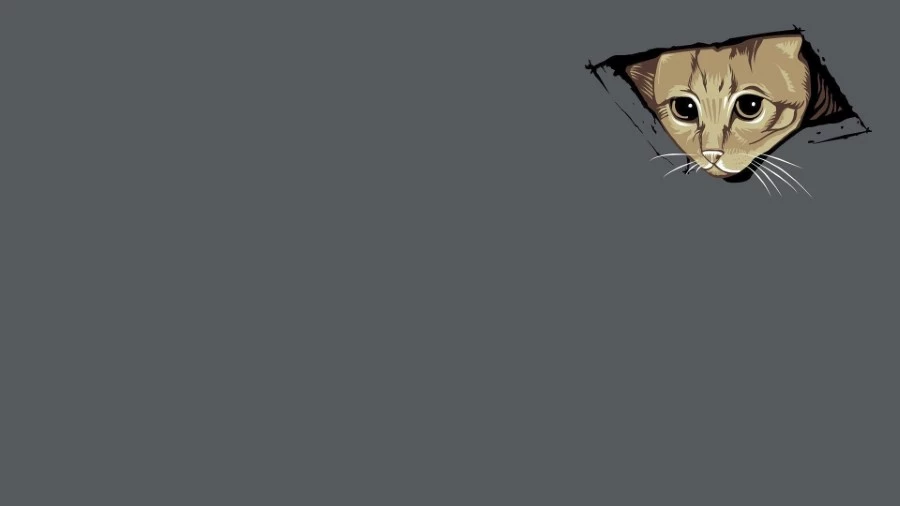
5. Peeping Cat
Nothing says "I'm being watched" quite like a curious cat head poking down from your ceiling tiles during the quarterly review. This background creates the perfect mix of adorable and slightly creepy that'll have everyone checking their own ceilings for fuzzy spies.
TV Shows & Movies
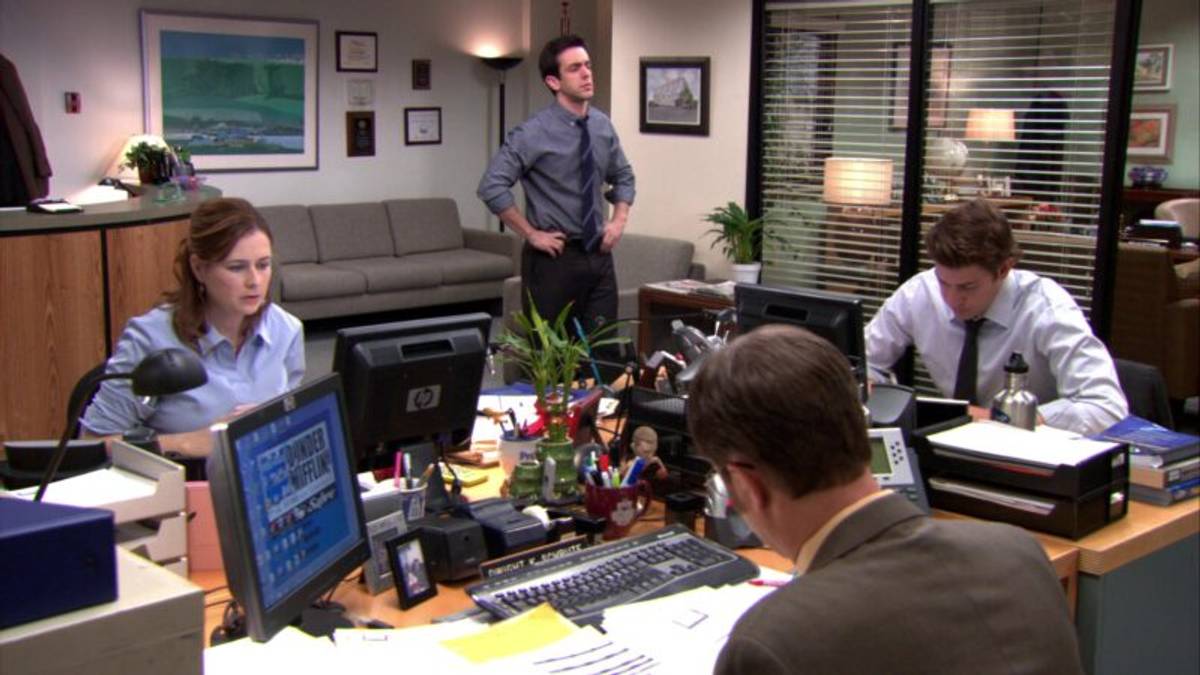
6. The Office Conference Room
Channel your inner Dunder Mifflin conference room background. It's got that perfect combination of corporate and comedy that makes everyone feel like they're part of the world's best workplace mockumentary.
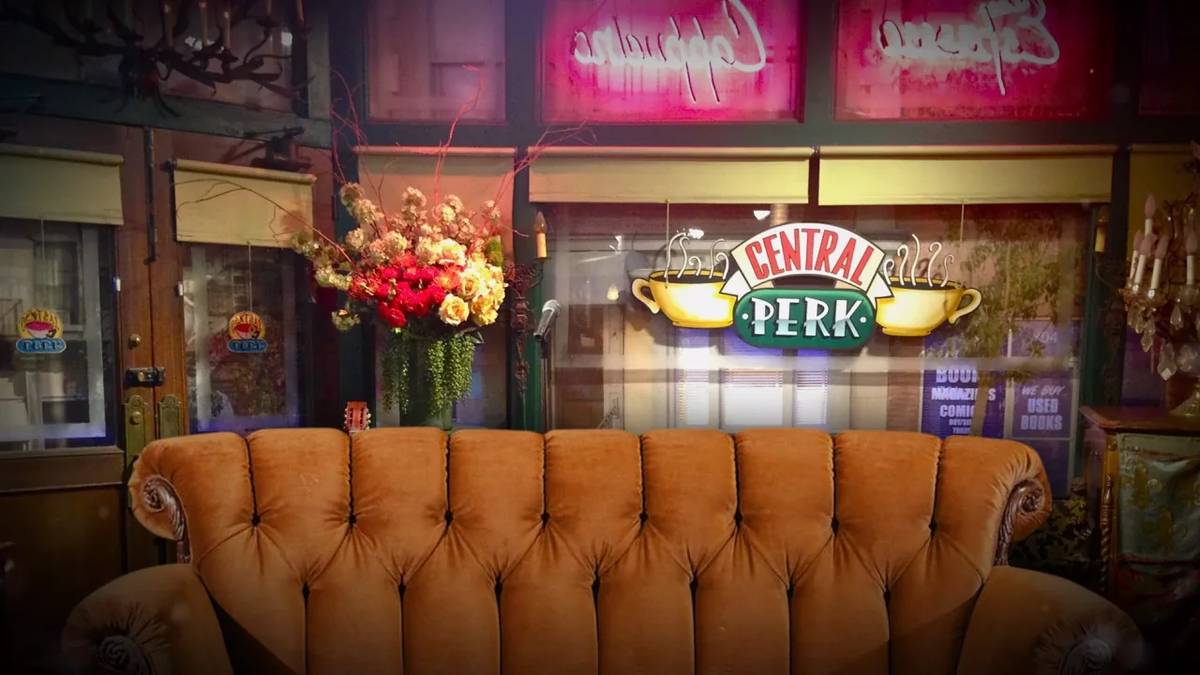
7. Friends Central Perk
Hang out with the gang in the iconic coffee shop where everyone spent way too much time despite having actual jobs. This cozy background makes every meeting feel like you're just catching up with friends over coffee (even when you're actually discussing compliance procedures).
8. Game of Thrones Iron Throne
Rule your kingdom of spreadsheets from the most contested seat in Westeros. This Game of Thrones background adds serious drama to budget discussions. Winter might be coming, but at least your quarterly projections are looking good.

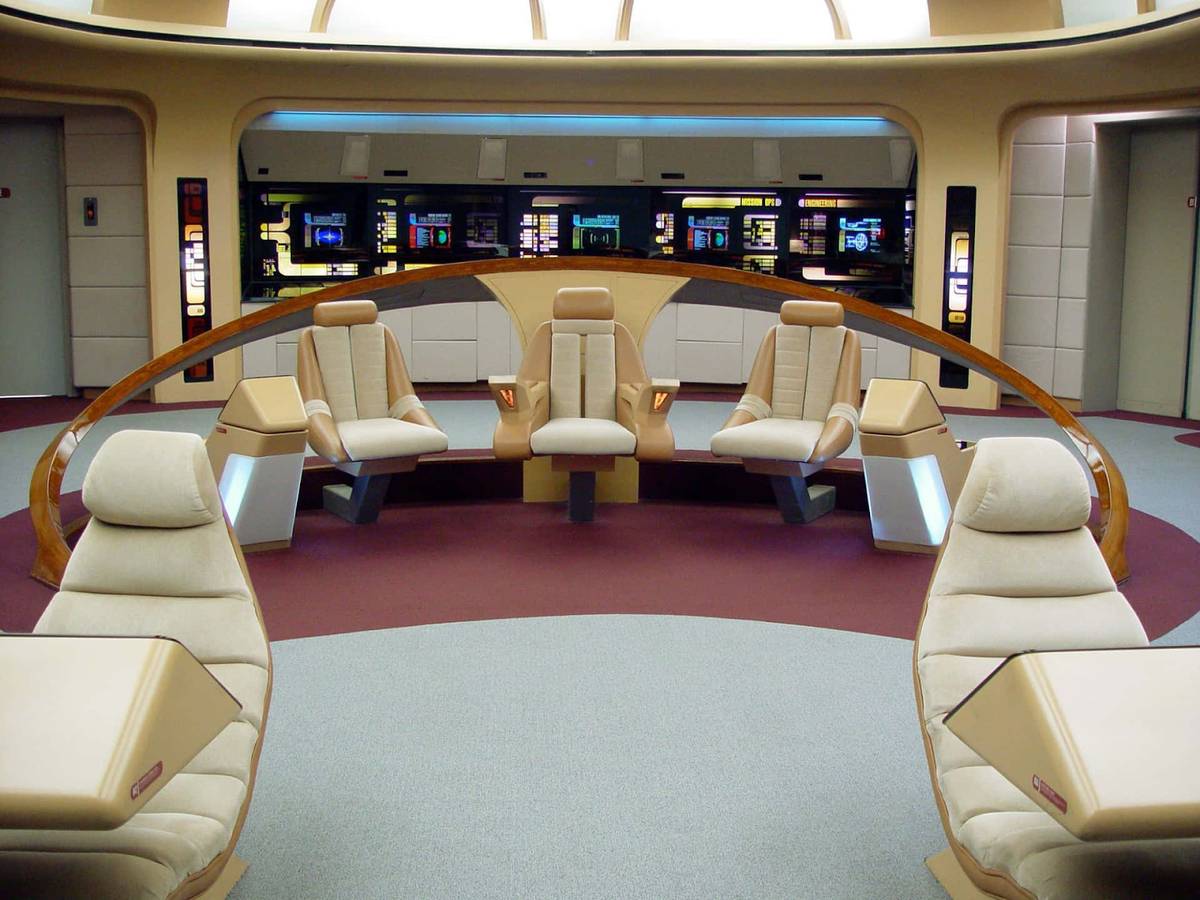
9. Star Trek Enterprise Bridge
Take command of your next team meeting from the most famous spaceship in TV history. The Star Trek bridge background makes every status update feel like you're exploring strange new worlds.
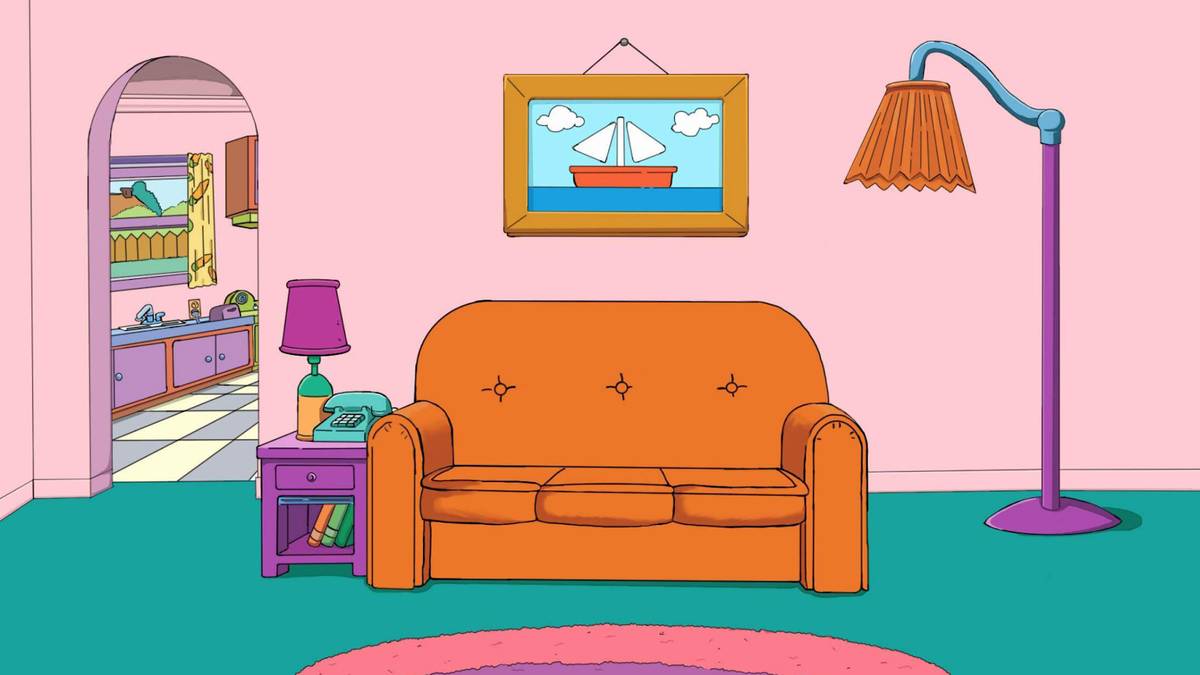
10. Simpsons Living Room
Join the longest-running animated family for your next call from their iconic living room. The familiar couch and TV setup creates an instantly recognizable and comforting backdrop. Great for adding some animated charm to your day (and maybe inspiring a few "D'oh" moments).
11. Breaking News Studio
Turn every announcement into breaking news with this professional news studio background. Works especially well for delivering those "we need to talk about the coffee situation" moments.

Professional & Fancy
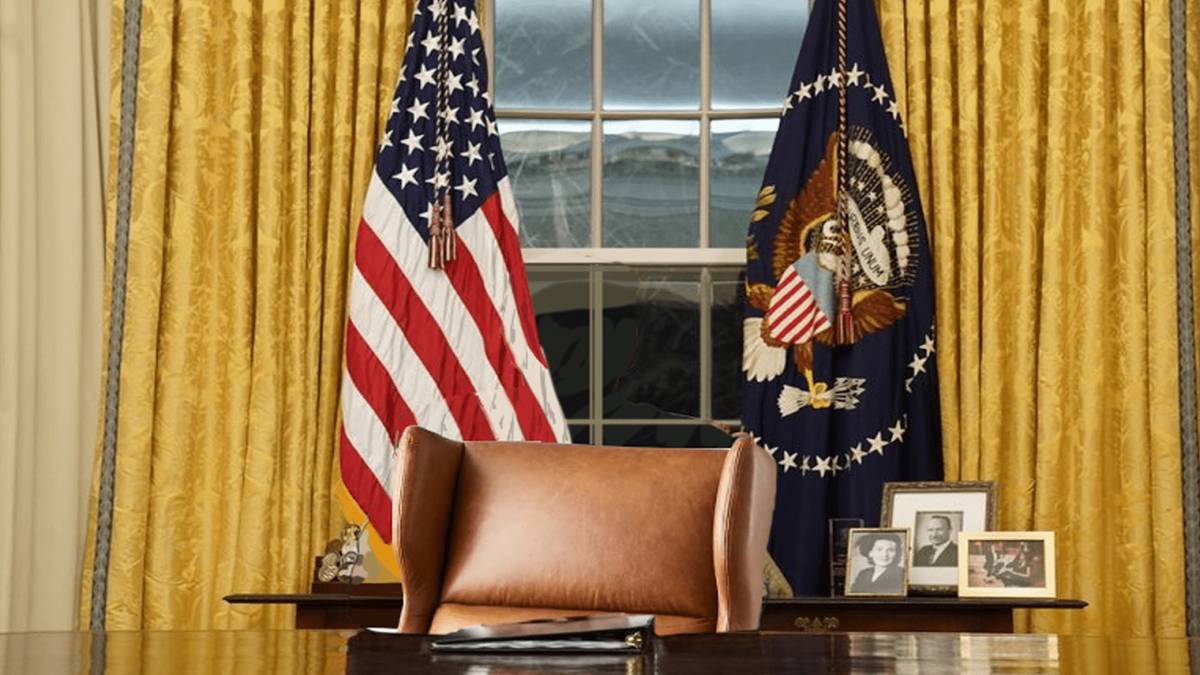
12. The Oval Office
Nothing says "I'm ready to nail this budget meeting" like conducting it from the most powerful office in America. Swap your kitchen table setup for the presidential desk and see how quickly people start taking your quarterly projections seriously. You might even find yourself unconsciously straightening your posture.
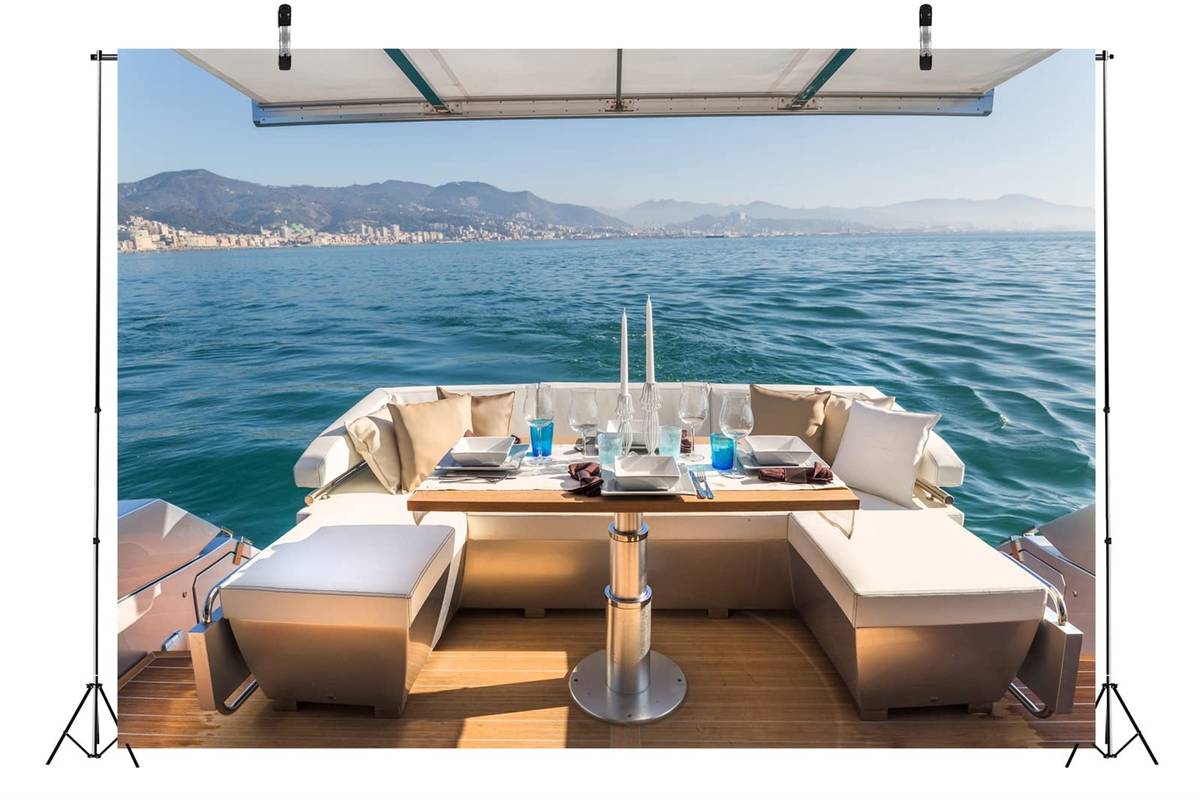
13. Luxury Yacht
Why join from your home office when you could be calling in from your private yacht? This fancy boat background suggests you're living your best life while still handling business. Perfect for those moments when you want to pretend your biggest concern is whether to anchor near Monaco or the French Riviera.
14. Luxury Penthouse
Join your meetings from what appears to be a million-dollar penthouse with floor-to-ceiling windows and modern furniture. This upscale background suggests you've made it big and are graciously taking time out of your glamorous lifestyle to attend this team check-in.

Weird & Wacky
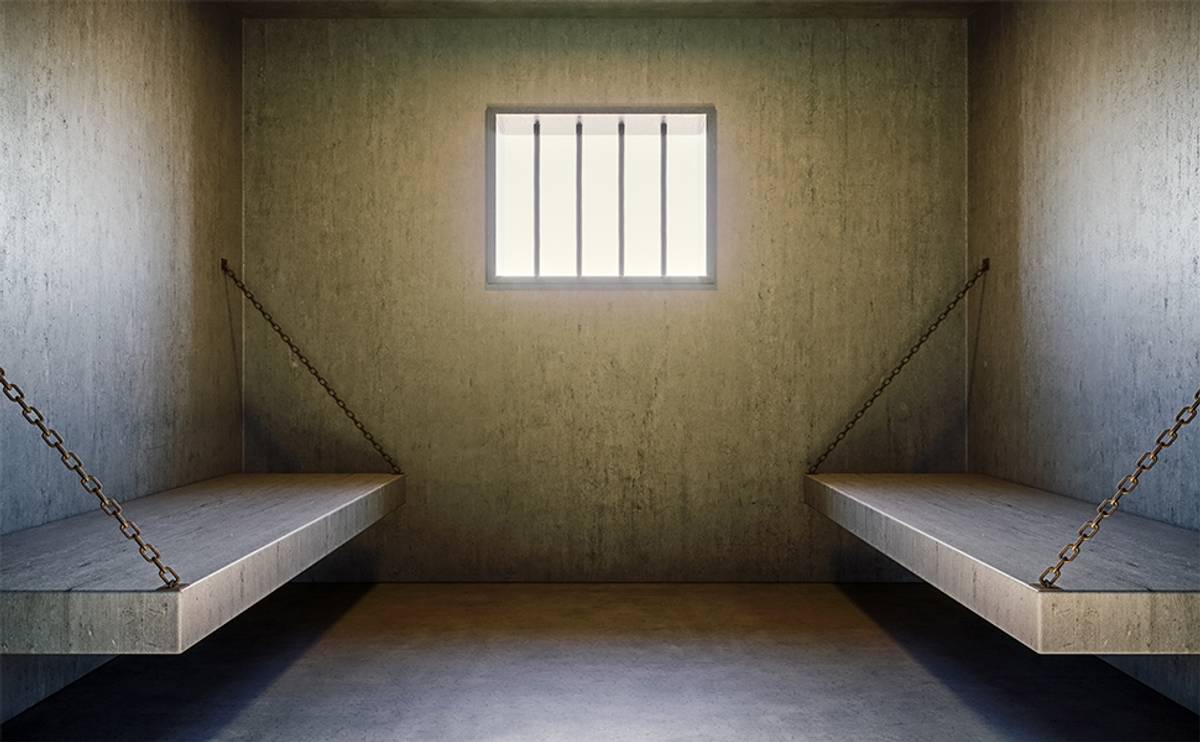
15. Prison Cell
Sometimes meetings really do feel like doing time. This prison cell background lets you lean into that feeling while getting a few laughs. It's perfect for those mandatory training sessions or budget reviews that nobody really wants to attend. At least now you can visually represent how you feel about the situation.
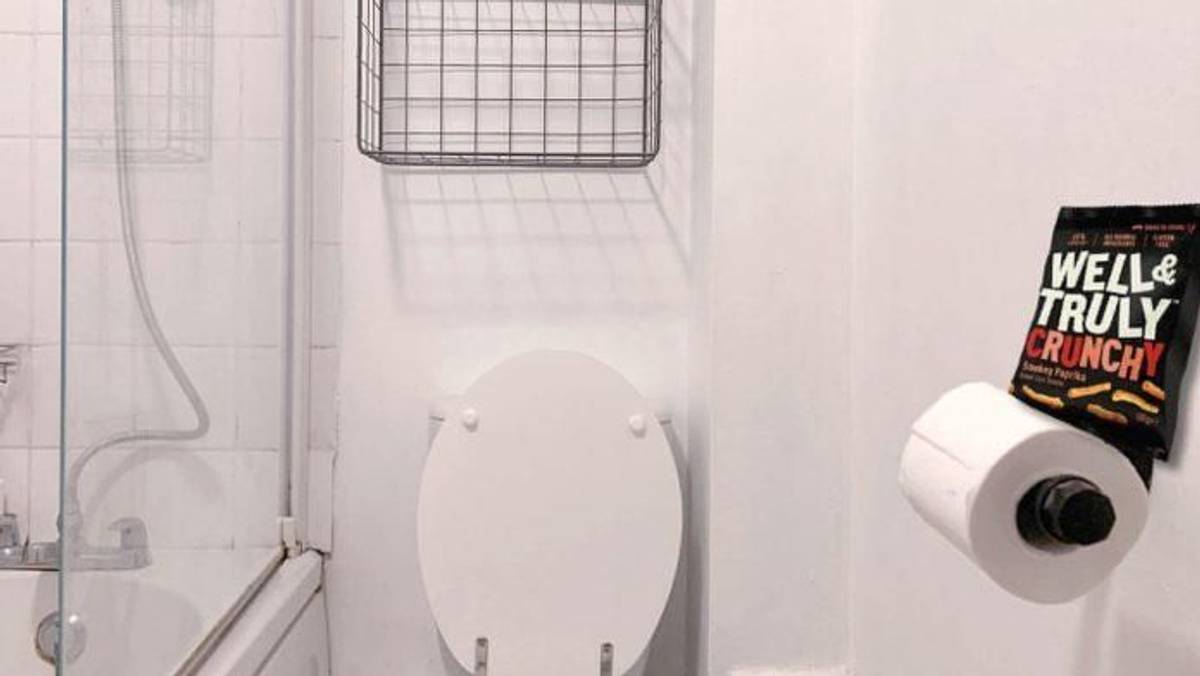
16. Toilet/Bathroom Scene
Ever wanted a bathroom break without leaving your meeting? This quirky toilet background has you covered (and raises so many questions). When you're hiding from a tedious discussion, this background will ensure your meetings are filled with uncomfortable humor.
Use with extreme caution during client calls.
17. Funeral Dance Meme Scene
Join the legendary Ghanaian dancers and become part of the internet's most iconic send-off ceremony. Sometimes you just need to lean into the dramatic feeling that this is the end of your free life outside of work.

Pop Culture & Nostalgia
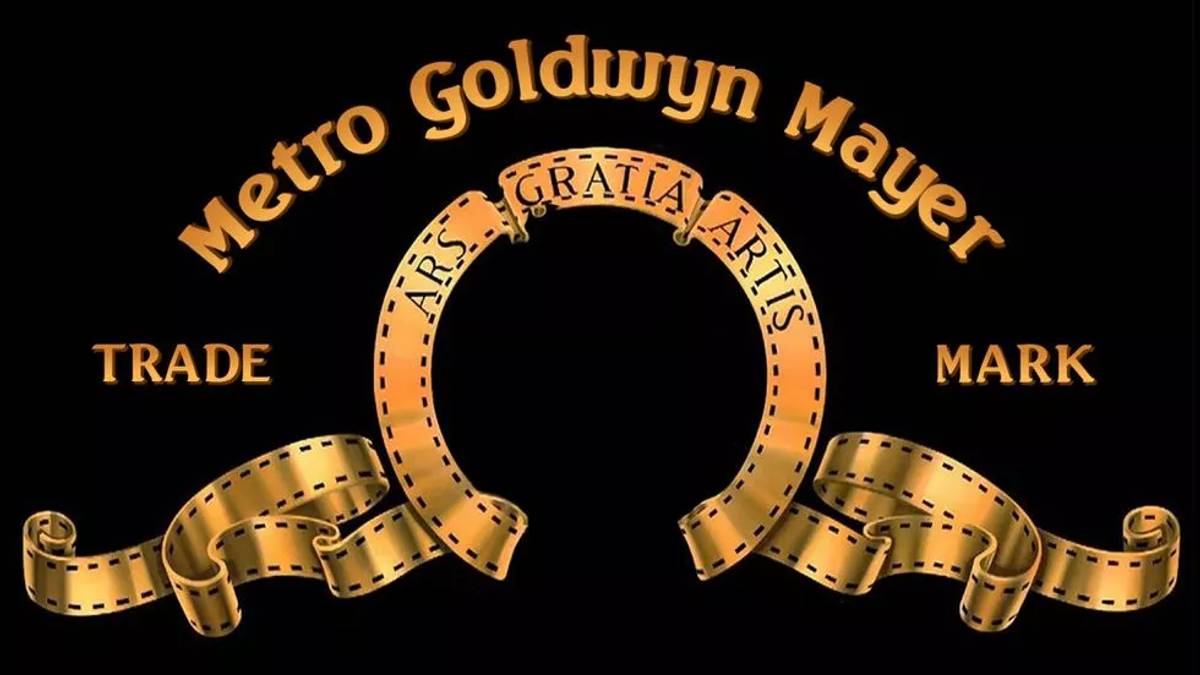
18. Metro Goldwyn Mayer
Replace the famous roaring lion and become Hollywood's newest star. You're literally the face of the entertainment industry now, which makes discussing printer toner feel surprisingly cinematic. Just try not to actually roar during the serious parts (though clearing your throat is totally acceptable).
19. The Lord of the Rings
Become Middle-earth's most unlikely hero, which honestly feels pretty accurate when you're carrying the weight of this quarter's impossible deadlines. This epic fantasy poster background makes every meeting sound like a quest report from the front lines of Mount Doom.

20. Men’s Health Magazine Cover
Ever dreamed of being a cover star? Now's your chance with this magazine cover background that puts your face on the front page. Strike a pose, flash your best smile, and get ready for your close-up. Your colleagues will be asking for autographs in no time.

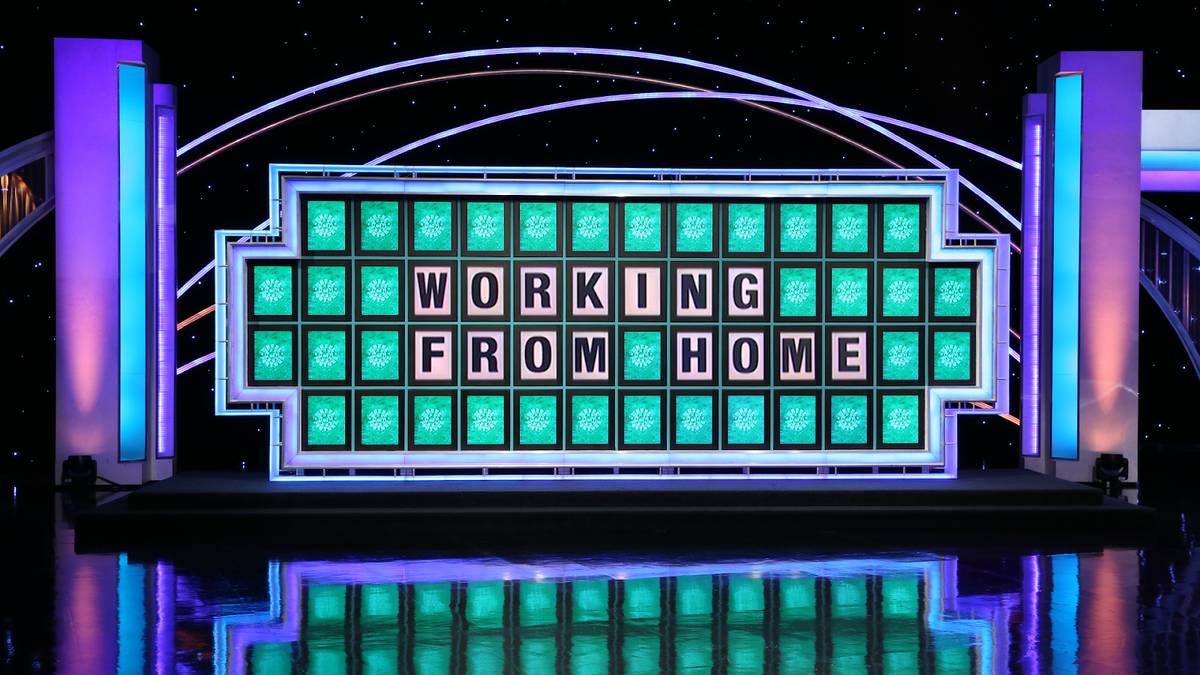
21. Wheel of Fortune
This background turns every team meeting into a game show where everyone's trying to solve the mystery of how to stay productive in pajama pants. Bonus points if you start asking people to "buy a vowel" when they're being unclear about project timelines.
22. Super Mario World
Join your Zoom call like it's 1985 with this classic video game background. Feel like a kid again as you manage your meeting like Mario handles the Mushroom Kingdom. It's just another power-up, and this background puts a nostalgic smile on everyone's faces.

Where to Find and Download Free Funny Zoom Backgrounds
The backgrounds described in this article are available through several free sources. The most reliable are:
Unsplash (unsplash.com) — Free high-resolution images including many that have become standard background choices. Search for specific settings like "library", "office", or "penthouse."
Google Images (search with "Tools > Usage Rights > Creative Commons") — Surfaces freely usable images. Useful for finding specific meme screenshots and pop culture backgrounds, though rights vary.
Canva (canva.com/zoom-virtual-backgrounds) — Has a dedicated Zoom background template library with hundreds of free options, including meme-style and illustrated backgrounds. You can also customise them.
Zoom's own background gallery — Zoom's website includes a curated set of free backgrounds at zoom.us/virtual-backgrounds. Updated periodically.
Reddit (r/ZoomBackgrounds) — Community-submitted backgrounds, including user-made custom options. High variation in quality but some genuinely creative finds.
Save images at the highest resolution available. Zoom and Teams both work best with backgrounds at 1920x1080 pixels or higher. Smaller images render pixelated and reduce the effect.
How to Set a Funny Background on Zoom
Open the Zoom desktop app and click your profile picture in the top-right corner.
Select Settings.
In the left menu, click Background & Effects.
Under the Virtual Backgrounds tab, click the + icon.
Select Add Image (or Add Video for an animated background) and choose the file from your computer.
Click the background to apply it.
If your computer does not meet the requirements for virtual backgrounds without a physical green screen, Zoom will display a notice. Older or lower-spec machines may blur the background automatically rather than applying a clean cutout.
How to Set a Funny Background on Microsoft Teams
Open Microsoft Teams and start or join a meeting.
In the meeting controls, click the three-dot menu (...) and select Video effects, or click the background effects icon before joining.
In the panel that opens, click Add new to upload a custom image.
Select your saved background image from your computer.
Click Apply to activate it.
You can also set a background before joining any meeting by clicking Background effects on the pre-meeting join screen. Custom backgrounds uploaded this way are saved for all future calls.
Teams supports still images in JPEG and PNG format. It does not currently support video/animated backgrounds as a native feature, though some workarounds exist using virtual camera software.
Tips for Getting the Most Out of a Funny Background
Test it before the call. Open a test meeting at zoom.us/test and check how the background renders with your actual lighting. Low light causes noticeable glitching on most virtual background setups.
Match the background to the audience. Meme backgrounds and absurdist choices work better on internal calls where you know the room. For external or client calls, funnier-but-subtle options like the Oval Office or a library land better.
Wear solid colours. Patterned or busy clothing creates edge-detection problems, especially on machines without a green screen. A plain shirt produces a cleaner cutout.
Have one serious option saved. If a conversation takes an unexpected turn mid-call, being able to swap to a neutral background in seconds is worth the 10 seconds it takes to save one beforehand.
FAQs
Are funny Zoom backgrounds free?
Yes. Zoom itself provides a selection of free virtual backgrounds, and many third-party sites including Canva, Unsplash, and Reddit's r/ZoomBackgrounds community offer free downloadable options. All the backgrounds referenced in this article are available without payment.
Can I use the same funny background on Microsoft Teams?
Yes. Any image file you can use as a Zoom background can also be uploaded to Microsoft Teams as a custom background. Follow the Teams instructions above. Teams does not natively support video backgrounds, so stick to JPEG or PNG files.
Do I need a green screen for virtual backgrounds?
No, but it helps. Zoom and Teams both support virtual backgrounds without a green screen on most modern hardware. Without one, the background cutout may be less precise, particularly around hair and loose clothing. A solid-coloured wall behind you helps the software identify the boundary between you and the background.
What size should my background image be?
1920x1080 pixels (standard HD) is the ideal resolution for both Zoom and Teams backgrounds. Higher resolutions are fine. Images smaller than 1280x720 may appear pixelated or blurry.
Can I use an animated or video background on Zoom?
Yes. Zoom supports video backgrounds in MP4 or MOV format at resolutions between 360p and 1080p. Upload the file the same way you would a static image. Microsoft Teams does not natively support animated backgrounds.

Notta can convert your spoken interviews and conversations into text with 98.86% accuracy in minutes. Focus on conversations, not manual note-taking.

