
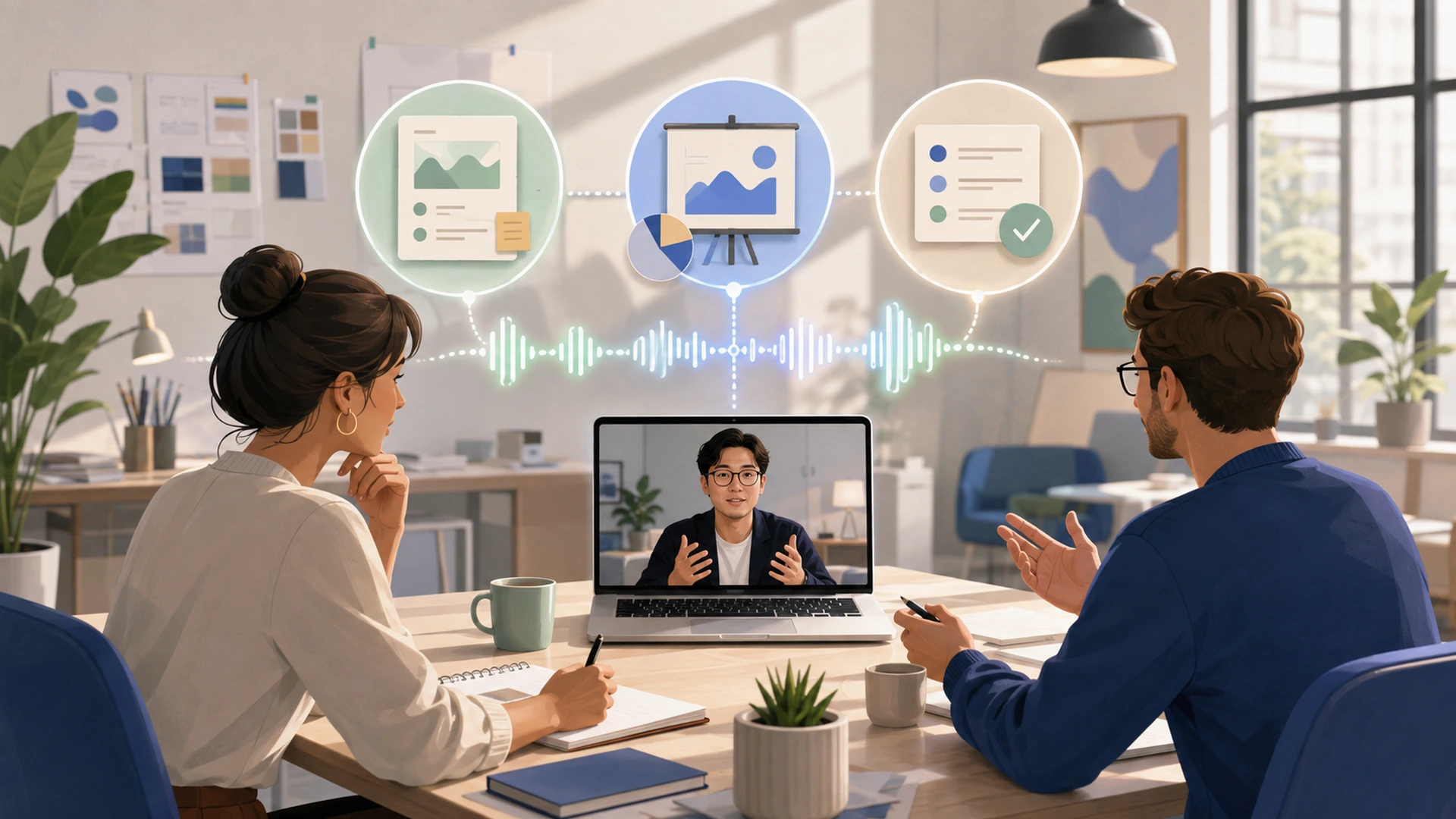
6 Best Meeting Recorders for Agency Client Calls: Bot, Bot-Free, and Private Options
If you want one meeting recorder for agency client calls, I recommend Notta because it supports a visible bot, bot-free desktop recording, and a separate private mode. Fellow, Fireflies, Krisp, Otter, and Avoma fit narrower needs. This guide compares the six products, then helps you choose the right recording method for each client call.
| Meeting recorder | Recording choices | Best for | Standout strength |
|---|---|---|---|
| Notta | Visible bot, bot-free desktop recording, and Privacy Mode | Agencies that need one product across varied calls and deliverables | The broadest mix of recording choices and client deliverables in this comparison |
| Fellow | Bot or bot-free desktop recording | Account teams that want a dedicated channel for each client | Dedicated client channels for recurring work and handoffs |
| Fireflies.ai | Visible bot, or bot-free desktop capture without saved audio or video | Agencies that want reusable AI Skills for routine calls | Large library of AI Skills and custom automations |
| Krisp | Bot-free desktop recording with an optional bot | Agencies where call clarity is the main problem | Noise cancellation and Accent Conversion |
| Otter.ai | Visible Notetaker or bot-free desktop recording | Agencies that use ChatGPT or Claude to work with meeting history | Access authorized meeting history from ChatGPT or Claude |
| Avoma | Bot or bot-free desktop recording | HubSpot-based sales and client teams | Structured CRM field updates and conversation review |
What should agencies compare before choosing a meeting recorder?
Agencies should compare the recording method, client experience, meeting output, team access, privacy, and the work required after each call.
- Recording choices: Can the product use a bot, record from your computer, or keep recording and transcription on the computer when needed?
- Client experience: Will another participant appear, and does the client allow it?
- Meeting output: Can the product create the brief, recap, scope note, presentation, or follow-up your team needs?
- Client history: Can account teams find earlier decisions, commitments, and open questions without searching across unrelated folders?
- Other tools: Can the useful information move into your documents, project tools, or CRM without losing context?
- Privacy and access: Where do recordings and transcripts go, who can open them, and how long should your agency keep them?
- Final review: Can your team check speakers, dates, budgets, decisions, and client wording before anything is shared?
I would remove any product that conflicts with the client's recording rules before comparing feature lists. A polished summary is not useful if the recording method was never acceptable.
What are the best meeting recorders for agency client calls?
1. Notta — best overall for varied agency client calls
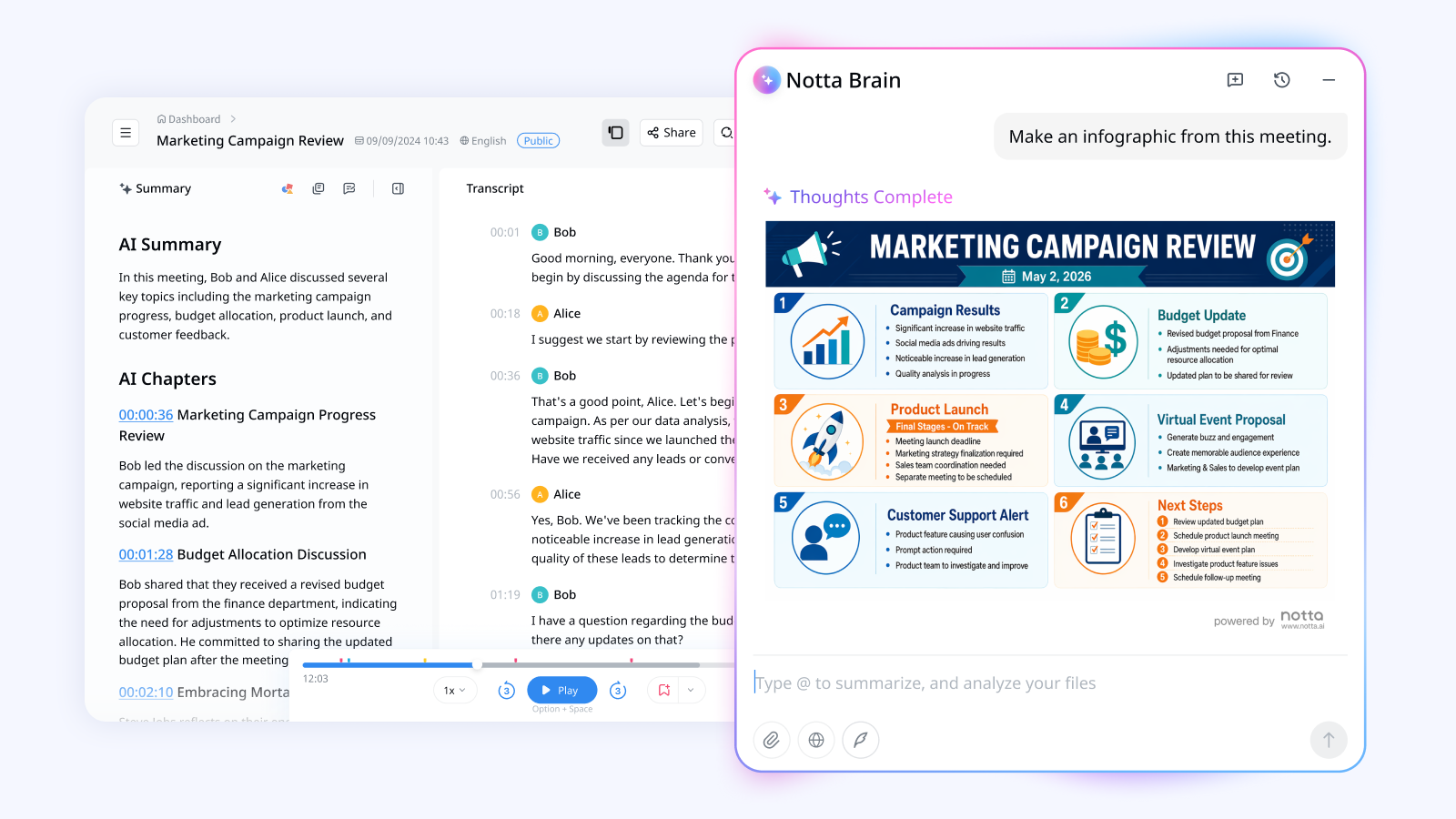
Notta is my overall recommendation because it gives agencies several ways to record. You can use a bot for approved scheduled calls, Notta Desktop for bot-free meetings, or Privacy Mode for a compatible private setup.
The broader value comes after the call. Notta can help your team review transcripts, decisions, action items, and scope changes. After regular bot or bot-free recordings, it can also create editable briefs, reports, presentations, follow-up emails, and other working documents.
This range makes Notta useful when your agency handles briefings, workshops, pitches, and restricted calls rather than one repeating meeting type.
2. Fellow — best for dedicated client channels
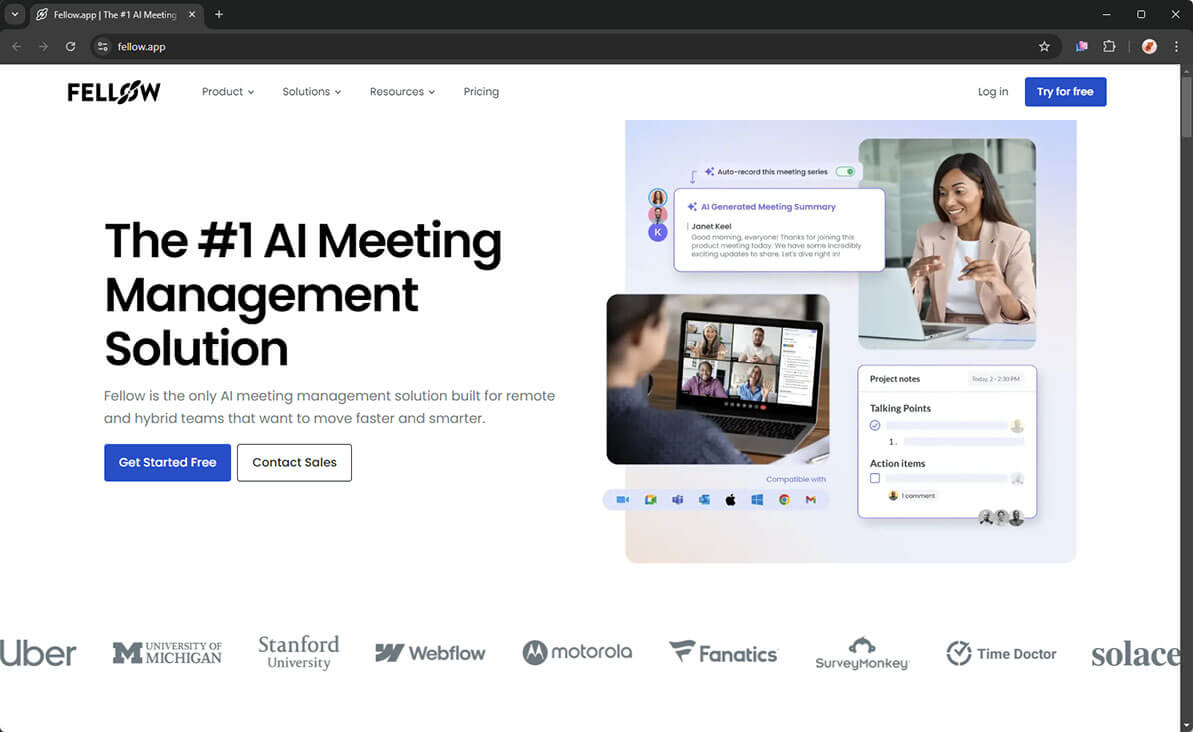
Fellow supports a visible meeting bot or bot-free desktop recording. Its agency advantage is the way dedicated client channels keep recordings, decisions, and meeting history together.
That setup can help a new account manager understand the client without rebuilding the story from scattered notes. I would consider Fellow when dedicated client channels are central to account continuity and team handoffs.
3. Fireflies.ai — best for reusable AI Skills and custom automations
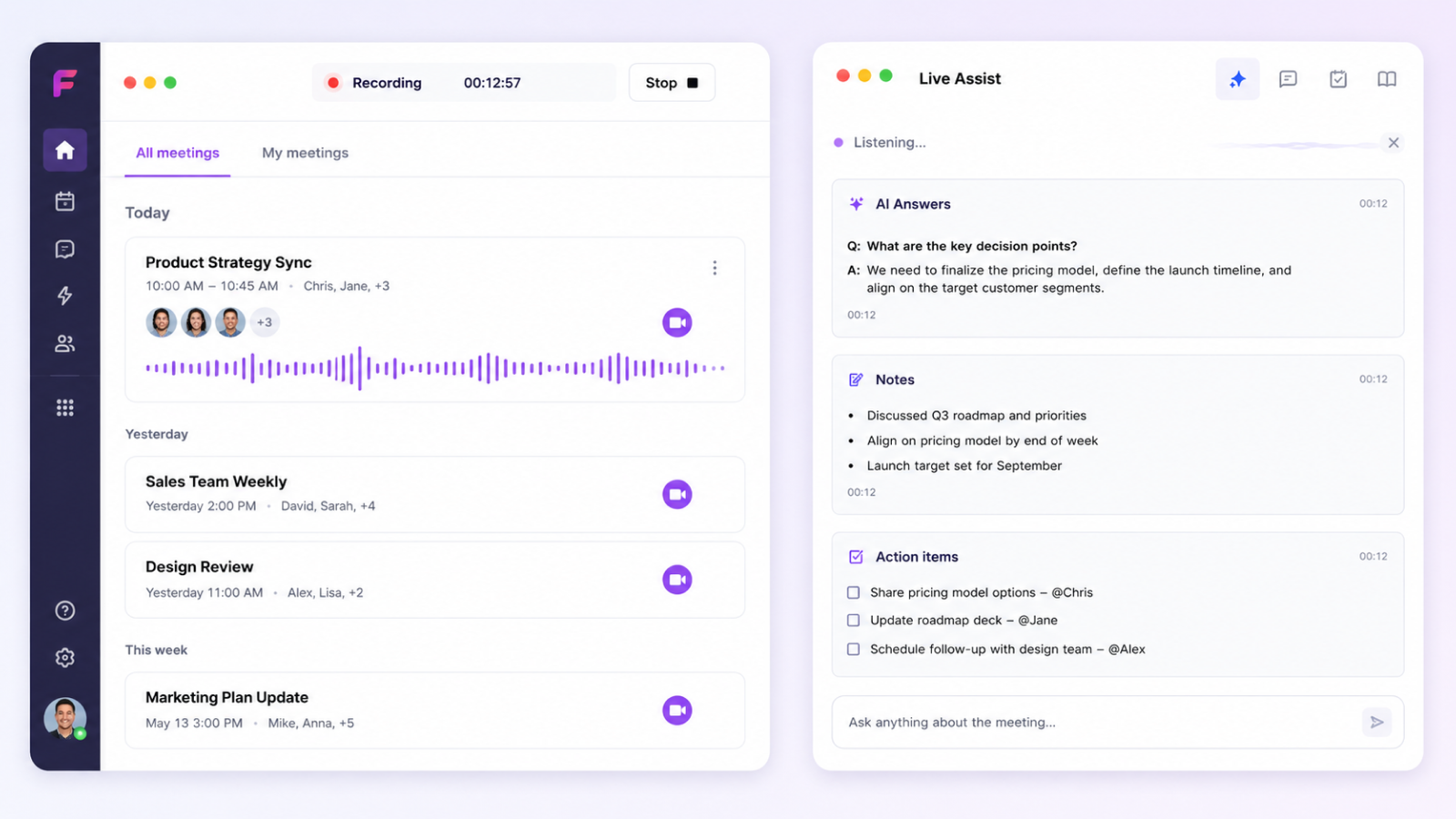
Fireflies.ai can use a visible bot or capture the call from its desktop app without one. In bot-free mode, it keeps the transcript and notes, but not the audio or video.
Fireflies stands out for its library of AI Skills and custom automations. These can support meeting preparation, pull out specific details, and trigger repeatable follow-up. It is a good choice when your agency wants to automate the same task across many routine calls.
4. Krisp — best for noisy calls
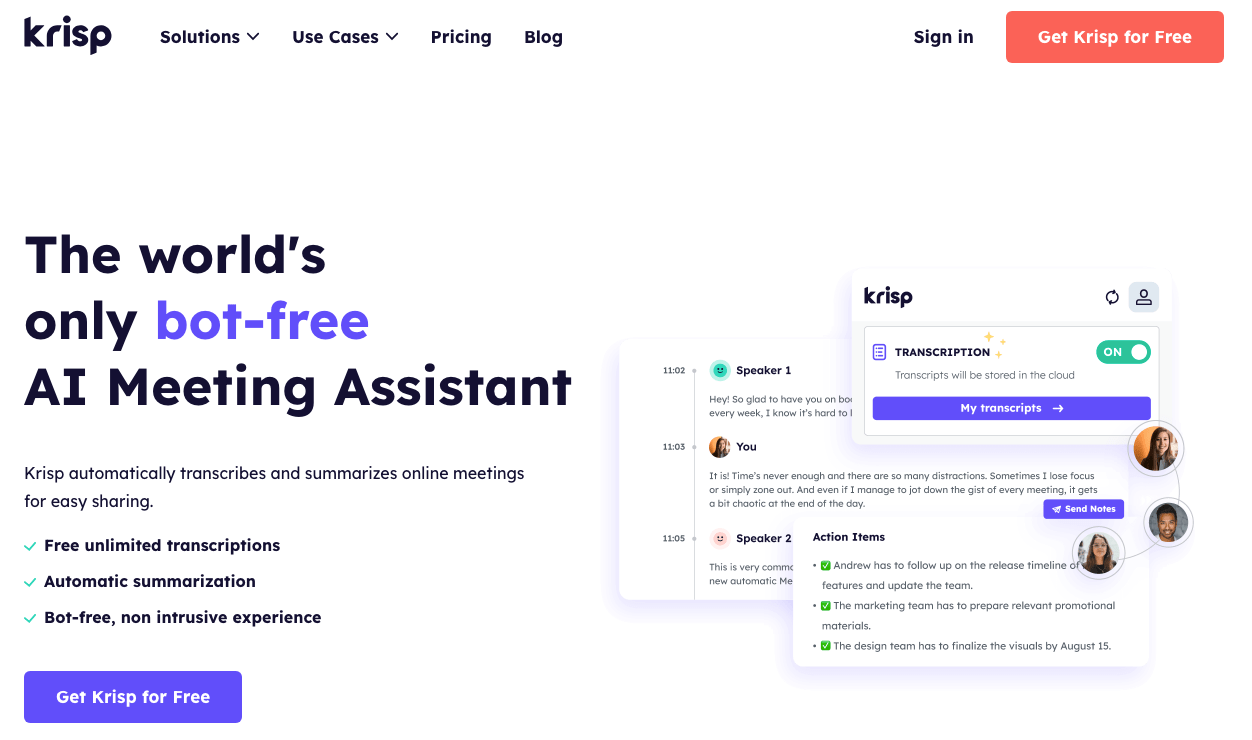
Krisp is best known for recording meetings without adding a bot, although it also offers a bot option. Its main advantage is call clarity.
Two-way noise cancellation can reduce distracting sound on both sides of the call. Accent Conversion can make some international conversations easier to follow. I would consider Krisp when poor audio causes clients and agency teams to repeat themselves or miss important details.
5. Otter.ai — best for using meeting history in ChatGPT or Claude
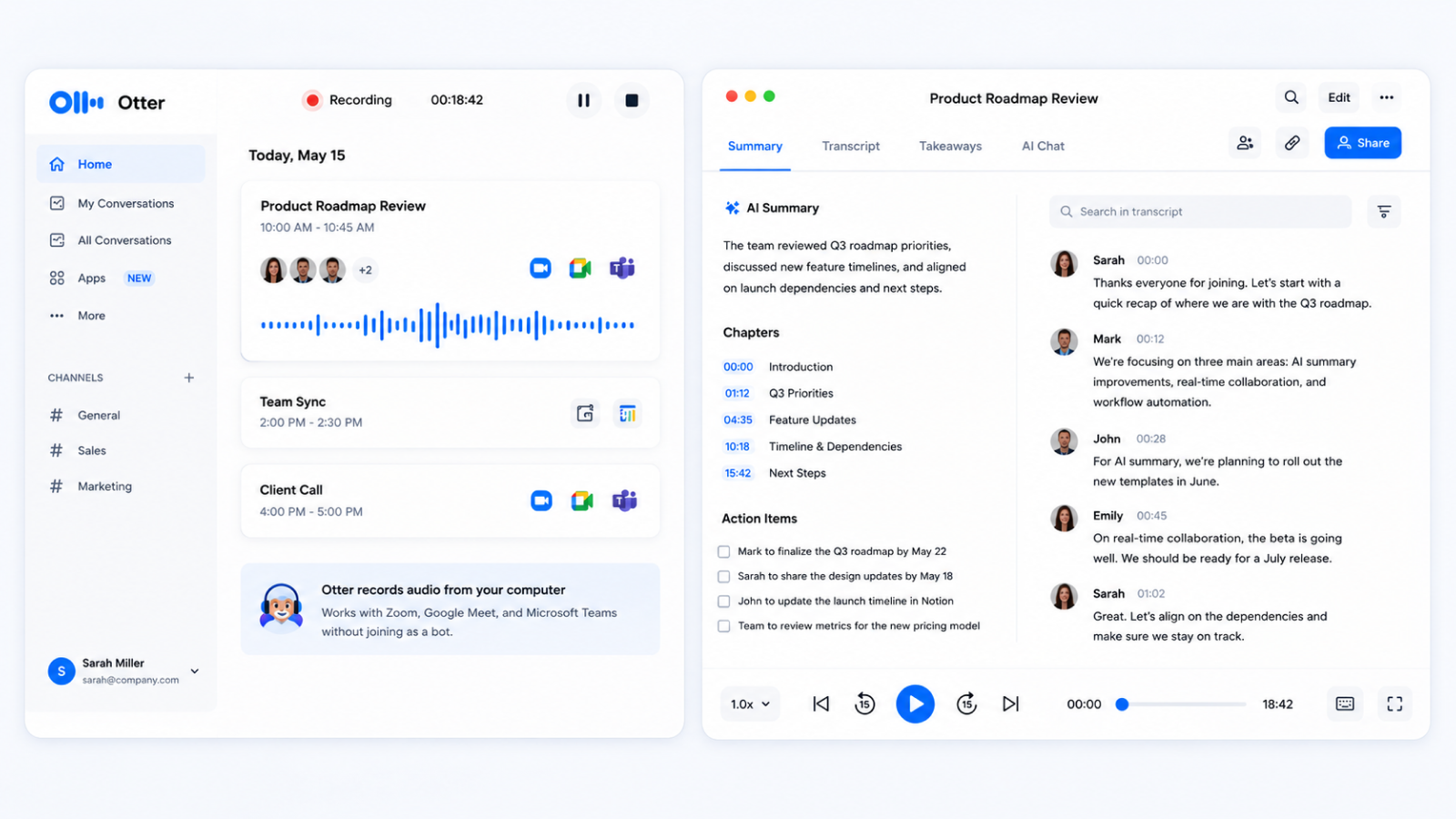
Otter.ai offers a visible meeting Notetaker and bot-free recording through its desktop app. Its standout capability is letting supported AI tools search authorized meeting history.
Authorized users can search earlier transcripts, summaries, and action items from ChatGPT or Claude. This can suit an agency that already drafts briefs or analyzes client history in those tools. Check access permissions carefully so the AI assistant sees only the meetings it should use.
6. Avoma — best for structured HubSpot updates
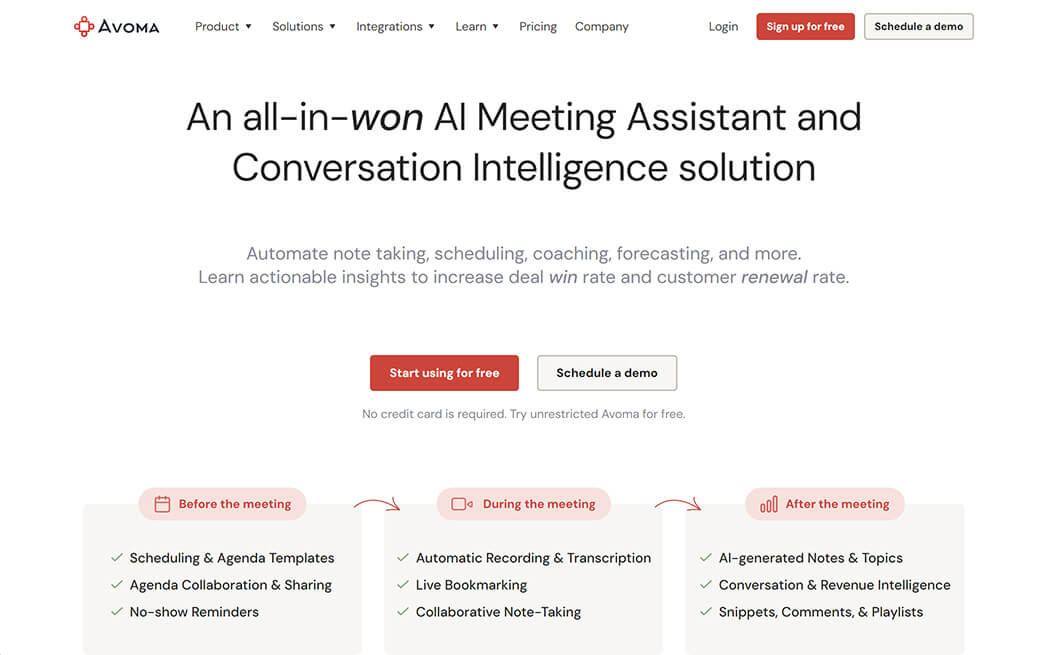
Avoma supports a meeting bot or bot-free recording through its desktop app. Its strongest fit is an agency with a formal sales or client-success process in HubSpot.
Avoma can sync supported custom fields across HubSpot deals, contacts, and companies. Its conversation-based Smart Category mappings are documented for deals and companies. Managers can review the calls behind those updates for coaching and risk checks. Its bot-free desktop recording still sends audio to Avoma for transcription, so it should not be confused with private recording on your computer.
What is the difference between bot, bot-free, and private recording?
A bot is a visible meeting participant, bot-free recording runs from your device, and private recording keeps recording and transcription on the computer in a compatible setup.
| Recording method | What happens | Best fit |
|---|---|---|
| Meeting bot | A visible assistant joins the online meeting and records it | Approved scheduled calls where the recorder may need to join automatically |
| Bot-free recording | An app records from your computer without adding another participant | Briefings, workshops, and pitches your agency attends |
| Private recording | Recording and transcription stay on the computer after setup | Restricted calls that cannot be sent online for transcription |
The word “bot-free” only describes what appears in the meeting. It does not tell you where the audio goes afterward. Fellow, Fireflies, Krisp, Otter, and Avoma all offer bot-free choices, but those choices should not automatically be treated as private or offline.
Private recording is a separate requirement. Confirm the product, plan, computer, language, and sharing limits before you promise a client that the meeting will remain on the device.
Every method still requires consent when the law, your company, or the client requires it. A clean participant list is not a way around recording rules.
Which product and recording method fit each agency call?
The best choice changes with the client call, because a briefing, workshop, pitch, and restricted meeting create different expectations.
| Client call | Products to consider | Recording method | Main output to review |
|---|---|---|---|
| Client briefing | Notta for all three recording methods plus client deliverables from regular recordings; Fellow for dedicated client channels; Fireflies for reusable AI Skills | Bot-free by default; bot when automatic attendance is approved | Internal brief and client recap |
| Strategy or creative workshop | Notta for all three recording methods plus client deliverables from regular recordings; Fellow for dedicated client channels; Krisp when call clarity is the main problem | Bot-free | Decision log, action list, or creative direction |
| New-business pitch | Notta for all three recording methods plus client deliverables from regular recordings; Otter for authorized meeting-history access from ChatGPT or Claude; Avoma for structured HubSpot updates | Bot-free, or no recording if the prospect declines | Follow-up email and proposal input |
| Restricted IT or security call | Notta Privacy Mode when the setup is compatible | Private recording, or no recording if the requirement cannot be met | Requirements list or risk log |
For a normal client briefing, I would start with bot-free recording because an agency lead is already present. A bot becomes useful when the client accepts it and automatic attendance matters.
For a pitch, the prospect's comfort matters more than automatic recording. If they decline, do not record. For restricted work, confirm the private setup before the call rather than relying on the product name.
Treat the recording and transcript as source material. Your reviewed brief, update, proposal, or presentation is the client deliverable.
Which meeting recorders fit different types of agencies?
IT, digital marketing, and SEO agencies should choose products based on their usual client calls and the work those conversations must become.
IT agencies
I would compare Notta, Fellow, and Avoma for IT agency calls. Notta covers all three recording choices and can create several kinds of client deliverables. Fellow stands out for dedicated client channels. Avoma fits teams that need structured HubSpot field updates.
Bot-free recording suits attended discovery and implementation calls. Use a private method when recording and transcription must stay on the computer. A technical lead should check requirements, permissions, product names, and security claims before sharing the final brief.
Digital marketing agencies
Notta, Fireflies, and Krisp cover different marketing-agency priorities. Notta combines varied recording choices with briefs, presentations, and follow-up work. Fireflies stands out when reusable AI Skills drive routine meeting tasks. Krisp is the stronger pick when noise or accent clarity makes client feedback hard to follow.
Bot-free recording works well for workshops and client reviews. A bot can cover approved recurring updates. Your reviewer should separate ideas, agency recommendations, and decisions the client has confirmed.
SEO agencies
Notta, Otter, and Fellow are useful comparisons for SEO agencies. Notta combines all three recording choices with working documents and reports. Otter stands out for bringing authorized meeting history into ChatGPT or Claude. Fellow stands out for dedicated client channels.
Check URLs, keywords, target markets, competitors, deadlines, and promised work. Verify every metric and recommendation against analytics and search data. A transcript records the discussion; it does not prove a ranking claim.
Explore the wider Notta workflow for agencies when you need to connect client conversations with briefs, team handoffs, and follow-up work.
How does Notta combine bot, bot-free, and private recording?
Notta offers three recording methods, but the follow-up workflow differs. Regular bot and bot-free recordings can use Notta's online features, while Privacy Mode keeps supported recording and transcription local.
Bot for approved scheduled calls
The bot joins supported online meetings as a visible participant. It suits recurring calls where the client approves the bot and the recorder needs to join automatically. Waiting rooms and host controls can still delay or block it, so check that the correct call is being recorded.
Notta Desktop for bot-free client calls
Notta Desktop Bot-Free Recording records an attended call without adding a bot. Standard mode records the meeting on your computer, encrypts the audio, and sends it to Notta for real-time transcription. It needs an internet connection and is not a private offline mode.
This option fits briefings, workshops, pitches, and reviews where an agency lead is already attending. Afterward, your team can review the transcript and create follow-up work in Notta.
Privacy Mode for restricted calls
Notta Desktop Privacy Mode is separate from standard bot-free recording. After setup and the model download, supported recording and transcription can run on the computer and work offline. Recordings and transcripts stay in the folder you choose.
Because Privacy Mode keeps the meeting local, online summaries, cross-device syncing, and team sharing are limited. You still need internet access for setup and periodic checks. Confirm that your computer and language are supported before the client call.
From meeting to client work
After a regular bot or bot-free recording, Notta can help your team find decisions, questions, scope changes, owners, and deadlines. It can then create an editable brief, report, presentation, follow-up email, or action list.
Do not assume that a Privacy Mode recording will appear in the online Notta workspace or work with online AI features. Confirm the supported workflow first, and have a person check every final document before it goes to the client.
If you need to decide where transcription should happen, compare local and online transcription for agency client meetings.
Ready to record your next client call?
Choose the recording method that fits the client, then use Notta to turn the conversation into a brief your team can check and use.
Try Notta for freeFrequently asked questions
What is the best meeting recorder for agency client calls?
Notta is my overall recommendation because it supports a meeting bot, bot-free desktop recording, and a separate private mode. It also helps agencies create briefs, reports, presentations, and follow-up work. Fellow, Fireflies, Krisp, Otter, and Avoma are stronger choices when one narrower capability matters most.
Can an agency record a client call without adding a bot?
Yes. Notta, Fellow, Fireflies, Krisp, Otter, and Avoma all offer ways to record without adding a visible bot in supported situations. The agency still needs to inform participants and obtain consent when required. Bot-free recording also does not automatically mean private or offline.
Is a bot-free meeting recorder private?
Not necessarily. Bot-free only means no assistant appears in the participant list. The product may still send meeting audio online for transcription. If the client requires recording and transcription to remain on the computer, choose a compatible private option and confirm its device, plan, language, and sharing limits.
Which meeting recorder fits a restricted client call?
A product with a compatible private mode fits a restricted call when recording and transcription must stay on the computer. Confirm the computer, language, storage folder, and offline setup before the meeting. If the client's rules do not allow recording, do not record the call.
What should an agency review before sending AI-generated meeting notes to a client?
Review speaker names, decisions, commitments, scope changes, owners, deadlines, budgets, links, and quoted language. Remove private agency comments and separate ideas from approved decisions. A named reviewer should compare important details with the recording and source material before sending the final brief or follow-up.
