
5 Granola AI Alternatives for Meetings and Follow-Up Work
Viraj Mahajan
· 9 min read
I'd start with Notta if your work mixes online calls, phone conversations and bilingual meetings. It can also turn your meetings and files into editable reports or slides. Fathom is worth considering for free meeting recording, while MacWhisper suits interview work on a Mac.
But switching isn't always the right answer. Granola already does more than tidy up notes. Here's how I'd compare five Granola AI alternatives against the work you actually need to finish.
Should you stay with Granola?
Keep Granola if you like its simple notes and can finish your follow-ups with Chat and its connected apps. On Mac and Windows, it can follow speakers switching languages. You can also add documents to Chat and ask questions across meetings.
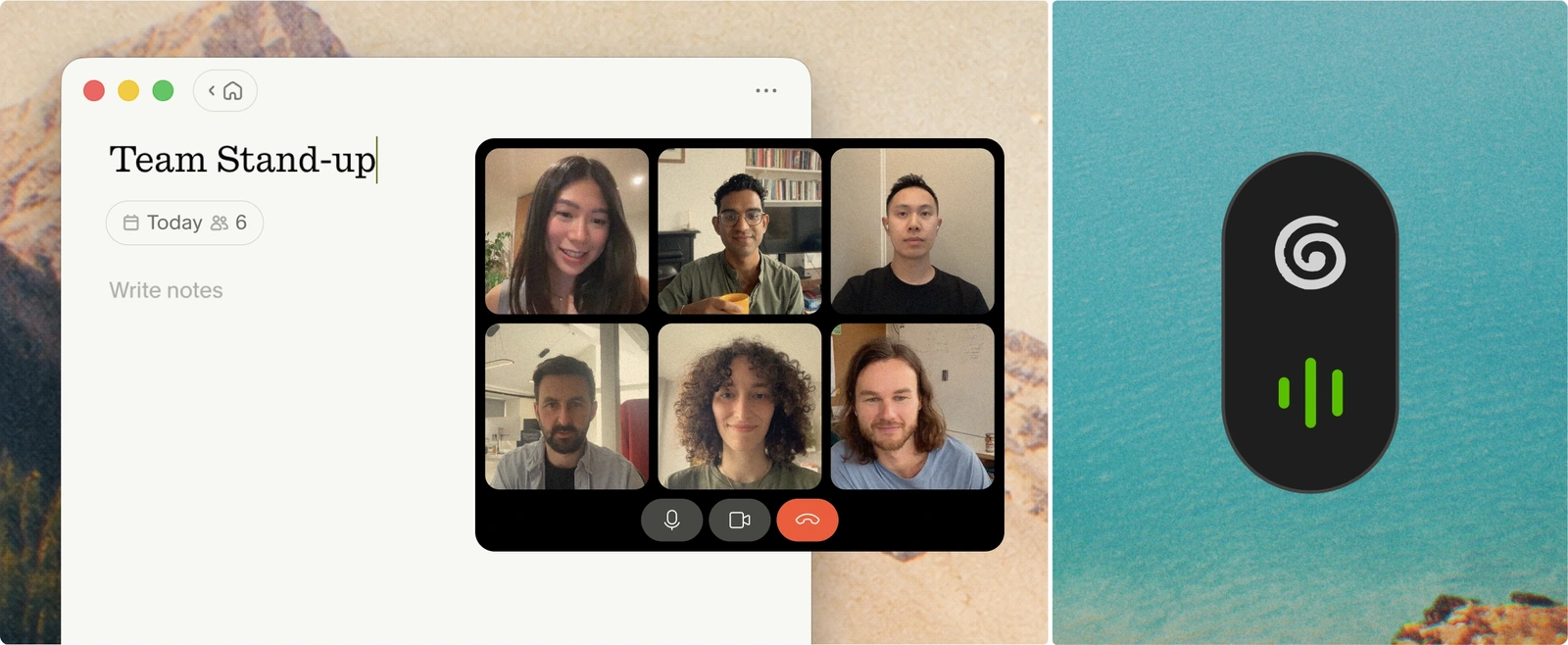
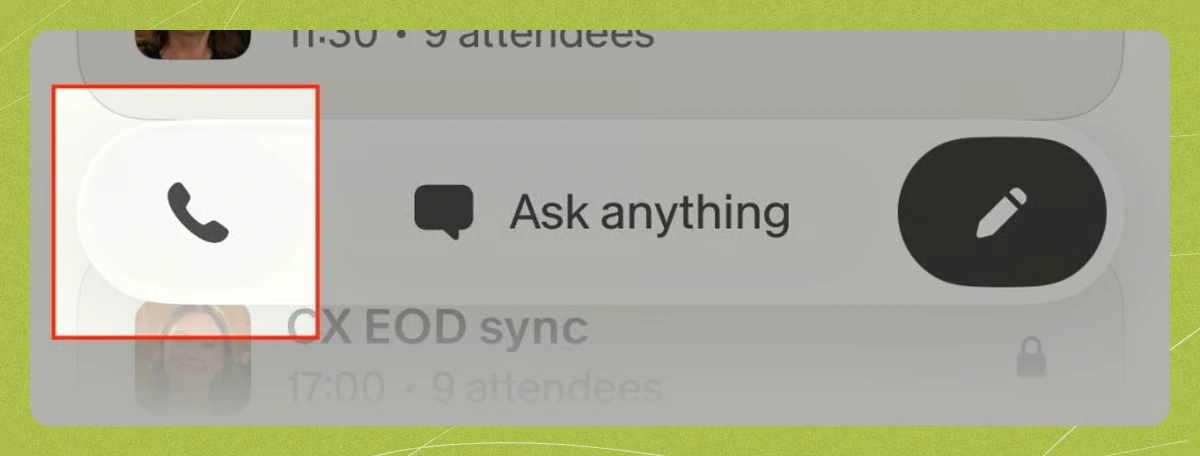
It records in-person conversations on iPhone, Android and Apple Watch. US users can also record outgoing calls with Granola's iPhone dialer. It doesn't record incoming phone calls or Android phone calls.
You can review and send Gmail follow-ups from Granola. Slack messaging and Calendar scheduling are in beta. You don't need to switch just to ask questions across meetings or work with outside files.
Think about what's missing from your day. Do you need a physical recorder, translations while people speak, a report to send your client, or audio you can replay?
What would make you switch?
I'd start with the part that creates extra work for you, rather than the longest feature list.
- Recording: Do you mainly join online calls, interview people in a room, or take phone calls? Choose a tool that fits those conversations.
- Follow-up work: If your client report needs a meeting, a brief and a spreadsheet, check whether the tool can bring them together.
- Language help: Do you need a transcript in both spoken languages, translations during the conversation, or translated notes afterward? Those are different jobs.
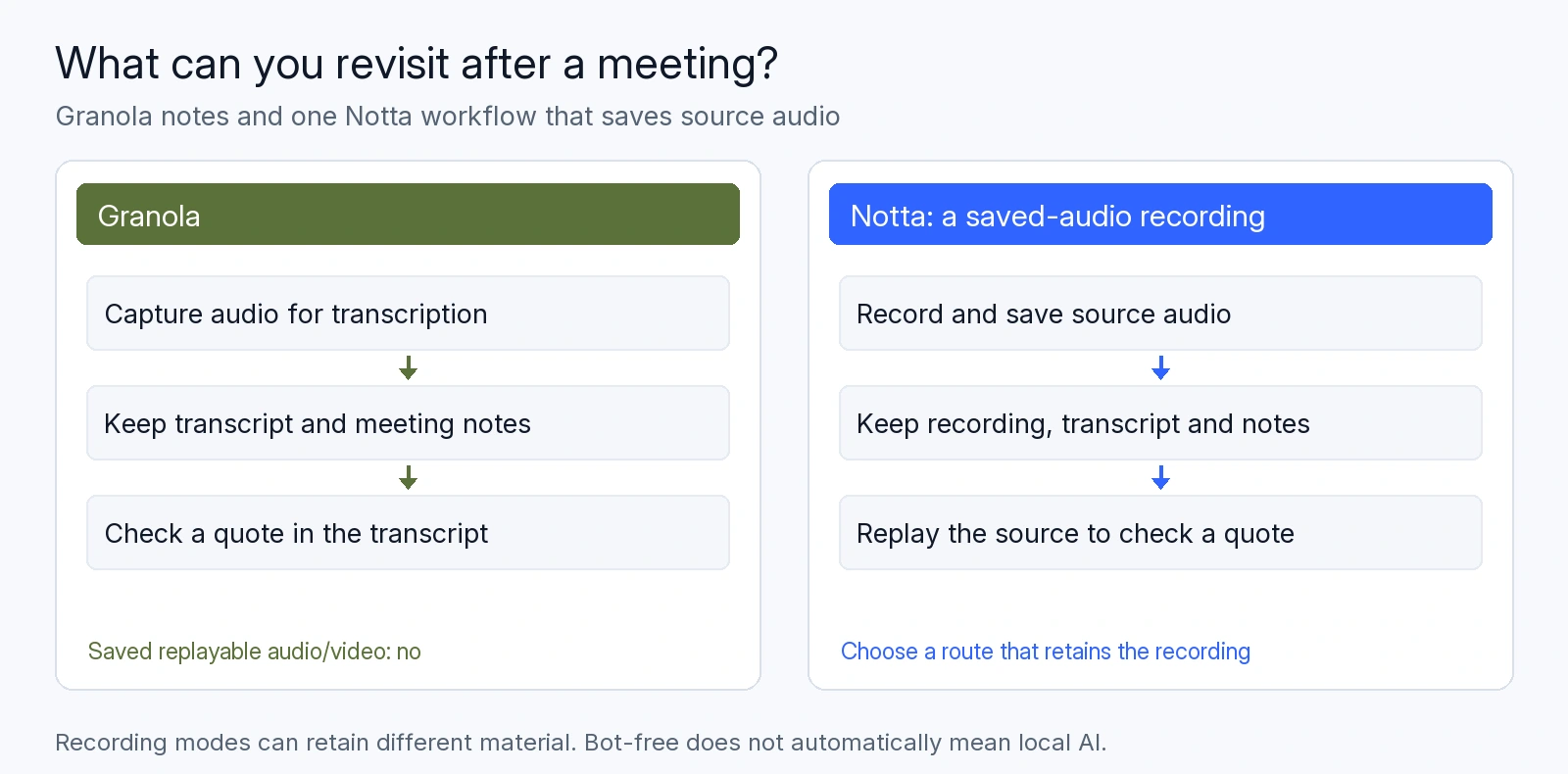
Then consider recordings you already have or want to keep. Granola lets you copy transcripts and export notes. It doesn't keep audio for playback or transcribe existing recording files.
Let participants know you're recording and follow the consent rules and workplace policies that apply.
Granola AI alternatives: Feature comparison
All six can produce AI summaries, answer questions and draft text. The table compares recording, translation and follow-up work.
Bot-free computer recording uses your computer's audio and microphone without adding a meeting participant.
| Capability | Granola | Notta | Otter | Fireflies | Fathom | MacWhisper |
|---|---|---|---|---|---|---|
| Ways to record | Bot-free Mac/Windows; iPhone/Android; Apple Watch; outgoing iPhone calls | Meeting bot; bot-free Mac/Windows; web recorder; Chrome extension; iPhone/Android; Apple Watch; Memo; screen recording | Meeting bot; bot-free Mac/Windows; web recorder; Chrome extension; iPhone/Android | Meeting bot; bot-free Mac/Windows; web recorder; Chrome extension; iPhone/Android; phone calls through a connected computer | Meeting bot; bot-free Mac beta/Windows Teams alpha; Chrome extension; Zoom app; iPhone | Bot-free Mac; separate iPhone/iPad app |
| Translation | Translate text in Chat afterward | Live two-way translation; translate finished text | Translate text in Chat afterward | Change the transcript and summary language afterward | Translate summaries or Ask Fathom answers afterward | Translate finished transcripts |
| AI follow-up outputs | Text drafts | Text drafts; Word/PDF documents, Excel spreadsheets, PowerPoint presentations and infographics | Text drafts; Word documents and PowerPoint presentations through Work (rolling out) | Text drafts; Word/PDF documents through paid AI Skills | Text drafts | Text drafts |
| Replay meeting audio | ❌ No | ✅ Yes | ✅ Yes | ✅ Except desktop Take Notes | ✅ Except Transcript Only | ✅ Yes |
| Transcribe uploaded recordings | ❌ No | ✅ Yes | ✅ Yes | ✅ Yes | ❌ No | ✅ Yes |
If you already have recordings to transcribe, I'd narrow the list to Notta, Otter, Fireflies and MacWhisper. If you need translations during a conversation, start with Notta.
For client work, look at the result you'll receive. An editable report, a meeting summary and a draft to copy elsewhere can mean very different amounts of follow-up work.
Five Granola alternatives to consider
1. Notta: For recording, bilingual meetings and ready-to-share files
I'd choose Notta when you need one place for online calls, phone conversations and the report or presentation that comes afterward.
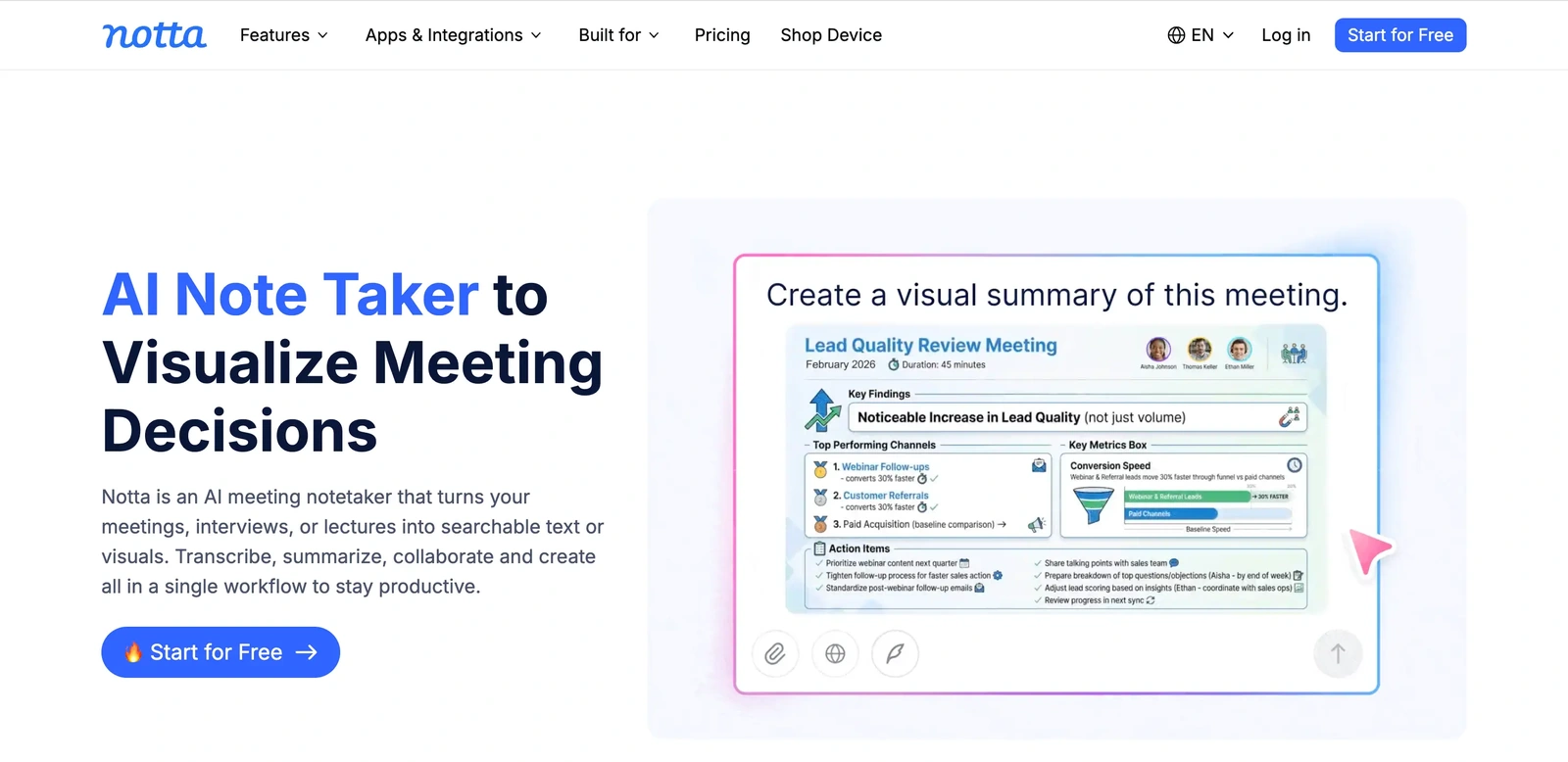
You can send its meeting bot to online calls or record without a bot using Notta Desktop. Notta also has web, phone and Apple Watch apps, plus a Chrome extension. You can record your screen or add an existing recording by file or link.
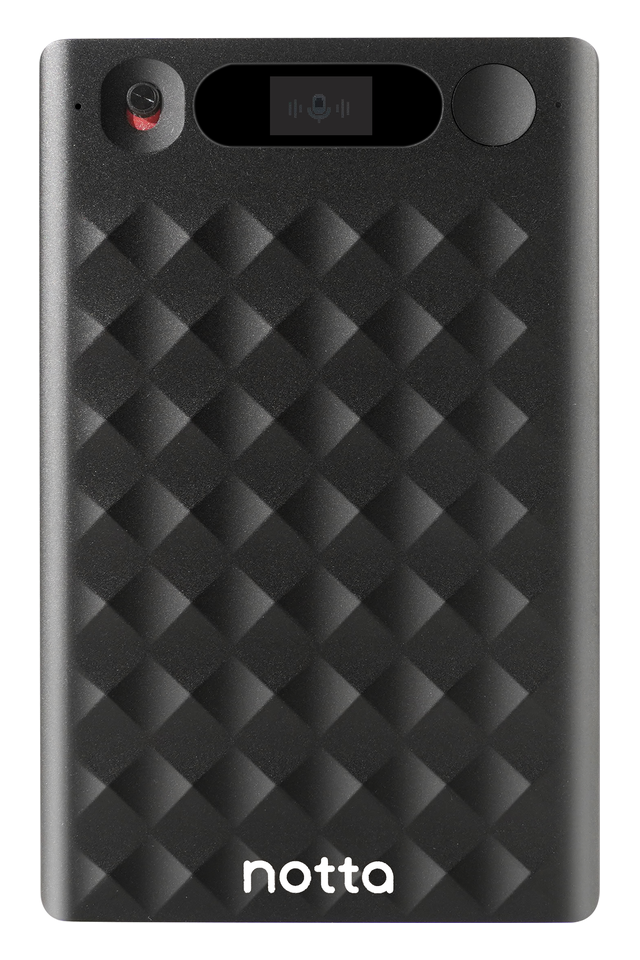
Notta Memo gives you a dedicated recorder for phone calls and face-to-face conversations. Attach it to your phone to record calls you listen to through the earpiece. Connect Memo to the mobile app for live transcription and translation. Without the connection, it saves audio to sync later.
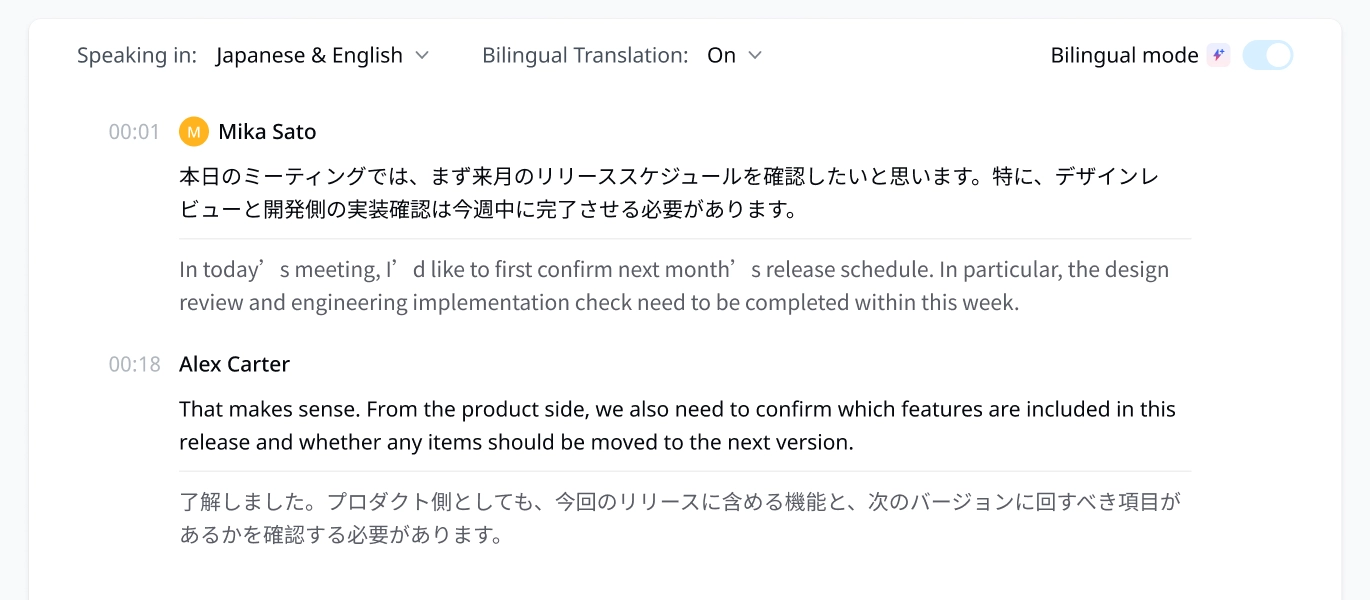
Notta's live bilingual transcription turns speech in two languages into text in real time. You can also turn on live translation to follow both the original speech and its translation as people talk.
Notta Brain, built into Notta, brings your meetings together with documents, spreadsheets and images. Ask it to turn client calls and a project brief into an editable Word report, PowerPoint presentation or infographic. You can save files to Google Drive or send an update to Slack.
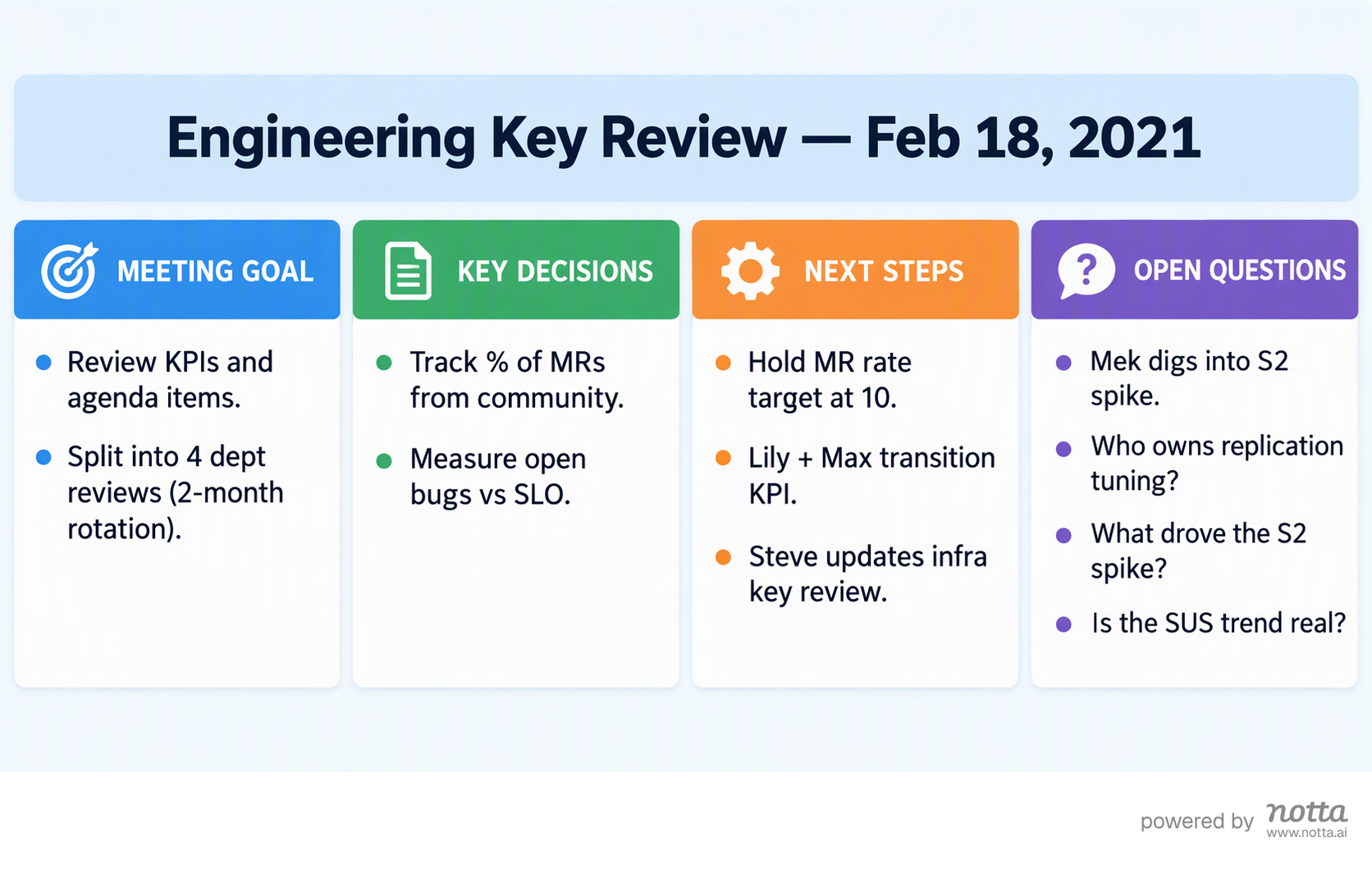
That's the combination I'd choose for client work: more ways to record, live language help, and files you can review and share. Explore Notta Brain for the work you want to create.
2. Otter: For live transcripts and a searchable meeting library
Otter is worth considering when you want a live transcript to follow, recordings to revisit and a meeting history you can search. You can record through its desktop, mobile and web apps, use its Chrome extension, or send its bot to a meeting.
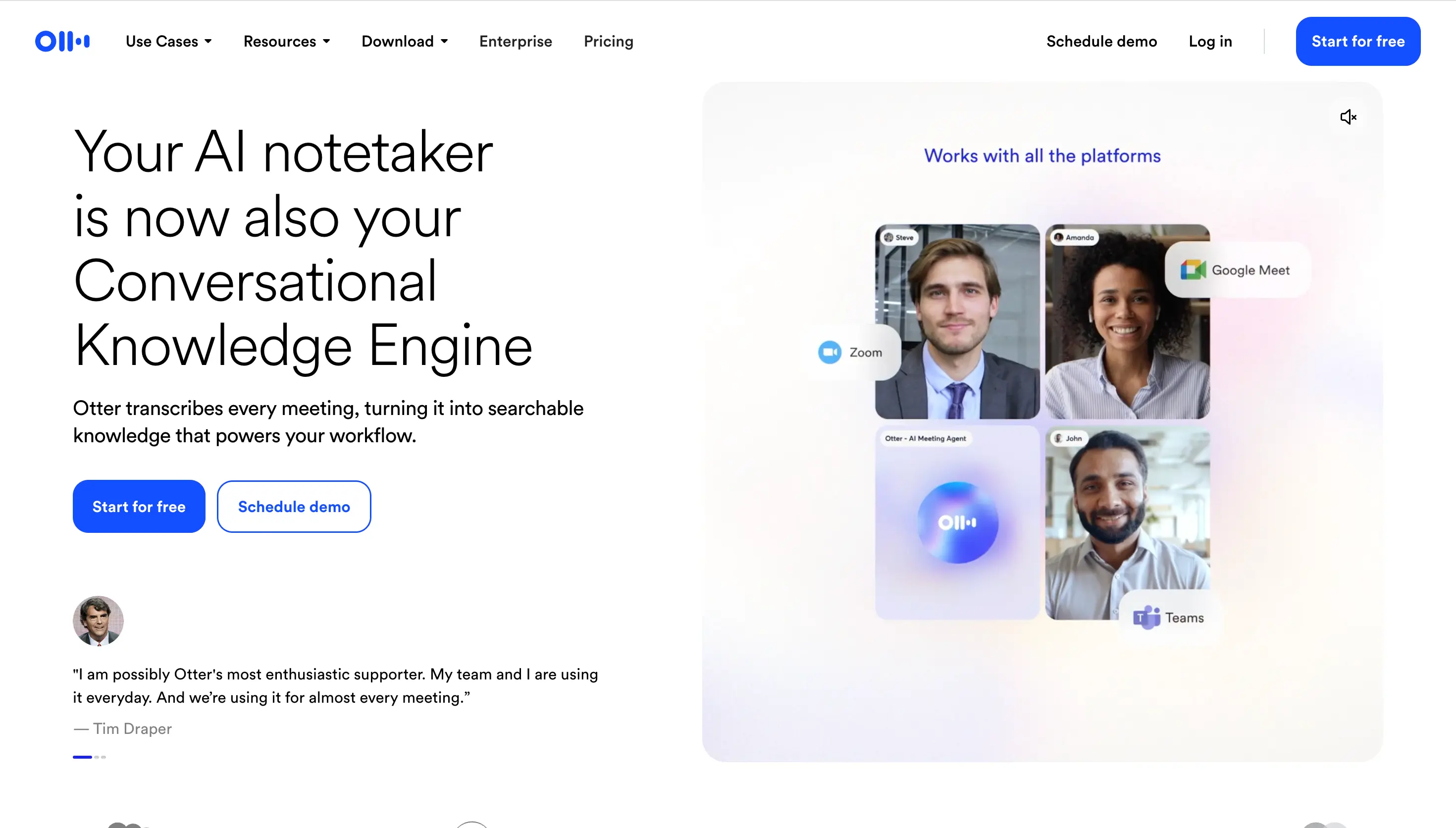
You can also upload old recordings, listen back to calls and export the text.
With Otter Work, you can create Word and PowerPoint files and use connected apps. Work is still rolling out, so check your account if you need a specific feature.
French and English can appear in one transcript when you select French. For translation after the meeting, you can ask Otter Chat.
I'd keep Otter on your shortlist if your team already works there and wants to build on that meeting history.
3. Fireflies: For live meeting help and regular team reports
I'd consider Fireflies when you want each client call to lead to a team update. AskFred can work with your meetings, files and photos, then help you continue the work in connected apps.
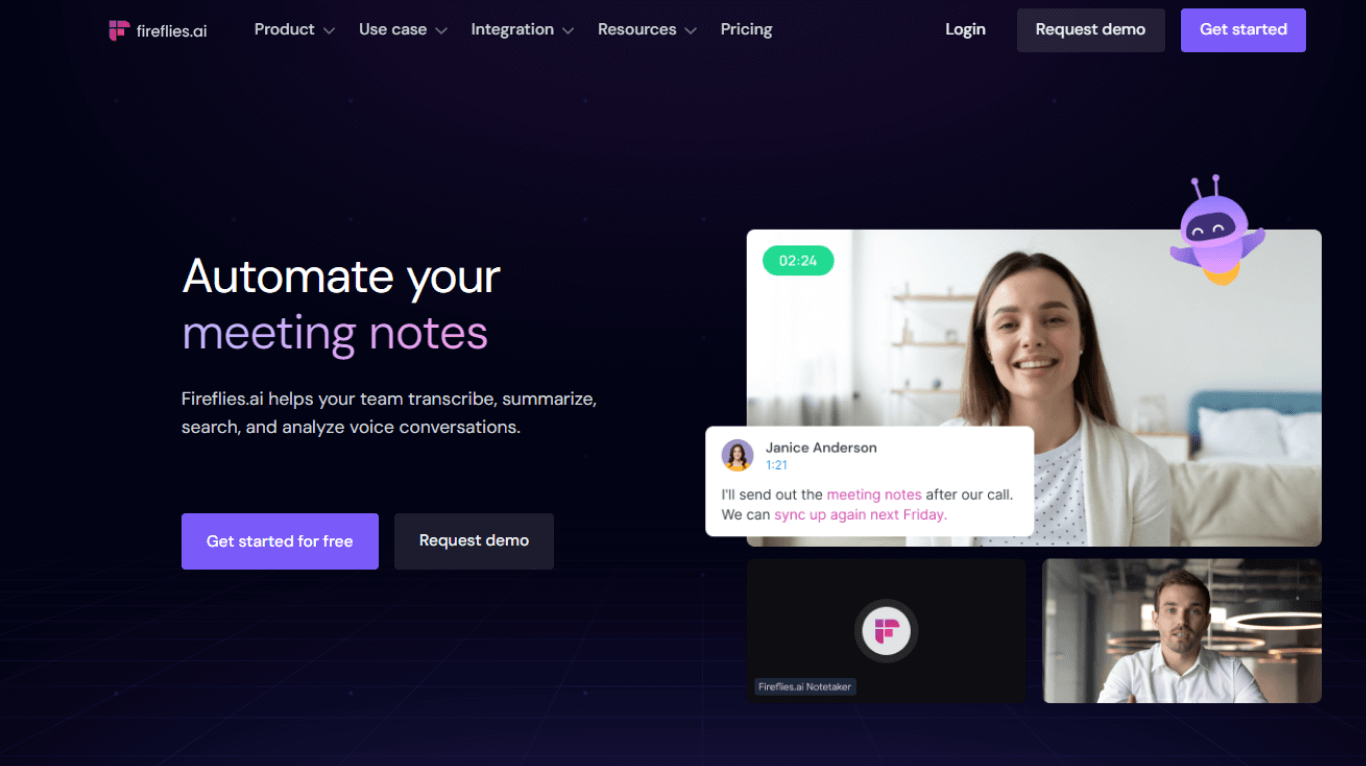
Paid AI Skills can create documents after each meeting or on a schedule. For example, you can set up a regular client-call report for Slack.
Fireflies' meeting bot, mobile app and web recorder can save audio for playback. Its desktop Take Notes feature saves notes and transcripts without an audio or video recording.
Business includes Multi-language Mode for conversations where speakers switch languages. Fireflies also gives you live notes and AI help during a call.
I'd pick it for a team that needs the same report after every call.
4. Fathom: For free meeting recording and everyday follow-up
I'd start with Fathom if you mainly want ongoing meeting recording without a subscription. Free includes unlimited recording and transcription, with basic summaries. Advanced Free summaries cover the first five calls each month.
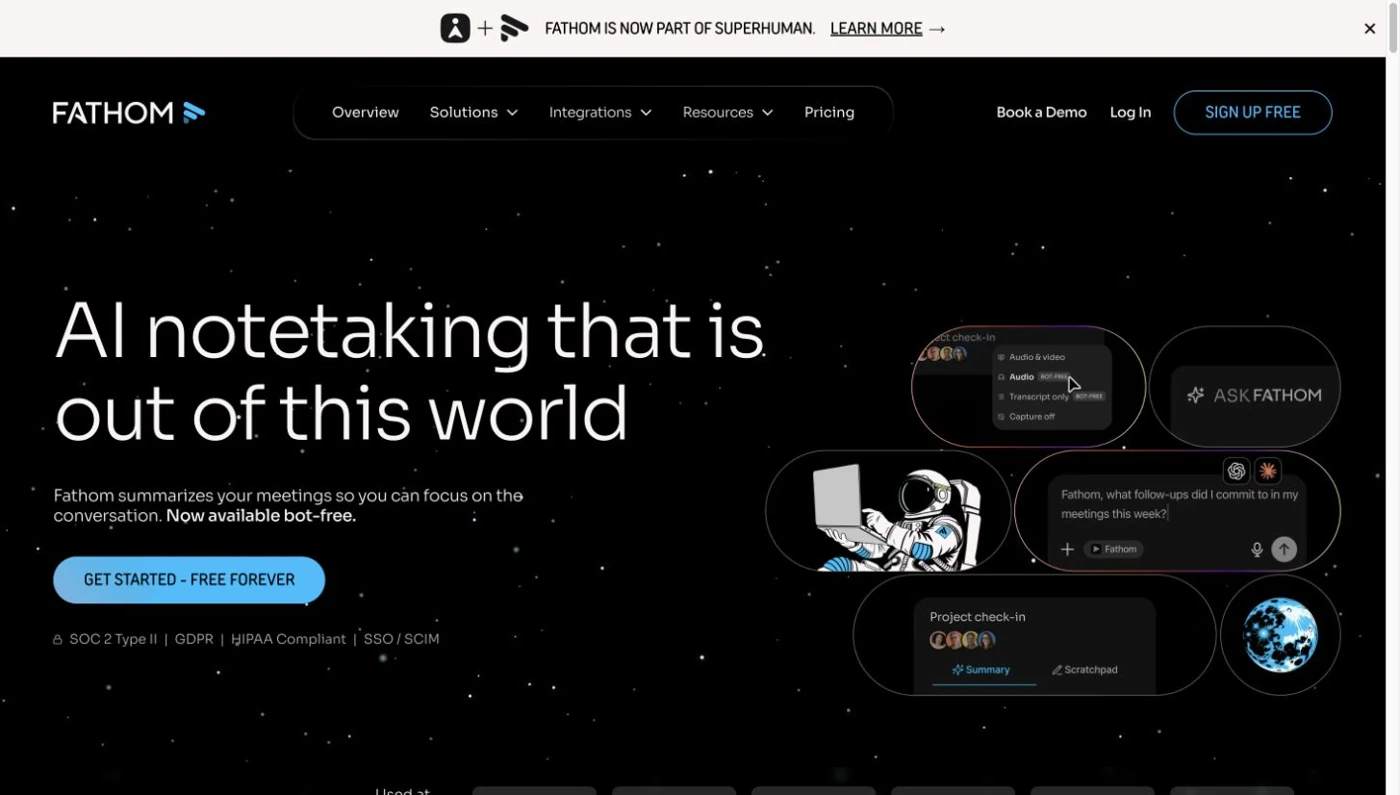
If you want playback, use an option that saves audio or video. Transcript Only keeps text instead. Bot-free recording is in beta on Mac; on Windows, it's limited to early Teams access.
The iPhone app records in-person conversations. It needs internet and doesn't record phone calls. You can't upload existing recordings for transcription either.
Fathom can summarize meetings and answer questions across calls. Paid plans add AI action items and let Ask Fathom search further back.
If you want a report, you can pass the meeting to Claude or ChatGPT and create it there. I'd choose Fathom when free recording matters most and you're happy to finish that work in another tool.
5. MacWhisper: For keeping interview files on your Mac
I'd consider MacWhisper if you want recordings and transcripts to stay on your Mac, especially for interviews you've already recorded.
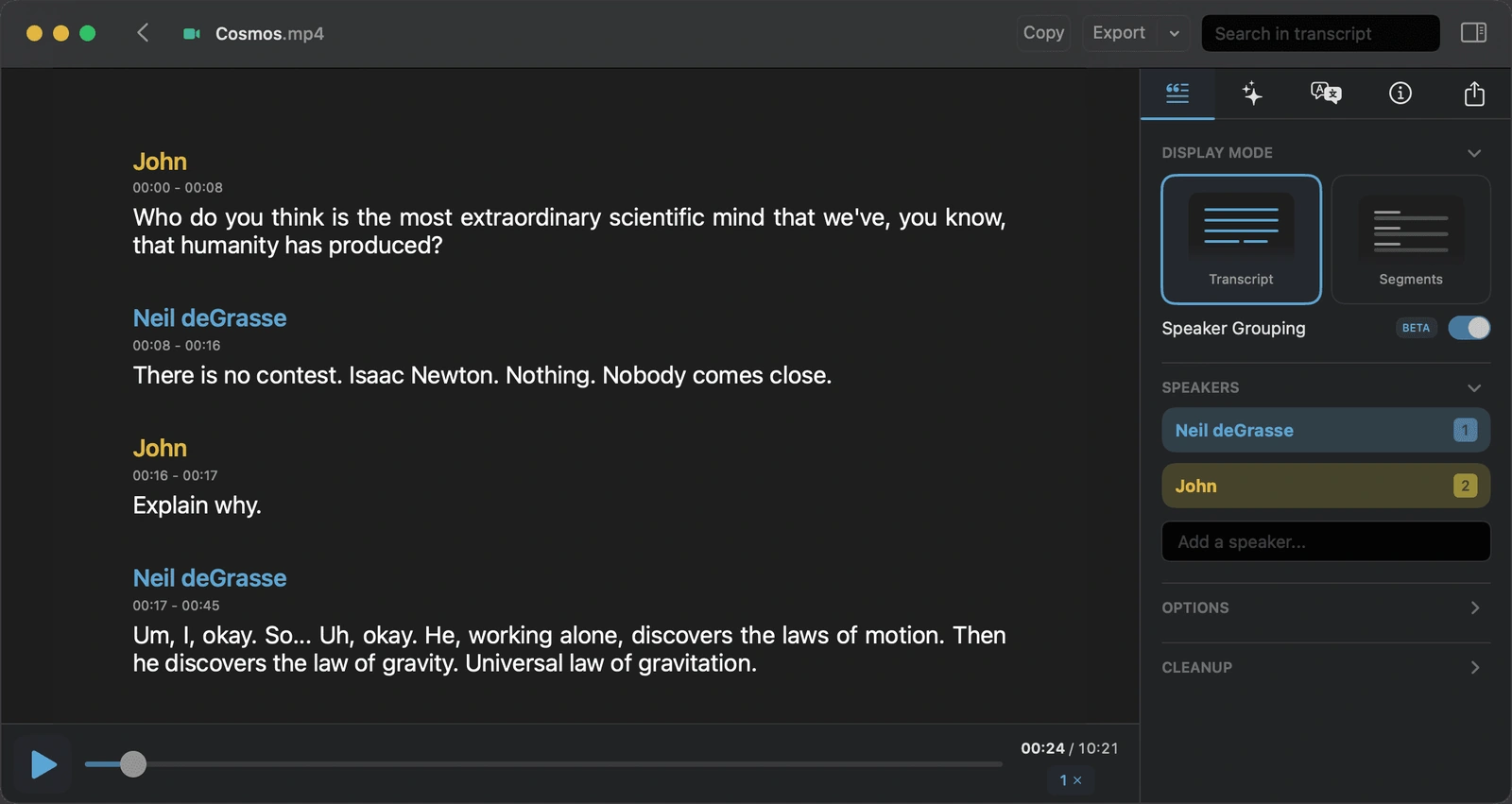
It can turn meetings and existing audio or video files into text on your Mac. You can keep the recording and export the text for your writing tools.
Chat, cleanup and translation can use online AI services, which may cost extra. Check those settings if you want all the work to stay on your Mac.
Check the edition before buying: the App Store and direct versions have different meeting features. There's also a separate iPhone/iPad app.
I'd choose MacWhisper for working with interview files on a Mac. If you also need live meeting translation and shared client reports, compare it with Notta.
What can you revisit when a quotation matters?
If a quote looks wrong, I want to hear it again. Granola lets you check the transcript, but it doesn't keep meeting audio for playback. Choose a tool that saves recordings if that second check is part of your job.
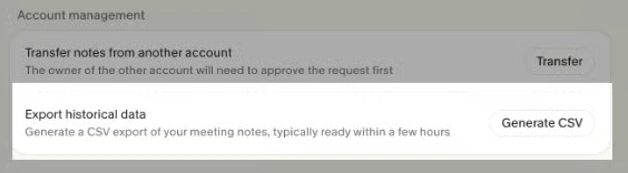
You can still take your text out of Granola. Its CSV export includes note titles, summaries and transcripts, including older Basic notes with summaries. The 30-day history limit hides older notes in the app; it doesn't delete them.
What will these tools cost?
Twenty 45-minute meetings add up to 900 minutes a month. Notta Pro and Otter Pro can handle that volume. Fathom Free also includes ongoing recording. If you need reports or slides, check the AI features as well as the recording minutes.
| Plan or product | Price |
|---|---|
| Granola Business | $14/user/month, billed monthly |
| Notta Pro | $8.17/month with annual billing; $97.99 paid annually |
| Otter Pro | $8.33/user/month with annual billing, or $16.99 with monthly billing |
| Fireflies Pro | $10/seat/month with annual billing, or $18 with monthly billing |
| Fathom | Free recording/transcription; individual Premium is $16/user/month with annual billing, or $20 monthly |
| MacWhisper Pro | €64 one-time license for the direct Mac product |
Dollar prices are USD. Annual monthly prices are paid upfront for the year. MacWhisper's euro price is a one-time purchase.
Memo costs $149. Brain and Fireflies AI Skills use credits. If you use Claude or ChatGPT with Fathom, their subscriptions are separate.
Which Granola alternative would I choose?
I'd choose around one regular task: Notta for varied recording, bilingual meetings and editable reports; Otter for live transcripts and a searchable library. Fireflies suits regular team reports, Fathom free meeting recording, and MacWhisper interview files on a Mac.
If Notta matches your task, start with a short recording. Free includes 120 transcription minutes per month, with up to three minutes per recording. You can also compare these bot-free tools for consultants.
Frequently asked questions
Does Granola record and save audio?
Granola creates notes and transcripts from audio, but you can't replay the meeting afterward. Apple Watch can hold audio before it syncs for processing. If listening back is important for your interviews, choose a tool that keeps recordings.
Can you export a Granola transcript?
Yes. You can copy the transcript or export a CSV file with notes, summaries and transcripts. The export includes older Basic notes with summaries, even beyond the 30-day in-app history limit. That gives you text to keep, but no audio to replay.
Can Granola handle multiple languages in one meeting?
Yes. On Mac and Windows, Granola can transcribe meetings where speakers switch languages. You can also translate text with Chat. For translated text during the conversation, look at Notta's live bilingual transcription and translation.
Which alternative can transcribe meetings locally?
MacWhisper can transcribe audio on your Mac without sending it online. Notta Desktop's Pro Privacy Mode can also record and transcribe offline after you download its transcription model. Privacy Mode recordings don't automatically appear in Brain. Normal Notta bot-free recording and Granola use online transcription.
