
Turn Your Notes into a Visual Infographic — Instantly
Paste your meeting notes, transcript, or any content — get a shareable infographic in seconds.


Popular Infographic Examples
Browse infographics created with real content
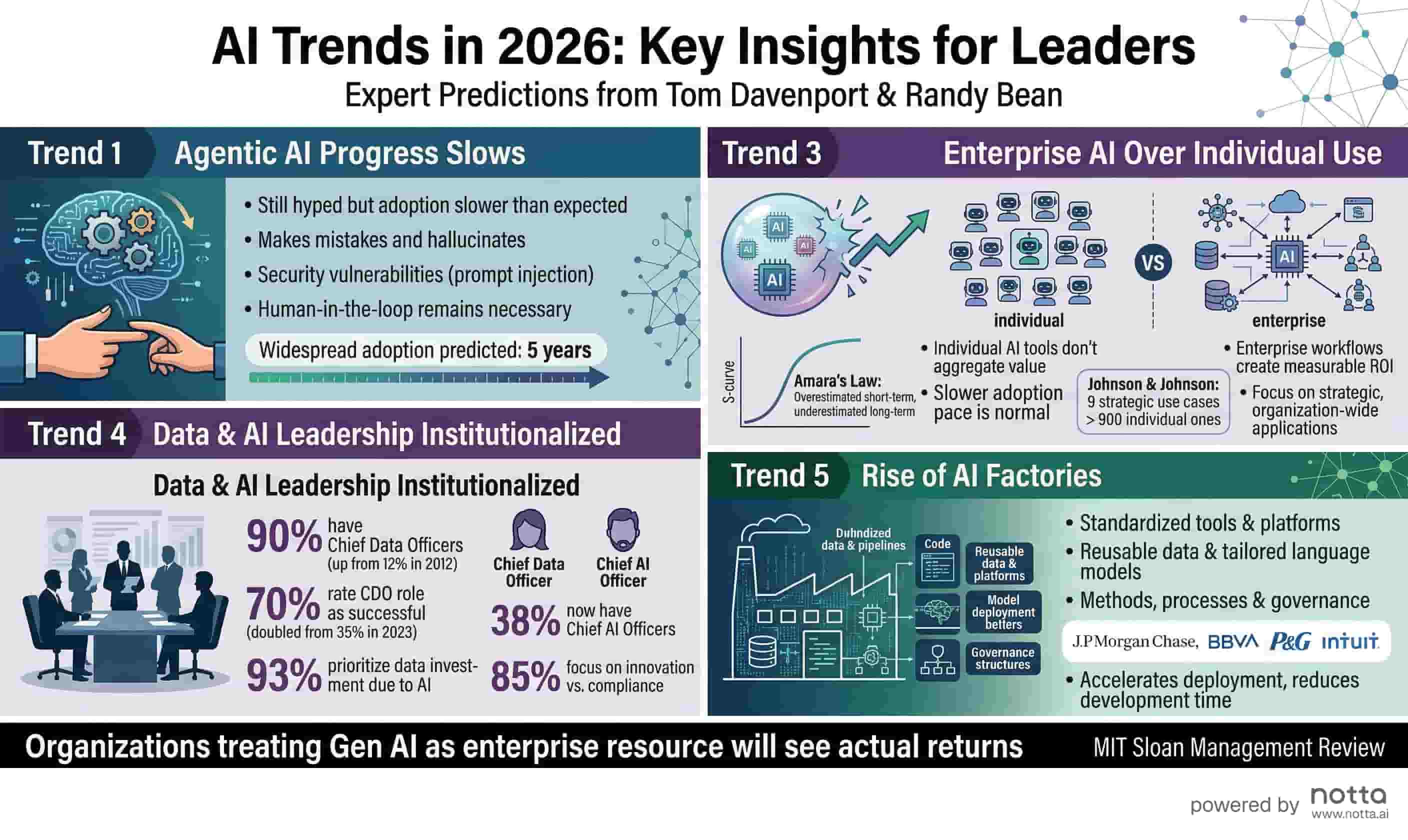
AI Trends 2026
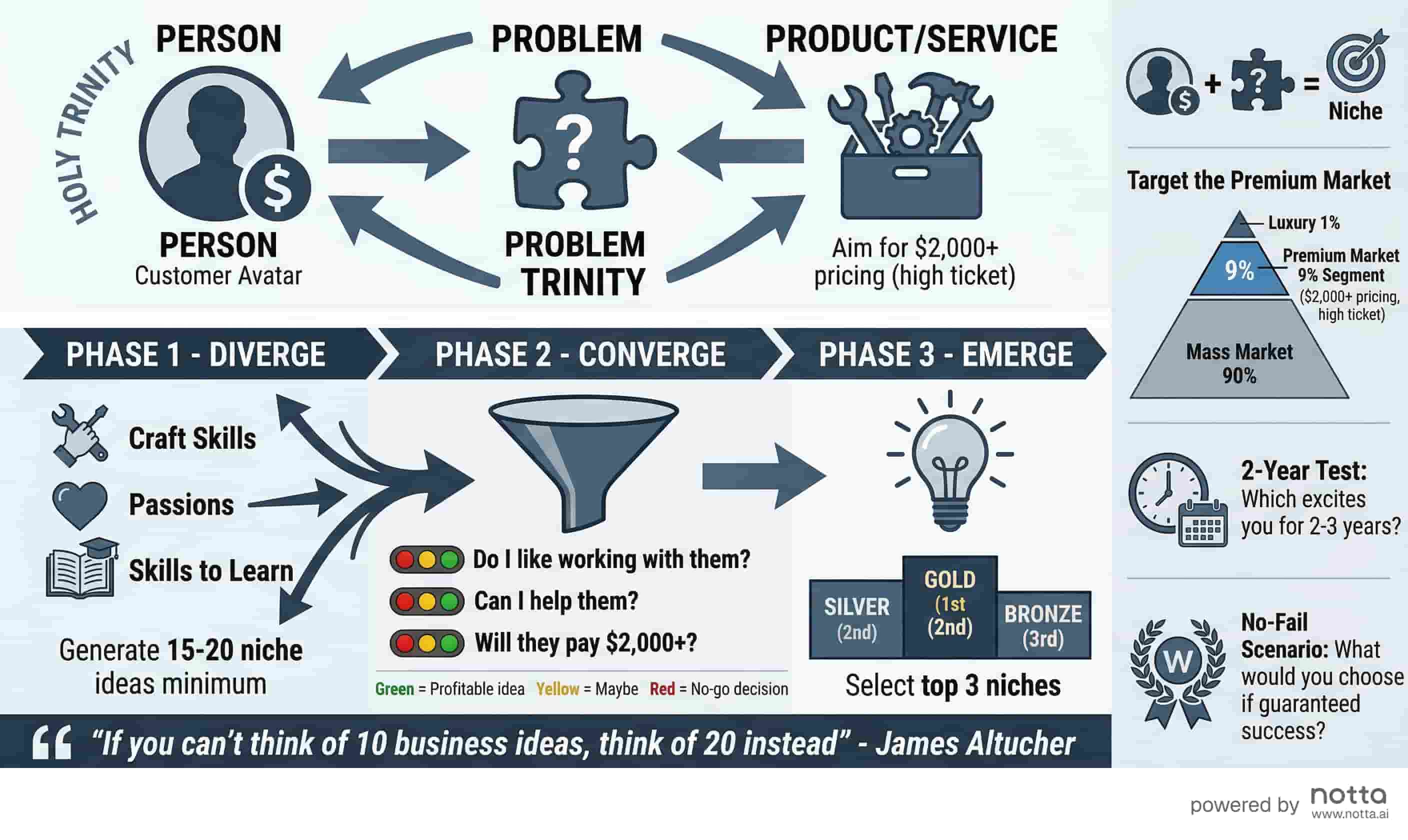
Business Idea Generation Framework
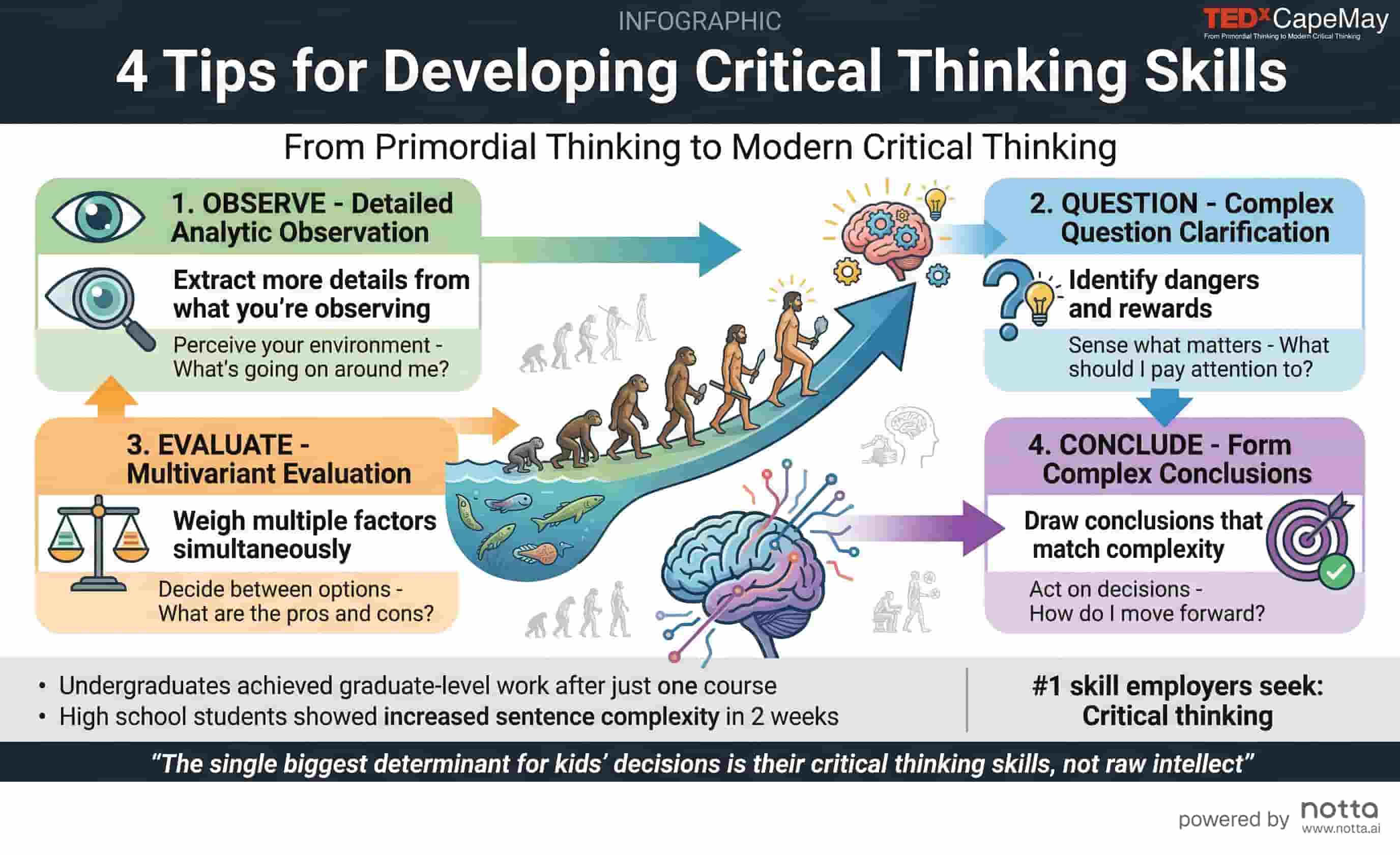
Critical Thinking Skills
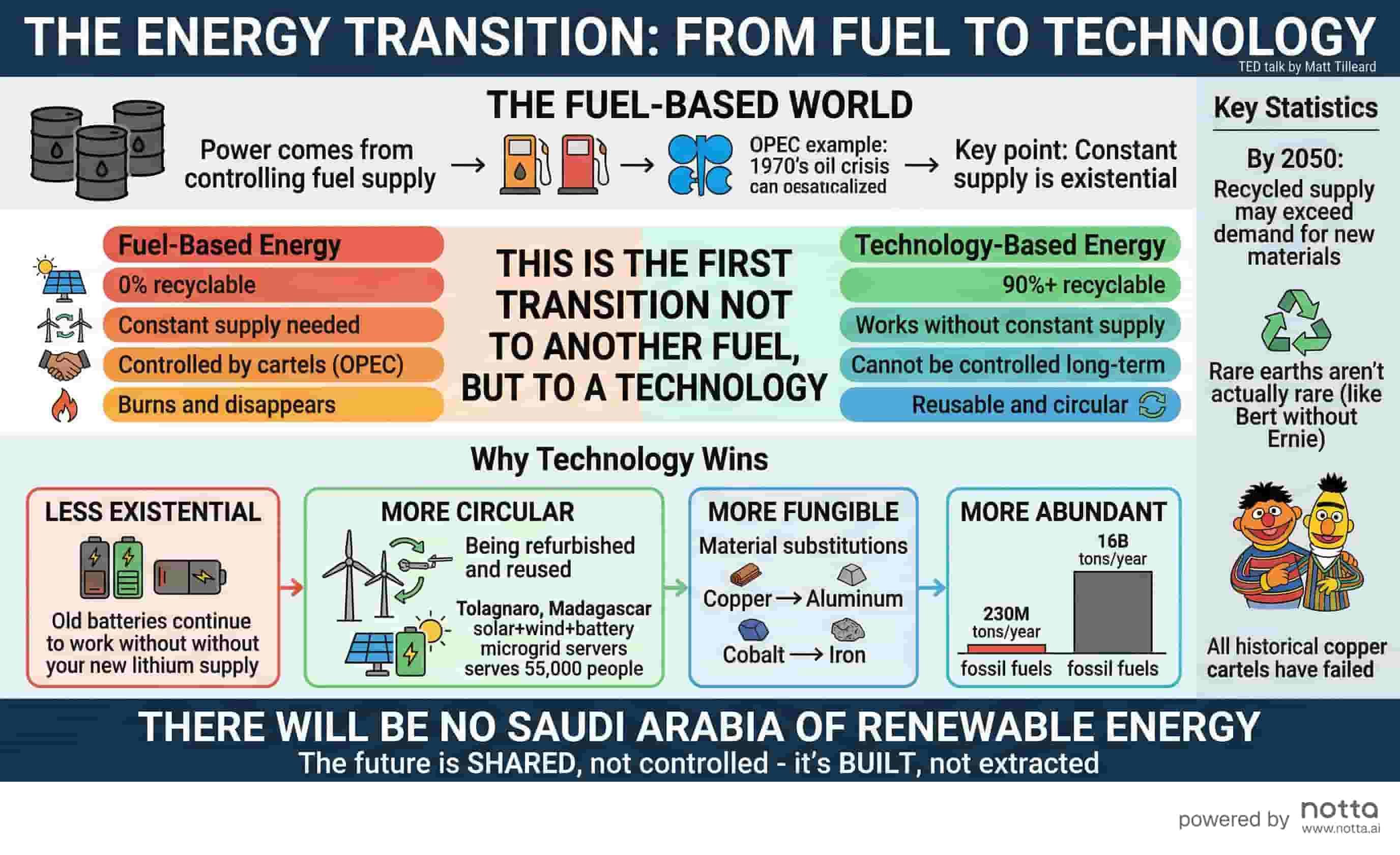
Energy Transition
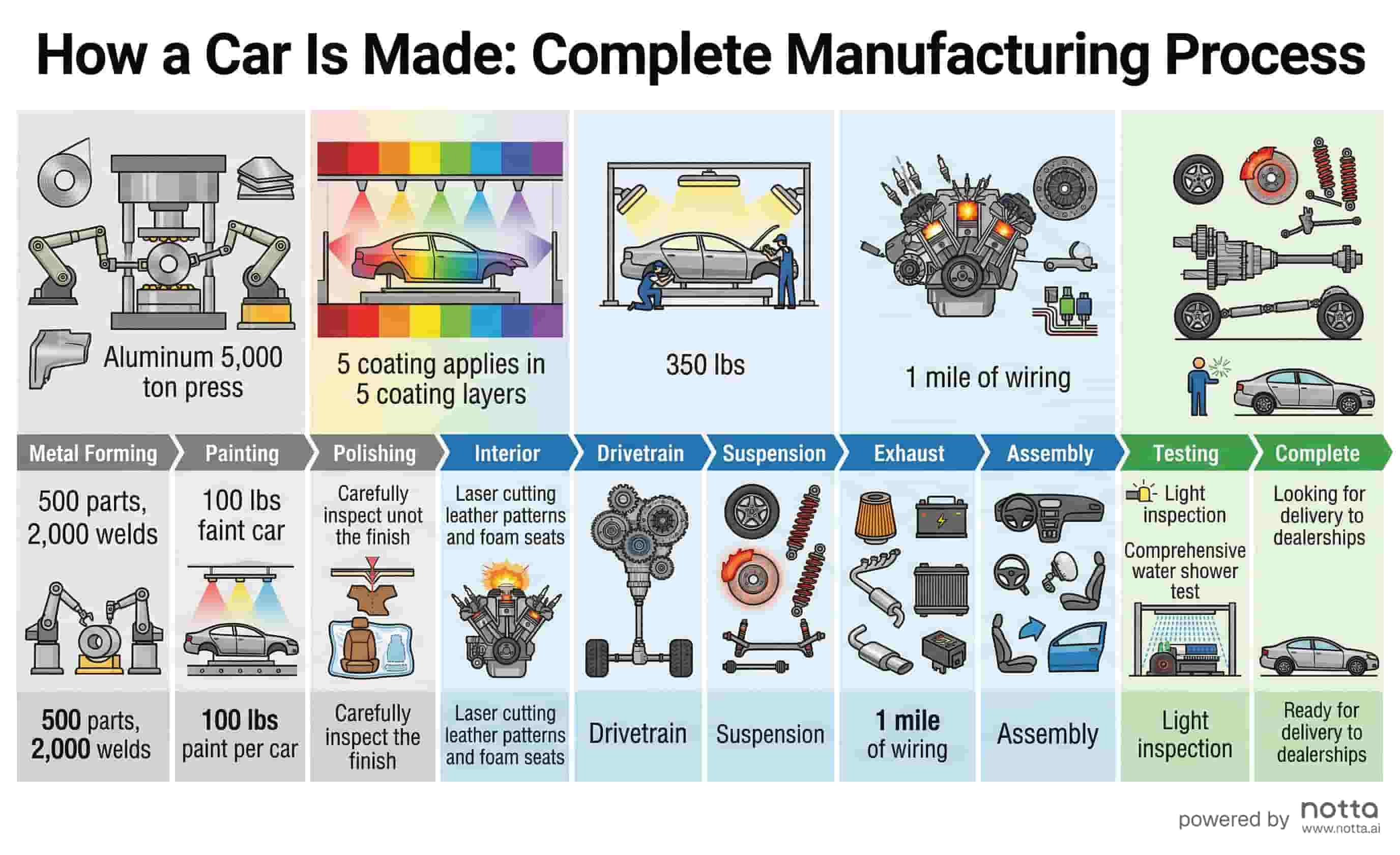
Car Manufacturing Process
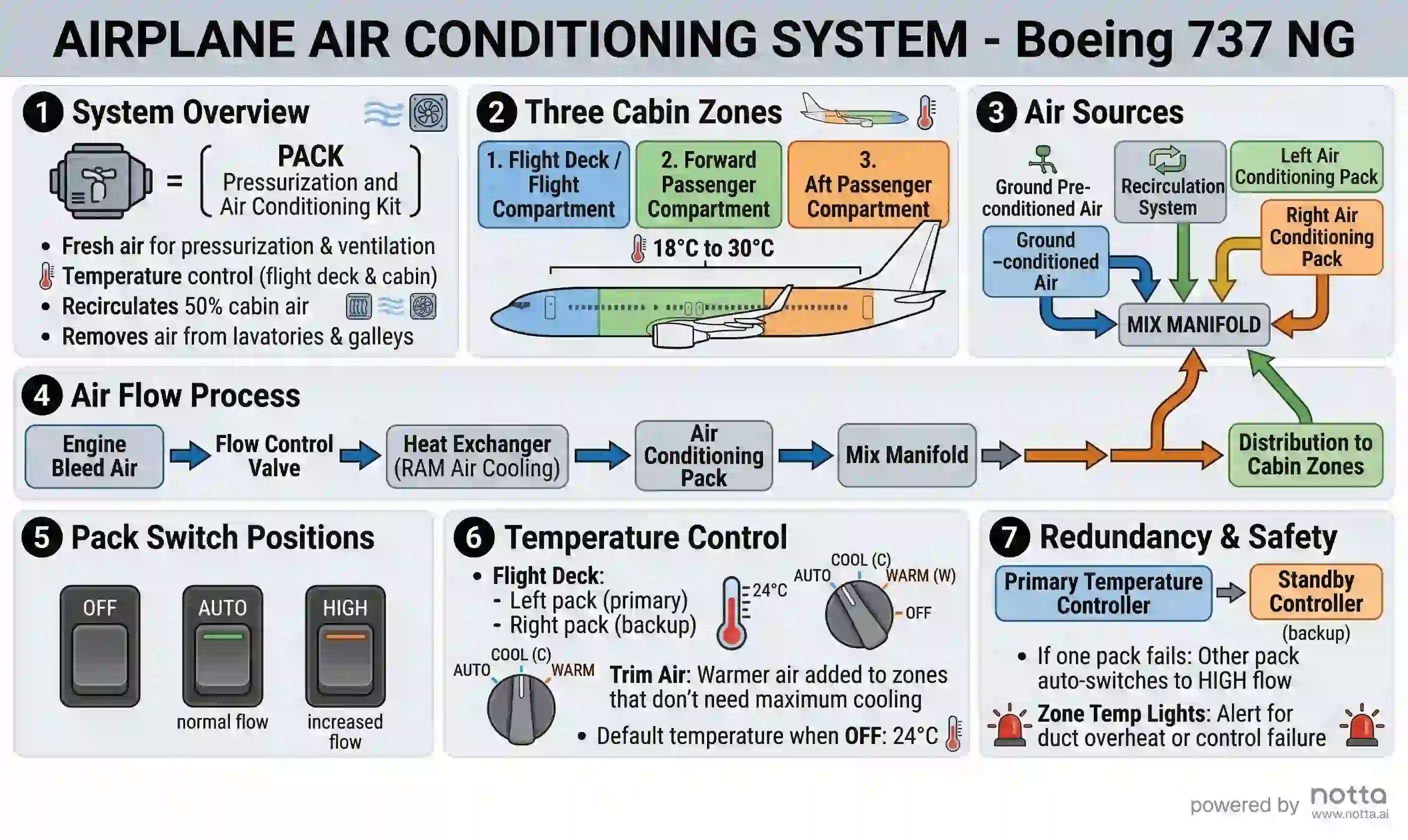
737 Air Conditioning System
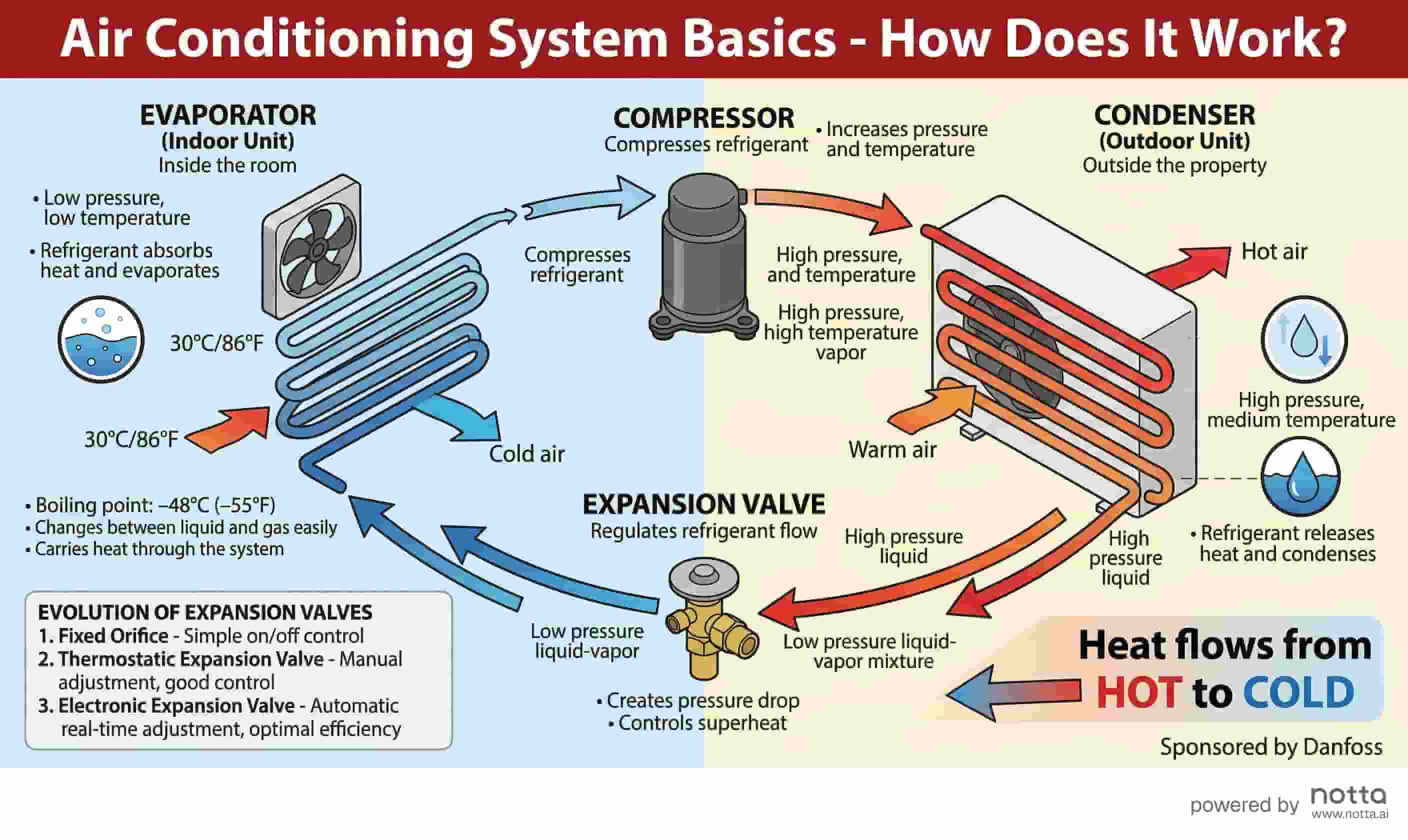
Air Conditioning System Basics
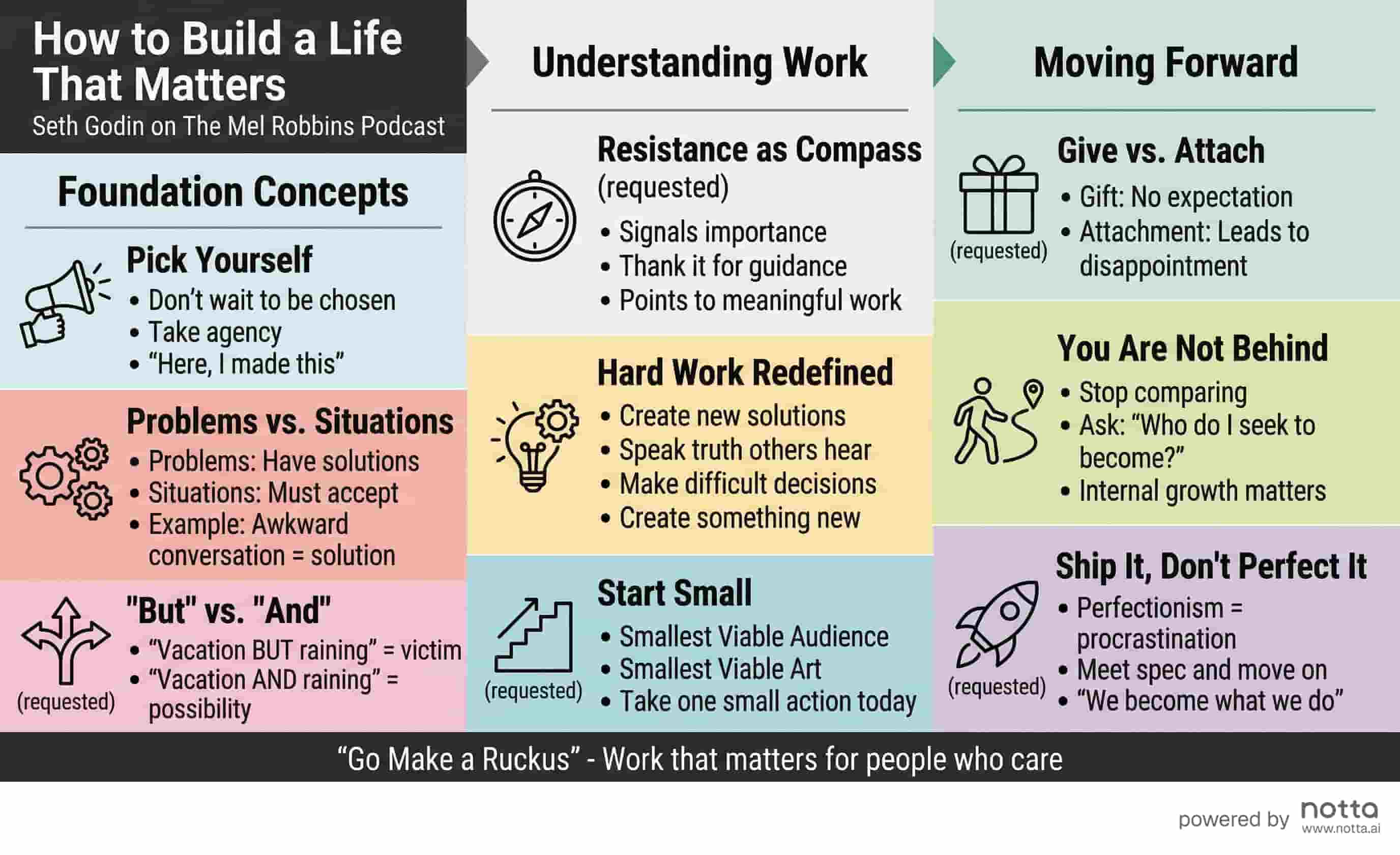
Seth Godin: Life Matters
How to Create an Infographic in 3 Steps
No design skills needed. Go from raw text to shareable infographic in seconds.
Paste Your Text
Copy any text — an article, report, meeting notes, or research — and paste it into the input box.
AI Generates Your Visual
Click the Generate button and our AI identifies key decisions, action items, and themes from your content and designs a structured infographic.
Download & Share
Download your infographic as PNG and share it on social media, in presentations, or with your team.
Turn Any Content Into a Visual
- Post-meeting notes → team recap visual
- Meeting transcript → key decisions summary
- Research findings → presentation-ready infographic
- Project status update → stakeholder report
- Lecture notes → visual study guide
Why Use Notta's Infographic Generator?
Built for speed and simplicity, without sacrificing design quality.
AI-Powered Design
AI analyzes your content and automatically selects the best visual layout and structure for clarity.
Get started free →Instant Generation
No waiting. Your infographic is generated in seconds — not minutes — so you stay in the flow.
Get started free →Professional Quality
Every infographic is designed with consistent typography, color, and spacing that looks great anywhere.
Get started free →Flexible Export
Download as PNG for easy sharing or SVG for crisp, scalable graphics in any size.
Get started free →What People Are Saying
“I used to spend hours in Canva trying to make my research summaries look good. With Notta's infographic tool, I just paste and download. It's genuinely impressive.”
Sarah K.
SaaS startup
“Our marketing team uses this to turn blog posts into social media graphics. The output is clean professional and takes 10 seconds. Huge time saver.”
Marcus T.
B2B Agency
“I paste my meeting notes right after a call and get a clean visual summary in seconds. It's become a core part of how I share updates with my team.”
Priya M.
Consulting Firm
Frequently Asked Questions
Notta's Notes to Infographic Generator is a free AI-powered tool that converts meeting notes, transcripts, and text summaries into structured visual infographics automatically. Unlike generic design tools, it understands your content — automatically identifying key conclusions, action items, and themes — then renders them as a shareable visual in under 30 seconds. No templates, no design skills, and no account required to get started.
Explore More AI Tools
Start Creating Infographics for Free
No design skills, no templates, no credit card. Just paste your text and generate.
