
Turn Meeting Transcripts into Stunning Infographics
Paste your Zoom, Teams, or Google Meet transcript — get a clear, visual infographic in seconds.


Popular Infographic Examples
Browse infographics created with real content

AI Trends 2026
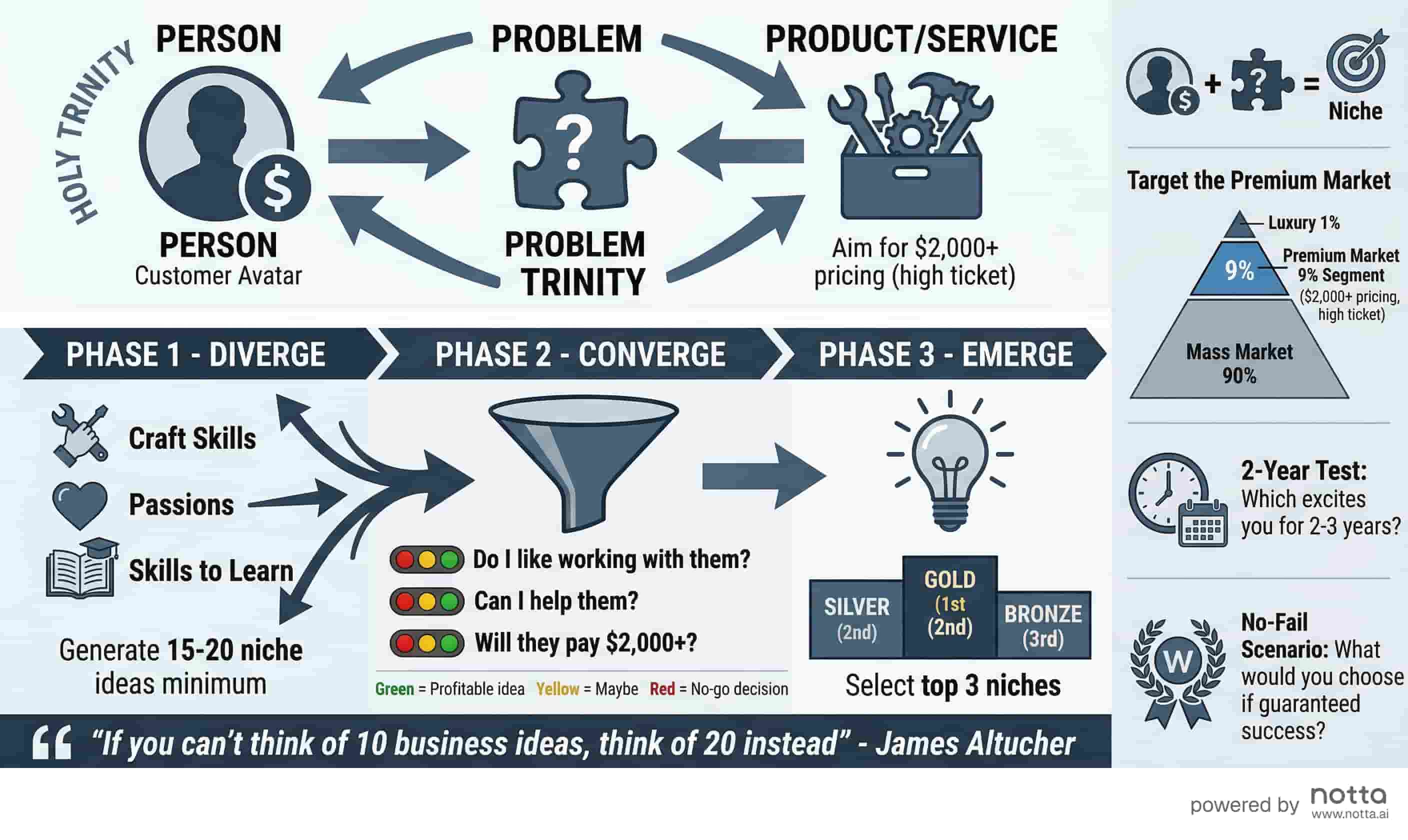
Business Idea Generation Framework
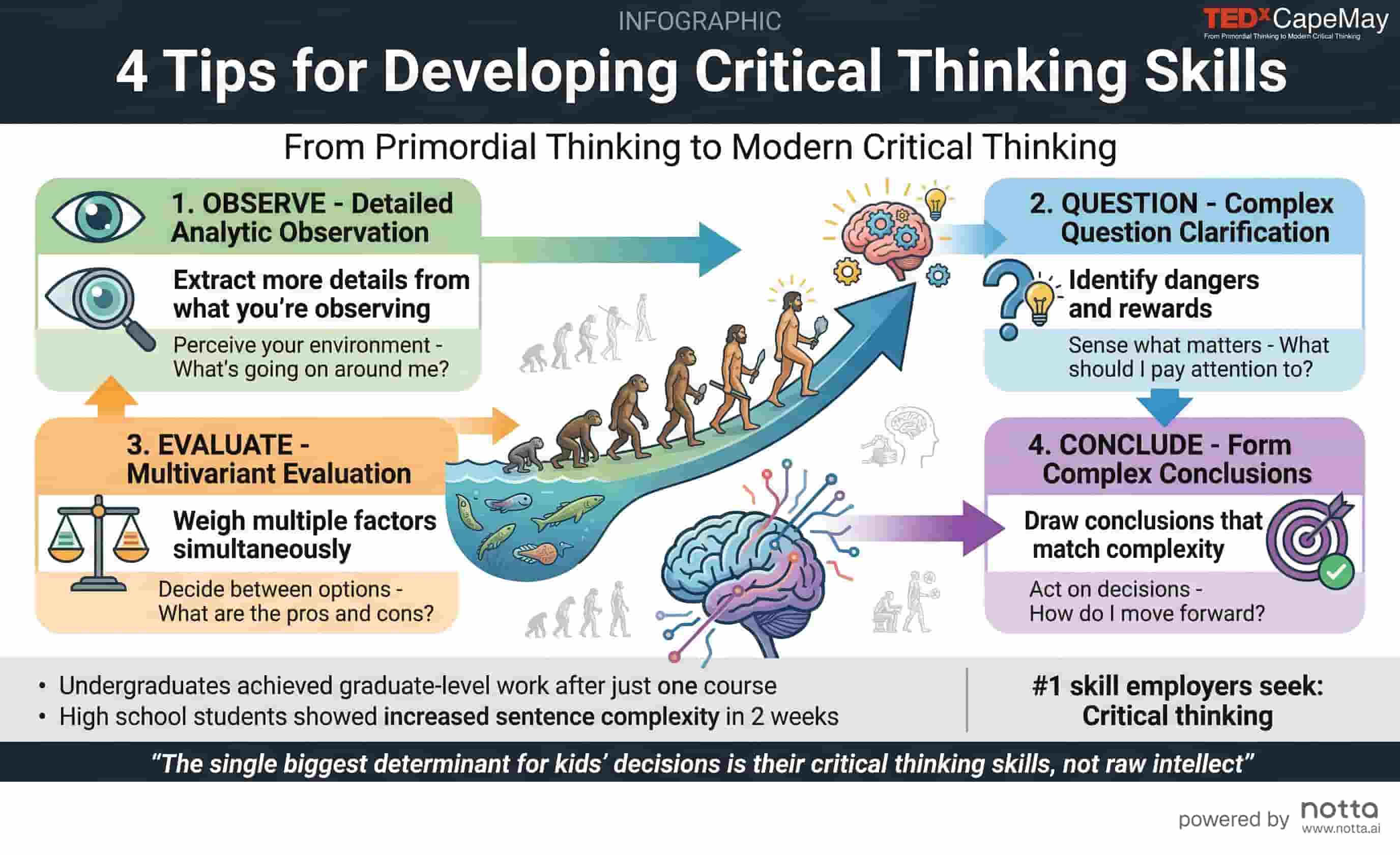
Critical Thinking Skills
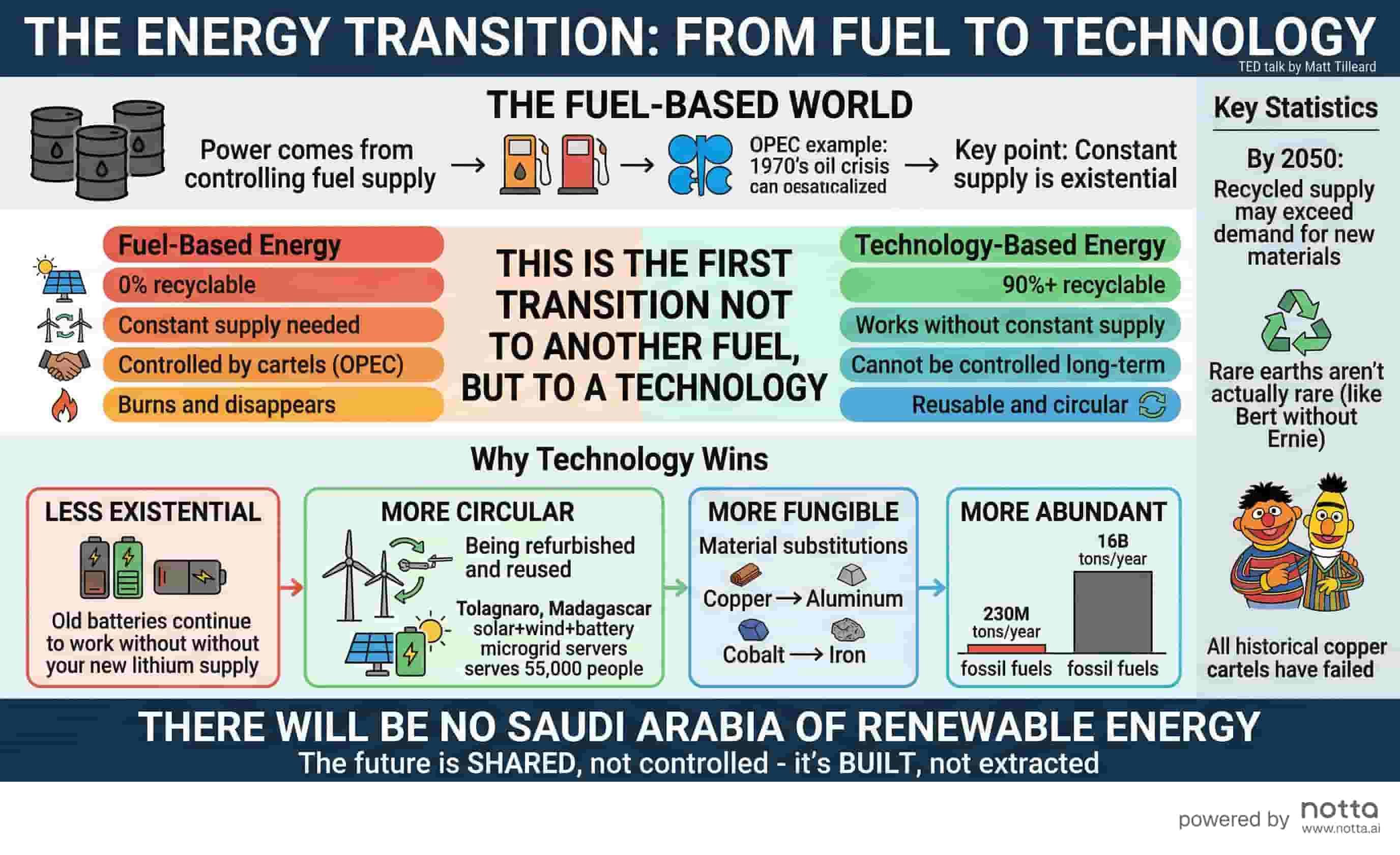
Energy Transition
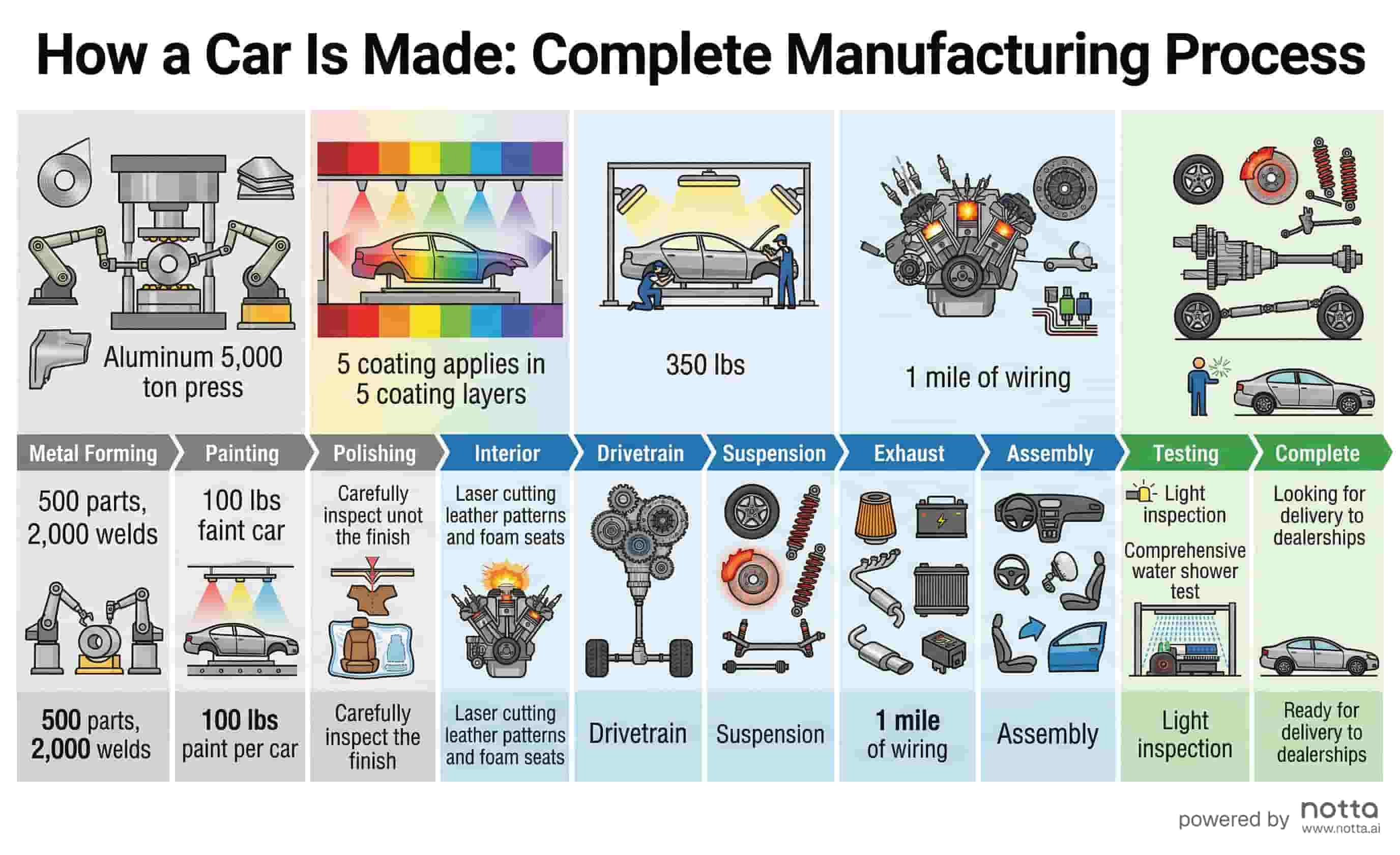
Car Manufacturing Process
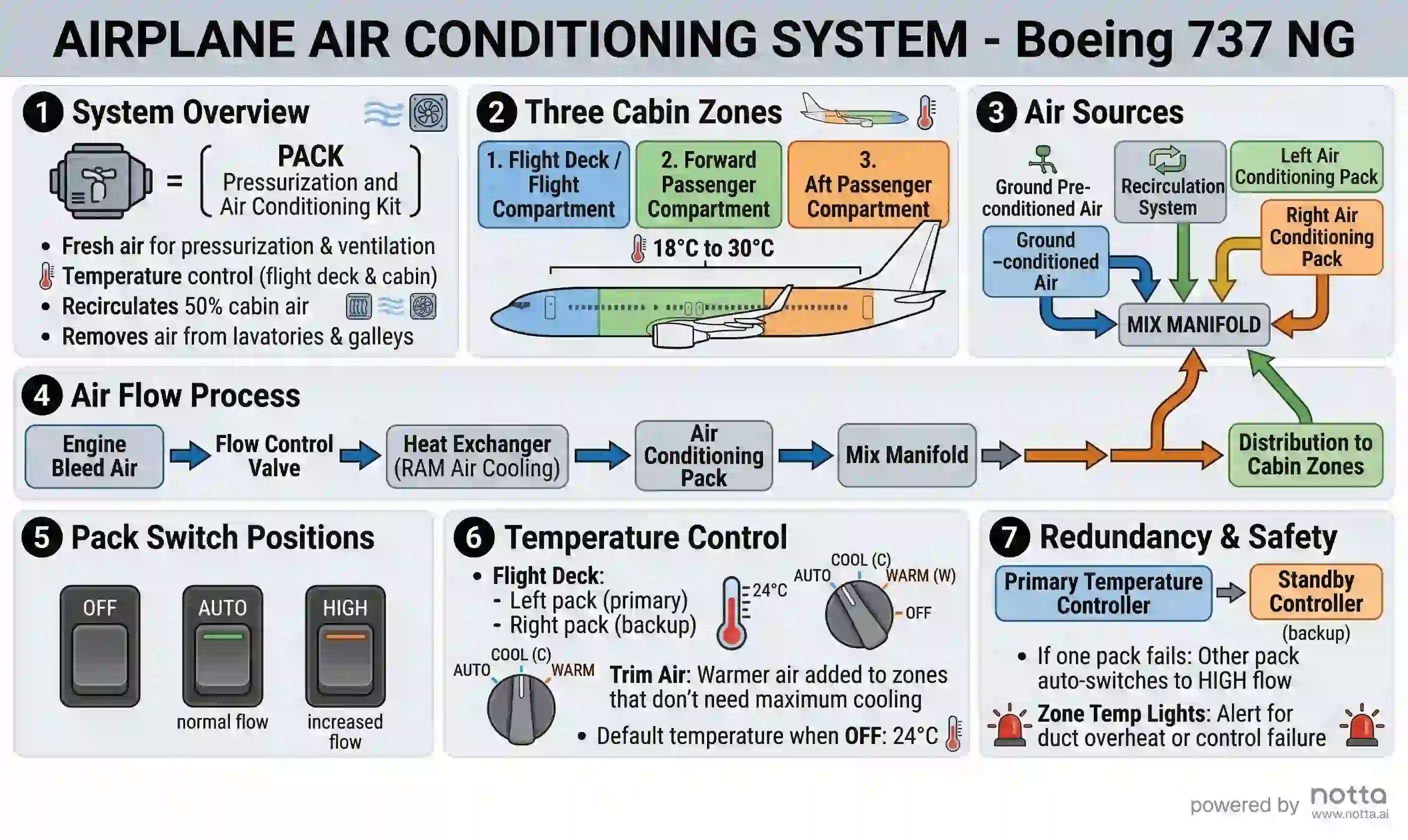
737 Air Conditioning System
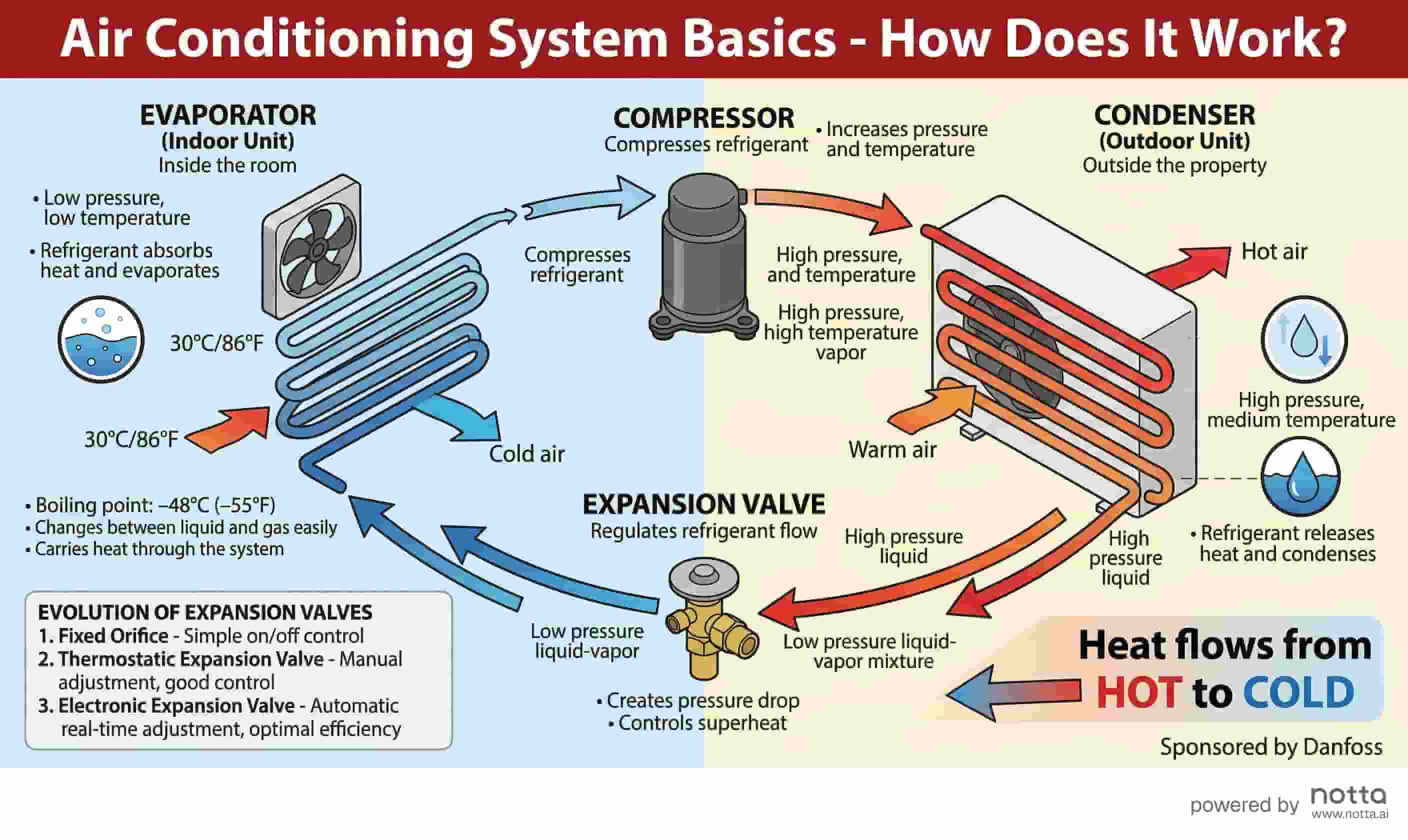
Air Conditioning System Basics
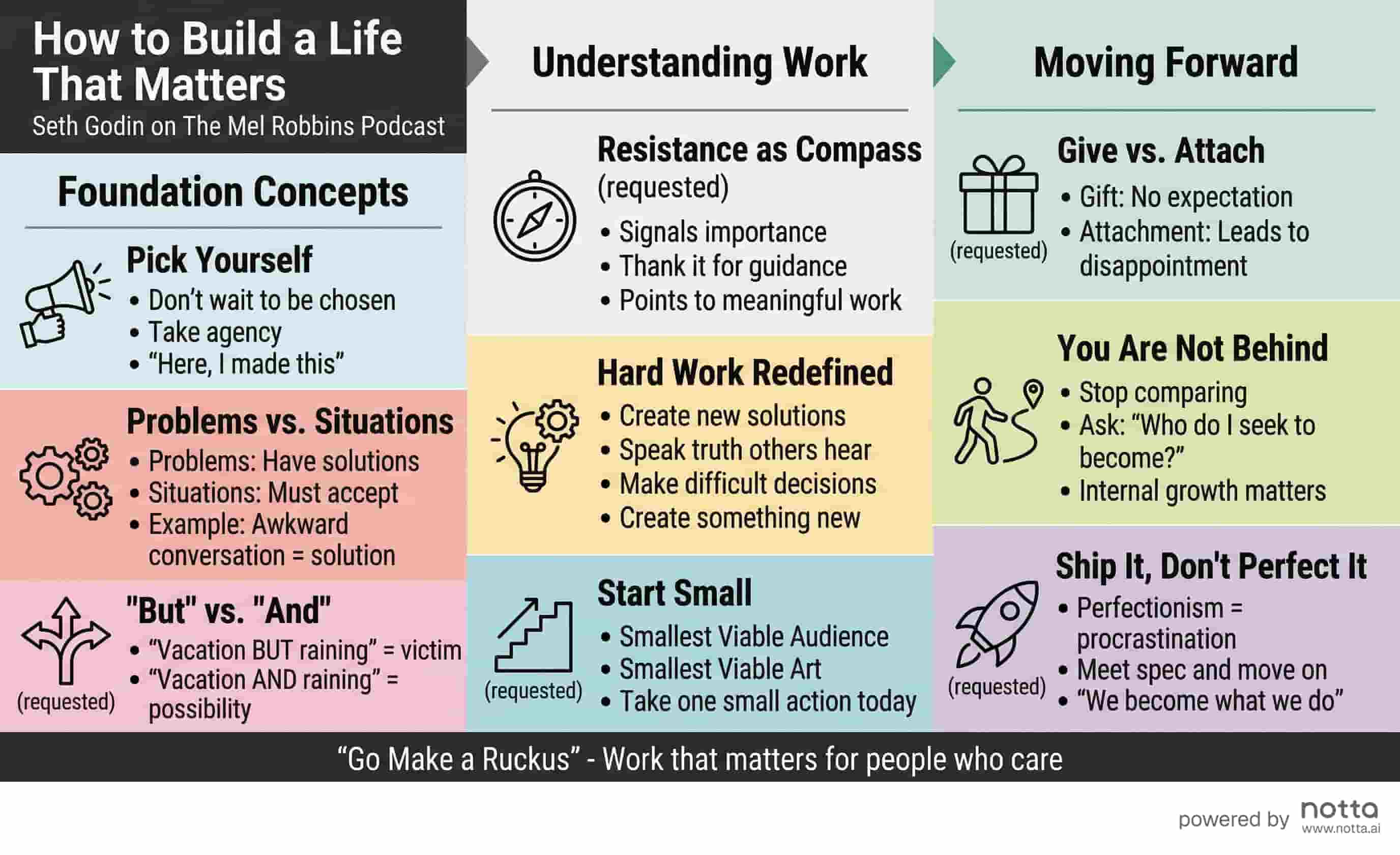
Seth Godin: Life Matters
How to Turn a Transcript into an Infographic
No design skills needed. Go from raw transcript to shareable infographic in seconds.
Paste Your Transcript
Copy your meeting transcript from Zoom, Teams, Google Meet, or any recording tool and paste it into the input box.
Generate Instantly
AI reads your transcript, extracts key themes, decisions, and action items, and designs a professional infographic.
Download & Share
Save as PNG and share in Slack, email, or your meeting recap — no design skills needed.
Why Use Notta's Transcript to Infographic Tool?
Built to handle real meeting transcripts — fast, accurate, and ready to share.
Transcript-Aware AI
Understands conversation structure to extract speakers, topics, and key decisions automatically.
Get started free →Instant Generation
Go from raw transcript to polished visual in under a minute — no editing required.
Get started free →Meeting-Ready Output
Clean, professional layout designed for sharing in Slack, email, or team wikis.
Get started free →Easy Export
Download as PNG for instant sharing in any tool — presentations, Notion, Confluence, or email.
Get started free →What People Are Saying
“I copy-paste our Zoom transcript right after every call. In 30 seconds I have a clean visual I can drop into our Notion recap. It's changed how we document meetings.”
James L.
Head of Product, B2B SaaS
“Our team does 10+ calls a week. Turning transcripts into infographics means stakeholders actually read the summaries instead of ignoring them.”
Elena W.
Customer Success Lead
“I used to spend 30 minutes formatting meeting notes. Now I paste the transcript and share the infographic in Slack before the next meeting starts.”
David K.
Engineering Manager
Frequently Asked Questions
Notta's Transcript to Infographic Generator is a free AI tool that converts meeting transcripts from Zoom, Microsoft Teams, Google Meet, and other recording platforms into structured visual infographics automatically. Unlike manual summarization or design tools, it reads raw conversation transcripts — identifying key decisions, action items, and discussion themes — then renders them as a professionally designed, shareable visual in under 60 seconds. Supports transcripts up to 15,000 characters. No design skills or account required to get started.
Explore More AI Tools
Start Turning Transcripts into Infographics
No design skills, no templates, no credit card. Just paste your transcript and generate.
