
The AI notetaker for every conversation
Give Every Client Conversation Your Full Attention
Be present on video calls, in-person meetings, and phone conversations. Capture the details with Notta or Notta Memo, then use Notta Brain to turn them into clear reports and next steps.
Try Notta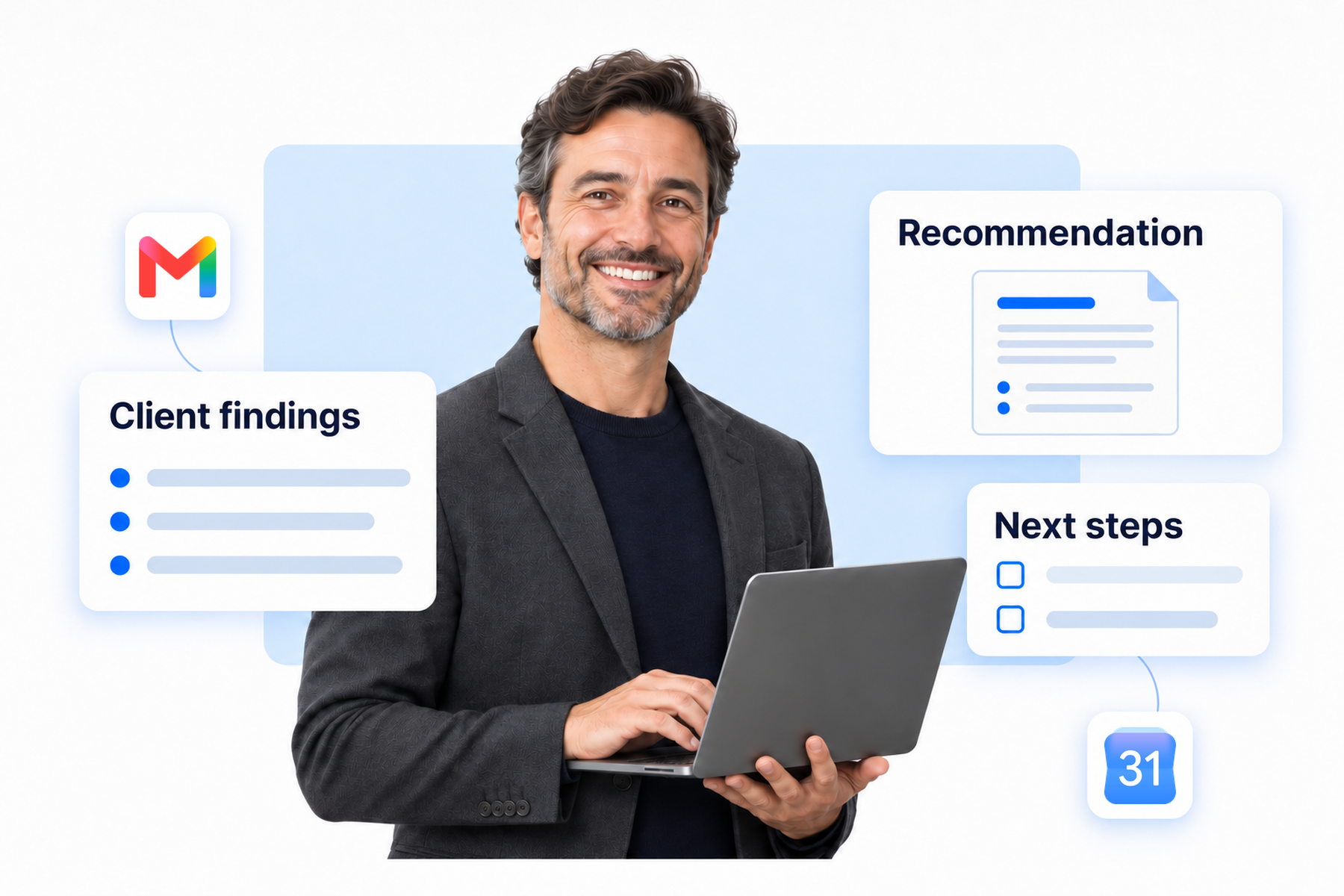
Stay Present, Wherever Clients Need You
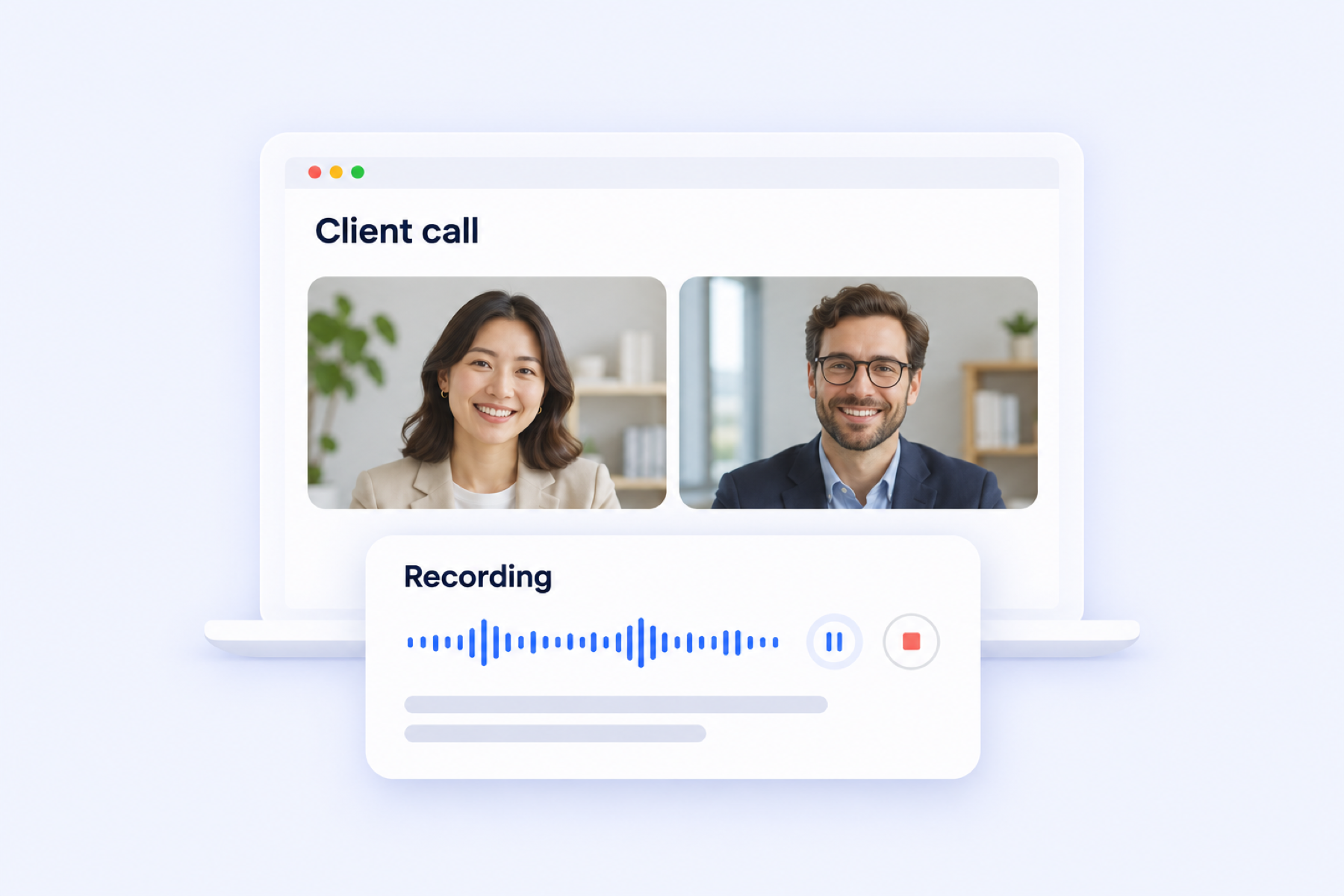
Online Client Calls
Focus on the discussion on Zoom, Teams, or Google Meet. Capture it with a Notta meeting bot or use Notta Desktop's Bot-Free Recording.
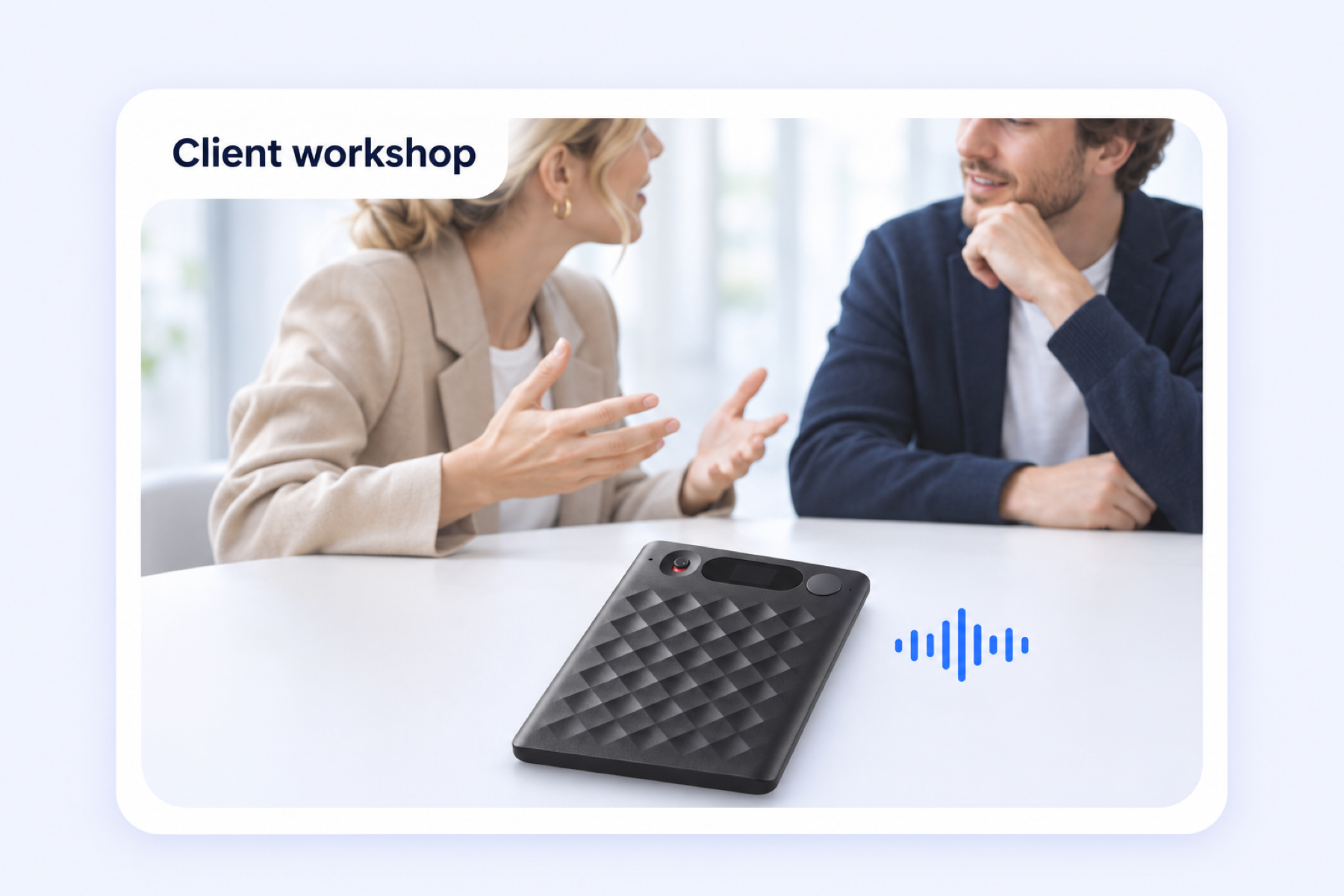
In-Person Meetings and Workshops
Keep your attention on the people in the room. Notta Memo, an AI voice recorder, captures interviews and on-site workshops for you to revisit afterward.
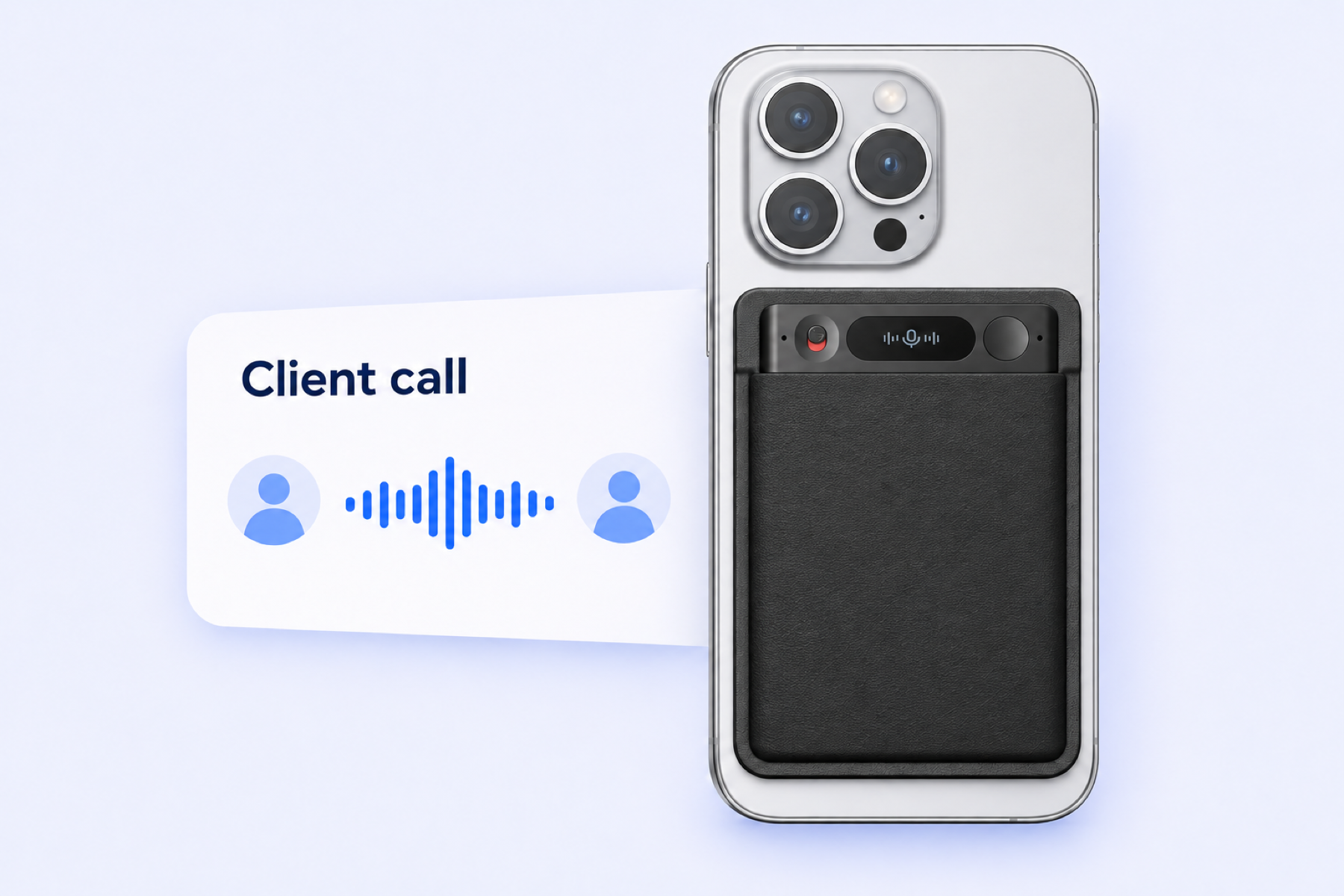
Client Phone Calls
Keep the details from a quick call between meetings. Attach Notta Memo to your phone to record the conversation, then sync it to Notta for transcription.
Turn Client Conversations into Work You Can Deliver
Get the Full Picture Before You Recommend
Bring stakeholder calls, in-person discussions, and project materials into one client picture. Use Notta Brain to connect their goals and concerns, so your recommendations reflect more than the latest conversation.

Spend More Time Advising, Less Time Preparing
Turn the conversations you've captured into an editable report or presentation with Notta Brain. Spend less time assembling material and more time shaping recommendations.

Keep Client Decisions and Next Steps Clear
Leave each conversation with a clear recap of decisions and actions. Use AI Notes to revisit what was agreed, then draft a client follow-up with Notta Brain.

Built for the Advice You Deliver
Financial Consultants
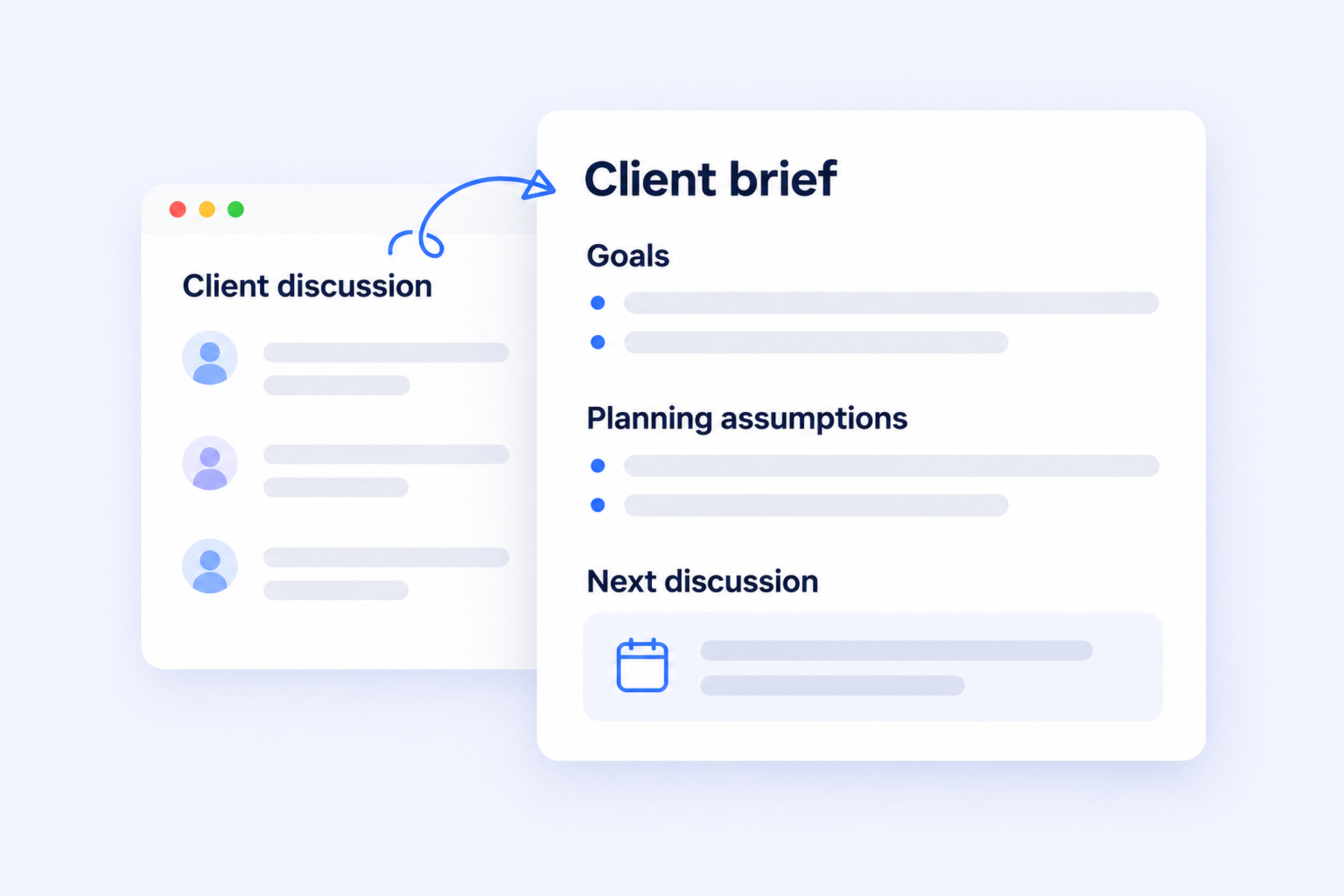
Keep goals and planning assumptions from client calls together for your next advisory discussion, with the option to record locally in Notta Desktop Privacy Mode. Return to a clear meeting brief as priorities change.
Business Consultants
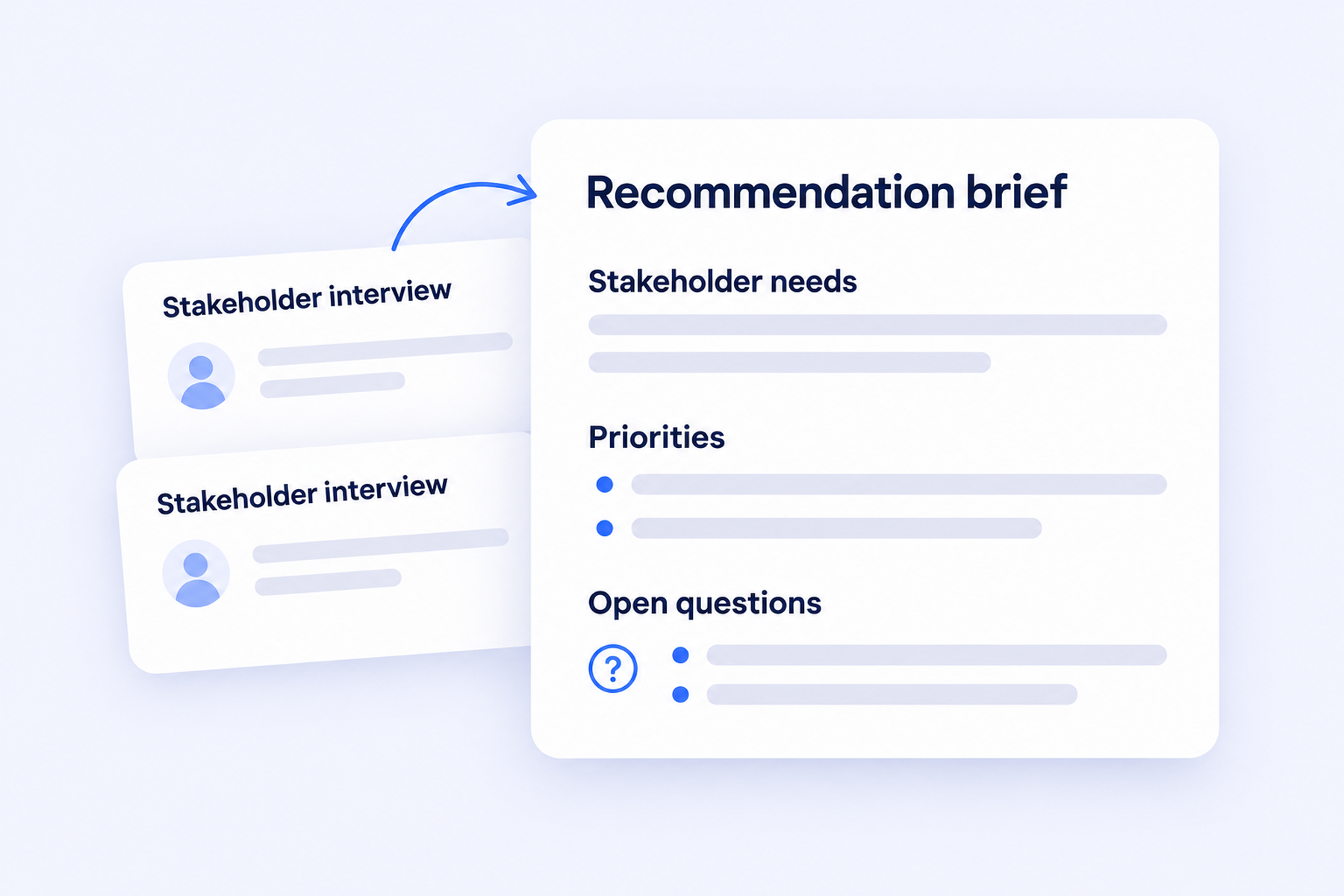
Bring stakeholder interviews and on-site workshops into a focused recommendation brief. Connect different perspectives before you explain which problem to address and why.
Medical Consultants
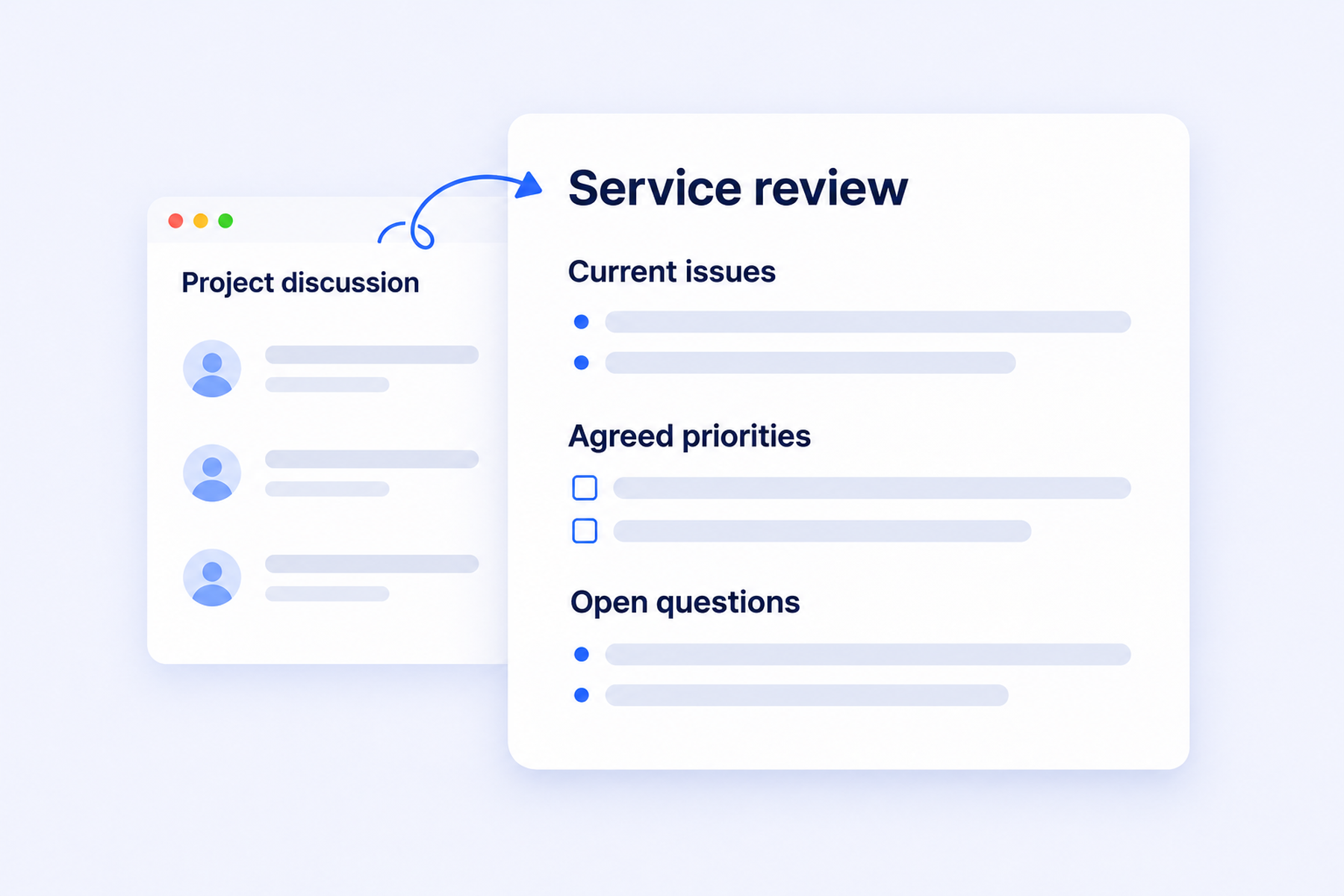
Bring healthcare project discussions into a service-improvement brief. Keep agreed priorities and open questions clear for the people planning the work.
Legal Consultants
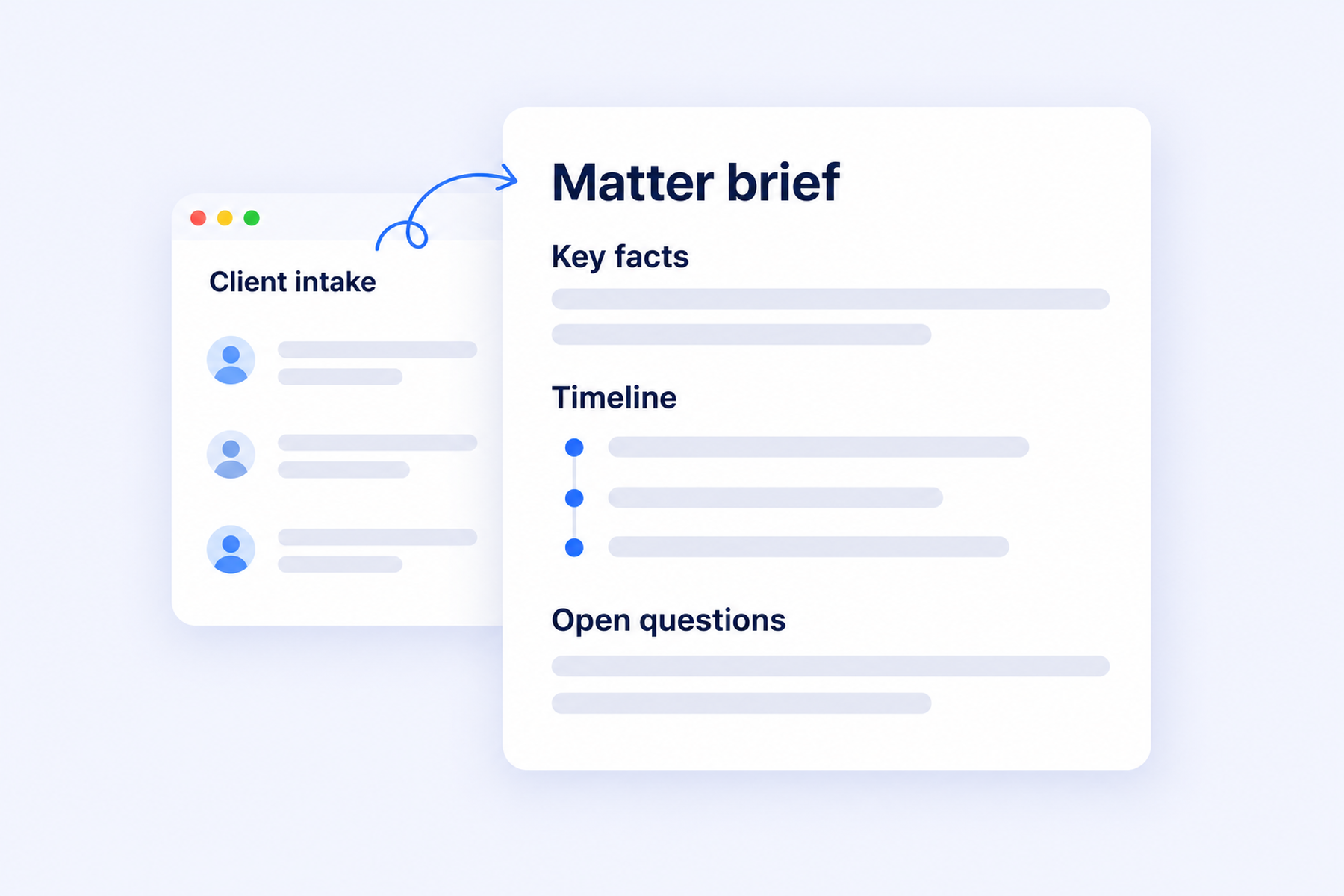
Turn client intake conversations into an organized matter brief, with the option to record locally in Notta Desktop Privacy Mode. Keep key facts, timelines, and unanswered questions available as you prepare your next discussion.
From the Client Conversation to a Clear Recommendation
A business consultant can connect an online kickoff, an on-site workshop, and a phone follow-up to review a client's onboarding process.
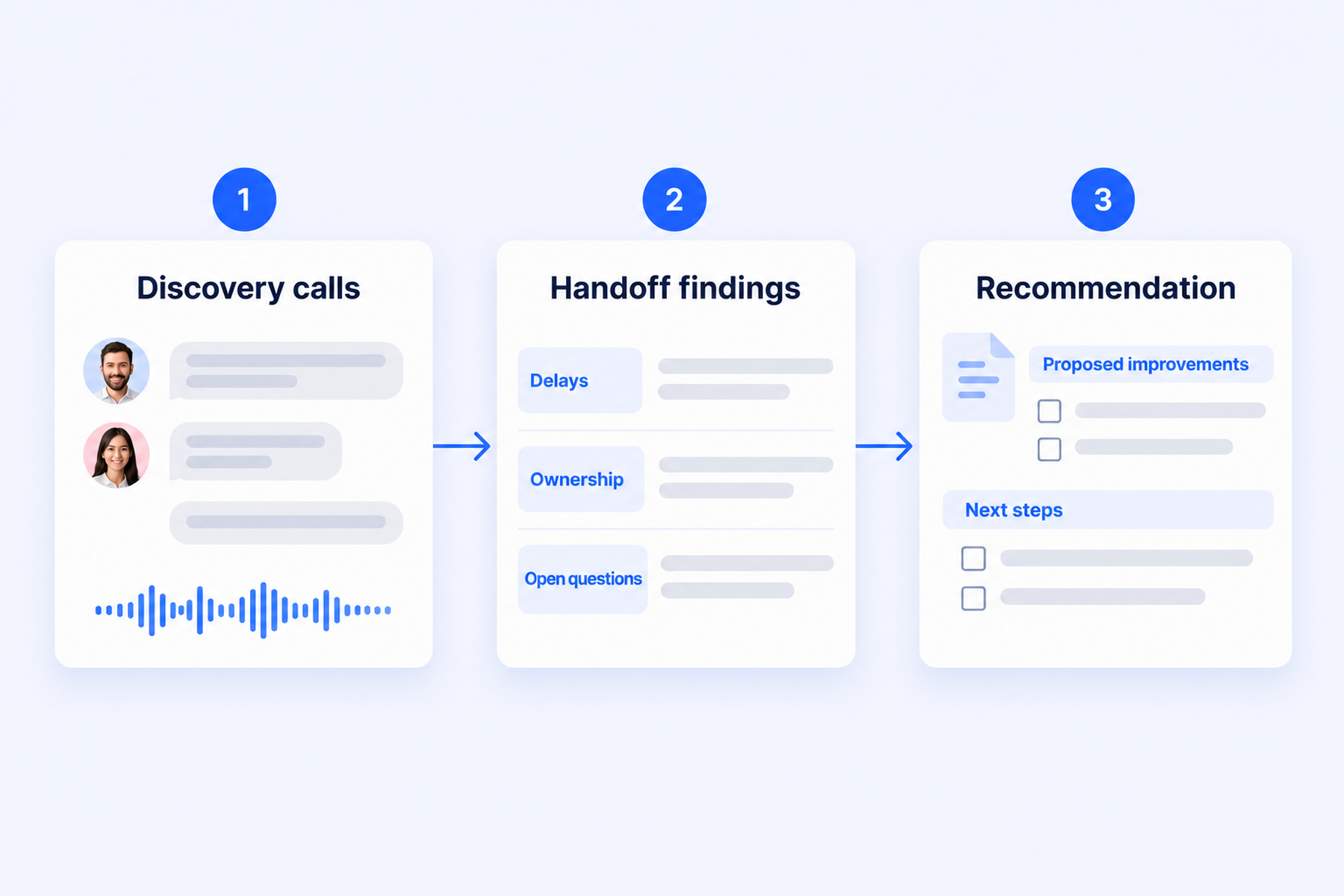
1. Capture the Conversation Where It Happens
Use Notta Desktop for the online kickoff and Notta Memo for the workshop and phone call. Sync Memo recordings to Notta for transcription.
2. Connect the Findings With Notta Brain
Revisit the transcripts and AI Notes recaps, then bring the relevant meetings and onboarding guide into Notta Brain. Compare where handoffs break down.
3. Put Your Recommendation in Their Hands
Create a report explaining the handoff problems and your proposed improvements. Confirm the findings with the client, then share the recommendation and next steps.
Explore the Notta Features Behind the Work
Capture the conversation in the way that fits, then turn its context into useful client work.
Notta Memo
Stay present in client meetings and phone calls with an AI voice recorder. Sync recordings to Notta for transcription and use their context in Notta Brain.
Notta Desktop (Beta)
Stay focused on client calls without adding a recording bot. Choose live cloud transcription or supported local recording and transcription in Privacy Mode.
Notta Brain
Turn captured conversations into work your client can use. Compare relevant meetings and files, then create editable reports, presentations, and follow-up drafts.
AI Notes
Leave each call with a concise recap of decisions and actions, ready for a follow-up or a colleague who couldn't attend.
Screen Recording
Keep the visual context of a workshop or walkthrough alongside the discussion. Record your screen, then use the transcript to revisit the explanation.
Bilingual Transcription and AI Translation
Keep two spoken languages in one transcript. Use live text translation or translate a completed transcript when your client needs another language.
Questions Consultants Ask
Can I record in-person client meetings with Notta Memo?
Yes. Notta Memo is an AI voice recorder for client interviews, workshops, and other in-person conversations. Record the discussion, then sync it to Notta for transcription. You can revisit the transcript and AI Notes recap instead of relying on handwritten notes.
Can Notta Memo record client phone calls?
Yes. Attach Notta Memo to the back of your phone to record a client call. Sync the recording to Notta afterward for transcription, then revisit agreed changes and next steps. Follow applicable recording-consent requirements and client policies.
Can I record online client calls without a bot?
Yes. Notta Desktop's Bot-Free Recording captures online client calls without adding a bot to the participant list. Use it to focus on the discussion and get a live transcript. This workflow uses cloud transcription.
How do I focus Notta Brain on one client's information?
Notta Brain can search across your workspace, or you can use @ to focus on specific meetings and files. Select the relevant sources and name the engagement in your request. Check the source context before sharing the result.
Can sensitive recordings stay on my computer?
Yes. Supported Notta Desktop Privacy Mode keeps recording and transcription local after you install an offline model. Recordings and transcripts stay in your chosen folder and don't automatically sync to Notta Brain. Transcription runs after recording. Setup and occasional account checks need a connection. Availability depends on your plan, device, and language.
How can I work with clients in different languages?
Use bilingual transcription when two supported languages are spoken in one conversation. Use translation when you need text in another language, live or afterward. Options depend on the language pair, recording method, and plan. For discovery calls, plan the conversation around both languages.
What should I check before sharing work with a client?
Check figures, scope, and commitments, then add your professional judgment. Confirm who can access the material you're sharing. Generated content isn't a substitute for financial, medical, or legal advice. Follow recording-consent requirements and client policies when capturing the source conversations.
Put Your Next Client Conversation to Work
Online, in person, or over the phone: capture the conversation with Notta, then turn its context into work your client can use.
Try Notta