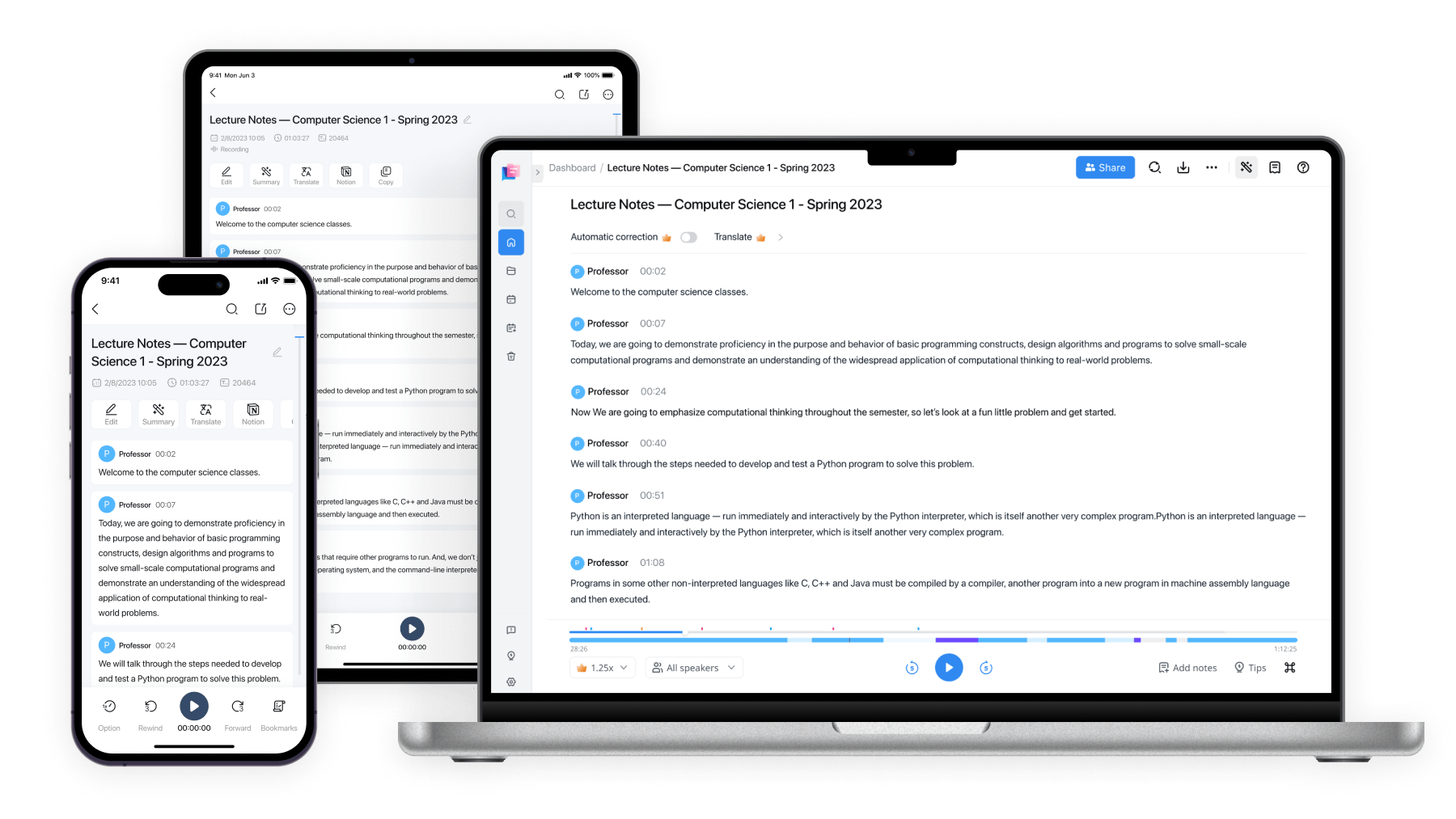
Transcribe Audio to Text Online Free
Convert audio and video files to text with 98.86% accuracy in 58 languages. Supports WAV, MP3, M4A, MP4, MOV and 6 more formats. No sign-up required — upload up to 1GB and get your transcript in seconds.


Transcribe audio to text in 3 steps
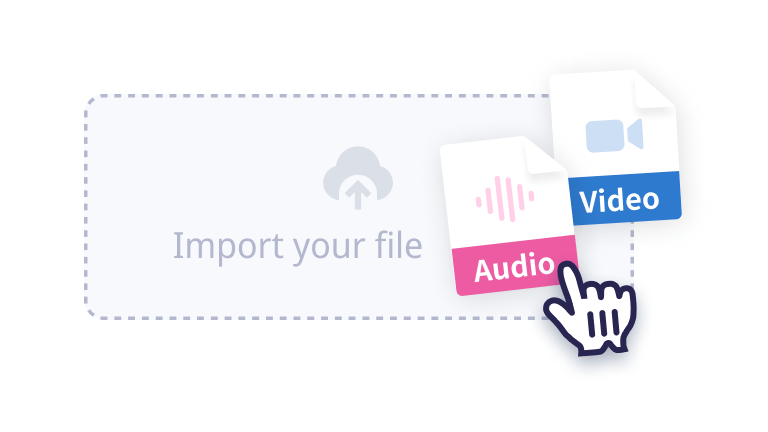
1. Upload your audio file
Click 'Select File' to browse or drag and drop your audio file.
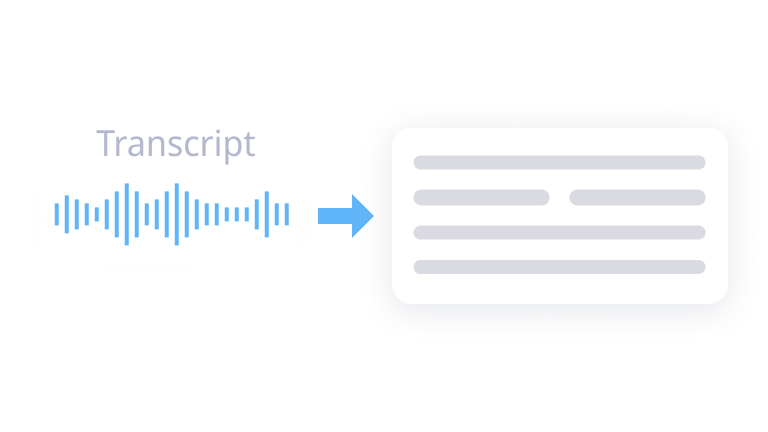
2. Transcribe audio to text
Select the audio language you want to transcribe and click 'Confirm'. Your transcript will appear directly on the page.
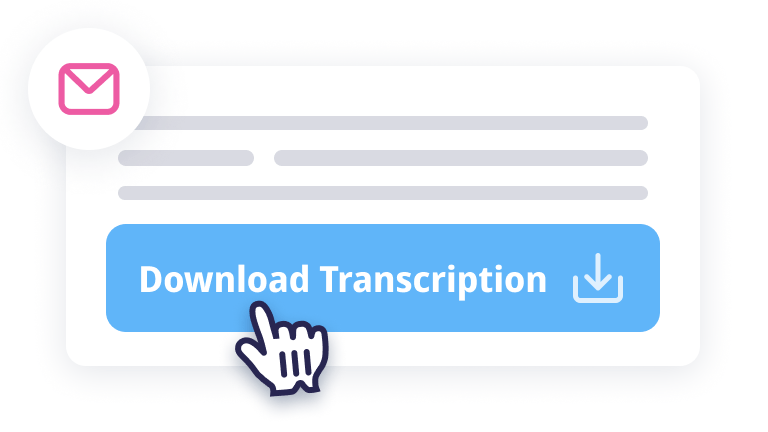
3. Get your transcript
View, copy, or download your transcript directly from the page. No email required.
Why choose Notta to transcribe audio to text?

Multiple Platforms
Transcribe audio to text from any web browser such as Chrome, Safari, Edge, or Firefox.

Security & Privacy
We do not store any files or data you submit. This website is secured with SSL certificates to protect your privacy.

Multiple Formats
Notta can transcribe most audio formats such as WAV, MP3, M4A, CAF, AIFF and video formats such as AVI, RMVB, FLV, MP4, MOV and WMV.

Multiple Languages
Notta supports up to 58 transcription languages, including English, German, Spanish, French, Hindi, and much more.

AI Summary
Get automatic AI summaries of your transcribed conversations with our powerful AI agent.

High Accuracy
The accuracy of our speech recognition is constantly improving. For high-quality audio, we deliver transcription with up to 98.86% accuracy.
Who uses Notta to transcribe audio?

Students & Researchers
Convert lectures and interviews into searchable notes. Never miss a key point again.

Journalists & Media
Transcribe interviews and press conferences instantly. Get accurate quotes with speaker labels.

Podcasters & Content Creators
Turn episodes into show notes, blog posts, and social clips. Transcribe hours of audio in minutes.

Business Professionals
Convert meeting recordings into action items and summaries. Share decisions with your team in seconds.

Frequently Asked Questions
How do I transcribe audio to text online?
Open a web browser and visit the Notta audio transcription tool.
Upload your audio file (MP3, WAV, M4A, etc.).
Select the transcription language.
Click 'Confirm' to start transcription.
Your transcript will appear directly on the page in seconds.
How can I transcribe audio to text for free?
Visit the Notta website and sign in to your account. If you don't have one, create a free account.
Upload your audio recording file or start a new recording directly on the platform.
Notta will automatically transcribe the audio to text. You can then access, review, and edit the transcription from your dashboard.
Can I transcribe MP3 to text with Notta?
Yes. Notta supports MP3, WAV, M4A, CAF, AIFF, and video formats like MP4, MOV, AVI, FLV, and WMV. Simply upload your MP3 file (up to 1GB or 5 hours), select the transcription language from 58 options, and get your text transcript in seconds. No format conversion needed.
Can I transcribe a voice recording to text?
Yes. Upload any voice recording from your phone, voice recorder, or meeting app. Notta's AI transcribes voice recordings in 58 languages with up to 98.86% accuracy. Supported formats include M4A (iPhone recordings), WAV, MP3, and more.
How do I convert an audio file to text without software?
Use Notta's online audio-to-text converter directly in your browser — no downloads or installation required. It works on Chrome, Safari, Edge, and Firefox across Windows, Mac, and mobile devices. Upload your file, select the language, and get your transcript without installing any software.
What audio formats does Notta support for transcription?
Notta supports most popular audio formats including WAV, MP3, M4A, CAF, AIFF, as well as video formats such as AVI, RMVB, FLV, MP4, MOV, and WMV. You can upload files up to 5 hours in length.
How accurate is Notta's audio transcription?
Notta's AI-powered speech recognition delivers up to 98.86% accuracy for high-quality audio recordings. The accuracy depends on audio quality, background noise, and speaker clarity. For best results, use clear audio with minimal background noise.
Is Notta's audio transcription tool free?
Yes, Notta offers a free transcription tool. Each user can transcribe one audio or video file for free, with a maximum duration of 15 minutes per file. For unlimited transcription and advanced features, sign up for a Notta account and get a 3-day free trial.
Is there a mobile app to transcribe audio to text?
Yes, Notta provides a mobile app for transcribing audio to text on the go. Whether recording in real-time or uploading files, Notta delivers high-quality transcriptions. It's available for free download on the Apple App Store and Google Play.