
The 6 Best Read AI Alternatives for Teams in 2026

Notta is the best overall Read AI alternative for most teams. It supports flexible meeting capture and useful outputs after each call. Microsoft Teams fits Microsoft-first companies. Fireflies.ai stands out for Voice Agents, while tl;dv offers a strong free plan. Jamie focuses on bot-free cloud recording. Bliro focuses on CRM-ready call records.
This guide compares six current options from the perspective of IT, operations, and business teams.
Read AI alternatives at a glance
A good Read AI alternative does not need to copy every Read feature. It should match your recording policy, technology stack, admin requirements, and intended output.
| Alternative | Best for | Capture method | Organization controls | Distinctive output or workflow | Starting price* |
|---|---|---|---|---|---|
| Notta | Flexible, multilingual meeting workflows | Bot, bot-free desktop capture, file uploads, and a supported local mode in Pro | Team workspaces from Business; custom Enterprise options | Transcripts plus editable reports, slides, tables, documents, and task lists | Free; Pro $8.17/month, billed annually |
| Microsoft Teams + Copilot | Organizations centered on Microsoft 365 | Native Teams recording without a third-party bot | Teams policies, roles, retention, and permissions inside the Microsoft tenant | Native intelligent recap and Microsoft 365 workflows | Add-on license; price varies by plan and contract |
| Fireflies.ai | Voice Agents and configurable conversation automation | Meeting bot or bot-free desktop capture | Groups and analytics in Business; SSO, SCIM, and audit logs in Enterprise | Conversation intelligence and agent-led follow-up workflows | Free; Pro $10/month, billed annually |
| tl;dv | A generous free starting point for online meetings | Meeting bot or bot-free desktop capture | Additional team and admin tools on paid plans | Meeting clips and multi-meeting reports | Free; Pro $18/month, billed annually |
| Jamie | Bot-free capture with a shared team workspace | Bot-free desktop capture | Team permissions; SAML and additional admin features in Enterprise | Cloud notes with automatic deletion of processed audio | Team €33/user/month, billed annually |
| Bliro | CRM-centered customer and sales conversations | Bot-free desktop and mobile capture | SSO, deletion policies, and admin controls in Enterprise | Live transcripts and structured CRM handoffs without stored raw audio | Custom quote |
Pricing was checked on August 20, 2026. Prices exclude taxes and may vary by region, billing cycle, contract, usage, and minimum seat count. Jamie publishes its price in euros. Always check the vendor's current pricing page before buying.
What is Read AI?
Read AI is an AI meeting assistant for Zoom, Microsoft Teams, Google Meet, and other meeting sources. Its visible assistant can join scheduled meetings. Its Mac and Windows desktop app can also capture microphone and system audio without a bot. Read AI meeting notes combine transcripts, summaries, topics, questions, action items, and meeting insights.
Bot-free desktop capture is audio-only. It does not include video, coaching, or detailed attendee metrics. Results sync to your Read account, so this method is not local offline transcription.
Read Workspaces add central billing, sharing settings, and user roles. Admins can control access to transcripts, playback, downloads, connected apps, and team reports. A download block for workspace users may not apply to external report viewers. SAML, SCIM, domain capture, audit logs, and custom retention are Enterprise+ features.
Read AI pricing starts with a Free plan that includes five meetings per month, with a one-hour limit per meeting. Pro costs $15 per user per month when billed annually. Enterprise costs $22.50, while Enterprise+ costs $29.75 on annual billing. Stored audio and video playback begins with Enterprise.
Read AI is a capable product. Another tool makes sense when your team needs a different capture method, data boundary, admin model, or final output.
When should you consider a Read AI alternative?
Transcript quality matters. It should not be the only decision factor. These cases often matter more during a company-wide rollout:
- A visible meeting bot creates friction: Read now offers a bot-free desktop app. However, some teams want one consistent bot-free method across meeting platforms or need a controlled local option.
- Data handling must match company policy: Read lists AWS in Northern Virginia as its standard storage location. Customers making larger group purchases can ask about other locations. Review storage, subprocessors, retention, and access before deployment.
- A meeting report is not the final output: Teams may need formal minutes, client reports, slides, tables, or decision briefs instead of a fixed summary.
- Your existing suite should remain the system of record: A Microsoft 365 company may prefer to manage recording, permissions, and retention inside its Microsoft tenant.
- CRM workflows are the main goal: Sales teams often need structured fields, call insights, and dependable CRM handoffs, not just meeting notes.
- Your team works across languages: Language coverage, bilingual transcription, and translation may matter more than coaching metrics for global teams.
If capture method is your main concern, compare the best botless meeting recorders. For a broader speech-to-text comparison, see the best meeting transcription software.
What should businesses compare?
I would test every Read AI alternative in a real meeting and document the following seven factors.
1. Bot, native recording, or desktop capture
A visible bot makes recording easy for attendees to notice. It can also disrupt external calls or remain stuck in a waiting room. A desktop app avoids the extra attendee. However, bot-free does not always mean offline. Many apps capture audio on the device, then upload it for cloud processing.
2. Roles and company policies
Check who can create accounts, enable auto-joins, view reports, download content, and connect apps. Large rollouts may need SSO, user setup, audit logs, domain controls, and custom retention. Those controls often matter more than another summary template.
3. Sharing and ownership
A meeting report can contain sensitive data after the original recording is deleted. Test who receives it, who can edit it, and whether outside attendees have access. Private-by-default sharing may work better for customer, HR, or executive calls.
4. Integrations and exports
Do not count app logos. Confirm that approved content can move into the systems your team uses. These may include Microsoft 365, Slack, Notion, Google Drive, Salesforce, or HubSpot. Admins should also be able to restrict connected apps and exports.
5. Post-meeting outputs
Most products create notes, tasks, and summaries. The key difference is whether a tool produces your required final output. That might be approved meeting minutes, a client report, presentation, decision brief, or structured CRM record. Test that exact output.
6. Storage, retention, and local modes
Ask where audio, transcripts, and generated content are processed and stored. Confirm when raw recordings are deleted. Also check whether new retention rules apply to old data. A local folder or a workflow without stored audio can reduce exposure. It does not replace legal or internal review.
7. Total rollout cost
The listed seat price is only one part of the budget. Include minimum seat counts, AI credits, storage, upload limits, and required add-ons. A low entry price can become costly when SSO, SCIM, retention rules, or playback require the highest tier.
The 6 best Read AI alternatives in detail
1. Notta: best overall for flexible, multilingual workflows
Notta helps teams capture meetings and turn approved content into useful business outputs. It supports online meetings, in-person meetings, desktop audio, and existing audio or video files. Notta provides transcription in 58+ languages, bilingual transcription in 23 languages, and translation in 80 languages.
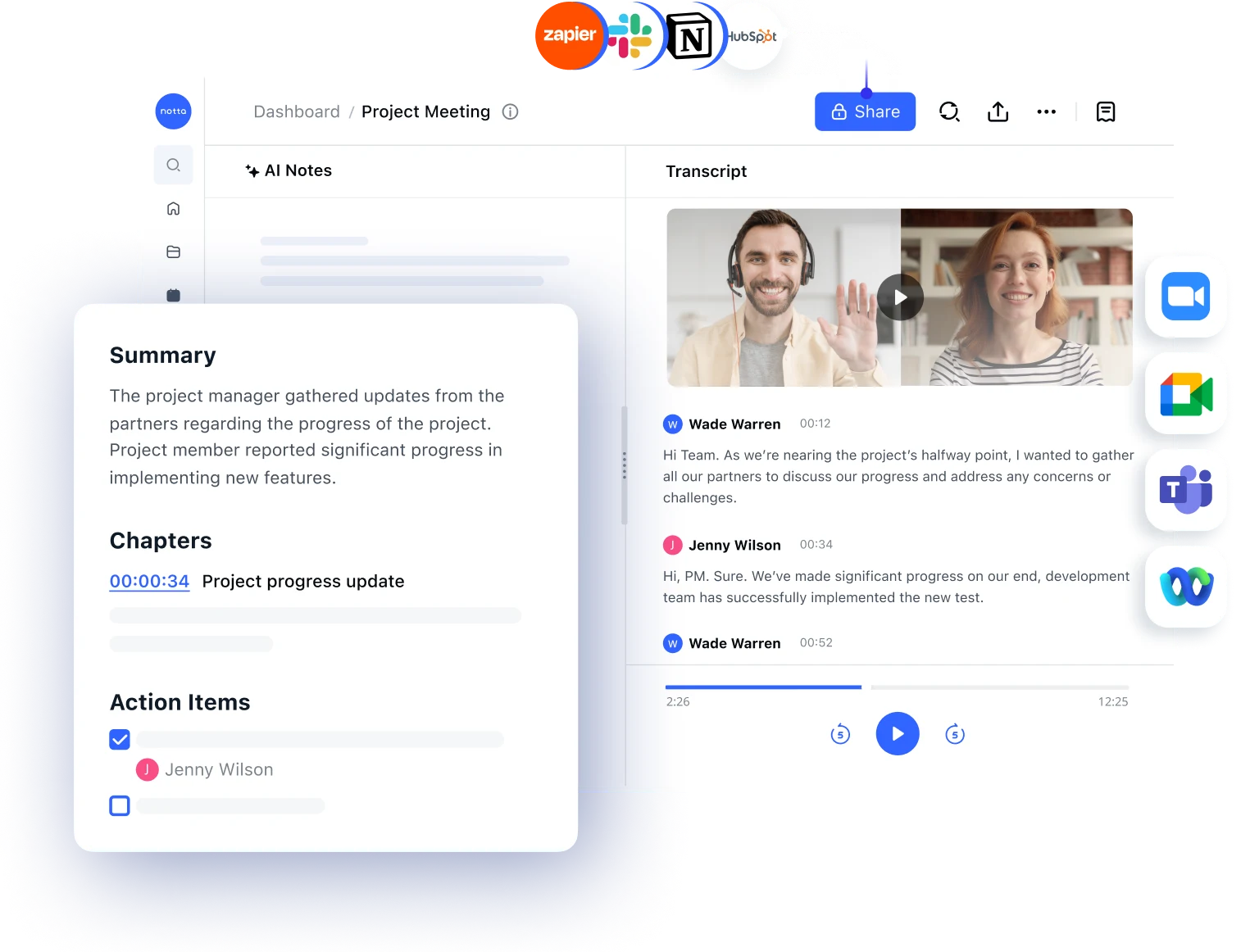
For online meetings, you can use a meeting bot. Notta Desktop also captures microphone and system audio on Mac and Windows without adding an attendee. In the standard bot-free workflow, Notta captures audio on your device. It then uploads the audio over an encrypted connection for real-time transcription.
Pro users can download supported local models and use the separate Privacy Mode. After the model download, supported recording and transcription can run without a network connection. The recording and transcript stay in your selected local working directory. Privacy Mode does not sync content to the Notta workspace, so Notta Brain cloud features are unavailable within that local workflow.
Notta Brain can turn approved Notta content into documents, reports, slides, tables, emails, and task lists. You can edit and export these files. That gives teams more options than a fixed meeting summary. Transcripts can be exported as TXT, DOCX, XLSX, PDF, SRT, or VTT.
Notta supports Google and Outlook Calendar, plus Zoom, Microsoft Teams, Google Meet, and Webex. Other connections include Slack, Notion, Google Drive, OneDrive, Dropbox, and selected CRM tools. Business and Enterprise add shared workspaces and team controls.
Key difference from Read AI: Notta combines more capture paths, broad language support, and more types of output. Its separate Privacy Mode also provides a supported local workflow. You must choose between that local mode and the cloud workflow with Notta Brain.
Pricing: Free includes 120 transcription minutes per month, with a three-minute transcription limit per recording. Pro costs $8.17 per month when billed annually. Business costs $16.67 per user per month when billed annually. Enterprise pricing is custom.
Best for: Global teams that want to capture files and meetings with or without a bot, then create different business-ready outputs.
2. Microsoft Teams with Copilot: best for Microsoft-managed teams
Microsoft Teams is the natural choice when meetings, identities, files, and retention rules already live in Microsoft 365. Teams can record and transcribe meetings natively, so a third-party assistant does not join the call. Attendees receive a notice when recording or transcription starts.
IT admins can set rules for recording, transcription, explicit consent, downloads, and retention by user or group. Recordings and transcripts remain within the chosen Microsoft 365 storage and access model. This reduces admin work when Microsoft is already the company's main system.
Depending on the license, Teams Premium or Microsoft 365 Copilot can add intelligent recap, speaker markers, and topic markers. They can also add tasks and meeting Q&A. Copilot can move meeting context into other Microsoft apps. Access depends on the base plan, add-on license, and admin rules.
Key difference from Read AI: Capture, identity, and governance remain in the Microsoft tenant. However, this workflow centers on Teams and Microsoft 365. Teams that also use Zoom, Google Meet, Webex, in-person meetings, and uploaded files may need another system.
Pricing: An eligible Microsoft 365 subscription and a Teams Premium or Microsoft 365 Copilot add-on may be required. Pricing varies by base plan, contract, region, and current promotion.
Best for: Teams that want IT to manage all meeting records within Microsoft 365.
3. Fireflies.ai: best for Voice Agents and call automation
Fireflies.ai is an AI meeting assistant for transcription, call insights, and automated follow-up work. It works with Zoom, Microsoft Teams, Google Meet, and other meeting platforms.
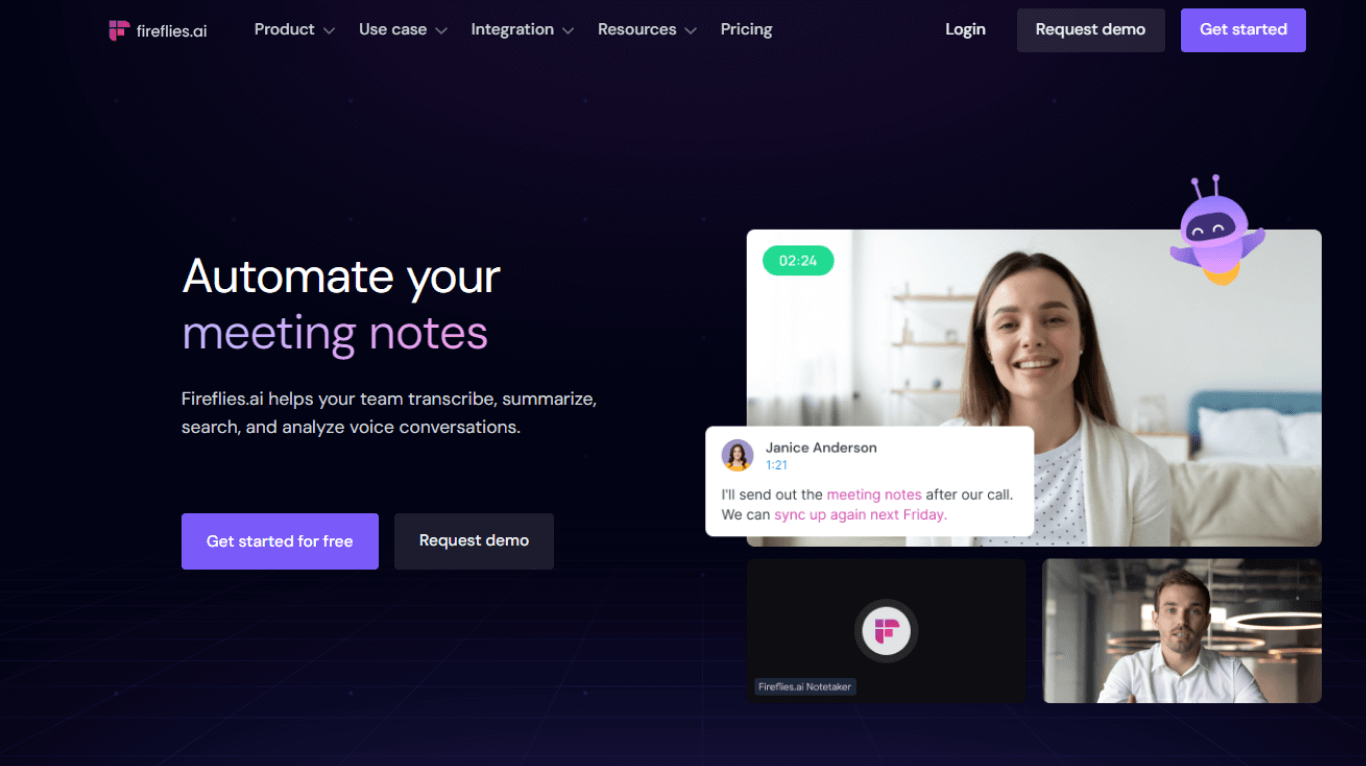
The Fireflies bot can join scheduled meetings as a visible attendee. Its desktop app can also capture system and microphone audio without a bot. That workflow creates a live transcript and summary, but it does not store an audio or video file. Speaker labels can be less reliable. It is not a local offline mode.
Higher plans add user groups, team insights, and custom call analysis. Enterprise includes SSO, SCIM, audit logs, custom retention, and an option to keep only transcripts and summaries.
The clearest difference is Fireflies Voice Agents. They can run structured or recurring calls based on set goals. Many teams will not need this feature. It can still help with standard lead checks or data collection.
Key difference from Read AI: Fireflies offers a broader agent framework for call data and follow-up work. Read AI puts more weight on meeting metrics, coaching, and search across meetings, email, and connected content.
Pricing: Free costs $0. Pro costs $10 per user per month when billed annually, Business costs $19, and Enterprise costs $39. AskFred, AI Skills, and Voice Agents may use additional AI credits.
Best for: Teams that want custom call workflows or Voice Agents alongside meeting insights.
For a deeper feature-by-feature breakdown, compare the best Fireflies.ai alternatives.
4. tl;dv: best free starting point
tl;dv records Zoom, Google Meet, and Microsoft Teams calls and creates transcripts, clips, and AI reports. It supports more than 30 transcription languages.
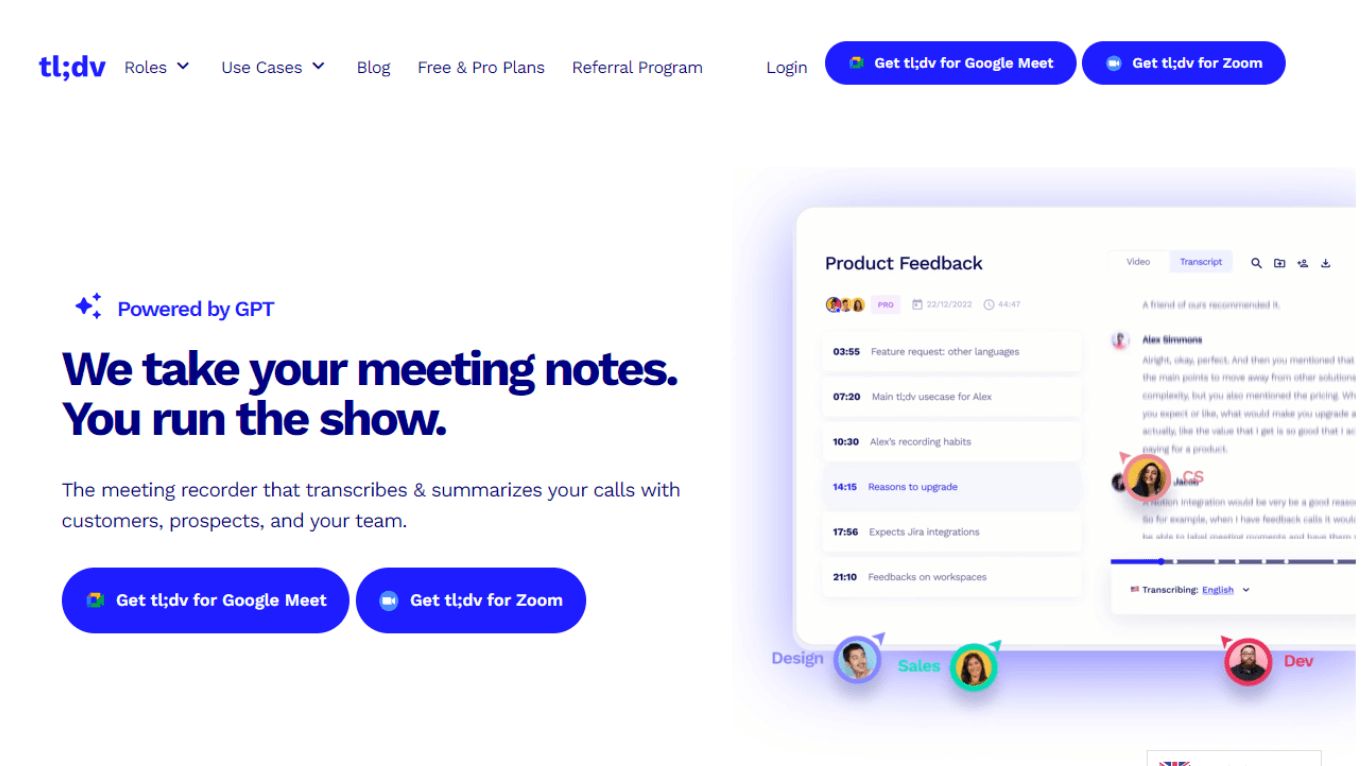
The Free plan includes unlimited recordings and transcripts. However, it limits AI notes, uploads, reports, and several other features. Free-plan recordings are stored for three months. The plan is therefore not a permanent meeting archive.
Alongside its visible bot, tl;dv offers a desktop app for bot-free audio capture on Mac and Windows. The recording is uploaded to the tl;dv library for processing. It does not remain on the device as a fully local offline workflow.
tl;dv can create clips and highlight collections from meetings. Paid plans add multi-meeting reports, CRM links, sales tools, and more admin options.
Key difference from Read AI: tl;dv works well for teams that want to capture many online meetings for free. They can later build selected clips or recurring reports. Read offers deeper attendee metrics and more extensive Enterprise+ controls.
Pricing: Free costs $0. Pro starts at $18 per user per month when billed annually. Plan limits are detailed and can change, so review retention and AI-credit rules before rollout.
Best for: Small teams that want free online meeting capture and can work with three-month recording retention.
See the full tl;dv alternatives and pricing comparison for more detail.
5. Jamie: best for bot-free meetings and an EU cloud workflow
Jamie is a bot-free AI meeting assistant for online and in-person meetings. Its desktop app captures system and microphone audio without inviting another attendee. It can therefore work beyond Zoom, Teams, and Google Meet.
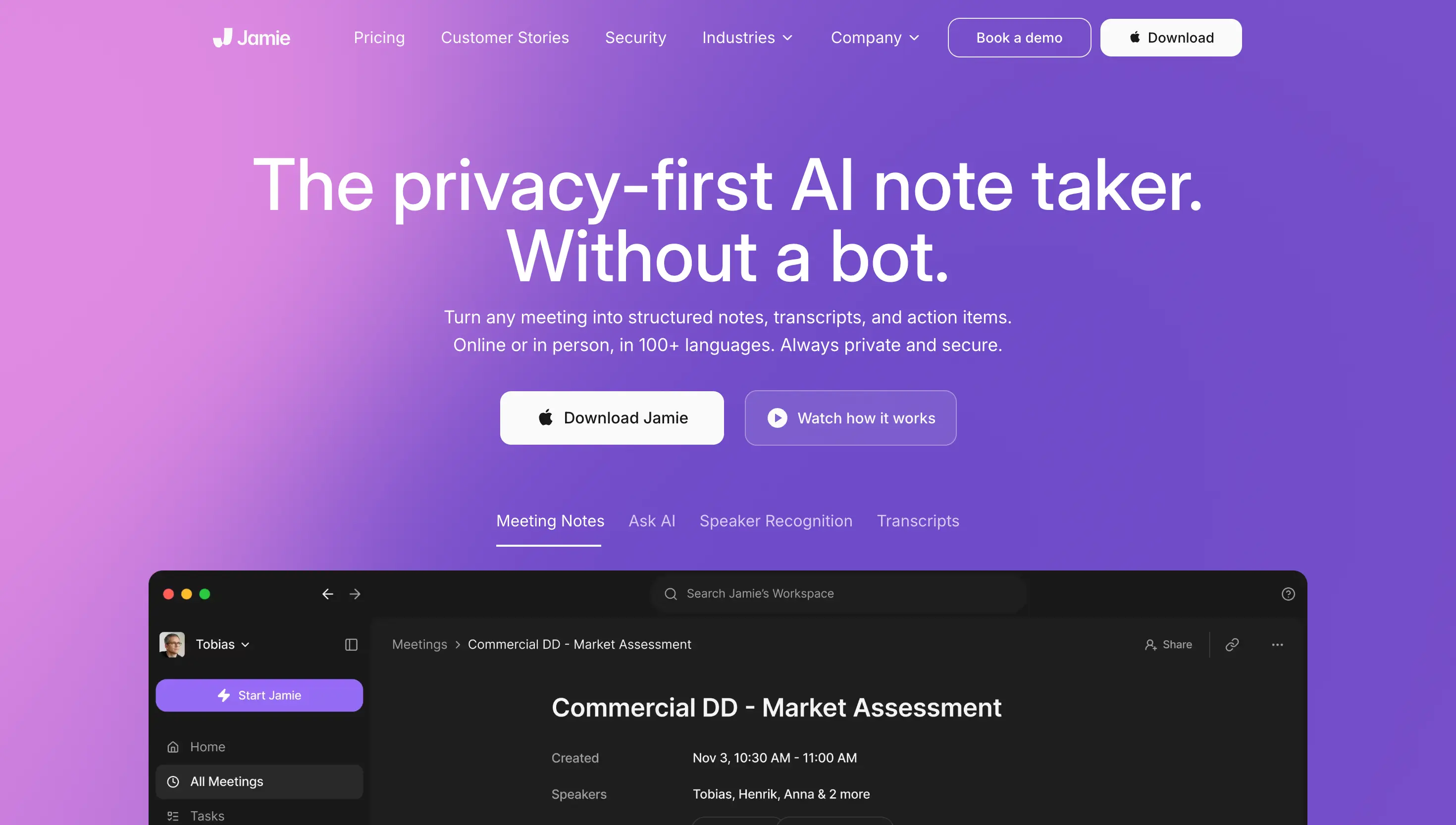
Jamie processes and stores data in the EU. It deletes audio after transcription. Notes and transcripts remain in the Jamie workspace until they are removed under the applicable settings. This cloud workflow reduces long-term raw-audio storage, but it is not local offline processing.
For teams, Jamie provides central billing, shared templates, and access rights. Enterprise adds SAML-based SSO, admin tools, an API, and webhooks. SCIM has been announced but is not listed as a standard feature yet. Jamie supports more than 100 languages.
Key difference from Read AI: Jamie focuses on a consistent bot-free desktop experience and EU-based processing. Read AI offers broader search, meeting insights, and advanced Enterprise+ controls.
Pricing: The Team plan costs €33 per user per month when billed annually for two to ten users. Larger Enterprise deployments receive custom pricing.
Best for: Teams that prefer bot-free capture, EU processing, and automatic deletion of audio after cloud transcription.
6. Bliro: best for CRM-centered customer and sales calls
Bliro helps teams document online and in-person customer calls. It then moves structured data into sales or CRM workflows. Its Windows, macOS, and iOS apps record without a visible meeting bot.
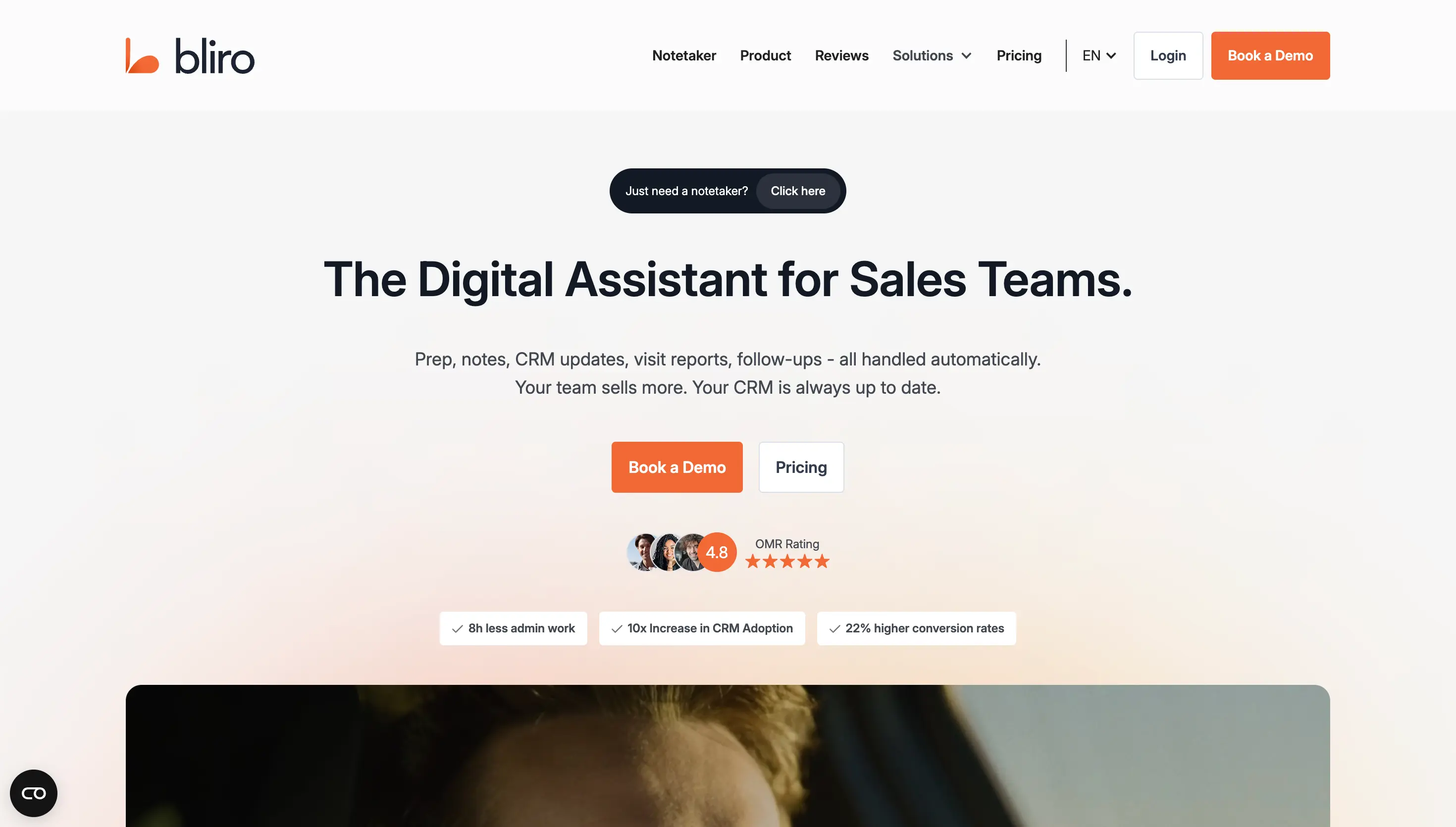
Bliro creates live transcripts, summaries, and custom analysis in more than 50 languages. It connects with Salesforce, HubSpot, Microsoft Dynamics 365, and SAP Sales Cloud. Ask Bliro can answer questions about individual calls or approved meeting groups.
During live transcription, Bliro does not store audio or video files on the device or in the cloud. Its servers and processing are in Europe. Teams should still review transcripts, summaries, metadata, and CRM handoffs against legal and internal rules.
Standard includes collaboration, templates, and unlimited AI summaries. Revenue adds CRM links, call analysis, coaching, an API, and webhooks. Enterprise adds SSO, company-wide deletion rules, and more admin tools.
Key difference from Read AI: Bliro focuses on CRM-ready call records and a workflow without stored raw recordings. Read AI offers a more general meeting workspace with broader search and insights.
Pricing: Bliro does not publish standard prices. Standard requires at least 20 users, while Revenue requires at least ten. Enterprise pricing is custom.
Best for: Sales and consulting teams that need bot-free call data routed into established CRM processes.
Which Read AI alternative should you choose?
For most global teams, I would start with Notta. It supports bot-based meetings, bot-free desktop capture, existing files, and a separate local Privacy Mode. Notta Brain can also turn approved transcripts into useful files that you can edit.
The other products make sense when a narrower requirement takes priority:
- Microsoft Teams with Copilot: Choose it when identity, recording, storage, and permissions should remain inside your Microsoft tenant.
- Fireflies.ai: Choose it when Voice Agents or highly custom call workflows matter most.
- tl;dv: Choose it when a free starting point matters more than long-term recording retention.
- Jamie: Choose it when your team wants an entirely bot-free capture experience and automatic audio deletion after cloud transcription.
- Bliro: Choose it when structured customer-call handoffs to Salesforce, HubSpot, Dynamics, or SAP are the core need.
Before a company-wide rollout, run a controlled pilot with common meeting types. Do not use sensitive data unless it is needed for the test. Check the transcript, sharing defaults, role changes, account deletion, exports, retention, and final workflow.
If your main goal is a formal record rather than an analysis dashboard, learn how to use ChatGPT for meeting notes. Then compare that manual workflow with a meeting tool built for this task.
Final verdict: What is the best Read AI alternative?
Notta is the most complete Read AI alternative for flexible and global teams. It combines several capture methods, many export formats, and output files from Notta Brain. You can edit these files. Its separate Privacy Mode adds a local workflow for supported models and devices.
Read AI remains a strong choice when meeting metrics, Search Copilot, and centrally managed Workspaces fit your process. Microsoft Teams, Fireflies.ai, tl;dv, Jamie, and Bliro are not universally better replacements. Each addresses a different operational priority.
Capture meetings with Notta and turn them into useful outputs
Transcribe meetings across languages, organize approved content, and turn it into reports, slides, documents, or action lists.
Frequently asked questions about Read AI alternatives
What is Read AI?
Read AI is an AI meeting assistant that captures calls, creates transcripts and summaries, and finds action items. It also surfaces meeting insights. It works with major meeting platforms and can join as a bot or use desktop audio capture. Business plans add shared workspaces and admin controls.
Is Read AI free?
Yes. Read AI's Free plan includes five meetings per month, with a maximum length of one hour per meeting. It does not include stored audio and video playback or file uploads. Pro starts at $15 per user per month when billed annually.
Can Read AI record without a bot?
Yes. Read's Windows and macOS desktop app can capture microphone and system audio without joining as a bot. This method is audio-only and does not provide video or detailed attendee metrics. Results sync to the Read workspace, so it is not a local offline mode.
How do I remove Read AI from Teams?
Remove the Read assistant from the current meeting, then disable automatic joining in your Read calendar or account settings. Microsoft Teams administrators can also restrict the Read app through Teams policies. Review calendar connections and workspace rules to prevent the assistant from joining future meetings automatically.
Is Read AI safe for sensitive meetings?
That depends on your company's policy, contract, and setup. Review storage location, retention, sharing defaults, downloads, connected apps, and external report access. For sensitive meetings, compare three options before choosing. These are a Microsoft-tenant workflow, a cloud service without retained audio, and a supported local transcription mode.
